Tuesday, May 12, 2026
Home Blog Page 573

Can You Play Counter-Strike: Source in 2024? How To Download CS:S Explained

0

The release of Counter-Strike: Source in 2004 still holds a special place in the hearts of many avid fans of the franchise from throughout the world. The title managed to co-exist with the classic CS 1.6 and boasted a pretty significant esports scene that gave rise to many prominent pros, some of whom are even active to this day.

With Valve releasing Counter-Strike 2 in September 2023 and upgrading to the Source 2 engine, many fans of the shooter are flocking to older titles like CS:S and CS 1.6 to experience the nostalgia of the Source 1 engine.

However, if you haven’t played CS:S in the past, you might find yourself facing some difficulties regarding how to download and play the game on your PC.

Can You Play Counter-Strike: Source in 2024?

Luckily, the answer to “Can you download and play Counter-Strike: Source on your PC in 2024” is yes. Despite the release of subsequent titles like CS:GO and CS2, Valve has not hindered the availability of CS:S and CS 1.6.

Players can easily download and play CS:S in 2024 within the span of a few minutes.

How To Download Counter-Strike: Source in 2024
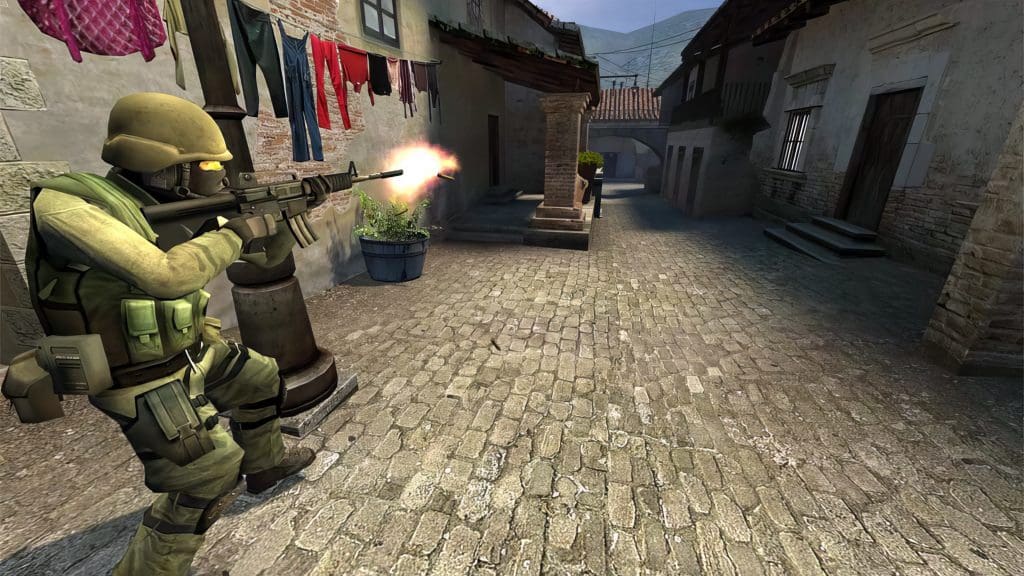
To download and play Counter-Strike: Source in 2024, you’ll need to purchase an original copy of the game from Steam. With an outstanding 10/10 rating on the platform, the title is certainly a bang for its buck.

Once you have the game bought, all you need to do is download the game from Steam and hit ‘Play’ on your Steam library.

Despite being released twenty years ago, CS:S still has many active servers for you to play on. And if you’re looking to play by yourself, there’s always the option to play with bots.

How to Play Sea of Thieves PS5 Closed Beta?

0

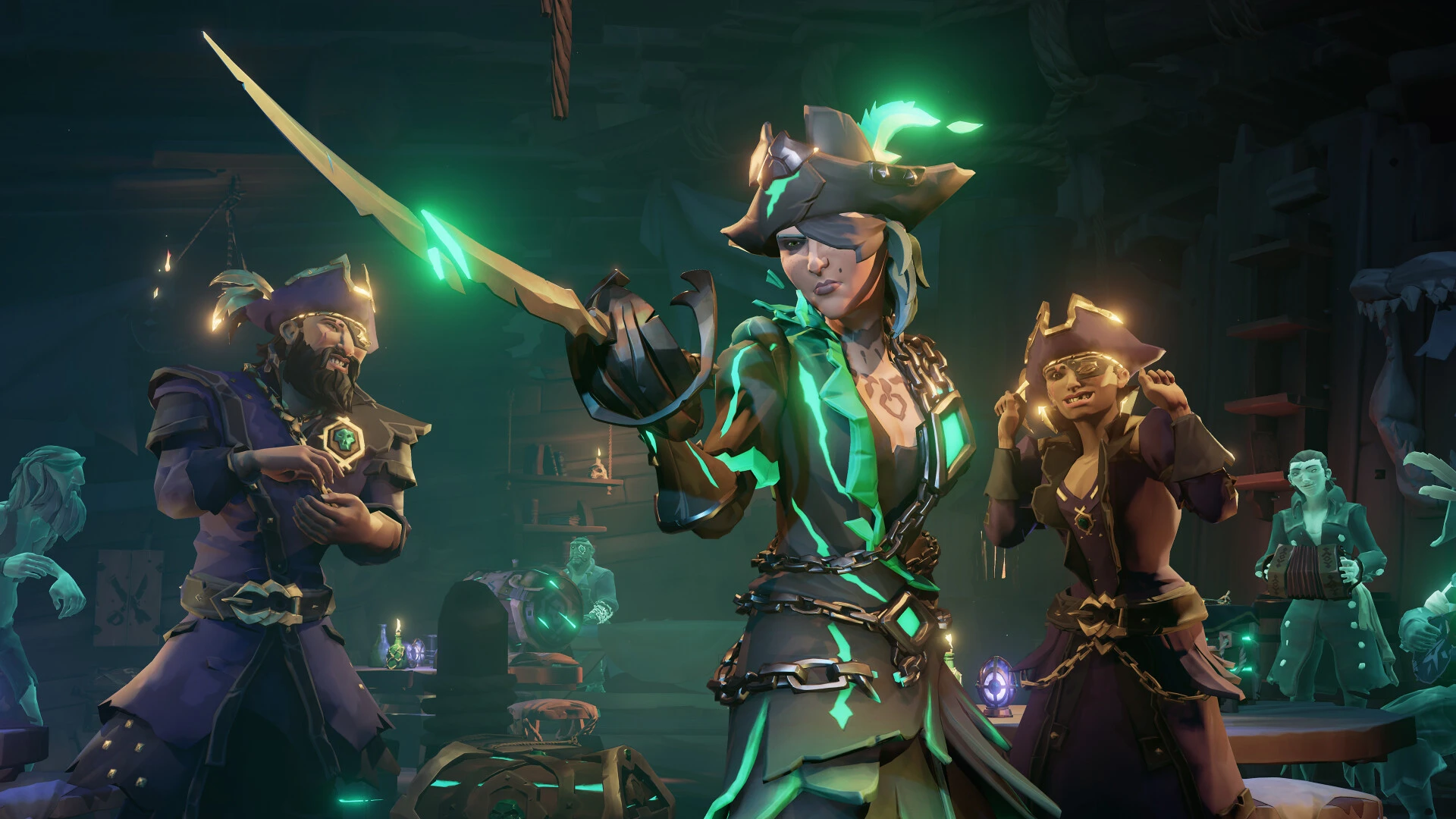
While Sea of Thieves is already a very popular action-adventure game on PC and Xbox for several years now, the developers are finally going to release the game on PS5. The game is still in the beta phase on PlayStation.

Sea of Thieves is expected to launch on 30th April on PS5 and before that, the final preparation is undergoing with the closed beta test.

How to Play Sea of Thieves PS5 Closed Beta?

The Sea of Thieves closed beta is going to start on April 12 at 9 AM UTC and will be available till April 15 at 9 AM UTC.

To become eligible to play the Sea of Thieves closed beta, you need to pre-order any of the variants. That’s all you need to do to get into the closed beta test.

Moreover, your progress during the closed beta will be carried to the public version which will be released on 30th April.

Apart from that, you will receive Dauntless Adventurer Title and Dauntless Adventurer Sails as rewards if you join the closed beta.

Have you already pre-ordered Sea of Thieves on PS5? Let us know in the comment section below.

How to Change Your Riot ID in League of Legends?

0

After playing League of Legends for years, some players decide it is time to change their in-game name to something cool and unique. Have you been thinking the same? Well, for that you need to change your Riot ID.

In this article, we will explain how you can change your Riot ID easily in LoL. Keep reading this article till the end to find out.

How to Change Your Riot ID in League of Legends?

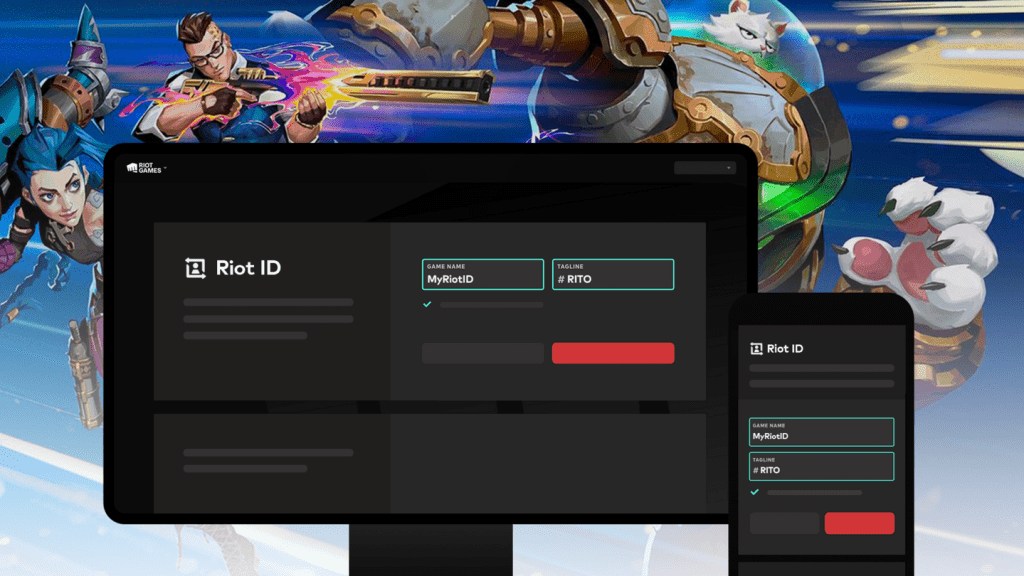
First, let us clarify the difference between your Username and Riot ID. Username and Password are used to log in to your League of Legends account, while the Riot ID is displayed as your in-game name which is necessary to connect with your friends in the game.

Now let’s check out the most straightforward way to change your Riot ID:

  • Open up the LoL client and log into it.
  • Go to the LoL shop and press the Account button on the top right.
  • There you will find the “Change Riot ID” option.
  • Once you click on that you will be redirected to the Riot Account Management section.
  • Log into it and you will find the Riot ID section on the top.
  • Change your Riot ID and tagline if you want.
  • Now enjoy LoL with your new and unique in-game name.

If you are still facing any issue, let us know in the comment section below.

How to Fix “Unable to Connect to Server” in Wild Rift?

0

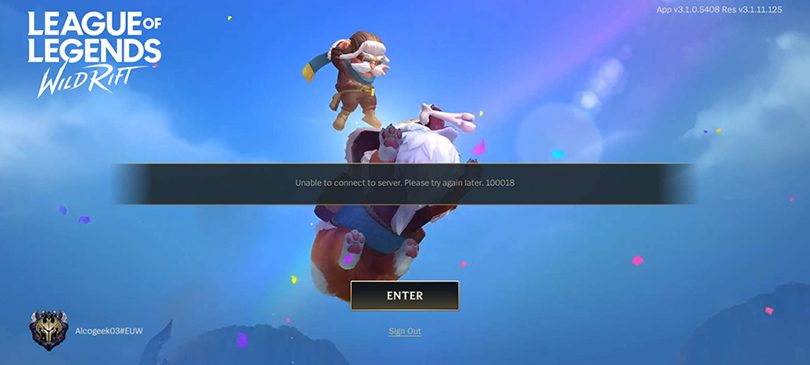
League of Legends: Wild Rift is a very popular online battle arena mobile game developed by Riot Games. However, several players reported that sometime after launching the game, a pop-up shows “Unable to Connect to Server”. If you can’t connect to the server the game is unplayable as it can’t be played offline.

Are you also facing the “Unable to Connect to Server” issue in Wild Rift? Don’t worry, we’ve got your back. Keep reading this article till the end to fix the error.

How to Fix “Unable to Connect to Server” in Wild Rift?

There can be multiple reasons behind this error in the game. We will discuss them one by one.

The first reason can be a poor network connection. Check out your internet connection if it is working properly or not. Try restarting your router or restart your device and check if everything is working fine or not.

If the above doesn’t work, it might be because you are using an outdated version of Wild Rift. Therefore, you need to update the game to the latest version. Just go to the Play Store on Android or App Store on iOS and search for Wild Rift. Then click on the game and press the Update button.

If the error persists even after the above-mentioned steps, uninstall the game and reinstall it on your Android or iPhone. Reinstalling the game will most likely fix the error.

How to See Your FPS in CS2 (Easy Ways + Pro Tips)

Okay, any serious CS2 player worth their salt knows that a smooth framerate is like the secret sauce to success. Laggy, stuttery gameplay? That’s a recipe for getting headshotted before you can even react. That’s why keeping tabs on your FPS (frames per second) is a must. Let’s dive into the best ways to display your FPS in CS2 and make sure your system is firing on all cylinders.

How to show FPS in CS2 via Steam

If you’re all about the Steam experience, their overlay has a nifty FPS counter built right in. Here’s how to activate it:

  1. Fire up Steam and head into your settings.
  2. Find the “In-Game” tab – your FPS control center awaits!
  3. Spot the “In-game FPS counter” option and choose where you want it displayed.
  4. Crank up the visibility with the “High contrast color” setting.

Boom! Now your FPS will be proudly displayed while you play.

Prefer a more in-game, down-and-dirty approach? The developer console is your friend. Just make sure you’ve enabled it in your CS2 settings. Then, follow these steps:

  1. Hit that tilde key (~) to summon the console.
  2. Input this magic command: cl_showfps 1 and hit Enter.

Got tools like MSI Afterburner in your arsenal? Many of these programs offer their own FPS monitoring options. These can often give you more in-depth analysis and customization that goes beyond the basic stuff.

How to Unlock Competitive and Premier in CS2: Your Guide

Counter-Strike 2 lures players with a diverse array of game modes, but the thrill of competitive play holds a special allure. Newcomers often find themselves wondering how to access these coveted modes, so let’s break down the process and add some insider tips to enhance your CS2 journey.

How to unlock competitive in CS2 to start earning ranks

CS2 offers two primary competitive experiences:

  • Classic Competitive: This is the familiar Counter-Strike format, pitting teams of five against each other in a battle for rank on specific maps. To unlock this mode, you’ll need to gain some experience by playing other modes like Casual or Deathmatch. While the exact level requirement can sometimes vary, reaching Level 2 is generally the key.
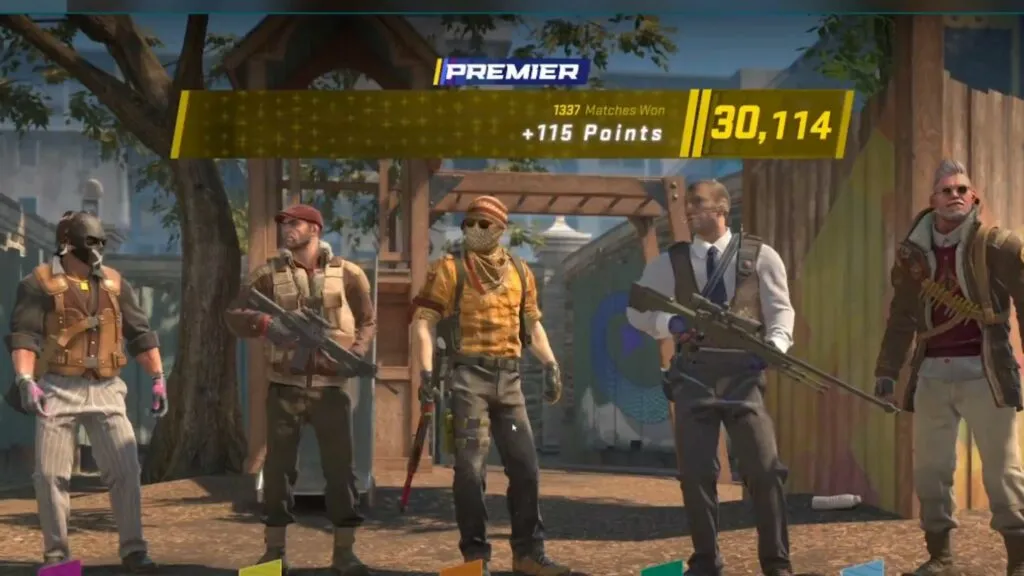
  • Premier Mode: This is CS2’s elevated competitive arena. To participate, you’ll need Prime Status on your account and complete ten placement matches. The exciting twist in Premier is the pre-match map selection and banning system, which ups the strategic ante.

Mastering the Maps

A unique feature in CS2 is map-specific ranks. Instead of a single overall rank, you’ll need to prove yourself on each map individually. This adds a layer of depth and encourages players to expand their map pool, rewarding true CS2 mastery.

Tips for the Competitive Climb

Sharpen Your Skills Before You Sharpen Your Knives

Before diving into ranked matches, spend some time in Deathmatch or Casual modes to get your aim dialed in. A well-warmed-up trigger finger can mean the difference between victory and defeat.

Communication is Key

Coordination is crucial in CS2. Use voice chat or in-game pings to keep your team informed of enemy positions and tactics. Clear communication can turn the tide of battle in your favor.

Become a Map Master

Learn the ins and outs of popular competitive maps. Study chokepoints, angles, and callouts to gain an advantage. Knowing the map like the back of your hand will give you a significant edge over your opponents.

Learn from Every Match

Analyze your demos after games to identify mistakes and areas for improvement. Every match is a learning experience, and taking the time to review your gameplay will help you climb the competitive ladder faster.

CS2’s competitive scene offers a thrilling test of skill and strategy. By understanding how to unlock both modes and applying the tips above, you’ll be well on your way to becoming a force to be reckoned with.

Fortnite Item Shop (12 Apr 2024): Skins, Emotes, Gliders, Wraps, Melee, More

0

Fortnite has been one of the most popular Battle Royale games of the decade and apart from being all action, the game has built its reputation around introducing new cosmetics like skins, gliders, melee, and more now and then.

To address this need of its user base, EPIC has introduced the Fortnite Item Shop where players can buy their desired items with a catch. The Item Stop offers a handful of items every day but refreshes every 24 hours which gives players a chance to get their desired items now and then.

Fortnite Shop Items April 12th 2024

Avatar

  1. Katara – 2000 Vbucks
  2. Toph Beifong – 2000 Vbucks
  3. Zuko – 2000 Vbucks
  4. Air Flurry – 500 Vbucks

Lantern Fest

  1. Burning Beast – 1500 Vbucks
  2. Astral Axe – 1200 Vbucks
  3. Day Dream – 800 Vbucks
  4. Shadow Ops – 1500 Vbucks

Lady Gaga

  1. Chromatica Armour Gaga – 1500 Vbucks
  2. Chromatica Bass – 800 Vbucks
  3. Chromatica Mic – 800 Vbucks
  4. Rain Check – 500 Vbucks

Jam Tracks

Bad Romance – 500 Vbucks

Jager 619

Jager 619 Bundle – 1500 Vbucks

Fortnite Flow

  1. Bust A Move – 500 Vbucks
  2. Get Griddy – 500 Vbucks
  3. Jiggle Jiggle – 500 Vbucks
  4. Ma-Ya-Hi – 400 Vbucks
  5. Start It Up – 500 Vbucks

Original Spotlight

  1. Echoic Disruptor – 1200 Vbucks
  2. Sonor – 1500 Vbucks
  3. Barbed Katana – 800 Vbucks
  4. Haze – 1200 Vbucks
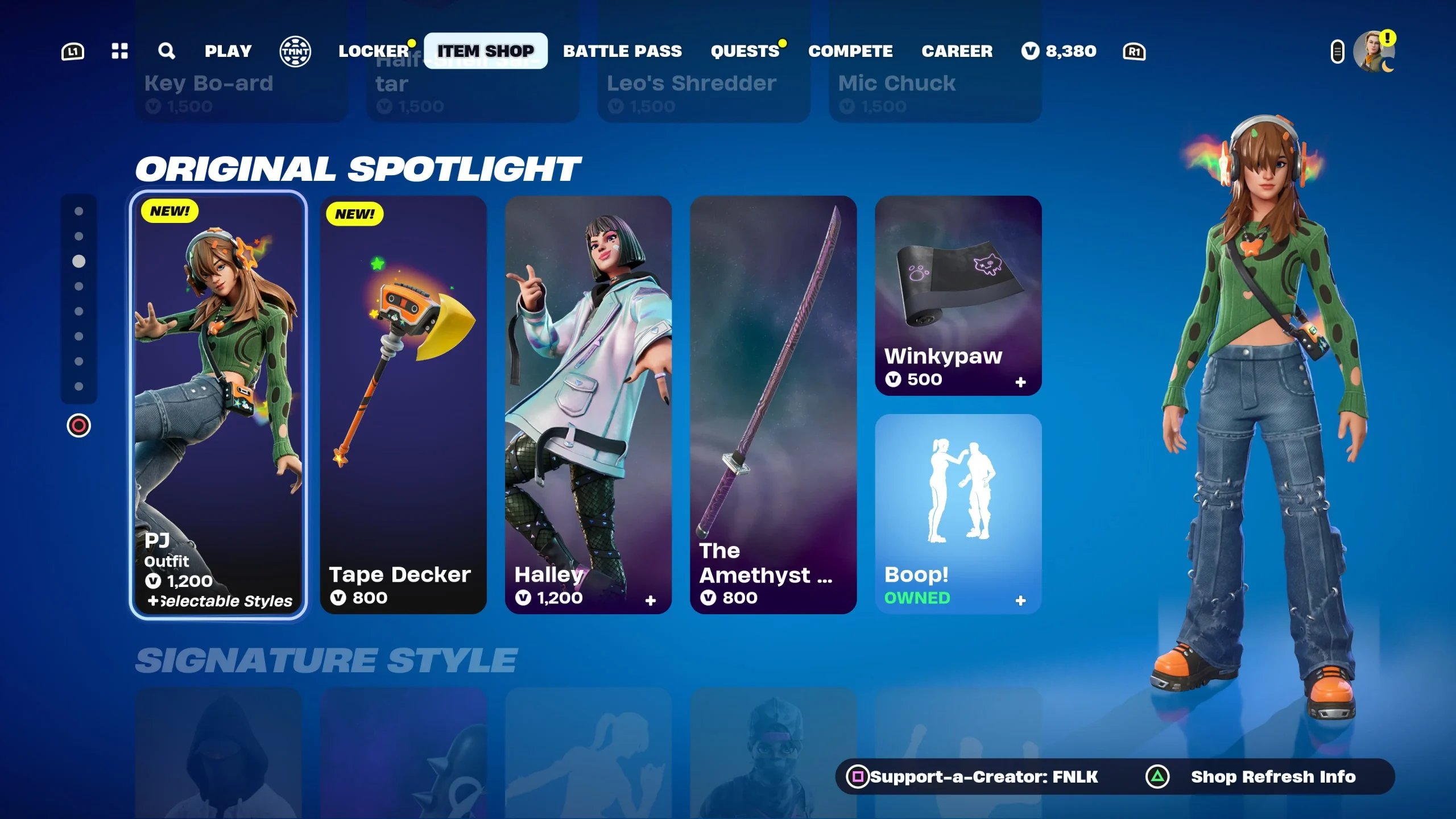
  5. PJ – 1200 Vbucks
  6. Swiper Strikers – 800 Vbucks
  7. Tape Decker – 800 Vbucks
  8. Toshiro – 1200 Vbucks
  9. Wendell – 1200 Vbucks
  10. Headhunter Prime – 800 Vbucks
  11. Puddle Hopper – 200 Vbucks
  12. Rade Jade – 800 Vbucks
  13. Royal Originals Bundle – 2000 Vbucks
  14. Vanguard Banshee – 800 Vbucks
  15. Warrior’s Chiton – 300 Vbucks
  16. Wildstreak One – 800 Vbucks

Durrr Burger

  1. Beef Boss – 1500 Vbucks
  2. Stacked Bundle – 2200 Vbucks

Gear For Festival

  1. Deep Thunder – 800 Vbucks
  2. Axecutioner – 500 Vbucks
  3. Crooner – 500 Vbucks
  4. Disruptor Kit – 500 Vbucks

Coachella

  1. Cosma – 1500 Vbucks
  2. Horizon – 1500 Vbucks
  3. Rebellious – 500 Vbucks
  4. Sonic Super – 500 Vbucks
  5. Coachella Pulse – 800 Vbucks
  6. Interstellar Butterfly – 400 Vbucks
  7. Soft Synth – 500 Vbucks

Stay updated with the latest news in gaming and esports by signing up for early access to TalkEsport’s Mobile App. Follow us on Twitter and Google News to ensure you never miss the exciting updates.

YouTube Is the Most Profitable Platform for Content Creators: Pokimane

0

Pokimane is undoubtedly one of the most popular streamers and content creators. Even though she was at the peak of popularity while streaming on Twitch, she decided to leave Twitch and join its rival YouTube a few months ago.

Recently, Pokimane mentioned YouTube as the most profitable platform while discussing about different streaming platforms.

On Twitch, Pokimane actively streamed for almost 10 years. On her recent podcast, she mentioned YouTube, Twitch, Instagram, and TikTok respectively on her most profitable list.

She explained:

Because Twitch has built-in ads, on top of sponsored ads, subscriptions, donations, and merch. However, it is much more volatile and audience-dependent than our number one choice which is YouTube. Their ads pay the best out of basically every other platform every piece of content you make is, in a way, a long-term investment, and it can still make you money even years and years down the line. That’s very common for YouTubers, to still make even a couple hundred bucks off of popular videos that they had five or ten years ago.

Apart from that, she also talked about the reason behind leaving Twitch. According to Pokimane, she left Twitch because she wanted to be completely independent. In addition to that, she also mentioned that the exclusivity contract that she signed with Twitch was also coming to an end.

pokimane

Which streaming platform do you prefer more? Let us know in the comment section below.

How to Get Waterbending Mythic in Fortnite?

0

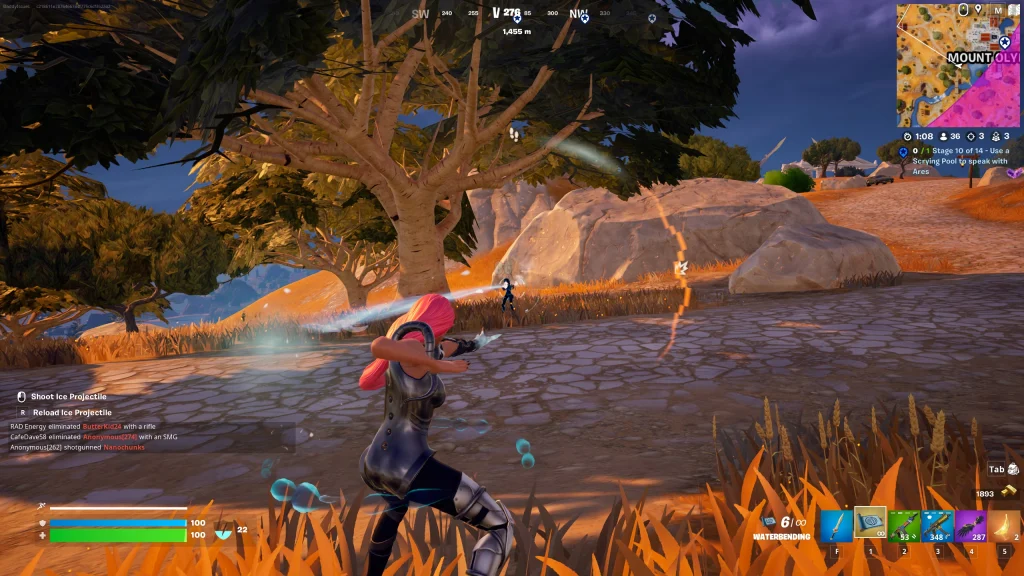
Fortnite introduced the Avatar: The Last Airbender crossover in Chapter 5 along with several new items. One of them is the new Waterbending Mythic. This new Mythic item lets the player damage their enemies with water. Moreover, the player can also heal himself with it. Isn’t it amazing?

In this article, we will explain to you how you can get the Waterbending Mythic in Fortnite.

How to Get Waterbending Mythic in Fortnite?

Getting the new Waterbending Mythic is not hard and it depends on your luck. You have to open multiple chests, and supply drones and drops to unlock the Mythic item. Apart from that, the Waterbending Mythic can be found on the ground as well.

Once you acquire it, it’s time to show its power to the enemies. Aim at your opponent and shoot, every headshot hits 27 damage and every body shot hits 22 damage. Moreover, with Waterbending Mythic in your inventory, you will be able to swim faster and it will heal you up to 100 HP while swimming.

Have you got one for yourself? Let us know in the comment section below.

How to Get the PJ Skin in Fortnite?

0

If you are looking to purchase a new skin in Fortnite, you can check out the PJ skin in Fortnite as it is available in the Fortnite shop at a discounted price. This skin was first introduced with the Chapter 5 Season 1 update. As a part of the Tapedeck Thrasher Set, this one is a unique skin on its own.

Apart from the accessories, the PJ skin also has a LEGO version. While the skin bundle was available in the shop till 27th February, it has once again come back to the Fortnite Shop today. Therefore, if you missed it, here is another chance for you to obtain the PJ skin.

In this article, we will dive into how you can get the PJ skin in Fortnite.

How to Get the PJ Skin in Fortnite?

PJ Skin fortnite

Currently, the entire bundle is available for 1500 V-Bucks while its original price is 2000 V-Bucks. If you purchase the bundle, you will receive the following items:

  • PJ Rare Outfit
  • Star Woofer Rare Back Bling
  • Tape Decker Rare Pickaxe
  • PJ’s Lego version

However, the PJ skin along with its LEGO version is available for 1200 V-Bucks and the other Back Bling and other accessories are available for 800 V-Bucks.

If you are interested in this popular skin bundle and you missed it last time, you can go for it right now. The duration of the bundle’s availability is not confirmed yet.