Sunday, May 10, 2026
Home Blog Page 518

COD Black Ops 6 Coming to Game Pass Day One

0

Microsoft recently made an announcement through a post on Xbox Wire, confirming the arrival of Call of Duty: Black Ops 6 to their Xbox Games Pass and PC Games Pass. This is the first instance in the Call of Duty franchise that a brand new game is being released as a part of a subscription service.

In the same post, Microsoft has also shared a live action trailer released by Activision for Call of Duty: Black Ops 6 confirming the speculations of the game being set during the Gulf War. The trailer also showed an appearance from the infamous President of Iraq, Saddam Hussein. At the end of the trailer, Activision reminded us of the game’s release being scheduled for June 9, 2024 after the Xbox Games Showcase takes place.

Activision touching a portion of history which is considered to be controversial is a big move making fans impatient for the game’s release. The possibility of Saddam Hussein being the main ‘bad guy’ has raised a lot of hype around the game. While we are yet to see any detailed info on the game’s plot line, we have a general idea of the game’s timeline to be set during the Gulf War. The live action trailer alone has guaranteed an increase in subscribers for the Xbox Games Pass and PC Games Pass.

While Xbox and PC players can reap the benefits of Xbox Games Pass and PC Games Pass, Call of Duty: Black Ops 6 will remain fully priced on the PlayStation platform. This has hinted at a possibility of Microsoft increasing the price of Xbox Games Pass and PC Games Pass. Even if the prices were to increase, some consider this as an excellent move by Microsoft due to the inclusion of a brand new Call of Duty: Black Ops 6.

Now all we have to do is wait for the game’s release on June 9, 2024. So stay tuned as we will be sharing a detailed review of Call of Duty: Black Ops 6.

BGMI 3.2 Update Brings Steel Ark and Arma Mech in Mecha Fusion Mode

0

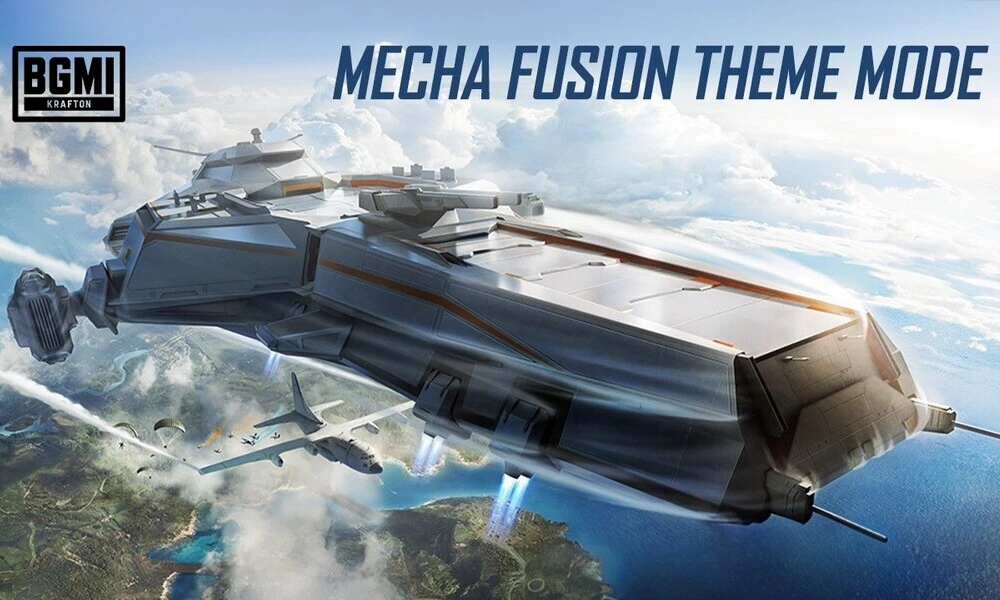
KRAFTON India has announced the much-awaited launch of Mecha Fusion Theme Mode in BATTLEGROUNDS MOBILE INDIA (BGMI) with the BGMI 3.2 Update. This new mode introduces exciting gameplay with warships and mechs, adding a tactical twist to the game. Alongside this, the updated WOW Mode offers a vast array of maps for players to enjoy, a new Royale Pass A7, and several other enhancements.

BGMI 3.2 Update: The Mecha Fusion Theme Mode

  • Steel Ark: The BGMI 3.2 Update’s themed mode features a futuristic warship called Steel Ark that appears mid-air. This warship houses a Summoning Platform, offers heavy loot, and includes strategic areas like the Command Room where players can hack into the ship’s systems for a fun easter egg.
  • Arma Mech: Take control of the battle vehicles in the Steel Ark – the Arma Mech. Cause infinite chaos with special vehicles that switch between a Speed Form for fast movement and a Magnetic Form for grabbing objects and enemies. These tactical mechs support heavy-duty attacks, missile launches, and separation capabilities. The Arma Mech can also fly and transform into a portable vehicle. Equip a jetpack to protect yourself and perform aerial stunts or utilize portable vehicles that enhance mobility and come with self-rescue capabilities.

Assembly Base: Strategic points on the map, known as Assembly Bases, contain Mech Repair Stations and treasure chest detectors. Enhance your mech, refuel, and uncover hidden items to gain an edge over your friends.

Updated WOW Mode

The updated WOW Mode in the BGMI 3.2 Update now features new maps with varied playstyles. Players can engage as a squad or go solo, including utilizing robots and demolition tactics. Players can also bring their own robot into WOW Mode.

Royale Pass A7 – Virtual Edge

Step into the futuristic feel with RPA7 Virtual Edge in the BGMI 3.2 Update. Gear up and dominate the Battlegrounds with exclusive new skins and state-of-the-art weapon skins in this latest Royale Pass season. From the sleek Mecha Spirit Skins to the upgradable Nightscape Gladiator – PP-19 Bizon, every item is designed to ensure players stand out. Rewards are better, bigger, and more fun than before.

Anniversary Crate, Voice Pack, and Other Updates:

The BGMI 3.2 Update also brings special BGIS parachutes, an anniversary crate with four special suits, super cars, and numerous gun upgrade crates. Fan-favorite BGMI players return with all-new voice packs, allowing players to dominate the game in the voice of their heroes.

Let’s Get Spinning: Eyes on Gold!

Amazing Gold Spin themes and rewards are up for grabs. Glide into the Battlegrounds with Quantum Storm, Lover’s Blessing, and Reversed Neon in the latest BGMI 3.2 Update.

Quick Surprise: Vote for your Superstars

Players can support their favorite BGMI content creators with the upcoming Exchange Events in the BGMI 3.2 Update. During each Exchange Event, players complete designated tasks in the game to earn valuable Vote Tokens. Once collected, players can use their earned Vote Tokens to redeem tokens for their preferred influencers. This exciting feature allows fans to directly support the creators they admire most. With around ten creators competing in each event, the influencers with the highest number of token redemptions by the end of each Exchange Event period will be crowned as winners and receive exclusive prizes.

Saving some excitement for later, everyone’s favorite superstar, Ranveer Singh, is all set to make a comeback to the Battlegrounds. Stay tuned for the exciting superstar Ranveer Singh Swag Crate dropping in the game soon as part of the BGMI 3.2 Update.

Stay updated with the latest news in gaming and esports by signing up for early access to TalkEsport’s Mobile App. Also, follow us on Twitter and Google News to ensure you never miss the exciting updates.

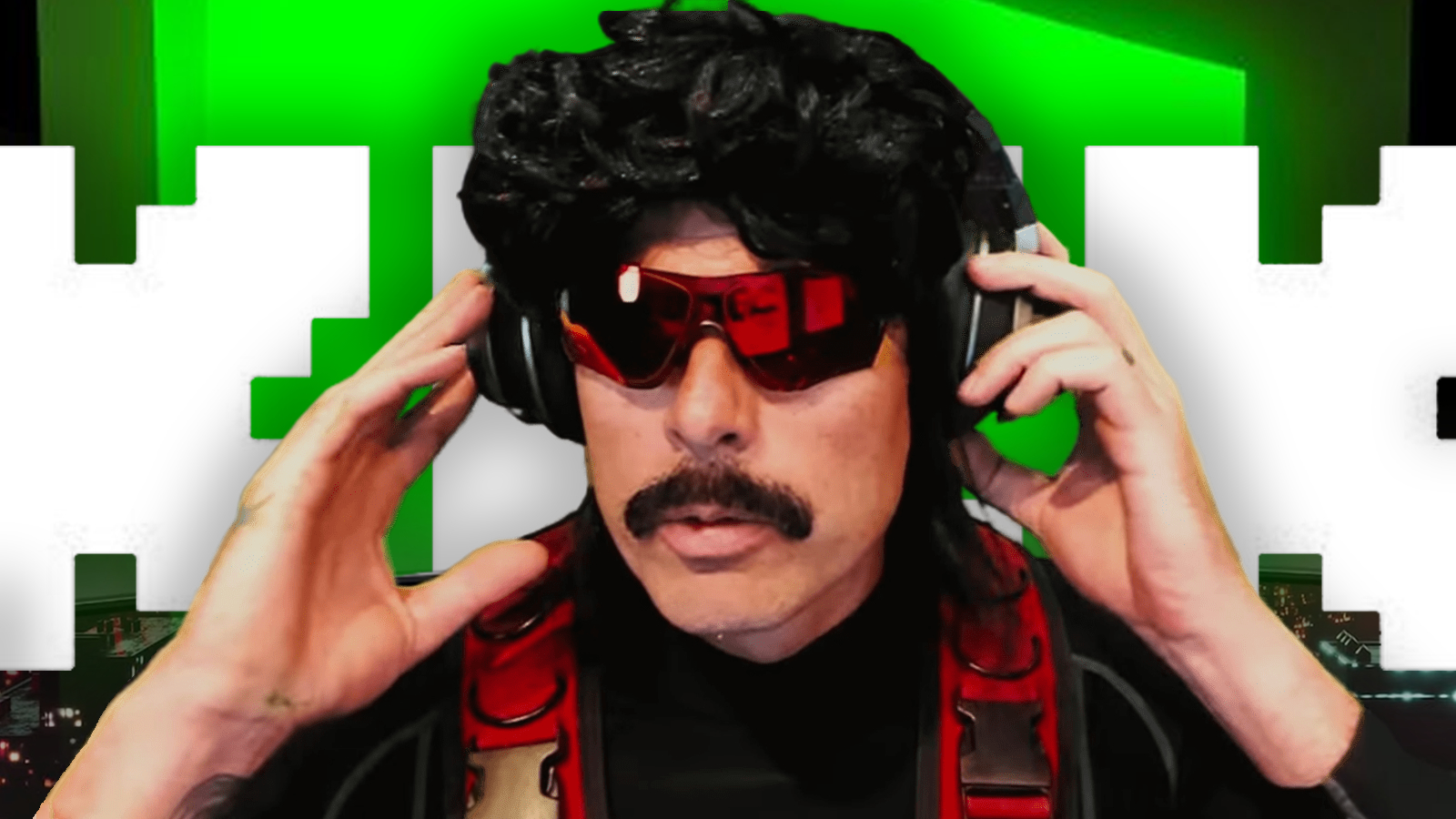
When is Dr Disrespect joining Kick?

Dr Disrespect is one of the biggest, if not the biggest, free agents currently available in the streaming market. Since he was mysteriously banned from Twitch in 2020, has grown to be a strong force on YouTube and since the emergence of Kick, he has been closely linked with a move to Kick.

Kick was reportedly in negotiations with Dr. Disrespect which went nowhere as Doc has continued to stream on YouTube. While he has flourished well on the Google-owned platform, moving to a more video game streaming-specific platform would result in significant economic benefits for him.

“He tweeted at us after we signed xQc that he wanted $50M, and yeah…” he said on a May Kick stream. “He’s an amazing streamer, but we need to ground things in reality.” said Kick Head of Strategic Partnerships, Andrew Santamaria.

“I love the Doc. I’ve watched him for years and years. I think he’s one of the most entertaining streamers in the business. But fifty million is fifty million,” said  Kick’s Head of Product Paulie Chianese.

As things stand, unless Doc is willing to give in to his financial demands, there is no way that Kick would be able to sign him to exclusively stream on their platform. The answer to whether Doc will join Kick anytime soon remains a “No” but only time can tell if either party can compromise.

Stay updated with the latest news in gaming and esports by signing up for early access to TalkEsport’s Mobile App. Follow us on Twitter and Google News to ensure you never miss the exciting updates.

How To Play Wuthering Waves Multiplayer?

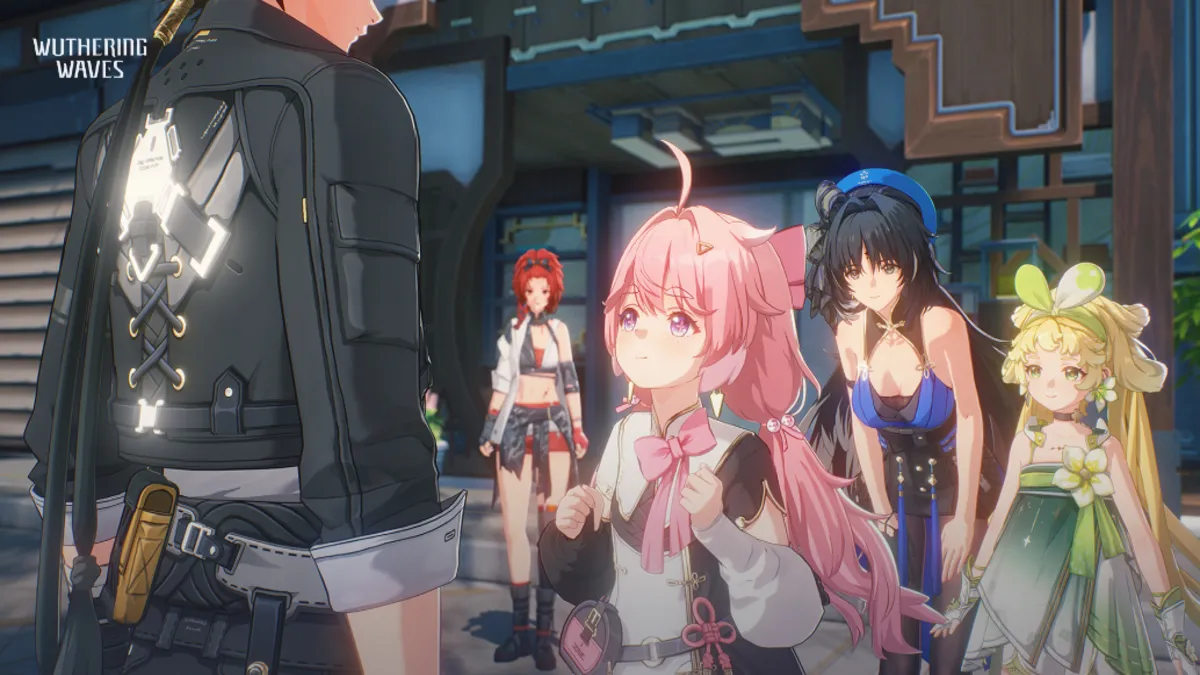
Wuthering Waves, the captivating game that has caught the attention of many, is not just a solitary journey. It offers a multiplayer experience that allows you to explore its vast world with friends. Here’s what you need to know about diving into Wuthering Waves with your fellow adventurers.

Multiplayer Mode: Co-Op, Not Competitive

Wuthering Waves introduces a multiplayer mode that emphasizes cooperation over competition. Unlike games with a PvP (player versus player) focus, Wuthering Waves is designed for players to join forces and share the adventure. This co-op mode fosters a sense of camaraderie as you and your friends can explore the world, take on quests, and battle enemies together.

Joining Forces with Friends

You can form a party with up to three players, including yourself, to venture into the world of Wuthering Waves. To start playing in multiplayer mode, you’ll need to reach Level 22 in the game. This level requirement ensures that players have a grasp of the game mechanics and are ready for the collaborative challenges ahead.

Once you’ve reached the required level, you can invite friends to join your world or enter theirs. Adding friends is straightforward and makes it easier to connect and start playing together.

Exploring and Collecting Together

In co-op mode, players can gather materials, such as Pecok Flowers, from each other’s worlds, and hunt for shiny Phantom Echoes. This shared resource gathering adds another layer of interaction and teamwork to the game.

Limitations in Multiplayer

While multiplayer covers a significant portion of the game, certain areas are currently off-limits for co-op play. The Tower of Adversity and Depths of Illusive Realm are two such areas that are not yet available for multiplayer. However, as the game evolves, these restrictions may change, potentially opening up even more content for players to enjoy together.

Wuthering Waves offers a rich multiplayer experience that allows you to enjoy the game with friends. By working together, you can explore the world, complete quests, and take on challenges that would be difficult to tackle alone. Remember, to access multiplayer, you’ll need to reach Level 22, but once you do, a whole new dimension of gameplay awaits you and your companions. Whether you’re gathering resources or exploring new territories, Wuthering Waves’ co-op mode is sure to enhance your gaming experience.

Wuthering Waves Music Not Playing? Try These Fixes (2024)

The eagerly awaited game Wuthering Waves has finally arrived, captivating many with its engaging gacha elements. However, not all players have had a smooth experience. A notable number of gamers have encountered technical difficulties, particularly with the game’s audio. The most common issue reported is the absence of music during gameplay, which detracts from the immersive experience of exploring the game’s world.

Identifying and Fixing the No-Music Issue in Wuthering Waves

While the developers have not yet released an official fix for the music bug that emerged after the 1.0.19 patch, players have devised several workarounds to restore the game’s auditory ambiance. Here are some potential solutions to try if you’re facing the silent treatment from Wuthering Waves:

Adjusting Spatial Sound Settings

Some players have found success by tweaking the Spatial Sound settings on their PCs. To attempt this fix, right-click the speaker icon on your taskbar, select ‘Sound Settings,’ choose your preferred audio device, and locate the Spatial Sound option. Switching this to ‘Windows Sonic’ may resolve the issue. It’s recommended to toggle this setting on and off while playing to test its effectiveness.

In-Game Sound Settings Check

It’s worth taking a moment to inspect the in-game sound settings. Navigate to the Terminal and click the gear icon to access Sound settings. Ensure all volume levels are set to their maximum. Sometimes, game updates can inadvertently alter these settings, so it’s a good idea to verify they’re configured correctly.

Game Restart

Often, the simplest solution can be the most effective. Fully exiting the game and ensuring it’s not running in the background (via the task manager) before relaunching it can sometimes clear up the bug. This method is a quick and easy first step to try.

Exploring Alternative Fixes

Players have shared other methods that may coax the music back into play. Entering specific in-game domains or skill training sessions and then returning to the Overworld, avoiding rapid teleportation between locations, and refraining from minimizing the game with alt-tab are all strategies that have worked for some. Additionally, updating your audio drivers could be a beneficial step if the above solutions don’t work.

Patience for Patches

If none of the suggested fixes restore the music, the last resort is to wait for an official update from the game’s developers. Given that this is a widespread issue, it’s likely that the developers are aware and working on a resolution.

In the meantime, if you’re still experiencing the no-music bug, consider reporting it through the in-game bug reporting system to help the developers address it more quickly.

The absence of music in Wuthering Waves can indeed make the gaming experience feel incomplete. However, by trying the fixes outlined above, you stand a good chance of bringing back the game’s full auditory experience. Whether it’s a simple restart or a tweak in the settings, there’s hope for restoring the game’s enchanting soundtrack.

Garena Free Fire MAX Redeem Codes for 29th May 2024

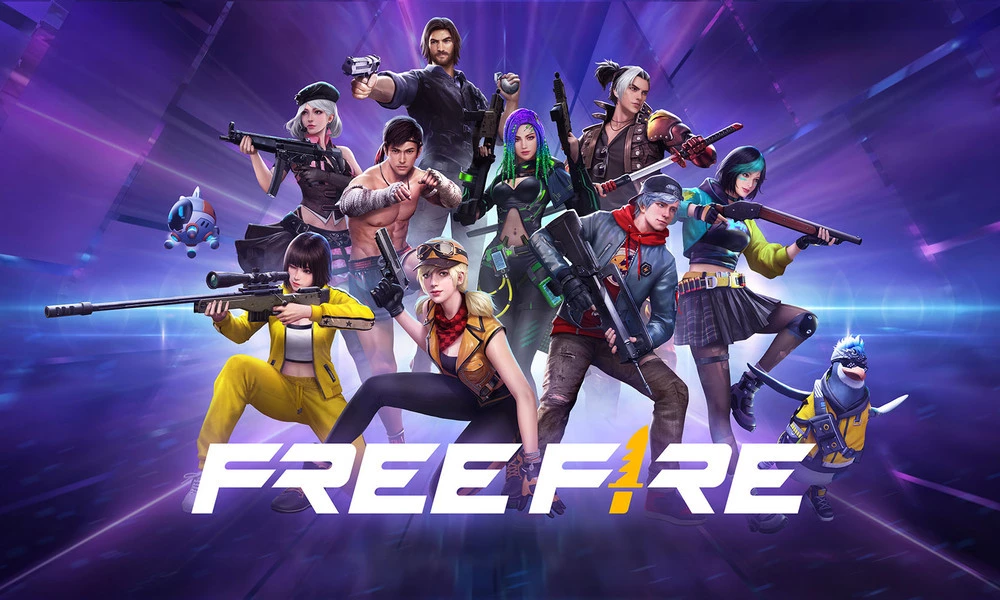
Free Fire is a very popular battle royale game with millions of active users per day. A large part of this fan base comes from India and despite the ban, players have shifted to its advanced version called Free Fire Max to enjoy the game.

The game has same core and hence, it has redeem codes as well. Here are some redeem codes that you can use to get free items in Free Fire Max.

Free Fire redeem codes are special codes that can be used to unlock several items for free in-game. They are not released on a regular basis hence coming across a working code is very hard. 

Garena Free Fire MAX Redeem Codes

As Free Fire now banned in India, players have shifted to Free Fire Max and the entire account history is ported to its servers. This means that players can still use their old accounts and make use of features like redeem codes to get rewards in it as well.

Free Fire MAX Redeem codes for 29th May 2024:

  • Z9JXABY4K8UQ3NHD
  • G7W4S9RQD3BJ1N6Y
  • L5T9W7QK8E0P2HXJ
  • M6V3S7N2A1G9C4RQ
  • Y3E7C8V6T0B5W1QA
  • X2N5C3M1R6J8V7ZA
  • H4D2J5V6G9Q1FWLR
  • U8K9P4D3J6R7XVZQ
  • I0F3R1X5S7G4W6EU
  • B9Y5X3H2T7U1JQ4L
  • C6B8V1D2F9R3N7YK
  • Q5U3H2V1M9D7G4KP
  • P7Q5J9D1K6N3VRXF
  • R2A4T7H1B8K9C6YW
  • E9F3W6D8C2G4J1HZ
  • N6H9W4S7D2R3G1CK
  • D1U5V2H7K9C3B8JN
  • S4A2Z6Q9X1F7H5VJ
  • W6R8M3V5X2S1J7GB
  • F8L2R7N4Q6W1Z3TA

HOW TO REDEEM CODES IN FREE FIRE MAX

It is quite simple to redeem these codes in Free Fire. Players just need to visit the redemption center and enter the code given below. Use the method given below to get these items.

  • Visit the Reward Redemption center of Garena Free Fire. Click here to visit.
  • Log in with your Free Fire account. One must have either Facebook or Google ID signed in as a Guest account does not work.
  • Enter the code and get free rewards in your in-game item vault.

The redeem codes tend to expire very soon and hence, make sure to use them as soon as you can. Some of them can be region restricted and if you find one like that, simply move on to next one as region restricted codes cannot be used in other areas.

Stay updated with the latest news in gaming and esports by signing up for early access to TalkEsport’s Mobile App. Also, follow us on Twitter and Google News to ensure you never miss the exciting updates.

All New Free Fire Redeem Codes for 29th May 2024

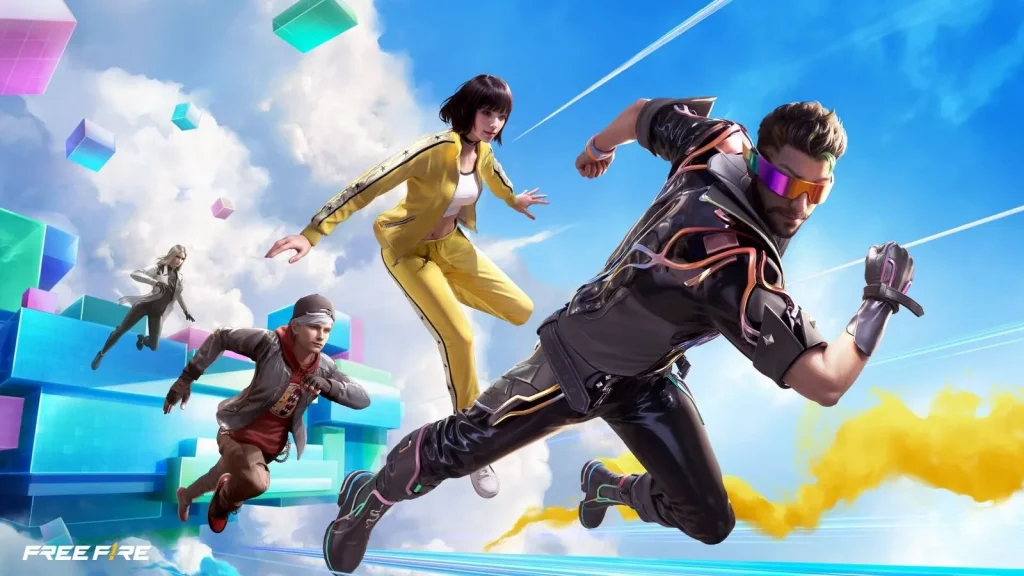
Free Fire, the renowned battle royale game, continues to captivate gamers worldwide with its intense gameplay and vast array of in-game rewards. One of the most sought-after features in the game is the Free Fire redeem codes, which grant players access to exclusive items and goodies without spending any money.

Free Fire redeem codes are special combinations of characters that, when entered correctly, provide players with various rewards such as weapon skins, character outfits, and in-game currency. While these codes are not released frequently, stumbling upon a working code can significantly enhance the gaming experience.

Free Fire Redeem Codes for 29th May 2024

Here are some Free Fire redeem codes redeem codes you can use to get free items in the game on 29th May 2024:

  • Z9JXABY4K8UQ3NHD
  • G7W4S9RQD3BJ1N6Y
  • L5T9W7QK8E0P2HXJ
  • M6V3S7N2A1G9C4RQ
  • Y3E7C8V6T0B5W1QA
  • X2N5C3M1R6J8V7ZA
  • H4D2J5V6G9Q1FWLR
  • U8K9P4D3J6R7XVZQ
  • I0F3R1X5S7G4W6EU
  • B9Y5X3H2T7U1JQ4L
  • C6B8V1D2F9R3N7YK
  • Q5U3H2V1M9D7G4KP
  • P7Q5J9D1K6N3VRXF
  • R2A4T7H1B8K9C6YW
  • E9F3W6D8C2G4J1HZ
  • N6H9W4S7D2R3G1CK
  • D1U5V2H7K9C3B8JN
  • S4A2Z6Q9X1F7H5VJ
  • W6R8M3V5X2S1J7GB
  • F8L2R7N4Q6W1Z3TA

HOW TO REDEEM CODES IN FREE FIRE

Redeeming codes in Free Fire is a quick and straightforward process. Follow these steps to claim your rewards:

  1. Visit the Free Fire Redemption Center: Navigate to the official Free Fire redemption website
  2. Log in with Your Free Fire Account: Sign in using your Free Fire account credentials. Ensure that you have a valid account linked to either Facebook, Google, VK, or Huawei.
  3. Enter the Redeem Code: Input the redeem code into the provided field and click on the “Confirm” button.
  4. Collect Your Rewards: Once the code is successfully redeemed, the rewards will be sent directly to your in-game mailbox. Launch Free Fire and claim your items from the mailbox.

Tips for Using Free Fire Redeem Codes

  • Timely Redemption: Redeem codes have expiration dates, so it’s essential to use them promptly to avoid missing out on rewards.
  • Regional Restrictions: Some codes may be region-specific and may not work if you are in a different region. If a code doesn’t work, try using another one.
  • Single Use: Most codes can only be redeemed once per account, so ensure you enter the code correctly the first time.

Free Fire redeem codes tend to expire very soon and hence, make sure to use them as soon as you can. Some of them can be region restricted and if you find one like that, simply move on to next one as region restricted codes cannot be used in other areas.

Stay updated with the latest news in gaming and esports by signing up for early access to TalkEsport’s Mobile App. Also, follow us on Twitter and Google News to ensure you never miss the exciting updates.


How Can You Cancel Fortnite Crew Subscription?

0

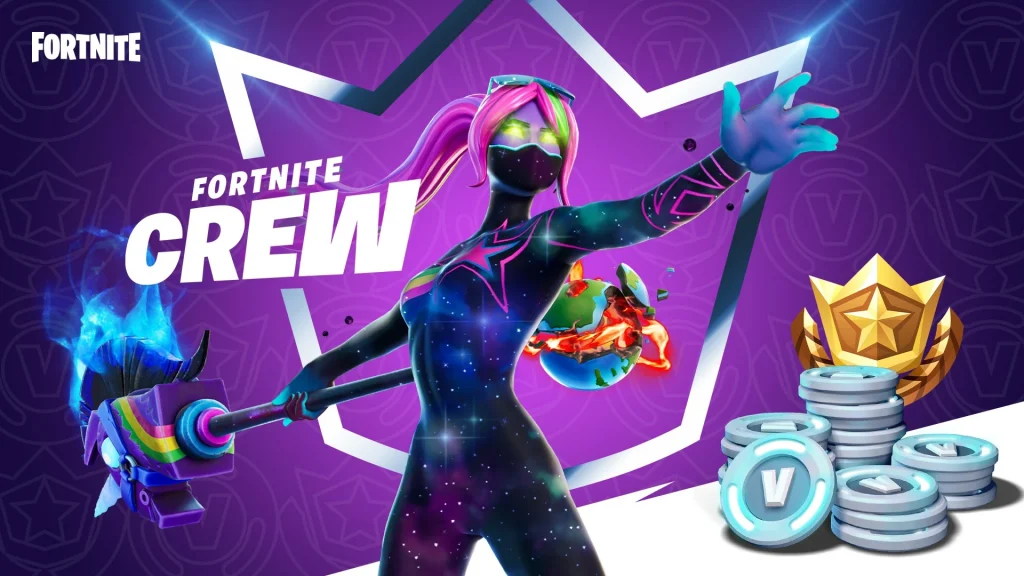
Fortnite has become a cultural phenomenon, offering players a vibrant and ever-evolving gaming experience. Part of this experience is the Fortnite Crew subscription, which provides players with exclusive skins, cosmetic items, and even battle passes every month.

However, there may come a time when you decide that you no longer need the subscription. Whether it’s budgeting concerns or simply a desire to opt out for a while, canceling your Fortnite Crew subscription is straightforward and can be done in just a few clicks.

Fortnite Crew Subscription Benefits

Before diving into the cancellation process, it’s important to understand what the Fortnite Crew subscription entails. As a subscriber, you receive exclusive items, 1,000 V-Bucks, and a monthly battle pass.

The rewards are tied to the calendar month rather than the date of your subscription, allowing you to enjoy the full benefits for the entire month regardless of when you signed up.

Fortnite Crew Subscription

How Can You Cancel Fortnite Crew Subscription?

Xbox Series X/S and Xbox One

Xbox players can manage their subscriptions directly from their console. To cancel your Fortnite Crew subscription, go to the Subscriptions section in your account settings and turn off auto-renewal.

PlayStation 5

PlayStation 5 users will find the cancellation option under the Payment and Subscriptions tab. Like Xbox users, you’ll need to disable the auto-renewal feature to cancel the subscription.

PlayStation 4

For those on PlayStation 4, the process is similar but located in a different menu. You’ll need to visit the Services List under Account Information and turn off auto-renewal for the Fortnite Crew subscription.

Nintendo Switch

Nintendo Switch users can cancel their subscriptions by accessing the Your Subscriptions tab under Account Information. Here, you’ll find the option to turn off automatic renewal, effectively canceling your subscription.

Epic Games doesn’t make it difficult to cancel the Fortnite Crew subscription. This flexibility allows you to dip in and out of the service, choosing which bonus skins and other rewards you want to receive each month.

You can rest assured that canceling your subscription is a hassle-free process, and you won’t lose any skins or V-Bucks you’ve already acquired.

What Are the Key Stats for Tracking CS2 Progress?

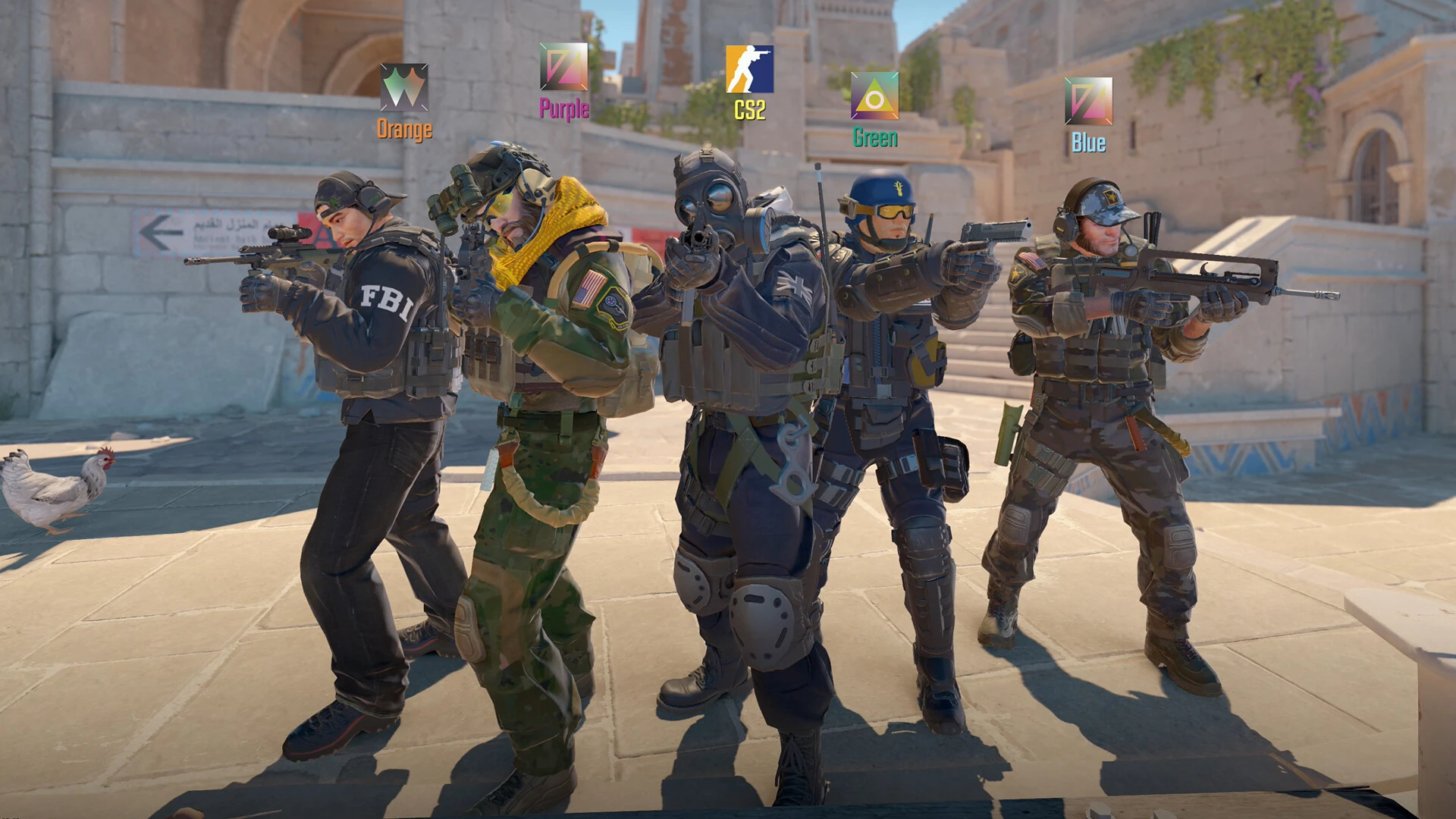
Without your efforts and time, you could not expect to become a pro at Counter Strike 2. While the game features a matchmaking system that matches you with players from your rank, progressing through the ranks necessitates a higher win probability. If you are looking to get better at Counter Strike 2, then look no further. Let’s take a look at some key stats for tracking CS2 progress.

It is needless to say you need a good understanding of how the aiming works in Counter-Strike 2. The main aspect of the game is to shoot your opponents without getting killed. So there are a few things you need to work on and here is a list of just that:

  • Crosshair Placement
  • Recoil/Spray Control
  • Aim Accuracy
  • Reaction Time

Let’s break down the 4 points mentioned above.

Crosshair Placement

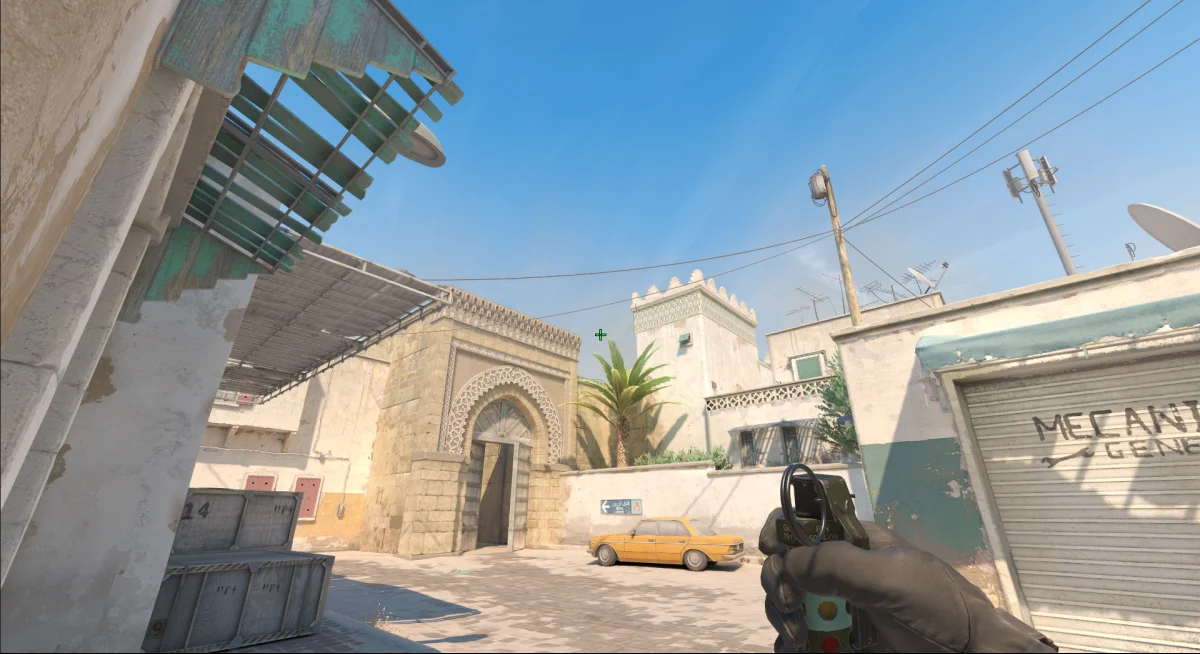
It wouldn’t make any sense to place your crosshair high in the air or point towards the ground while walking around in Counter Strike. Instead, place your crosshair where you expect your opponent to come from. Keeping your crosshair at the head level is another key skill you need to learn. You want your enemy’s head to line up with the crosshair without you having to move your crosshair up or down. That’s how you score more headshots.

Recoil/Spray Control

Just like their real life counterparts, guns in Counter-Strike 2 experience recoil. Recoil is the backward force felt when shooting the gun. Since your wrist acts like a pivot point, the backward force gets converted into upward action. You can see recoil in action by shooting one of the guns in-game, try with a Deagle and shoot 1 bullet, you should see the barrel of the gun-jumping upwards. This is the same with assault rifles, the only catch here is that you need to control the recoil when you are spraying the enemy with bullets. How? Just pull the crosshair downward when spraying the enemy.

Aim Accuracy

This skill should improve as you work on Crosshair Placement. The only difference here is that you need to track your enemy’s movement accurately to increase any chance of hitting them. There is no widely accepted tip to increase your Aim Accuracy other than practicing.

Reaction Time

This skill is not something that can be improved overnight. Reaction time is solely based on how fast your brain can process the information you are seeing on the screen and then react accordingly. When it comes to Counter-Strike 2, you should be able to react and shoot an enemy in case they rush you from a corner. Once again there is no way to improve this skill other than practicing.

Other Aspects

With that being said, some other factors can change the outcome of the game. In Counter-Strike 2, along with the weapons you have a choice to purchase some utilities like smoke grenades, flashbangs, incendiary grenades, and HE grenades. While these utilities can prove useful, the knowledge of their usage is a must. These utilities affect the opponents as well as your team, so be mindful when using them.

Teamwork is another factor that can turn the match upside down. Being a lone wolf against 5 enemies is not really an ideal situation. What you need to do is communicate with your team and draw out strategies to tackle your opponents.

A great way to increase your skills is by tracking your stats from Counter-Strike 2. Unfortunately, the game does not have an inbuilt tracker for us. Here you can get help from 3rd party tracking sites like scope.gg. This site should be able to help you by giving insights into your performance. Your areas of improvement will be highlighted after you complete a match. So make sure you practice and work on your weak points. For more news from Counter Strike 2, click here.

How to Customize Counter Strike 2 Viewmodel Settings?

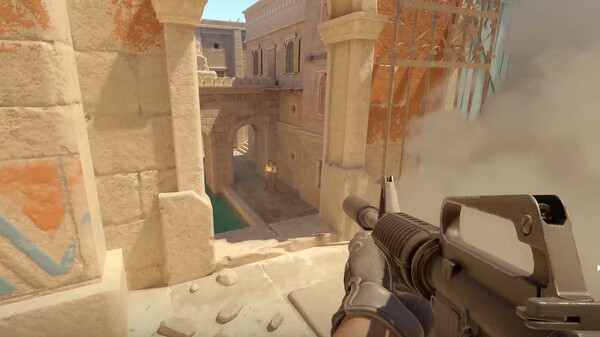
Counter-Strike 2 offers a plethora of options to customize your hud. If you feel like your weapon is taking a lot of space on your screen then you should take a look at Viewmodel settings. Keep reading to know how to customize Counter Strike 2 Viewmodel settings.

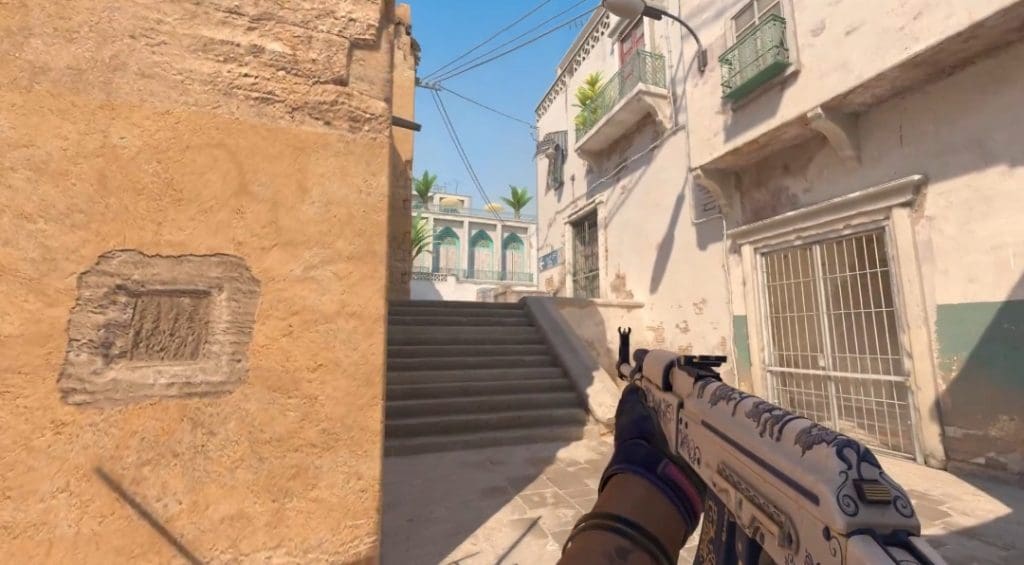
These settings dictate how your hands and weapons look on your screen. By adjusting the ViewModel settings, you can change the visual aesthetics of your game.

The best way you can customize your Viewmodel settings is via the console. You can access the console in Counter Strike 2 by pressing the “~” key located just below the ‘escape’ key. Here is a list of commands to customize Viewmodel in Counter-Strike 2:

  • viewmodel_offset_x
  • viewmodel_offset_y
  • viewmodel_offset_z
  • viewmodel_fov

Let’s see how each of these commands works:

  • viewmodel_offset_x (-2.5 to 2.5) – Controls the horizontal position of the weapon. Positive values mean your weapon will move to the right, on the other hand, negative values mean your weapon will move to the left.
  • viewmodel_offset_y (-2 to 2) – Controls the distance of your weapon from the camera. The lower the value, the closer the hands with the weapon are to the camera.
  • viewmodel_offset_z (-2 to 2) – Controls the vertical position of your weapon. The lower the value, the lower the weapon is.
  • viewmodel_fov (54 to 68) – A higher value will result in a higher portion of hands and weapons visible on the screen

With that being said, there is no widely accepted best setting for ViewModel. It just depends on your preference and how you would like your view to be visible. So the best way to approach Viewmodel settings is to experiment; like most experiments, some can fail.

If you mess up your Viewmodel settings and would like to go back to the default, you will have to take a trip to the console and enter the following command: viewmodel_presetpos 1. This should take you back to the default settings. Click here to read more exciting news from Counter-Strike 2.