Tuesday, May 5, 2026
Home Blog Page 419

Valorant Mobile Replay System Already in the Works: Leaks Reveal

0

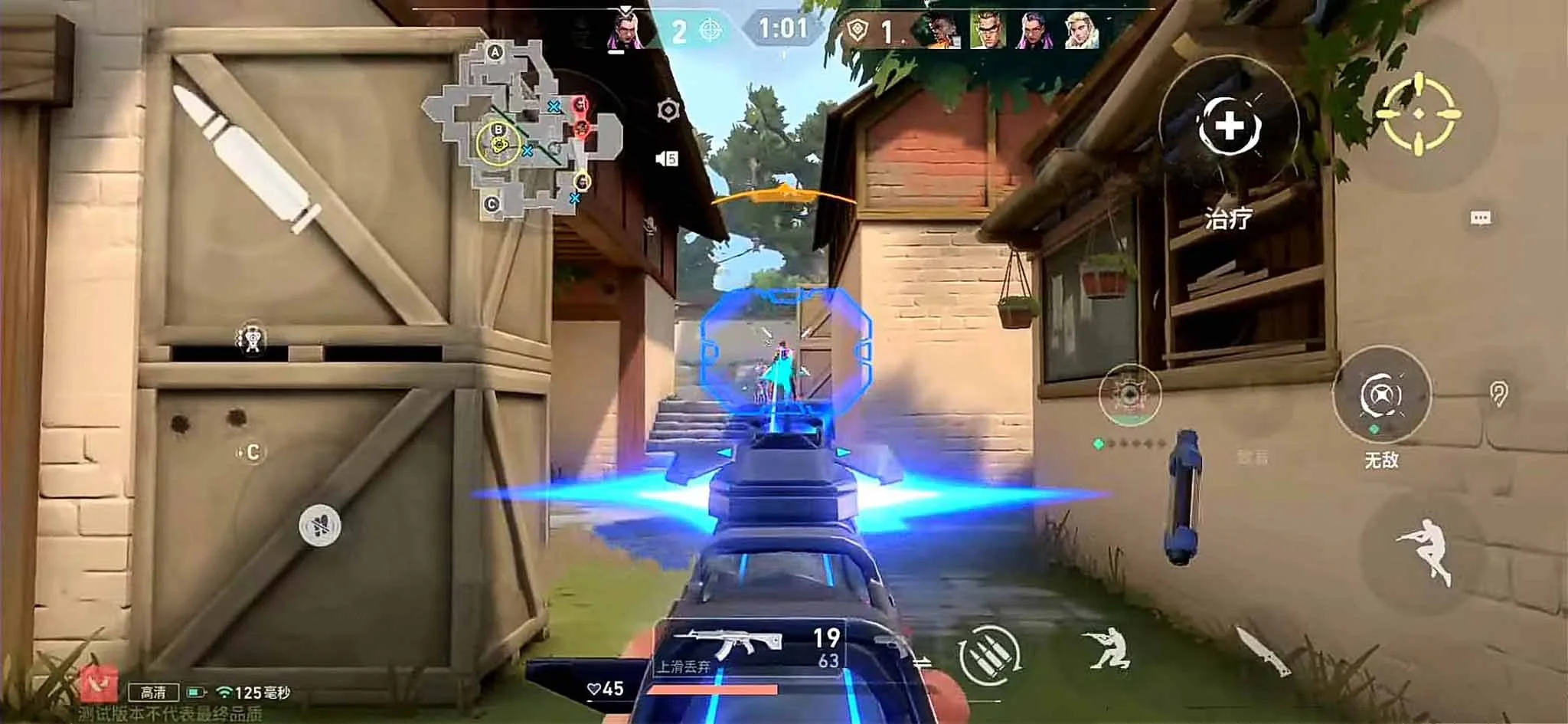
Valorant might finally have a replay system added to it in the near future, but only on the mobile version of the game, as per leaks.

Prominent Valorant dataminer ‘ValorantMobileX’ has recently revealed details about a replay system currently in the works for the mobile version of the shooter.

According to the leaker, the Valorant Mobile replay system will enable you to view past matches including detailed stats & KDA of the players for both ranked and normal game modes.

Unfortunately, the leaks also mention that the replay system for Valorant is mobile-exclusive, and won’t be implemented to the PC version of the game.

Valorant fans from throughout the globe have been requesting Riot Games to add a replay system to the shooter ever since the game’s launch back in June 2020. While the devs have acknowledged the demand for a replay system, they have yet to implement it.
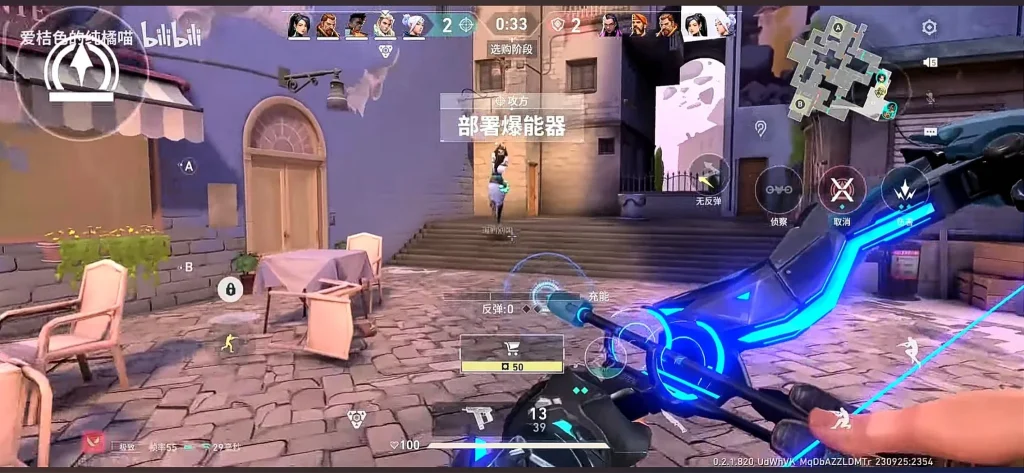
Valorant Mobile Replay System

Riot Games has mentioned that adding a replay system is a complex task due to the technical challenges involved, and while it’s something they’re considering for the future, there is no confirmed timeline for its release.


UFL Coming to PC Along With Consoles: Developers

0

Following high interest from the gaming community, UFL has announced the game will be released on PC, with it available to add to your Steam wishlist now.

The development of UFL to PC gamers is a response to invaluable feedback from its passionate community, who have shown a strong demand for the game to launch on PC, in addition to the already-confirmed PlayStation 5 and Xbox Series X|S platforms. Earlier this year, two Open Beta weekends and the Common Test were held on these platforms, with over 2 million players from more than 100 countries participating.

The announcement of the PC launch underlines UFL’s commitment to meeting the needs of its diverse and dedicated players by making UFL accessible to even more gamers worldwide.

Launching UFL on PC is a proud moment for us given the incredible demand we’ve seen from the gaming community. We’re excited to see how PC gamers will embrace the UFL experience, and while this is a big milestone in our journey, we equally recognise that this is just the beginning of UFL’s expansion to new platforms and gamers. While it’s too early to announce a specific release date, I hope the launch of the game’s Steam page will make the wait for the PC version a bit more exciting for our players.

Eugene Nashilov, Strikerz Inc. CEO

UFL is designed to offer exceptional gameplay that rewards player skill, enabling gamers to build their football clubs from the ground up and rise to the top with a skill-first approach. Last year, football legend Cristiano Ronaldo was announced as a co-investor and UFL’s key brand ambassador, joining a group of investors committed to raising $40 million to support the game’s development.

UFL PC

By adding the game to their Steam wishlist, players will be among the first to receive updates on the PC release, special offers, and new features.

Valorant 9.05 Update: Astra, Chamber, Ares Buffs – Full Patch Notes Unveiled

0

The patch notes for the Valorant 9.05 update have officially been revealed by Riot Games, and the new patch has brought with it some interesting changes to the shooter.

The changes that the Valorant 9.05 update has introduced to the game include notable buffs to Astra and Chamber, two of the weaker Agents in the current meta, alongside an improvement to the Ares.

Alongside the aforementioned changes, the Valorant 9.05 update brings a number of bug fixes, performance improvements, player behavior updates, and changes to the console version of the title.

Valorant 9.05 Patch Notes Explained

ALL PLATFORMS

AGENT UPDATES

Omen

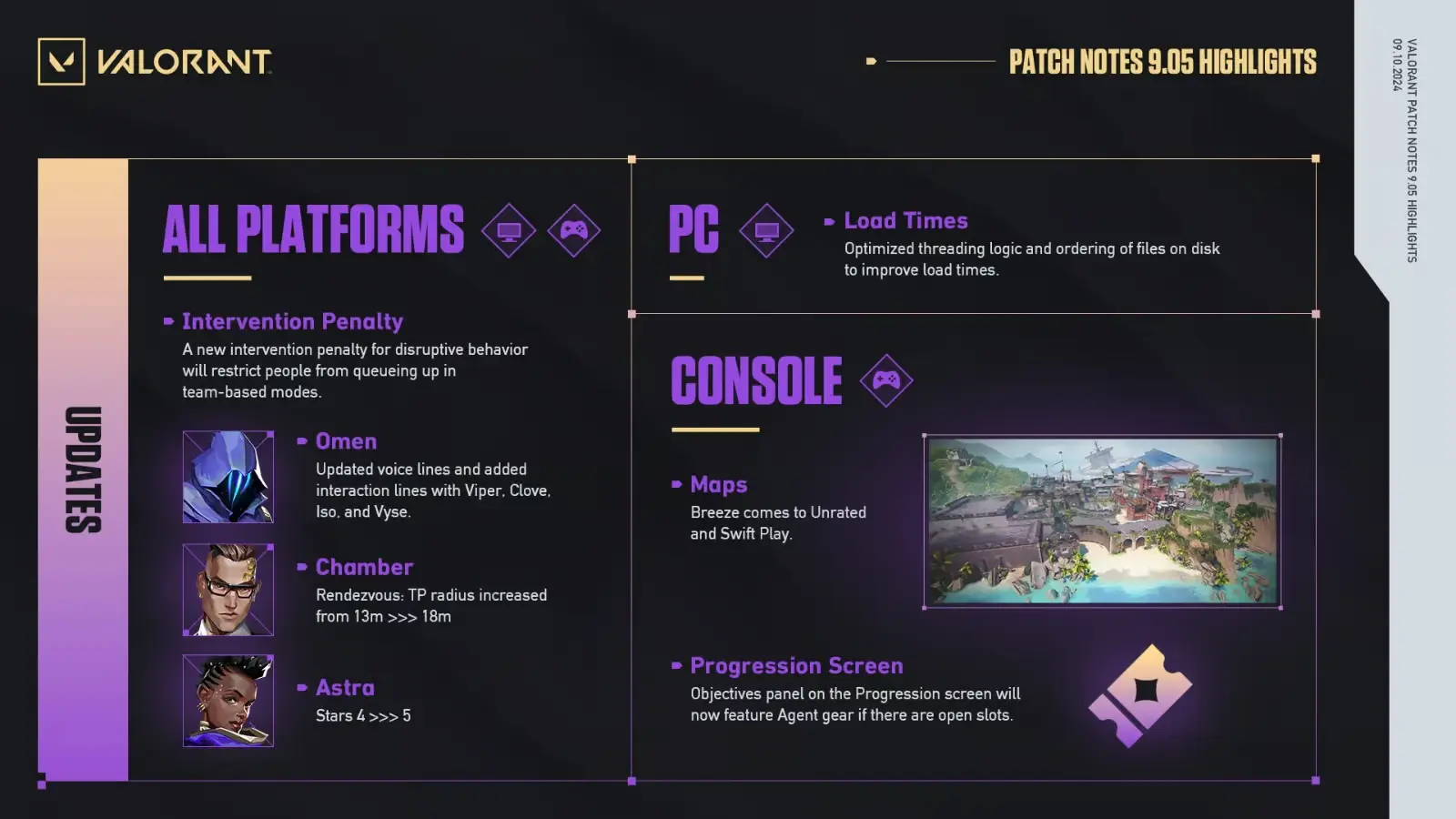
We’ve updated Omen’s voice lines and added interaction lines with Viper, Clove, Iso, and Vyse.

Chamber

Rendezvous: TP radius increased from 13m >>> 18mChamber could use a light nudge to fight for more space on maps safely around his Rendezvous. More space around his Rendezvous beacon allows for more setups and allows Chamber to push out more aggressively and take unexpected angles.

Astra

Stars: Increased from 4 >>> 5After rebalancing some of Astra’s power away from her Gravity Well and into her Nova Pulse and Cosmic Divide in Patch 7.04, Astra has struggled to be competitive with other Controllers. Given Astra has to choose between fulfilling her core duties as a Controller and using her other abilities, this change gives Astra more freedom to use her other pieces of utility without sacrificing her ability to smoke throughout the round.

Stim Behavior

Over the years we’ve heard player feedback that combat stim effects like Reyna’s Empress can feel disruptive when spraying and it makes it harder to hit your shots. We’ve updated all buffs that increase your rate of fire to have consistent recoil control that matches the default rate of fire. This should allow players who are stimmed to utilize their learned muscle memory that they’ve built up from un-stimmed weaponry. This change only affects how the stims modify recoil without affecting the applied spread reduction.

PLAYER BEHAVIOR UPDATES

  • We have updated the existing ranked and Premier restrictions to expand to all team-based modes so that penalized players will be restricted from queueing up in any team-based mode for disruptive behavior.

WEAPONS UPDATES

Ares

  • Revert crouch benefits nerf from standard 25% back to 40%
    • Crouching is better again and is now the same as Odin.
  • Headshot multiplier adjusted from 2.4 >>> 2.5
    • This makes an Ares kill in 2 headshots while within 30m when previously it would have done 144 damage.

These changes aim to make headshot damage more consistent with competitors and to encourage its capability at holding down a location against multiple enemies.

BUG FIXES

Client

  • Fixed an issue where some letters with special characters in Polish, Russian, and Japanese were not returning the correct result when searching using the Search bar in the Spray screen collection page.

Maps

  • Abyss
    • Fixed a spot where you could land on a ledge that is out of bounds on the map.
  • Lotus
    • Minor art fixes around the map.
  • Icebox
    • Fixed a gap where you could shoot through the door frame in A Pipes from Mid Boiler.
  • Sunset
    • Fixed a gap in the retractable roof above B Boba.
    • Fixed the box at Mid Top to display the correct bullet penetration decals.
  • The Range
    • Removed a placeholder object in the vista.

PC

PERFORMANCE UPDATES

  • Optimized threading logic and ordering of files on disk to improve load times. Please note that this will increase download time of the patch and an increase in patch time.

PLAYER BEHAVIOR UPDATES

  • We’ve updated the Riot Voice Evaluation (RVE) experience in certain regions where voice recording is now enabled to ensure you understand the behavioral expectations and technical implications associated with RVE and voice chat.

PREMIER UPDATES

  • Added a button to view the maps available in Playoffs. To see the Playoff map pool, click Playoffs Event in the schedule on the Premier hub, and then click the “Show Map Pool” button in the center of the hub.

CONSOLE

CLIENT UPDATES

  • Progression Screen
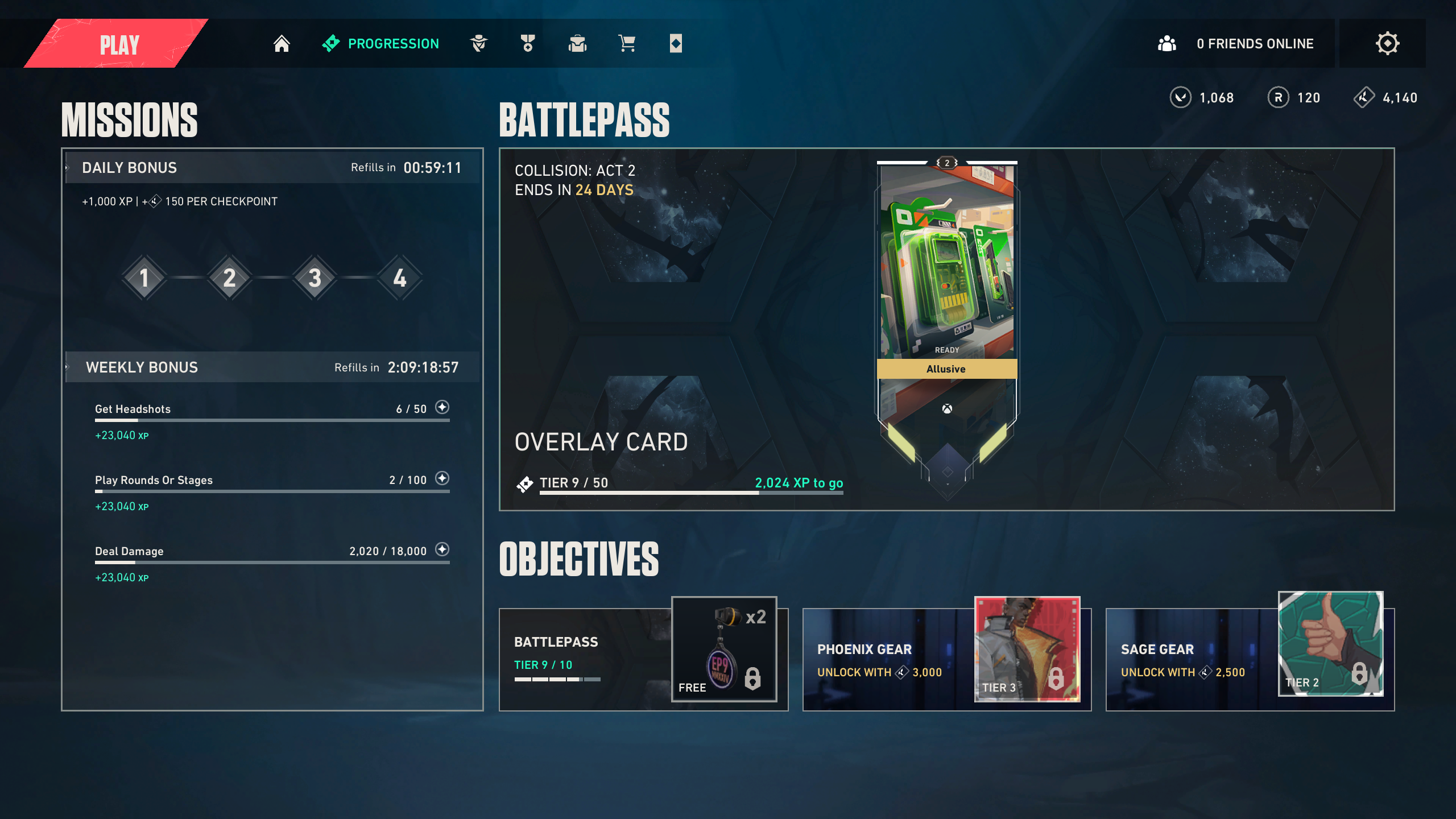
    • The objectives panel on the progression screen will now feature Agent gear if there are open slots. Previously, only Basic Training, Battlepass, and Event Pass were featured and left an open slot if completed.
c68eb317b20e0532e78a441d4f5cd20eef3b9e8c-2560x1440

GAMEPLAY SYSTEMS UPDATES

  • Added a new Map Cursor Speed slider which will let you speed up or slow down cursor movement on the megamap and maps for Agent abilities (Example: Brimstone’s Sky Smoke).

MAPS UPDATES

  • New map: “Breeze” enters Unrated & Swift Play queues.

BUG FIXES

General

  • Fixed an issue where the Base Aim Curve setting was being applied to cursor movement on the megamap and maps for Agent abilities (Example: Brimstone’s Sky Smoke).

Agents

  • Ability Targeting
    • Fixed an issue where Deadlock’s Sonic Sensor, Cypher’s Spycam, and Vyse’s Arc Rose could not be placed on some map walls during the BUY PHASE.
  • Vyse
    • Fixed an issue where KAY/O’S ZERO/POINT was destroyed by Shear.
    • Fixed an issue where Shear’s collision would linger after being placed on sloped surfaces.
    • Fixed an issue where Shear could extend over gaps improperly.
    • Fixed instances where Shear’s destruction voice line was not properly playing.
    • Fixed instances of Arc Rose voice line being cut off prematurely.
    • Fixed an issue where the combat report would show the incorrect abilities for Vyse.
    • [PS5] Fixed rare client crash instances related to Steel Garden.
  • Omen
    • Fixed an issue where From the Shadows was not cancellable with certain bindings.
    • Fixed an issue where Dark Cover would move slower than intended.
  • KAY/O
    • Fixed an issue where Kayo’s Ability HUD was ordered incorrectly.

Remember to download the official Talkesport app from the Play Store and keep yourself updated with the latest Valorant news.

CS2 VAC Unable To Verify Game Session Matchmaking Error: How To Fix

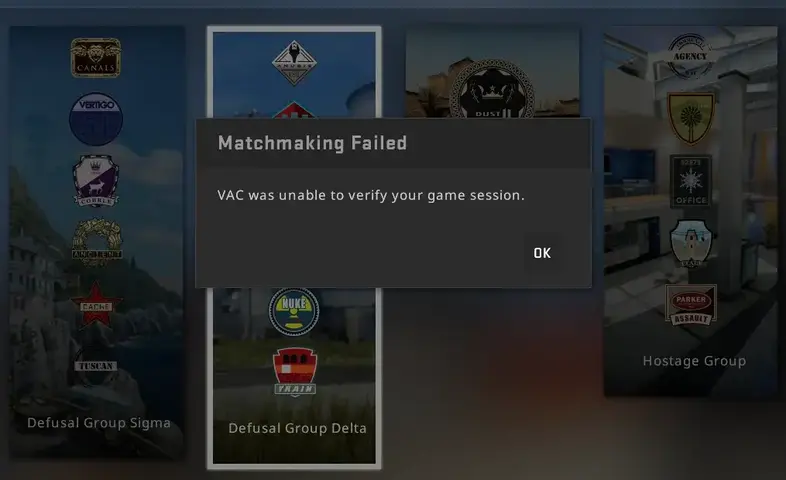
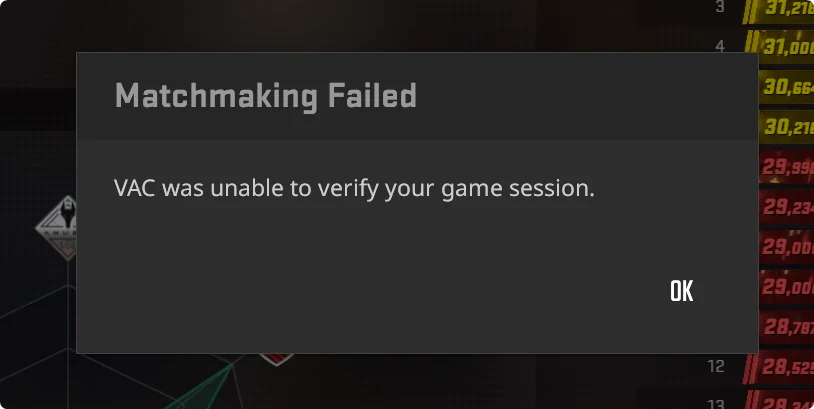
Since the release of Counter-Strike 2, the ‘VAC Was Unable to Verify Your Game Session’ error has continued to haunt the CS2 player base time and again. While most CS2 players have encountered this infamous matchmaking error at least once, some report experiencing it repeatedly on specific occasions.

The ‘VAC Was Unable to Verify Your Game Session’ error is one of the most annoying issues that you can face when playing CS2. Not only does it completely prevent you from queuing in any official game mode, but it can also be extremely difficult to troubleshoot since there is no specific cause that triggers this problem.

If you’re facing the ‘VAC Was Unable to Verify Your Game Session’ error in CS2, and looking for ways to solve this problem, we have you covered.

How To Fix VAC Unable To Verify Game Session Error in CS2

CS2 VAC Unable To Verify

As mentioned earlier, the matchmaking failed CS2 error can be caused by various reasons, and it can often be difficult to pinpoint the exact cause. Luckily, this issue can be easily fixed by following a few simple steps.

  • Close Background Apps: If you have any programs running in the background, the first thing you should do is close them, as VAC might be falsely flagging them as suspicious. Once done, relaunch CS2 and see if it fixes the problem.
  • Restart Steam: Oftentimes, a simple Steam restart is enough to solve the VAC matchmaking error in CS2. Close CS2, exit out of Steam, then log back in and the issue should likely be resolved.
  • Restart Your PC: If restarting Steam doesn’t solve the problem, the next step is to restart your PC. After restarting your PC, close any unwanted startup apps and try launching CS2 again.
  • Verify Game Files: The VAC Was Unable to Verify Your Game Session’ error can also be caused if you have corrupted game files. To solve this problem, go to your Steam library, right-click CS2 > Properties > Installed Files, and click on ‘Verify Integrity of Game Files’. Wait for the verification process to finish and relaunch CS2.
  • Reinstall CS2: If everything else fails, your best bet is to uninstall CS2 and reinstall a fresh copy of the game.

If you followed the aforementioned steps correctly, your CS2 matchmaking error should likely be fixed.

Anime Vanguards Codes for September 2024

0

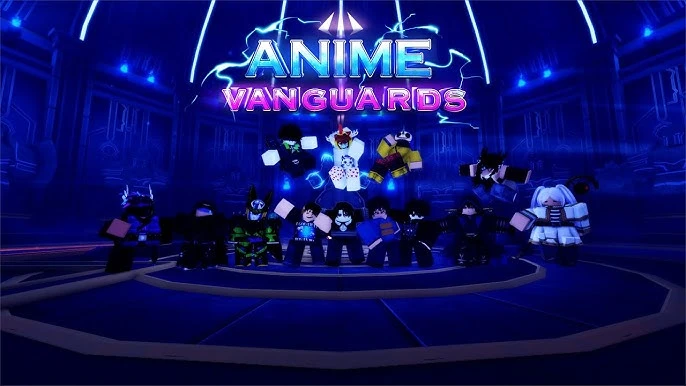
Your mission as an Anime Vanguards guardian is pretty straightforward: to protect your favorite worlds from evil clutches. To pull off such a daring feat, you will need an arsenal that can pack quite a punch. That is where Anime Vanguards codes come into play.

In this way, you will be able to get Gems, Gold, and many other resources that would help in summoning new units and upgrading the already available ones. Moreover, having a stronger team on your back would help you face more challenges with assurance.

Anime Vanguards Codes for September 2024

  • 10KLIKES—350 Gems and 3,000 Gold 
  • 100KLIKES—500 Gems and 3 Super Stat Chips 
  • 200KLIKES—800 Gems and 1 Super Stat Chip 
  • 300KLIKES—900 Gems and 2 Super Stat Chips 
  • 10MVISITS—5 Rerolls 
  • DELAY—3 Super Stat Chips and 500 Gems
  • RELEASE—500 Gems and 1,000 Gold
Anime Vanguards Codes for September 2024

How to Redeem Codes in Anime Vanguards

It’s pretty easy to redeem these codes of Anime Vanguards in the game:

  • Open Anime Vanguards via Roblox.
  • There will be a button that will say “Codes”. Click on it.
  • There will be a text box. If there is, type in the code you want to redeem.
  • Once you have typed out your code correctly, press the “Redeem” or “Confirm” button. Your rewards are credited to your account.

Teams to Look at From ESL Pro League Season 20 Group a and B

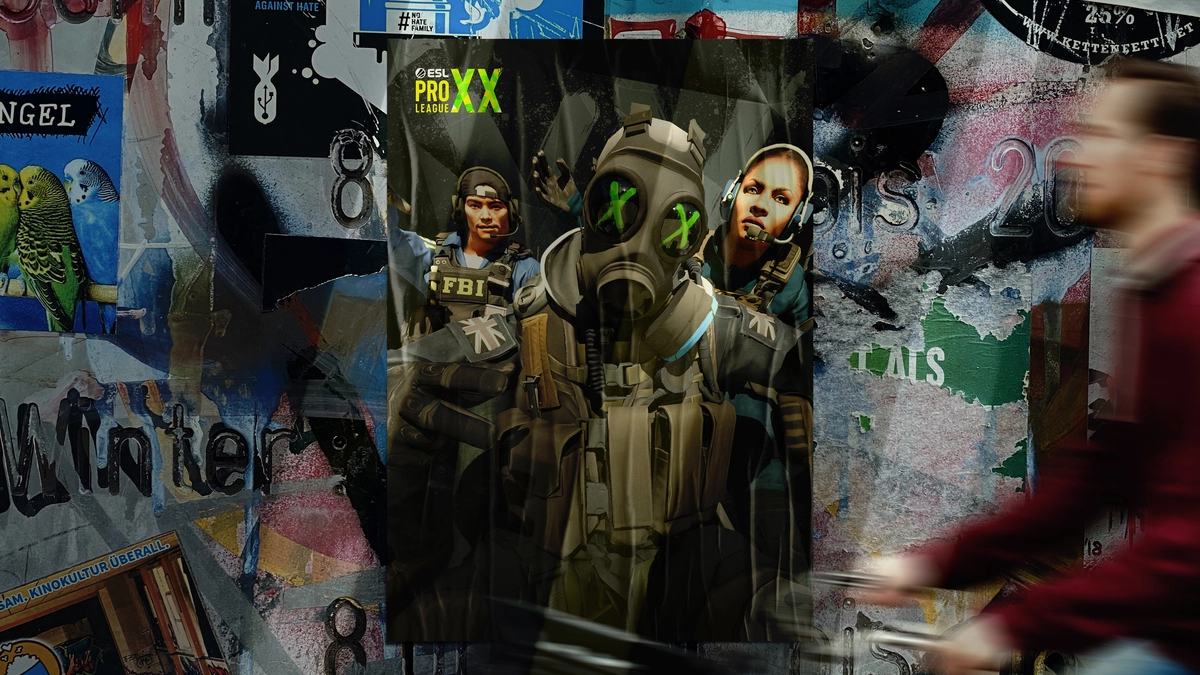
The ESL Pro League Season 20 is underway and with the conclusion of the first two groups, we have some of the teams that stood out as strong contenders for the title. Some names are quite obvious however others could raise a few eyebrows.

NAVI

Coming into the tournament as the best team in the world, NAVI has been the most dominant team leading upto the playoffs of EPL S20, The defending major champions have gone the entire way without dropping a single map, and like the upcoming major, they are heavy favorites to take home the trophy.

G2 Esports

m0nesy g2

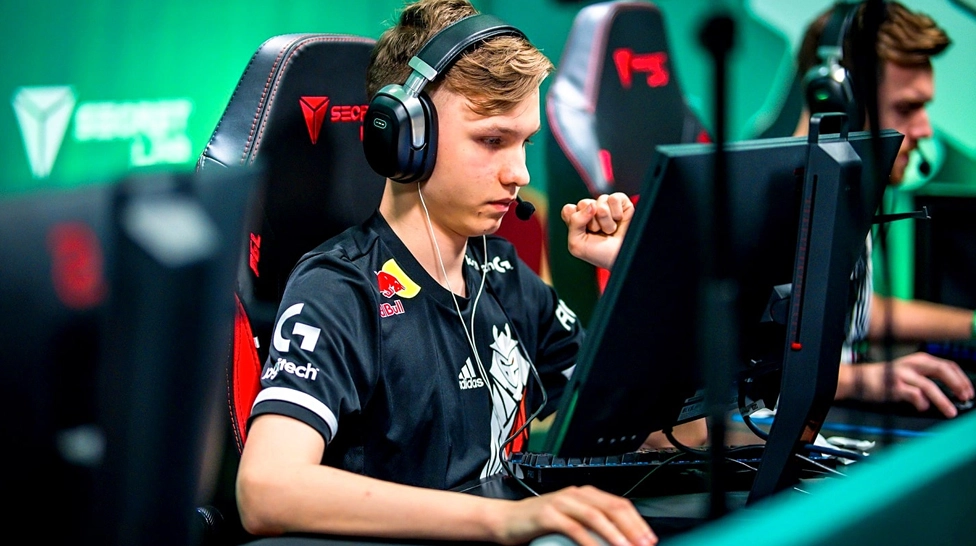
The addition of snax to the roster has produced mixed results but given the names of the team, it is very difficult to write them off even on their worst day. G2 established itself as a dominant force in EPL, winning all their matches while dropping a single map. malbs and NiKo are firing on all cylinders for G2 while Snax and huNter- are delivering the goods when called for. Despite a difficult start, m0NESY is still a challenge for any team in the world to overcome.

FaZe Clan

FaZe being FaZe, have cut it too close on several occasions throughout the entirety but they are known to go full throttle on the stage. Despite their recent struggles FaZe is a difficult team to get rid of on the stage and on their day, no team is unbeatable to their incredibly high standards.

How To Get Dot Crosshair in CS2?

If you’re looking to improve your aim in CS2, one of the first things you should do is get a better crosshair for yourself. Not only will a good CS2 crosshair help you land better headshots, but it can also improve your spray control and make your bursts more precise.

With thousands of crosshairs being readily available on the internet, finding the right crosshair can certainly get overwhelming at times. While it’s always a good idea to copy the crosshair of your favorite CS2 pro, a lot of experienced players might want to try the dot crosshair to increase their accuracy when playing the game.

The dot crosshair is generally used by players who like to tap with their weapon instead of spraying down their opponents. It can help you increase your overall headshot percentage and make you a better player with weapons like the AK-47.

How To Get the Dot Crosshair in CS2

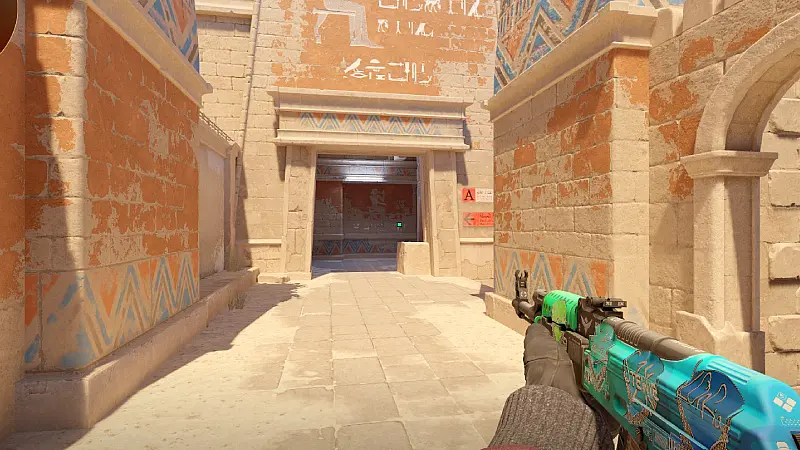
CS2 dot crosshair

Now that you’re aware of the benefits of having a good crosshair, you might find yourself wondering about how to get the dot crosshair in CS2.

Getting the dot crosshair in CS2 is extremely simple and takes no more than a few seconds.

All you need to do to get the dot crosshair in CS2 is to copy one of the following crosshair codes and paste it into your game:

  • CSGO-JaaMN-QODox-vueWF-sdtLn-PU9vO (Outlines Enabled)
  • CSGO-rpnKr-SAeJq-EDzHA-e9Ocf-tUfOQ (Outlines Disabled)
  • CSGO-bGEA7-wox5Y-BEFec-HEyF7-V3OtQ (Box Dot Crosshair)

How To Import Crosshair Codes in CS2

To import these crosshair codes to your game, follow these steps:

  • Launch CS2.
  • From the main menu, click on the settings cog on the top left of your screen.
  • Click on ‘Game’.
  • Head over to the ‘Crosshair’ section.
  • Click on ‘Share or Import Code’.
  • Paste the code you have copied.
  • Hit ‘Import’.

And that’s it! You have successfully imported the dot crosshair to your game and can now use it when playing CS2.

How To Boost CS2 FPS in 2024?

Counter-Strike 2 is a highly competitive game, where players are looking to get every advantage they can to gain the upper hand in combat against their opponents.

If you’re grinding the Premier game mode in CS2 and looking to climb the ranking spectrum of the shooter, then you should look to optimize your game to be able to maximize your chances of winning gunfights and carrying games for your team.

One of the best things you can do right away to improve your gunplay is to increase the overall FPS you get when you’re playing CS2. Boosting your CS2 FPS will not only enable you to spot enemies faster, but you’ll also have a much easier time landing headshots and spraying down your enemies.

If you want to increase your CS2 FPS, look no further. In this guide, we take a detailed look at how you can boost your CS2 FPS and make your game run much smoother than before.

How To Boost CS2 FPS Explained

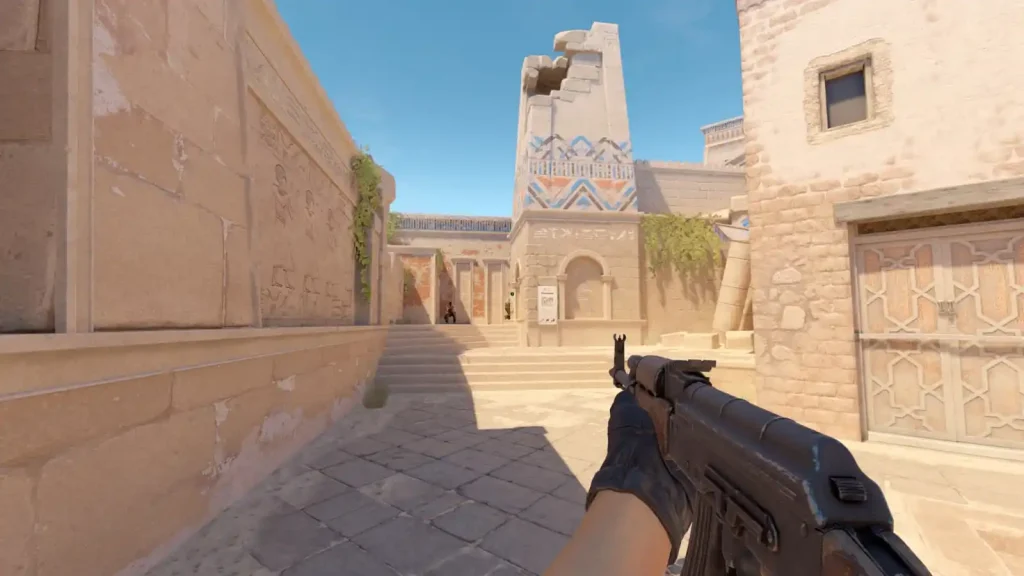
CS2 FPS boost

Without further ado, let’s take a look at some of the best methods that you can adopt to boost your FPS in CS2.

  • Video Settings: Optimizing your CS2 video settings is crucial to improving your overall FPS in the game. However, you have to make sure that the visibility of your game is not impacted when you’re trying to maximize your FPS. If you’re looking to find the right balance between performance and visibility in CS2, feel free to check out the best CS2 video settings that we’ve covered before.
  • Resolution: While playing at native resolution might give you the most beautiful visuals in CS2, you can opt to lower it to get a significant spike in your FPS count. A lot of CS2 pros choose to play on lower 4:3 resolutions for the added FPS, with some even suggesting that the narrower aspect ratio improves their aim.
  • NVIDIA Settings: Having the right NVIDIA settings can help you gain a noticeable FPS boost when playing CS2. Below, we have included the best NVIDIA settings to use when playing CS2 for the best in-game performance:
    • Image Scaling: Use global setting
    • Anisotropic Filtering: Application-controlled
    • Antialiasing FXAA: Off
    • Antialiasing Gamma Correction: Off
    • Antialiasing Mode: Application-controlled
    • Antialiasing Transparency: Off
    • Background Application Max Frame Rate: Off
    • CUDA – GPUs: Use Global Setting (All)
    • Low Latency Mode: Off (Enable from in-game)
    • Max Frame Rate: Off
    • Multi-Frame Sampled AA (MFAA): Off
    • Texture Filtering – Anisotropic Sample Optimization: Off
    • Texture Filtering – Negative LOD Bias: Off
    • Texture Filtering – Quality: High Performance
    • Texture Filtering – Trilinear Optimization: On
    • Threaded Optimization: Auto
    • Triple Buffering: Off
    • Vertical Sync: Off
    • Virtual Reality Pre-rendered Frames: 1
  • Disable Game Bar: Leaving the Game Bar enabled can cost you a decent chunk of FPS when you’re playing CS2. To disable the Game Bar, press the windows key on your keyboard, type in “Enable Game Bar” in the search bar, and turn the Game Bar off.
  • Disable Instant Replay: If you’re an NVIDIA user, your GeForce Experience might be recording your CS2 gameplay which can result in you getting lower FPS than normal. To disable it, hop in-game, press ‘Alt’ + ‘Z’ on your keyboard, and disable Instant Replay. If you want to capture a highlight, you can always do so later via the demos section.

Following the aforementioned tips, you should notice a significant boost in your CS2 FPS. Remember, even small adjustments can make a big difference in a fast-paced game like CS2, giving you a crucial edge over your competition. Keep experimenting with settings to find what works best for your game, and you’ll find yourself reaching your dream rank in no time.

ENCE Sign Former Big Clan Coach

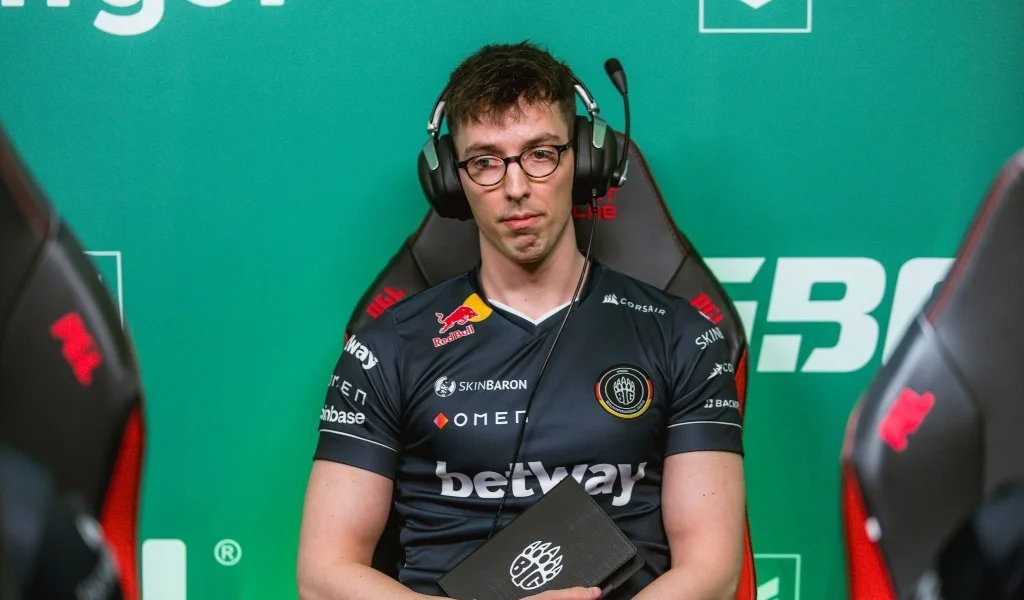
German coach Niclas “⁠enkay J⁠” Krumhorn has been appointed the new head coach of the ENCE roster after a run of poor form that saw the team fall as low as 28 in the HLTV world rankings.

The Finnish organization moved away from a regional roster after Alekib led to success back in 2019. Since then, the team struggled to maintain any level of consistency that saw the organization make singing after signings to little to no effect.

Under the leadership of Danish IGL Marco “snappi” Pfeiffer the team performed well for a brief period but failed to be consistent for longer periods.

After the fallout of the legendary Astralis roster, gla1ve joined ENCE to steer the ship in the right direction but even he had struggled to keep the team consistent at the top level.

With little to no success, the team acquired a string of talents from across the EU and signed the veteran sdy to round off the roster. The team showed promise but that failed to bring home a trophy.

enkay J⁠ with his past experience in several roles including analyst, coach and an IGL will look to be the glue that brings this roster together.

“I am super excited to join such a prestigious organization as ENCE, and I feel very privileged to be here,” enkay J said in a statement. “My goal is to bring the team back to the top 10 of the world rankings. I want us to work hard, enjoy playing Counter-Strike, and improve together, day in and day out.”

enkay J⁠ would have a difficult task ahead of him to get this roster to winning ways. He has assigned the HLTV top 10 ranking as the first stepping stone towards success but with the Major right around the corner it won’t be easy tackling teams who are preparing for it.

How to Earn More VC in NBA 2K25?

0

In NBA 2K25, whether you want to build your MyPlayer into a superstar or dominate the courts in MyTeam, Virtual Currency or VC is the lifeblood. Of course, one can buy it rather easily with some real money. However, there are plenty of ways how to get some VC for free.

Let’s find out all the ways you can earn more VC in NBA 2K25.

How to Get More VC in NBA 2K25?

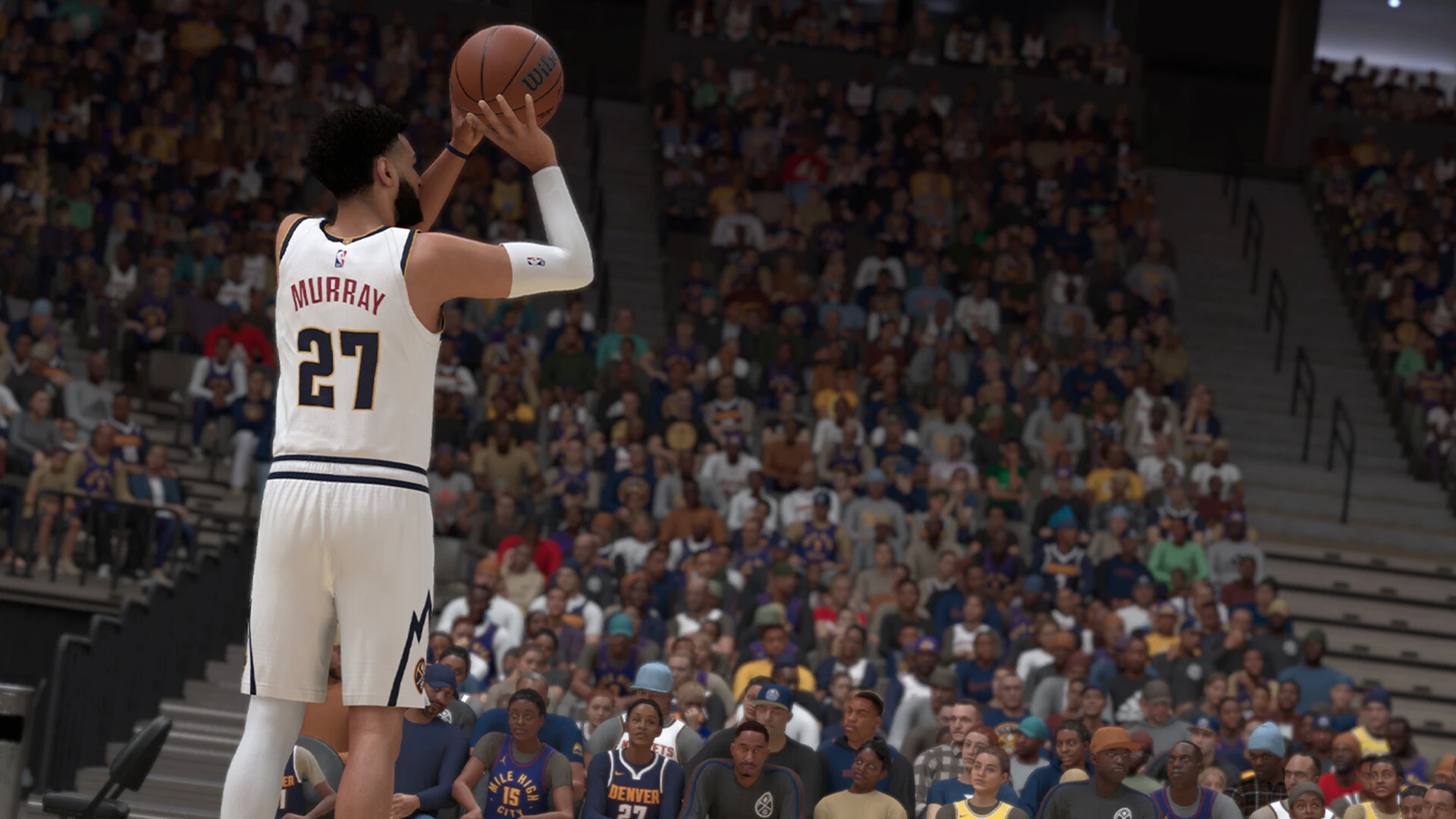
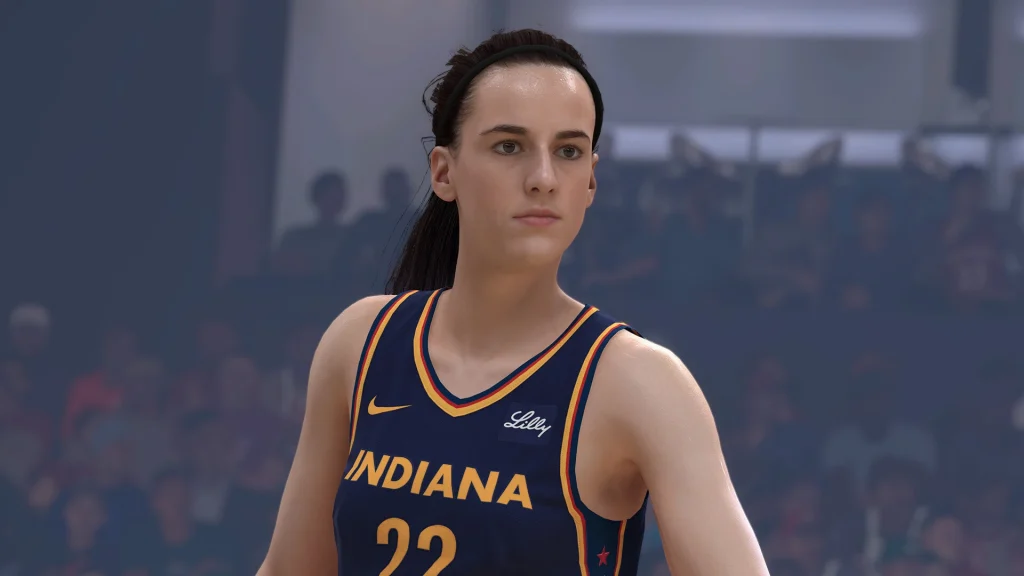
NBA 2K25

The easiest ways to get these are by grinding through MyCareer mode and playing in the Park. For example, completing games, progressing your journey, and winning matches give you VC. While it’s possible that 2K tweaked the free VC payouts compared to previous years, the amount you gain from playing consistently is still relatively high.

Also, be on the lookout for the occasional Locker Codes which give out sizable VC bonuses. You may also want to take part in the 2KTV quizzes, which are kind of fun and can give you a decent amount of VC. Again, these are far from regular sources of income, but they will give you some nice supplements to your VC revenues.

If you’re into the real-life NBA, the daily ‘pick ’em‘ feature allows you to earn an easy VC by correctly determining the outcomes of games. You will get a manageable amount of VC from simply picking the correct winner. Keep in mind the need to spin your daily Lucky wheel, as this is another way in which you can acquire free VC.