Tuesday, May 5, 2026
Home Blog Page 418

How To Invest in CS2: Counter-Strike 2 Investing Guide

Being one of the most popular competitive shooters on the internet and the biggest game on Steam, Counter-Strike 2 has managed to develop a steady and community-driven market for its cosmetics. The constantly growing nature of the CS2 market is evident by taking a quick glance at the Steam Community Market, the front page of which is dominated by CS2 skins and other items from the game.

Due to the wide variety of cosmetics that CS2 boasts, avid players often opt to invest in CS2 items with hopes of upgrading to better skins, getting their dream knife, or to simply increase their Steam wallet balance.

However, CS2 investing isn’t an easy task, especially if you’re new to the game. If you’re not aware of what you’re doing when starting out with investing in the CS2 market, then it’s easy to find yourself losing money and repeatedly making bad investments.

Making the right CS2 investments is crucial if you’re looking to upgrade your current inventory and make some money for your Steam wallet.

How To Invest in CS2
How To Invest in CS2

While investing in CS2 can certainly feel overwhelming for new players, it can get a lot easier once you know where to invest.

Without further ado, let’s check out some of the best CS2 investments you can make right away to have a good chance at increasing your inventory value:

  • Sticker Capsules: Tournament sticker capsules are some of the best investments that you can make in CS2. Since these capsules are only available to purchase for a limited amount of time in the game store, the prices of these items often escalate at a rapid pace on the market once the sticker sale ends. However, be aware that sticker capsules losing value over time is also not completely unheard of.
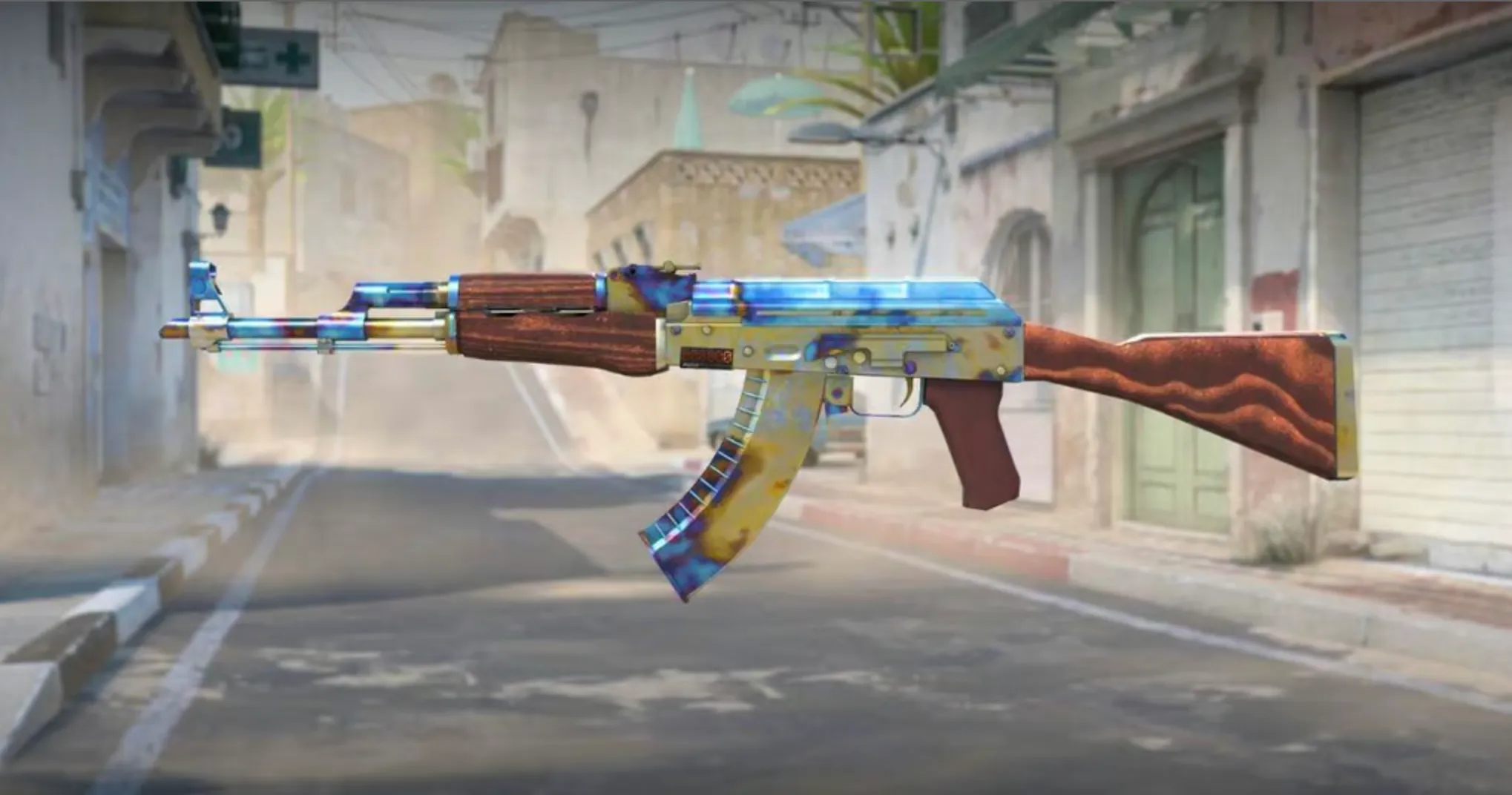
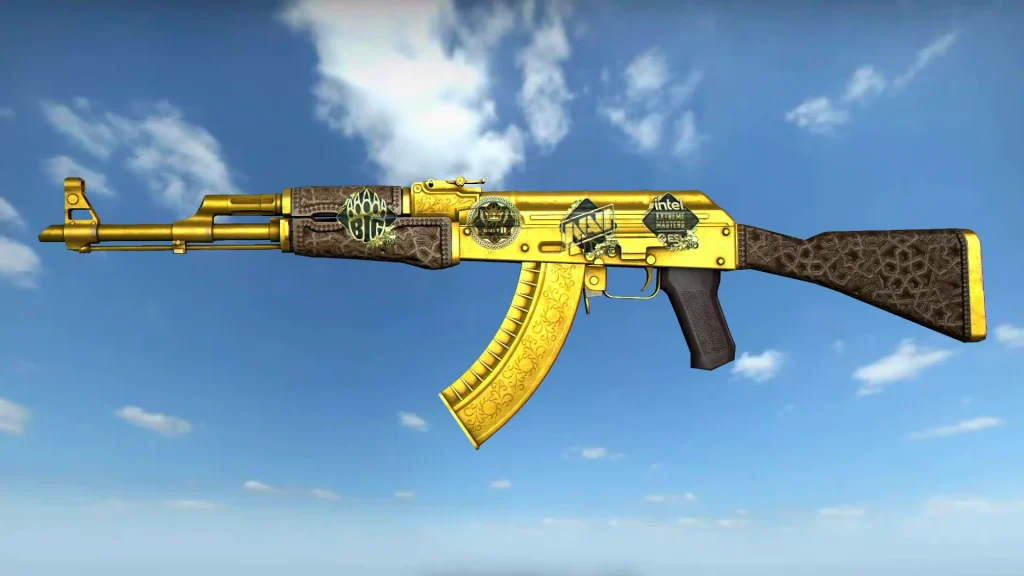
  • Rare Skins: Older skins like the AK-47 Vulcan and AWP Lightning Strike have served as great investments for players who managed to grab them when they were cheaper and more readily available. As Valve continues to release new cases in CS2, the older cases are becoming increasingly rare, driving up the value of their contents.
  • Operation Cases / Discontinued Cases: While some Operation cases are still a part of the rare drop pool in CS2, cases like the Operation Riptide Case or the Shattered Web Case have been completely discontinued and can no longer be obtained from drops. The only way to obtain them is by purchasing them directly from the Steam market. This has driven the values of these cases up significantly, and many players have made a good chunk of profit by investing in these discontinued cases.

While there are plenty of other lucrative investments in CS2, the aforementioned ones were some of the most popular investment methods that CS2 players opt for.

Note that there’s always a factor of risk involved while investing in CS2 skins. While the risk can be minimized by doing proper research before investing in CS2, don’t be surprised if you see your investments depreciating in value over time. 
When is the Next CS2 Care Package Drop Reset?

0

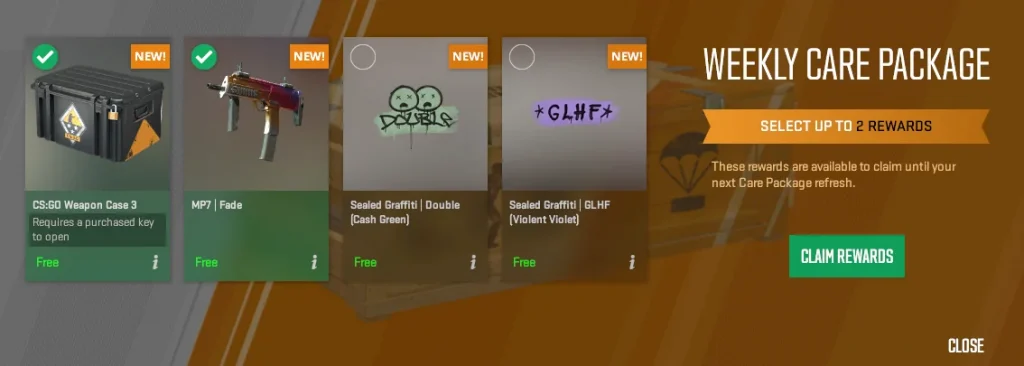
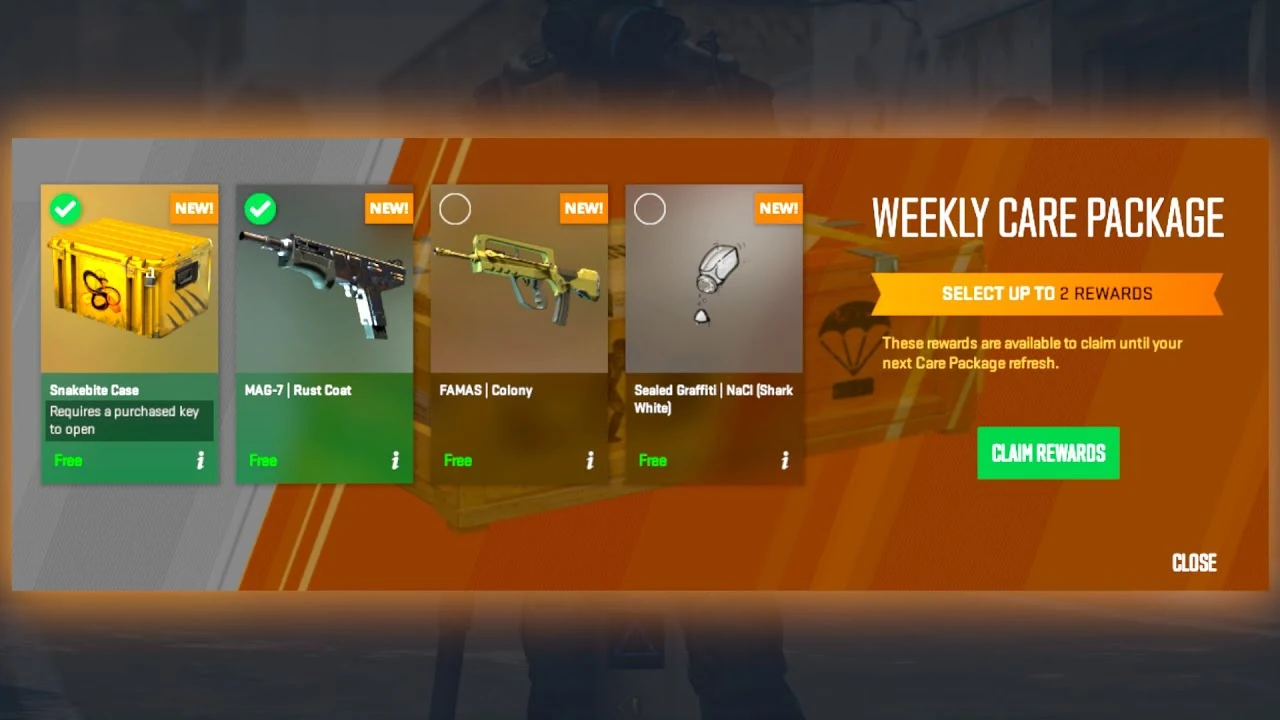
Counter-Strike 2 has a weekly drop system that enables players to earn Care Packages every week by simply playing the game for a few hours. The contents of the Care Package vary between players, with some players occasionally being able to obtain rare items like the SG Integrale or the CS:GO Weapon Case, which can easily be sold for hundreds of dollars.

The weekly Care Package drops in CS2 are a significant improvement over the former drop system of CS:GO. Not only does it encourage players to actively play the game instead of AFK-ing in Deathmatch servers, but it also enables CS2 players to pick the drops they prefer from a number of different items.

If you have already received this week’s CS2 drop, you might be wondering, ‘When will the next CS2 Care Package drop reset?’

In this article, we take a look at everything you need to know about the next CS2 Care Package drop reset time.

CS2 Care Package Drop Reset Time

CS2 Care Package

The Weekly Care Package for CS2 is refreshed every Tuesday at 8:00 PM CT / 6:00 PM PT. Based on this, it’s safe to say that the next CS2 drop reset will occur on Tuesday, September 17th, at the same time.

Once the Care Package drops reset, you will have to level up your account once to get your weekly CS2 drop.

Note that only Prime CS2 members are eligible to receive Care Packages in CS2. If you don’t have a Prime membership, you won’t be able to receive any in-game drops or participate in ranked games.

How to Follow Someone on Roblox?

0

Following friends and finding new creators to follow is relatively easy on Roblox by using the built-in feature to follow another player, much like most social media sites. Following players in Roblox lets you see what they’re up to, join any in-progress games that they may be playing, and receive updates about new places they publish.

This tutorial will walk a long-serving Roblox fan or a curious newcomer through using the following system.

How to Follow Someone on Roblox?

How to Follow Someone on Roblox?

First of all, to be able to follow other players, you need to have a Roblox account. If you have not created an account yet, that process is also very quick and painless. Second of all, after having logged into your account, it would now be time to find the person whom you wish to follow. At the top of the screen when on the Roblox website or in-app, there should be a search bar. You could type in your friend’s username, your favorite content creator, or anyone else with whom you would like to connect.

As soon as you see the profile that fits your search, you will be redirected to the player’s page. Next to their username is a menu containing three dots. Click on those three dots and you will see options, including the very essential option: “Follow”. You can now click “Follow” to keep yourself updated with this certain player. It toggles to “Unfollow” if someday you feel you are no longer interested in viewing his or her updates anymore.

Following a player in Roblox gives two major benefits. First, their profile will pop up on your home page so that you can easily tell what game they are currently playing to just jump right in and join them for fun. When the player allows the “join in-experience” setting, you will directly join an ongoing game of that player with just one click. This will enable you to easily drop into your friends’ adventures without having to hunt around for that same game.

By following players on Roblox, you unlock a portal to new dimensions of connection and shared experiences. Have you already followed someone on Roblox, be it your crush or your friend?

League of Legends Will Soon Introduce Voice Chat to Chinese Servers: Developers

0

Riot Games has finally hinted at the long-awaited addition of team voice chat to League of Legends. During a recent developer update, the Chinese team teased this feature as an upcoming addition to the popular MOBA. While the specific details remain under wraps, the announcement has generated significant excitement among the League community.

The revelation came during Riot’s 13th-anniversary celebration for the Chinese region. Xiao K, from the League of Legends Chinese server operations team, highlighted team voice chat as one of the key product enhancements on the horizon. This marks a significant step forward for the game, as voice chat has been a consistently requested feature since its launch.

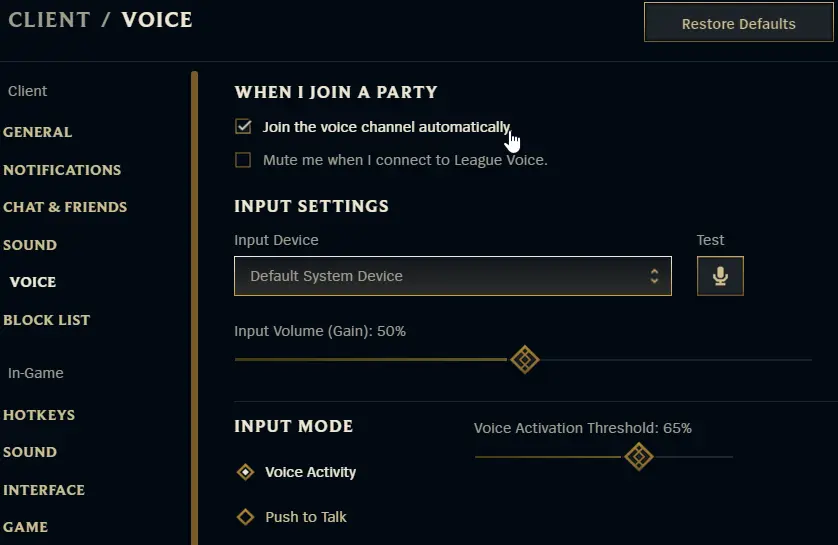
While VALORANT, Riot’s tactical shooter, has included voice chat from the outset, League of Legends players have often felt disadvantaged by its absence. While the game introduced a party voice chat system years ago, this feature was limited to pre-made groups and did not extend to random teammates.

The Chinese region has a history of receiving exclusive content and features before they are released globally. VALORANT Mobile, for instance, is currently in beta testing exclusively in China. Similarly, the reported TCG, Rune Battlegrounds, is expected to launch initially in the region.

The addition of team voice chat to League of Legends is a testament to Riot’s commitment to enhancing the player experience and keeping pace with the evolving landscape of competitive gaming. As more details emerge, fans eagerly await the opportunity to communicate directly with their teammates and strategize in real time.

CS2 Ratings & Ranking System Explained

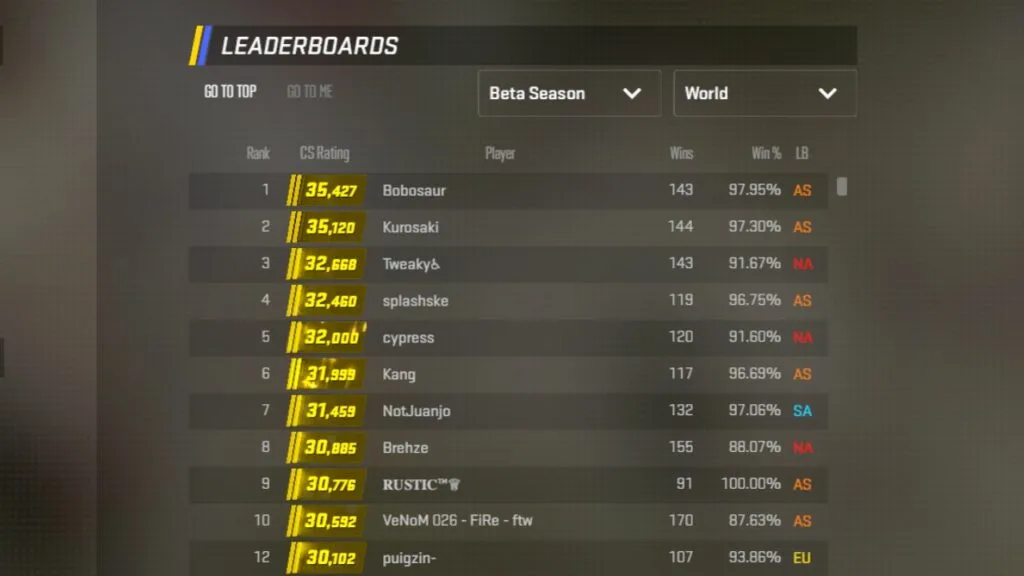
With the launch of Counter-Strike 2 in September 2024, CSGO players were greeted with an entirely new rating system associated with the Premier game mode of the title. The new ranking system represented players’ ranks via numerical values, which was a significant change from the CSGO ranking system that spanned from Silver 1 to Global Elite.

The Premier mode is the primary form of competitive game mode in CS2. While players are allowed to queue for separate maps and have map-specific rankings, both the regional and global leaderboards are exclusively based on the Premier ranks, also known as the ‘CS Rating’.

CS2 Ranking System: CS Rating Explained

CS2 Ranking System

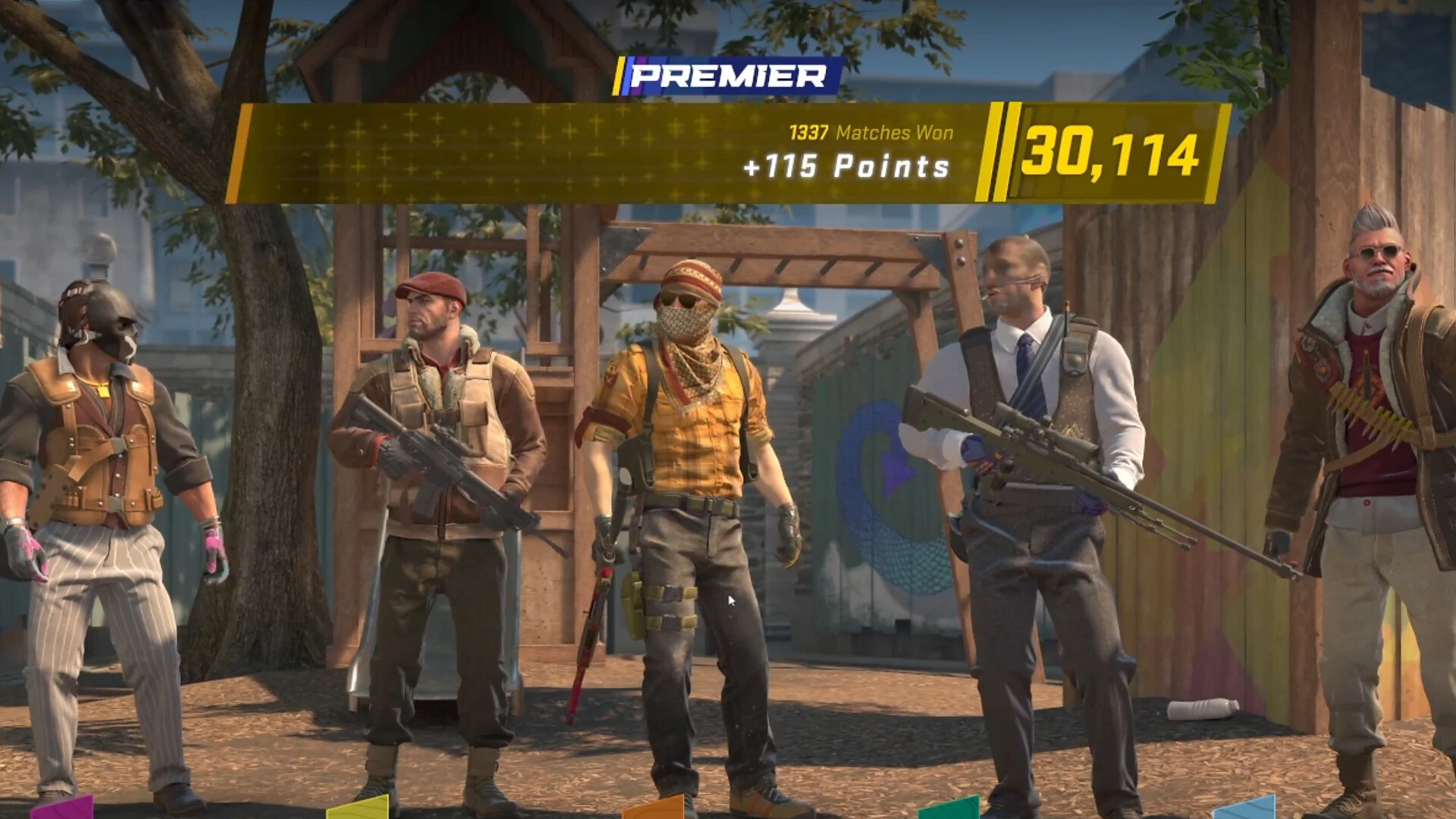
After a player wins 10 games in Premier mode, they are automatically given a CS rating, which is based on their in-game performances. The CS rating starts at 1,000 and can even exceed 40,000. Every 5,000-point increment in the competitive leaderboards of CS2 is represented by a distinct color.

CS rating can be earned by winning games in the Premier matchmaking and is lost upon losing games. The amount of CS rating gained or lost in a game is based on a number of different factors including the match result, your personal performance, and more.

CS2 Rating vs CSGO Ranks List

Below is a list of the different CS rating brackets along with their approximate corresponding CS Ranks:

RatingCSGO rank equivalent
1,000-4,999Silver
5,000-9,999Gold Nova
10,000-14,999MG – MGE
15,000-19,999LE – LEM
20,000-24,999SMFC– Global Elite
25,000-29,999Global Elite
30,000+Global Elite

Now that you’re aware of the various skill brackets of Counter-Strike 2, it’s time to hop in-game and grind for the rating you want!

CS2 Community Servers Gets Snap Tap Detection

Razer’s Snap Tap generated quite the commotion within the community which finally rested upon Valve banning it from its official servers along with all Valve-sponsored events.

This decision by Valve prompted every major Counter-Strike tournament organizer to make changes. As things stand, all major tournament organizers have banned the use of any and all automation scripts.

Upon the latest update, Valve has opened up its automation detection which lets community servers along with all non-valve servers ability to detect the use of Snap Tap. Faceit ESEA server will now be able to detect players using such features.

As we continue to debate the use of such features, Valve has completely denied the use of, and building upto the major, we go with players using their natural mechanical skills.

CS2 Pro Players’ Settings: Crosshair, Viewmodel, & More

Counter-Strike 2 offers extensive customization options, allowing players to personalize everything from crosshairs and HUD elements to in-game viewmodels. However, due to the sheer number of customization options available, it can easily become overwhelming, especially for new players trying to adjust every aspect of the game.

This is why it’s often a good idea for new and experienced players alike to copy the settings of a professional player. Not only will it make it easier for you to take down your enemies, but it will also save you the trouble of figuring out which configurations work best in the shooter.

If you’re here to know more about pro players’ settings in CS2, we have you covered. In this article, we take a look at the in-game settings of some of the most popular CS2 pros including Danil “donk” Kryshkovets, Ilya “m0NESY” Osipov, and more.

Pro Players’ CS2 Settings

CS2 Pro Players

Without further ado, let’s get straight to the list of some popular CS2 pros and their in-game settings.

Donk CS2 Crosshair Settings

  • Crosshair Code: CSGO-Jhfkc-4UpR6-DJftC-VfGek-pL3ED

Donk CS2 Video Settings

Resolution1280×960
Aspect Ratio4:3
Scaling ModeStretched
Brightness104%
Display ModeFullscreen

Donk CS2 Advanced Video Settings

Boost Player ContrastEnabled
V-SyncDisabled
NVIDIA Reflex Low LatencyDisabled
NVIDIA G-SyncDisabled
Multisampling Anti-Aliasing Mode8x MSAA
Global Shadow QualityHigh
Model / Texture DetailLow
Texture Filtering ModeTrilinear
Shader DetailLow
Particle DetailLow
Ambient OcclusionDisabled
High Dynamic RangeQuality
FidelityFX Super ResolutionDisabled (Highest Quality)

Donk CS2 Viewmodel 

FOV68
Offset X2.5
Offset Y0
Offset Z-1.5
Presetpos2

M0NESY CS2 Crosshair settings

  • Crosshair Code: CSGO-OUHO2-bWakt-2EThQ-JJisR-6sWPA

M0NESY CS2 Video Settings

Resolution1280×960
Aspect Ratio4:3
Scaling ModeStretched
Brightness93%
Display ModeFullscreen

M0NESY CS2 Advanced Video Settings

Boost Player ContrastDisabled
V-SyncDisabled
NVIDIA Reflex Low LatencyDisabled
NVIDIA G-SyncDisabled
Multisampling Anti-Aliasing Mode8x MSAA
Global Shadow QualityHigh
Model / Texture DetailLow
Texture Filtering ModeBilinear
Shader DetailLow
Particle DetailLow
Ambient OcclusionHigh
High Dynamic RangeQuality
FidelityFX Super ResolutionDisabled (Highest Quality)

M0NESY CS2 Viewmodel

FOV68
Offset X2.5
Offset Y0
Offset Z-1.5
Presetpos2

NiKo CS2 Crosshair Settings

  • Crosshair Code: CSGO-dDHCn-2TLLt-FWcfa-ytnLx-WXvaL

NiKo CS2 Video Settings

Resolution1350×1080
Aspect Ratio4:3
Scaling ModeStretched
Brightness93%
Display ModeFullscreen

NiKo CS2 Advanced Video Settings

Boost Player ContrastEnabled
V-SyncDisabled
NVIDIA Reflex Low LatencyEnabled + Boost
NVIDIA G-SyncDisabled
Multisampling Anti-Aliasing Mode8x MSAA
Global Shadow QualityHigh
Model / Texture DetailLow
Texture Filtering ModeTrilinear
Shader DetailLow
Particle DetailMedium
Ambient OcclusionHigh
High Dynamic RangeQuality
FidelityFX Super ResolutionDisabled (Highest Quality)

NiKo CS2 Viewmodel 

FOV68
Offset X2.5
Offset Y0
Offset Z-1.5
Presetpos3

BMPS 2024 Round 3: All 48 Qualified Teams and Group Distribution

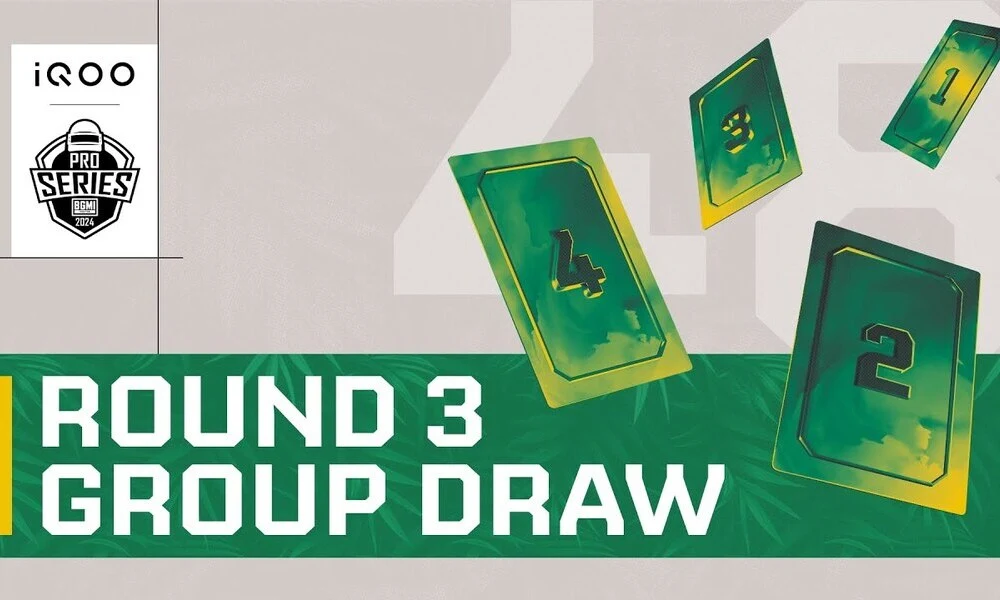
Battlegrounds Mobile India Pro Series 2024 (BMPS 2024) – BMPS 2024 Round 2 has officially concluded with 48 teams advancing to the next stage of the tournament. For BMPS 2024 Round 3, these 48 qualified teams are now divided into three equal groups, thus setting the foundation of Round 3 which is all set to take place from 11th to 14th September.

With stakes higher than ever, these teams are only a few steps away from the  Semi-Finals, where the top 24 will emerge to compete for the only 16 slots in the Grand Finals. Below are teams and group distribution for Round 3.

BMPS 2024 Round 3 Teams and Group Distribution

The 48 qualified teams are divided into three groups, each consisting of 16 teams. Following are the three groups and all the teams in each group for BMPS 2024 Round 3.

Group 1

Following are the 16 teams in Group 1:

  1. Team Insane
  2. Blind Esports
  3. IMPRNT
  4. MOGO Esports
  5. RTGxIND
  6. Team Crow
  7. FS Esports
  8. Hyderabad Hydras
  9. Team Lolzzz
  10. Team Versatile
  11. Reckoning Esports
  12. Honoured Rivalz
  13. Gods Reign
  14. CarpeDiem
  15. Global Esports
  16. Team Soul

Group 2

Following are the 16 teams in Group 2:

  1. TCW
  2. WSB Gaming
  3. Karunaadu
  4. Legacy Esports
  5. TMG
  6. Team Dragons
  7. Inferno Squad
  8. R4W Official
  9. Team Bliss
  10. Team Limra
  11. Silly Esports
  12. Genxfm
  13. Orangutan
  14. Team 8Bit
  15. TWOB
  16. Phoenix

Group 3

Following are the 16 teams in Group 3:

  1. Rivals Ape X
  2. GlitchxReborn
  3. Sarkar Gaming
  4. Autobotz
  5. Team Cosmic
  6. 4Merical Vibes
  7. Medal Esports
  8. Ignite Gaming
  9. Numen Gaming
  10. WindGod
  11. Gujarat Tigers
  12. DO OR DIE
  13. THW
  14. Carnival Gaming
  15. Team XSpark
  16. Team GodLike

BMPS 2024 Round 3 Format Overview

In BMPS 2024 Round 3, the teams will face off in a series of 4 matches over two days (11th and 12th September). Following a reshuffling, the teams will then play another 4 matches from 13th to 14th September. Only the top 24 teams based on the overall standings will qualify for the Semi-Final.

Stay updated with the latest news in gaming and esports with TalkEsport. Follow us on Twitter and Google News to ensure you never miss the exciting updates.

Valve’s Deadlock Is Already Plagued With Cheaters

0

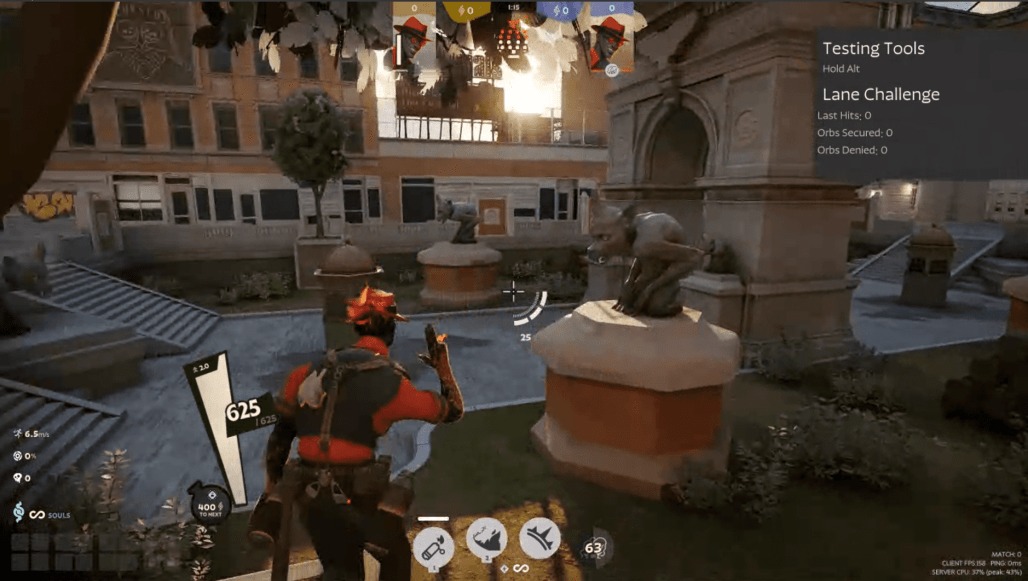
The online videos of players curving bullets around walls, automatically aiming at enemies, and other cheating behaviors in the Valve shooter Deadlock have already exposed the game’s cheating issues.

According to a video from a Reddit user, a player precisely timed a leap to evade an invisible Lightning Ball. They then open fire on a wall where their opponents emerge indicating the use of an aimbot.

Valve is notoriously famous for failing to deal with cheaters plaguing the game. The best example is Counter-Strike, arguably their flagship esports title that has cheaters at every level of the game to the point players opt for 3rd party servers and anti-cheat to play the game.

As of now, there is no way to report cheaters directly in the game. You can only report them through the game’s official Discord which makes it very inconvenient. Reporting being least of Valve’s problems as CS has been out for over a decade it still fails to eradicate the game from blatant cheaters despite having a functional reporting system.

The only way to get rid of cheaters at a large scale is for a ground-up rebuild of the anti-cheat system. Having a kernel-based anti-cheat like Valorant would help keep cheaters at bay to a great length.

Donk dominate S1mple in CS2 Showmatch

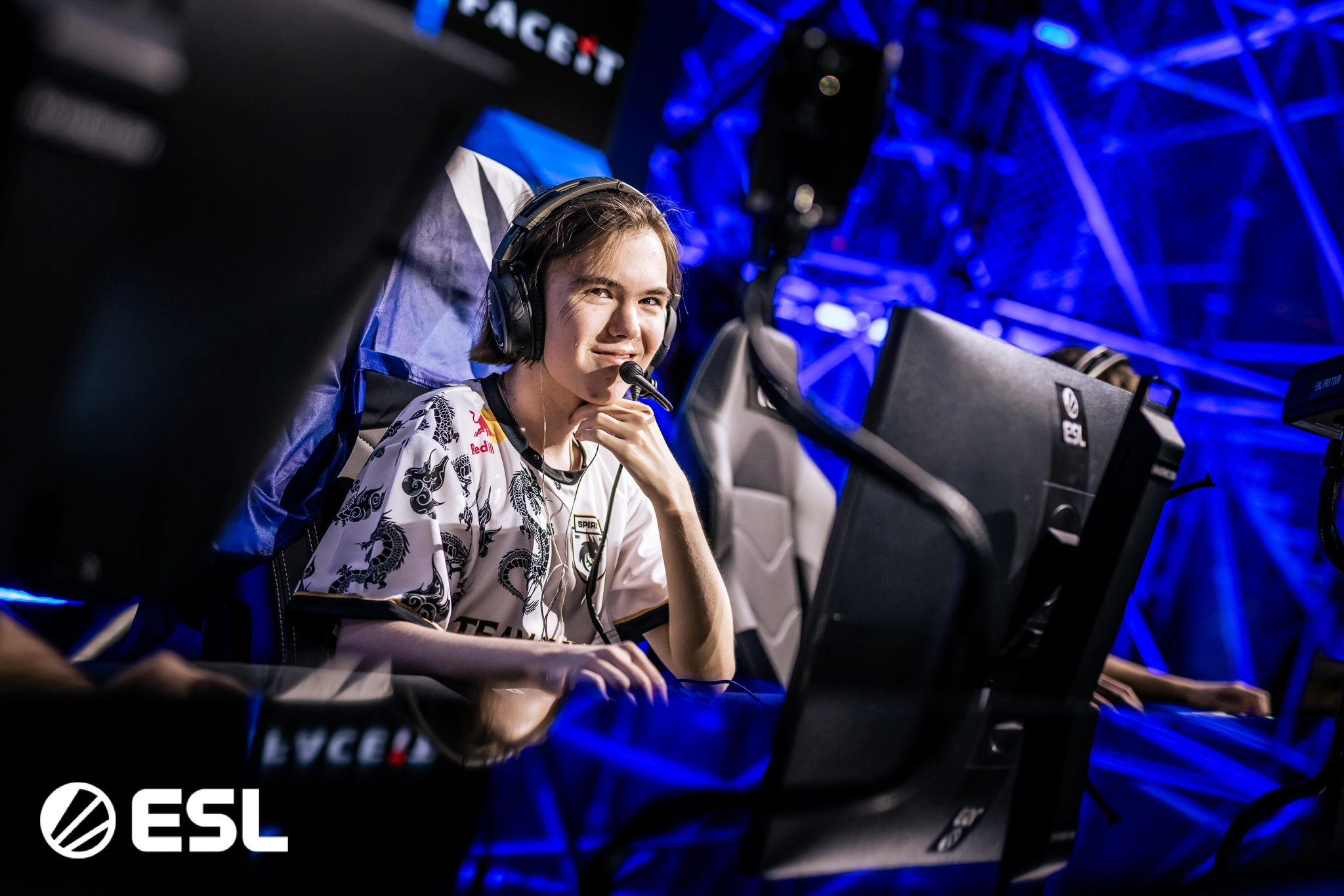
The prodigious Danil “⁠donk⁠” Kryshkovetshas just bested S1mple in a CS2 showmatch, dominating the legend by dropping 40 frags and cleanly sweeping his side with a 13-5 scoreline.

Showmatches are fun ways to get the fans out of professional matches which are played with a seriousness of a different degree. Such matches bring a feeling of refreshment where both parties are having fun however, in the showmatch where donk took on s1mple, the young gun was able to run all over the legend.

s1mple went on an indefinite hiatus and is unlikely to return. Being the best player throughout the entirety of CSGO, his CS2 career is nothing to write home about. Despite quitting professional CS, we can find s1mple playing Faceit every now and then.

donk on the other hand has put his name in the conversation to be the best player in the world. His talent is on full display at CS2 tournaments as he sits right up there with the ZyWoos and NiKos of the world.

It was quite clear that donk did not get the memo that this was a showmatch as he dominated s1mple and his team. It goes without saying that showmatches aren’t an indication of a player’s true potential, but to watch s1mple getting dominated in such a fashion is something that was unheard of.

It can be argued that s1mple has left his best days behind and isn’t grinding as hard as a professional like donk. As fans eagerly wait for the return of the GOAT, new talents keep on surfacing and as things stand, donk is the hottest prospect in CS2.