Tuesday, July 28, 2026
Home Blog Page 1265

How to fix Valorant Error Code 4?

0

Valorant is very well received by the gaming community right from its announced and closed beta testing. The game enjoyed fame in its very early stages and the developers quickly launched its global versions after a few months of testing. For a game that is newly built from scratch, there are bound to be some corners left unchecked. As a result, the Valorant Error Code 4 came out.

The error code 4 means that the system is not accepting your Riot ID. Therefore, you need to change it. Keep reading to know how to change your Riot ID.

How to change your Riot ID?

  • Click here and login to your Riot account.
  • After logging in, click on Riot ID on the left side.
  • Then click on the Edit symbol on the right side of your Riot ID.
  • Enter your new Riot ID.
  • Click on Submit.
  • Your Riot ID has been changed successfully.

Recommended | HOW TO FIX VALORANT ERROR CODE 5?

Nintendo Switch Update 13.2.0 Patch Notes

0

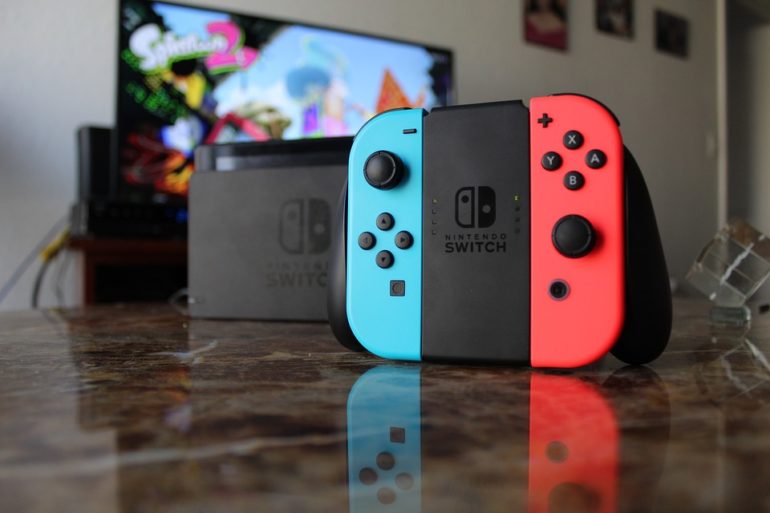
The new 13.2.0 Nintendo Switch update is released which is positively impacting the Pokemon players. The Brilliant Diamond and Shining Pearl players are now eligible to opt for the Master Ball and are free from the glitches that they were previously experiencing.

Now, let us learn what’s new with the update!

Most highly ranked Pokemon community players were previously tense about the update, but the situation has changed. The news broke that the players will not be able to get full advantage of the rare in-game items.

Nintendo is one platform that does things differently and stays out-of-the-box. Unlike the title updates, they mostly release the official details of the game with a little twist in the tale. If we talk about the patch notes, the content of the in-game Pokemon is mostly fixed along with the menu. 

Nintendo Switch 13.2.0 system update

Nintendo has yet not confirmed the whole set of updates, but the players are aware of the patch notes. The Pokemon players are also relieved after hearing that Pokemon Brilliant Diamond and Shining Pearl tweaks are unaffected by the latest patch update.

Multiple rumors also state that the black screen issue faced by several gamers is now fixed. Another fix which the update brought was the Chinese rating system after they introduced the support for CADPA. 

To conclude the entire update, we can say that the latest patch updates are “stable,” and gamers have nothing to worry about. 

Recommended | NINTENDO SWITCH ONLINE + EXPANSION PACK

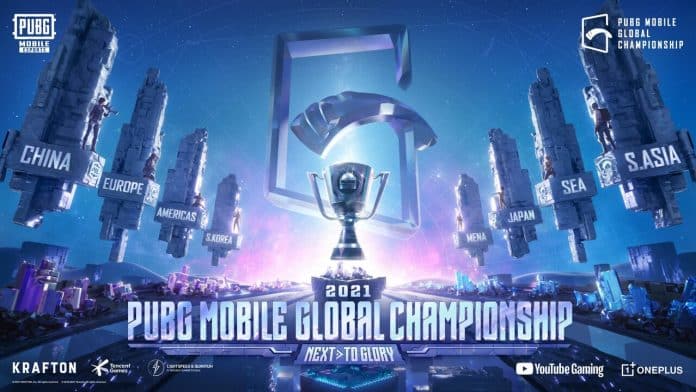
PMGC 2021 East Week 1 Day 2: Overall Standings and Results

0

The second day of the PMGC 2021 East week 1 League day ended with Stalwart Esports finishing at the top of the leaderboard with 118 points. The team managed to climb to the top position after starting their day at the fifth spot.

Tong Jia Bao Esports finished at the second spot with 92 points followed by Nigma Galaxy at the third spot with 91 points. Nova Esports fell down to the sixth spot from the second spot at the end of the day but managed to qualify for the super weekend 1.

PMGC 2021 EAST WEEK 1 DAY 1 OVERALL STANDINGS

  1. Stalwart Esports- 118 points
  2. Tong Jia Bao Esports- 92 points
  3. Nigma Galaxy- 91 points
  4. Team Reject- 83 points
  5. Rico Infinity Team- 80 points
  6. Nova Esports- 77 points
  7. Ms Chonburi- 70 points
  8. Six two Eight- 65 points
  9. Cryptics- 64 points
  10. 4 Rivals- 58 points
  11. Genesis Dogma GIDS- 56 points
  12. DRS Gaming- 52 points
  13. D’Xavier- 50 points
  14. Team Secret- 47 points
  15. Team Infinity- 46 points
  16. Deadeyes Guys- 41 points
  17. Bigetron RA- 41 points
  18. DAMWON Gaming- 36 points
  19. BC Swell- 21 points
  20. FaZe Clan- 21 points

Bigetron RA, Damwon Gaming, BC Swell and Faze Clan could not qualify for the super weekend for finishing in the bottom four spots.

The PMGC 2021 League Stage super weekend will be a single lobby event where each team will play a total of 15 matches in a week. Only points earned during the Super Weekend are cumulated towards the overall league standings. The top 16 teams advance to the League Finals.

Where to Catch Absol in Pokemon Brilliant Diamond & Shining Pearl

0

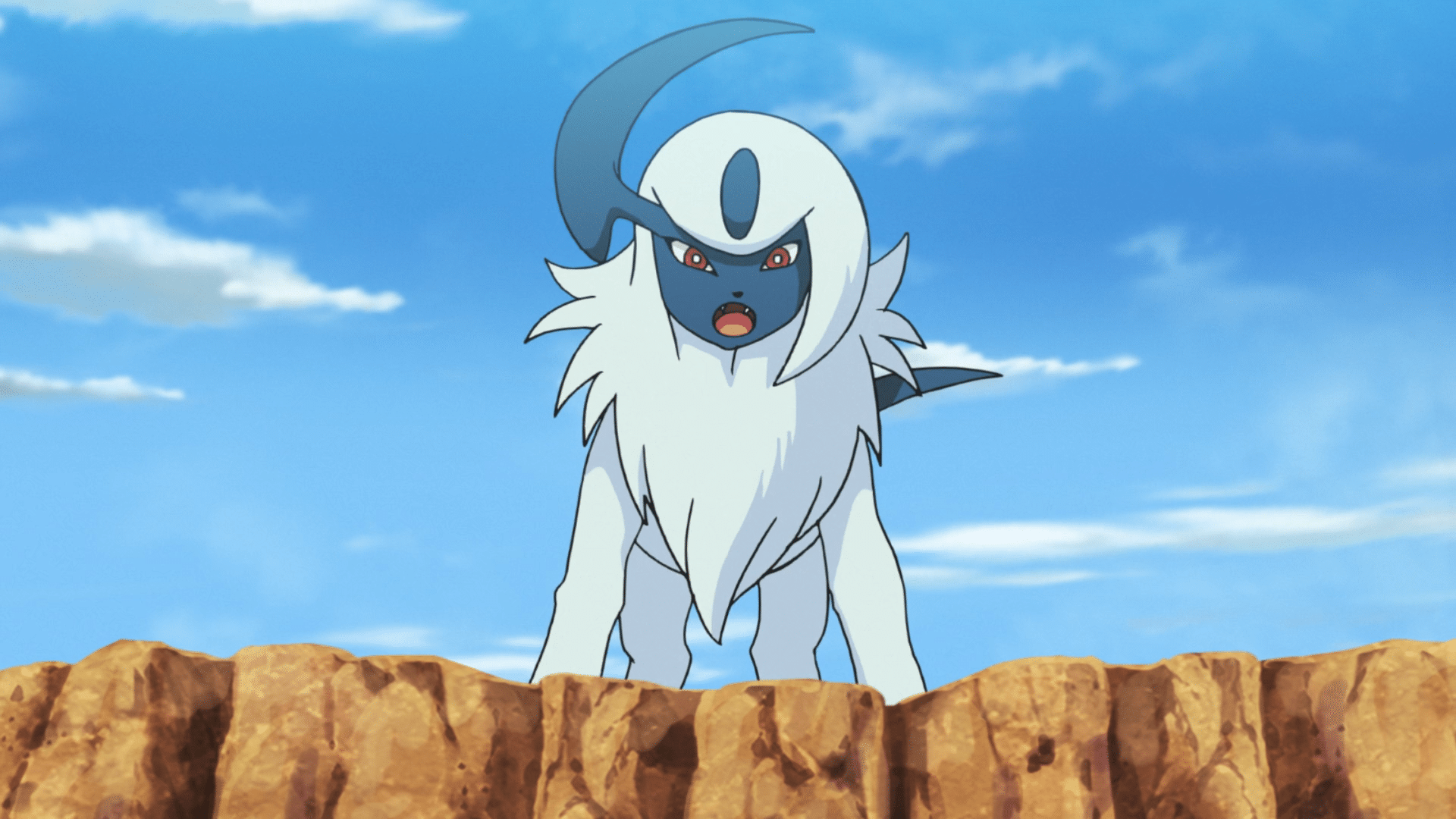
Absol is one of the most sought-after Dark types to have in the Pokemon games. Its impressive stats combined with its high damage-dealing moveset make it a great addition to any lineup in Pokemon. 

If you’re reliving the Sinnoh experience with Pokemon Brilliant Diamond & Shining Pearl, and want to get yourself an Absol, then we have you covered. 

However, it’s important to note that Absol is one of the rarer Pokemon in Pokemon BDSP, unlike some other strong Pokemon, and it can take you quite a while to get your hands on one. There are also a number of prerequisites to catching an absolute in Pokemon Brilliant Diamond & Shining Pearl. 

Firstly, you have to complete the game and get yourself the National Dex. Once you have the National Dex, you can start hunting for an Absol right away. 

Where to Catch Absol in Pokemon BDSP

Absol can be found in the Grand Underground at the following locations:

  • Big Bluff Cavern
  • Stargleam Cavern
  • Spacious Cave
  • Grassland Cave
  • Dazzling Cave

You can also find an Absol in a Swarm on Route 213. To do so, follow these steps:

  • Make sure you have the National Dex unlocked
  • Go to Sandgem and speak with Dawn or Lucas, who will then ask you to visit their house and speak with their little sister
  • Speak with the sister to learn about Swarms and check which Pokemon is in the first Swarm
  • Wait until Absol appears in a Swarm and go to the above-mentioned route

CSGO: BLAST Premier World Final To Take Place on LAN but Without Audience

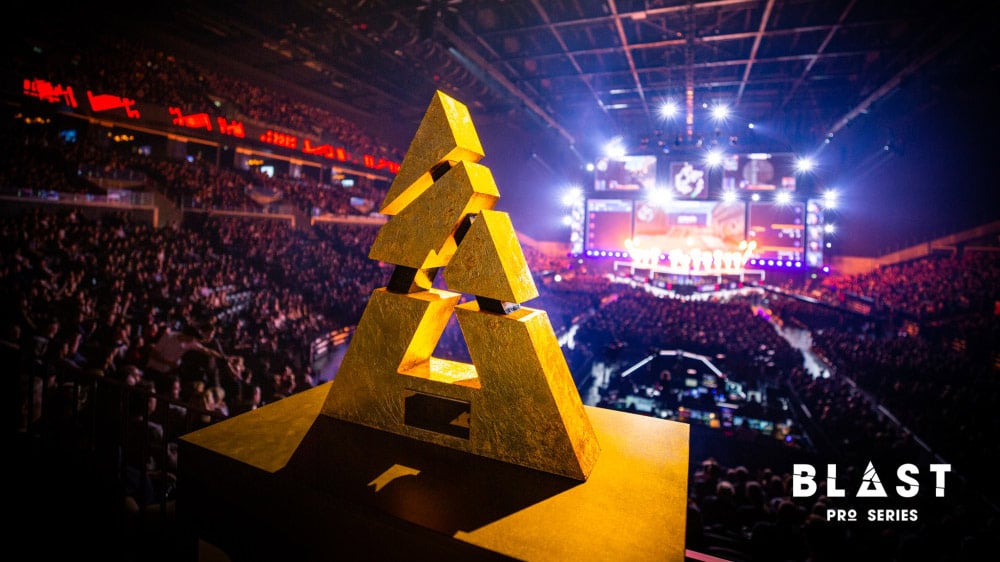
The last big event of 2021, BLAST Premier World Final would be played without an audience the TO announced via Twitter. World Final is the final tournament of the BLAST circuit as well for 2021 and has a prize pool of $1 Million. It’ll take place in a studio setting, much like IEM Cologne 2021 and IEM Fall all of which were LAN events without a crowd. 

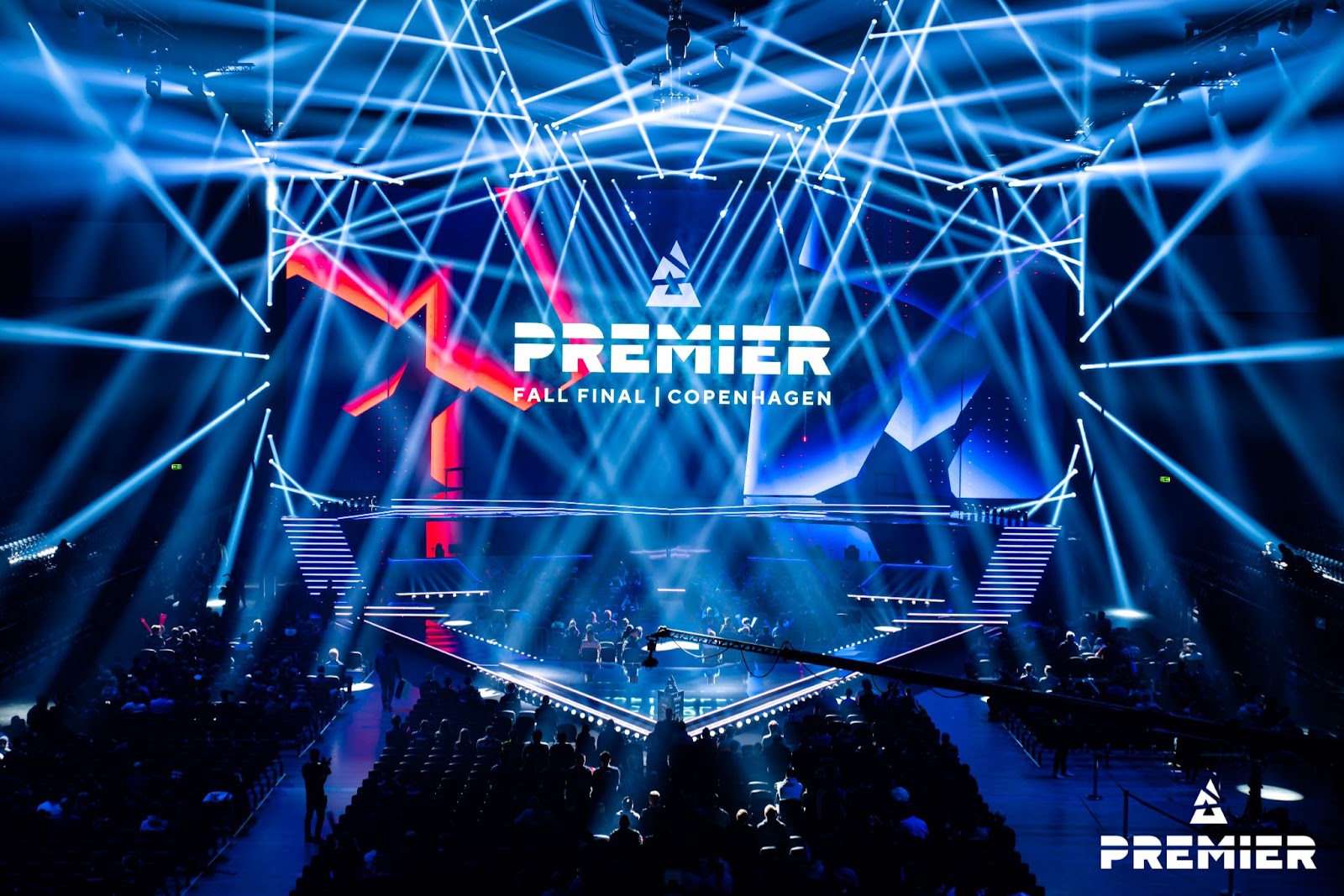
Having recently concluded BLAST Premier Fall Finals, packed with a passionate crowd at the Royal Arena, BLAST announced that the safety of the players, the talent, the fans and of course all of the staff working behind the scene was more important and it wouldn’t be viable to conduct another tournament with such a high tempo.

Fall Finals would be the last tournament in 2021 with an audience

But it doesn’t come as a surprise as the prep for the Fall finals was on for a long long time and tickets went on sale more than a month before the start of the tournament. And no such announcements were made for World Finals and the fans expected it to be a ‘LAN-lite’ tournament, and it was confirmed by BLAST later on.

IEM Winter will also be taking place in a studio without a crowd, so players and fans won’t have the true LAN experience but it will be the next closest thing. 

BLAST World Final kicks off on 14th December and will feature 8 of the best teams competing for $1 million, $500,000 of which would go to the winner. The teams present will be:

  • Natus Vincere
  • Astralis
  • Gambit
  • Heroic
  • Ninjas in Pyjamas
  • G2 esports
  • Team Vitality
  • Team Liquid

How to Get Rhyhorn, Rhydon & Rhyperior in Pokemon Brilliant Diamond & Shining Pearl

0

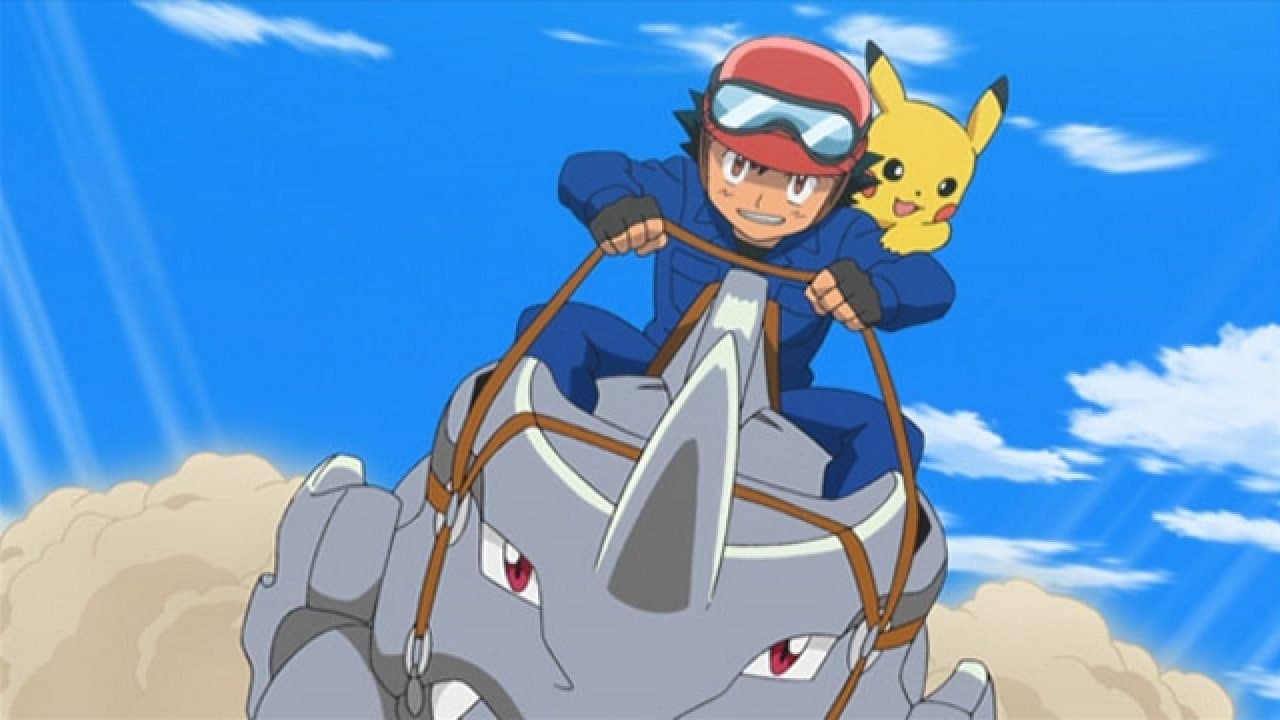
The Rhyhorn family is undoubtedly a great addition to any Pokemon team out there. Capable of learning a variety of different moves with great type coverage, Rhyperior is one of the strongest Ground and Rock types that you can get in Pokemon Brilliant Diamond and Shining Pearl. 

If you’re looking to get your hands on your very own Rhyhorn, Rhydon or Rhyperior, look no further.

Let’s take a look at where you can find each of these Pokemon in the Sinnoh remakes. 

Where to Catch a Rhyhorn in Pokemon BDSP

Rhyhorn can be sighted in a number of locations in Brilliant Diamond & Shining Pearl, and it’s fairly easy to catch one.

Rhyhorn can be found in the Battle Zone on Route 227 and Stark Mountain, or in the Grand Underground at the following locations:

  • Typhlo Cavern
  • Sunlit Cavern
  • Spacious Cave
  • Sandsear Cave
  • Rocky Cave

Rhyhorn can also be found at the Big Bluff Cavern once you’ve unlocked the National Dex. 

Where to Catch a Rhydon in Pokemon BDSP

Rhydon can be found at the same locations as a Rhyhorn although they are somewhat rarer. 

However, alongside Route 227 and Stark Mountain, Rhydon can also be found at Route 228.

You can also catch one in the Grand Underground at the following locations once you’ve obtained the National Dex:

  • Big Bluff Cavern
  • Spacious Cave
  • Sandsear Cave
  • Rocky Cave

How to Get Rhyperior in Pokemon Brilliant Diamond and Shining Pearl

To get a Rhyperior in Pokemon BDSP, simply level up your Rhydon to level 42 and trade it to your friend while holding a Protector. 

The Protector can be found on Route 228, and it’s located to the east of the entrance. Keep moving east until you find a slope and slide down it to find the Protector. 

Give the Protector to the Rhydon you want to evolve and trade it to your friend. Once done, it’ll automatically evolve into a Rhyperior and you can then ask your friend to trade it back. 

New Pokemon GO Update Introduces Shiny Zekrom, Reshiram and Kyurem Raids

0

Pokemon GO fans, rejoice! Niantic has confirmed that players will now be able to catch themselves a shiny Zekrom, Reshiram and Kyurem after the newest Pokemon GO update.

The December 2021 Pokemon GO update has introduced a bunch of new content to the title including shiny Legendary releases and other events. 

Let’s take a look at the official announcement by the developers regarding the December 2021 raids in Pokemon GO:

Shiny Legendary Releases:

  • Wednesday, December 1, 2021 at 10 AM, to Thursday, December 16, 2021, 2021 at 10 AM: Reshiram and Zekrom will be available to capture in Tier Five raids with their Shiny forms appearing if you’re lucky.
  • Thursday, December 16, 2021 at 10 AM, to Friday, December 31, 2021 at 10 AM: Kyurem will be available to capture in Tier Five raids with their Shiny forms appearing if you’re lucky.

Mega Raids:

  • Wednesday, December 1st, 2021 at 10 AM to Thursday, December 23rd, 2021 at 10 AM: Mega Steelix release.
  • Wednesday, December 24th, 2021 at 10 AM to Friday, January 7th, 2021 at 10 AM: Mega Abomasnow returns.

Every Wednesday in December, a Raid Hour event will also occur from 6:00 PM to 7:00 PM local time. The following Pokémon will be featured in the raid hours:

  • December 1, December 8, and December 15: Reshiram
  • December 1, December 8, and December 15: Zekrom
  • December 22 and December 29: Kyurem

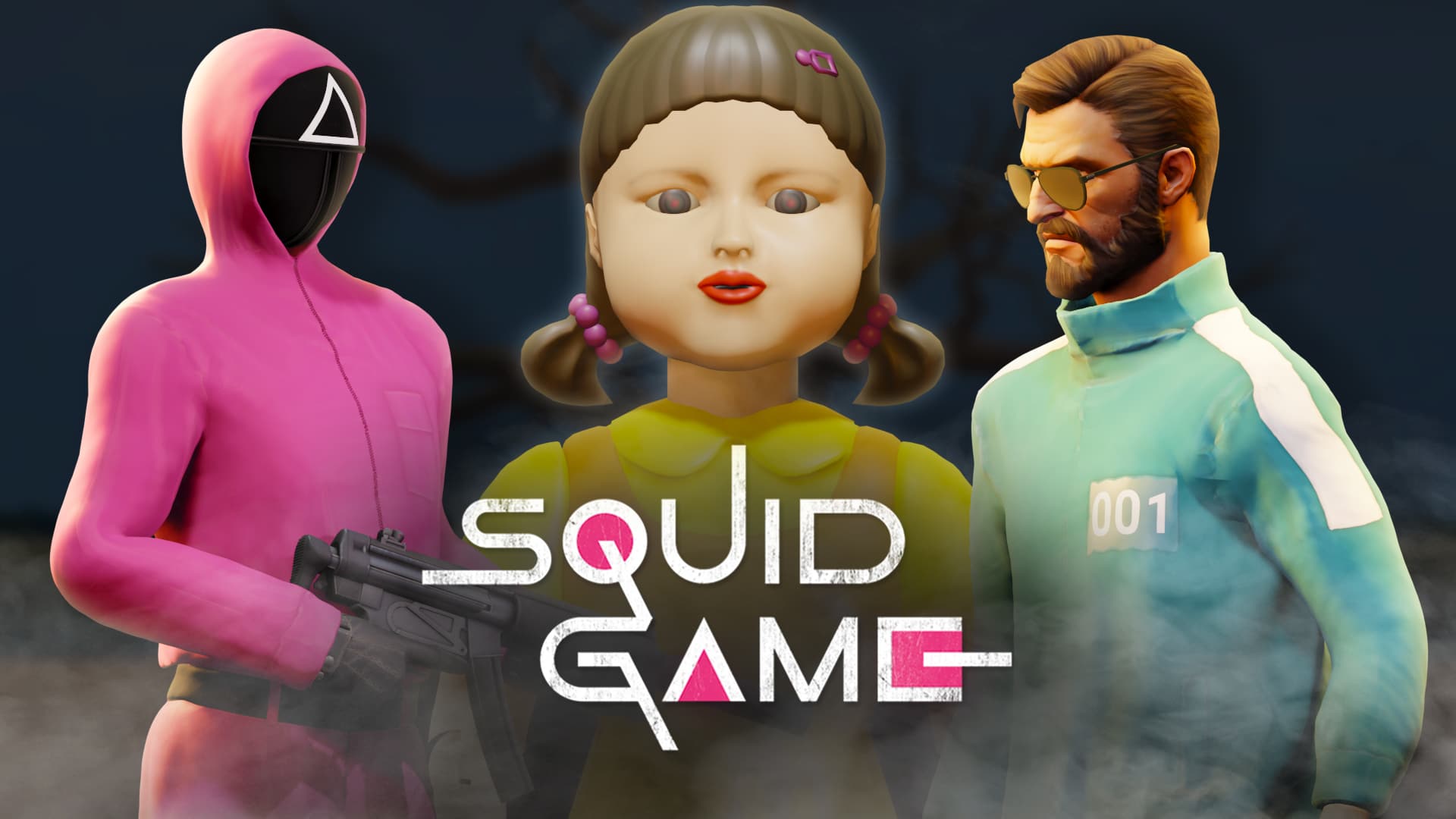
CS:GO Squid Game Map Is Available on Steam Workshop

The globally popular TV Series, Squid Game has taken the world by storm, catching the eye of almost everyone, be it from the Gaming community or not. The show was so popular that people from around the world created their own versions of it in different games be it Fortnite, Roblox or Dreams. 

That also brought American YouTuber – MrBeast to create his version of Squid Game in real life. The video amassed 131 million views and is still growing and included 456 people who took part in games similar to the show (without the actual violence and death of course). 

CSGO map makers and workshop artists were not too far behind in imitating this and created a map based on the hit Netflix series to become the latest game to have a Squid game mod.

The map was created by DepoSit, Animist, nexus and concole. 

DepoSit – location creation

concole_ – creating player models and others

nexus – searching for sounds

Ansimist – map scripts and everything else

Community figures Orel and GabeFollower were also involved in the completion of the map. 

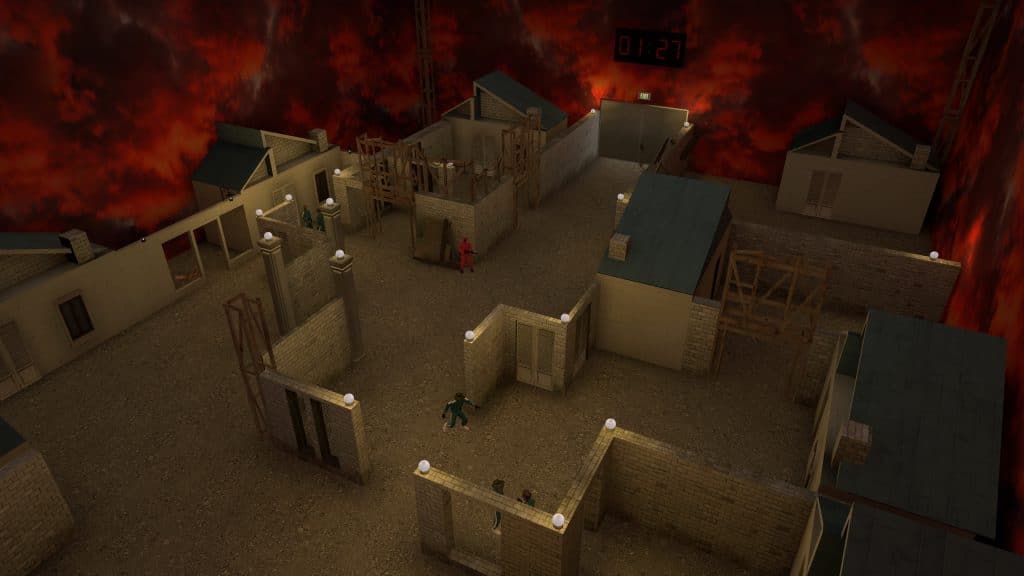
The map needs 2 players at least to start and can have up to 64 players. It has 6 stages that the player needs to get past, and each stage is based on the show and has a different skill set. According to the map makers, the rules are similar to the show as well:

  • “Red Light, Green Light” – you must cross a field in which for every extra move the player can be dead.
  • “Cookie” – the game where you have to cut the shape out of a candy.
  • “Tug of War” – here the name speaks for itself. Players are divided into teams and start to pull the rope at speed, so as not to be at the bottom.
  • “Marbles” is an old children’s game of odd-even. A player makes a bet and also tries to guess the opponent’s bet.
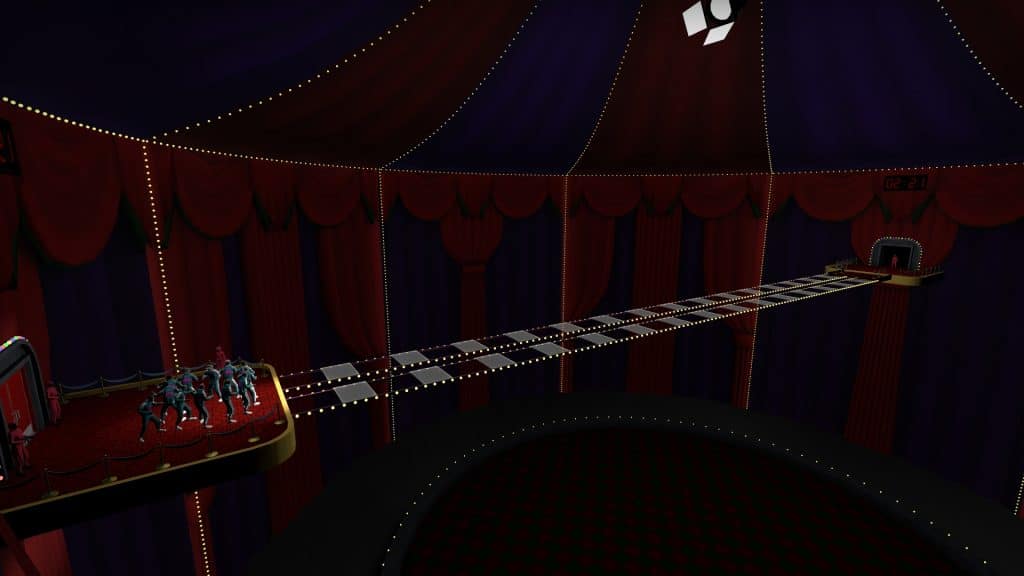
  • “The Glass Tile Game” is a small bridge consisting of ordinary and tempered glass. Jumping over the tempered glass will lead you straight to victory while the regular glass will be your ticket to the other side. After the remaining players reach the edge of the bridge, here is the final stage called “Not a Squid Game” comes. Players get knives and have a melee fight where only one winner will emerge.

The map currently has 86,000+ subscribers on the workshop.

The map was also noticed by CS:GO Streamer, Trader and Content Creator Anomaly who decided to host his own version of the game for a video, with a skin promised for the winner.

The map can be downloaded from the Steam Community Workshop here.

GTA Trilogy Definitive Edition update 1.03 fixes several visual and technical issues

0

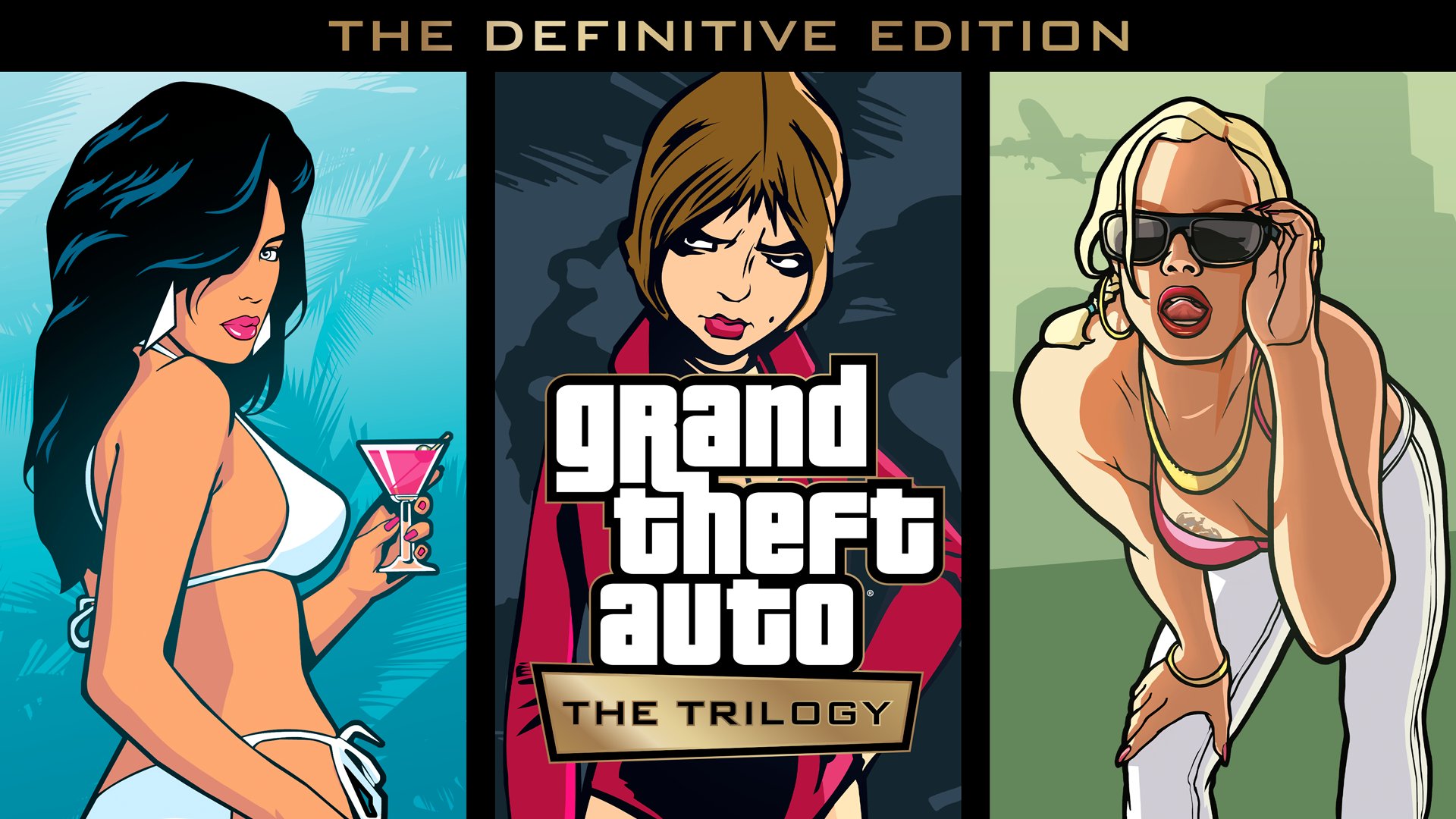
Grand Theft Auto: The Trilogy – The Definitive Edition had a really messy launch as the game’s developer, Grove Street Games was heavily criticized for the underwhelming level of quality that fans were expecting from a Rockstar title and its visual bugs and glitches were the subject of numerous memes forcing Rockstar to issue an official apology.

Firstly, we want to sincerely apologize to everyone who has encountered issues playing these games,” Rockstar said in their apology. “The Grand Theft Auto series — and the games that make up this iconic trilogy — are as special to us as we know they are to fans around the world. The updated versions of these classic games did not launch in a state that meets our own standards of quality, or the standards our fans have come to expect.” 

The company also assured the fans and stated that “ [they] have ongoing plans to address the technical issues and to improve each game going forward. With each planned update, the games will reach the level of quality that they deserve to be.”

The game’s first major update, 1.03 seems to address the most common issues in the Trilogy, such as the rain, and weather effects, improved textures, and improvements to several character models; notably Old Reeces’.

Here’s a full list of changes and fixes in Title Update 1.03 for GTA Trilogy – The Definitive Edition:

General – PlayStation 5, PlayStation 4, Xbox Series X|S, Xbox One, PC

  • Stability improvements
  • Added the cinematic camera, which can be toggled by cycling through the camera modes when in game
  • Fixed a number of misspellings on texture art/signage
  • Fixed a number of instances where rain would appear indoors during cutscenes

Grand Theft Auto III – The Definitive Edition

  • Adjusted the rain during the Give Me Liberty intro cutscene so it matches what is visible during gameplay
  • Improved the resolution of the signs on taxi front doors
  • Fixed an issue where rain could be seen inside the mansion during the cutscene to the mission Cutting the Grass
  • Fixed an issue where rain could be seen inside Donald Love’s apartment during the cutscene to the mission Liberator
  • Fixed an issue where rain could be seen inside Luigi’s Club during the cutscene to the mission Don’t Spank Ma Bitch Up
  • Fixed an issue where rain could be seen inside Joey’s Garage during the cutscene to the mission Cipriani’s Chauffeur
  • Fixed an issue where rain could be seen inside during the cutscene to the mission Bomb Da Base: Act I
  • Fixed an issue where the rain appears under water when falling
  • Fixed an issue where grass could be seen inside Joey’s garage during the outro of the mission Drive Misty For Me
  • Fixed an issue where a wall texture near the hospital in Portland appeared incorrectly while driving
  • Fixed an issue where pink or black textures would appear on the floor of the Turtle Head Fish Co.
  • Fixed an issue in the audio menu where the Dialog Volume slider did not adjust the sample audio being played
  • Fixed an issue where UI would overlap the timer when doing taxi or vigilante missions
  • Fixed an issue with missing object collision on walls below the Callahan Bridge in Chinatown
  • Fixed an issue where the player was able to stretch a two-seater vehicle using the car crusher
  • Fixed several camera issues when playing RC missions
  • Fixed an issue where misaligned text would appear after delivering to the Import Garage
  • Fixed an issue where the mission title would linger on screen too long at the beginning of any mission
  • Fixed an issue with texture display on the Staunton Pay ‘n’ Spray sign
  • Fixed an issue where the wheels were not connected to the vehicle being worked on by Joey
  • Fixed a spelling error on the Deli and Pizza storefront on Staunton Island

Grand Theft Auto: Vice City – The Definitive Edition

  • Ad banners added to the sides of the Rumpo, Coach, Benson, and Boxville vehicles
  • Fixed an issue where the cutscene at the end of the mission Shakedown would hang as it transitioned back to gameplay
  • Fixed an issue where rain could be seen inside during the cutscene to the mission Publicity Tour  
  • Fixed an issue where rain could be seen inside during the cutscene to the mission Alloy Wheels of Steel
  • Fixed an issue where rain could be seen inside the limo during the cutscene to the mission Two Bit Hit
  • Fixed an issue with Tommy’s hands when wearing the Havana Outfit in the mission Shakedown  
  • Fixed an issue in the mission Cop Land where the mission would fail when the café would blow up
  • Fixed an issue where the Diaz mansion had missing textures during the outro to the mission Rub Out
  • Fixed a crash at the end of the mission Checkpoint Charlie
  • Fixed a crash encountered during the Bloodring Arena Event
  • Fixed an issue where texture corruption could be seen on the roads during extended play sessions
  • Fixed a 10 second pause when listening to the radio station V-Rock
  • Fixed a 15 second pause when listening to the radio station Wildstyle Radio
  • Fixed an issue during the cutscene for Supply and Demand where ambient characters were present during the cutscene
  • Fixed a hole in the game world near Café Robina
  • Fixed a spelling error on the Welcome to Vice City billboard near the airport
  • Fixed an error with the Shaft Hot Dog stand logo
  • Fixed several texture issues that appeared on island walls
  • Fixed an issue where crates could not be destroyed during the mission Gun Runner, preventing game progression
  • Fixed an issue where the flamethrower was damaging items behind Tommy
  • Fixed a hole in the game world when standing on Tommy’s wardrobe in the Ocean View Hotel
  • Fixed an issue where the ramped Packer vehicle textures would corrupt while Tommy is standing in close proximity
  • Fixed an issue where corrupt textures would appear on the road if failing the mission Hog Tied
  • Fixed an issue where corrupt textures would appear on the road if failing the mission Boomshine Saigon
  • Fixed an issue where glass particles would appear oversized when shattering the windows of the Gash Store
  • Fixed several texture corruption issues that appeared on the Enforcer police van
  • Fixed an issue where the barrel of the minigun did not spin when fired
  • Fixed an issue where the main rotor speed of helicopters did not match the rear rotor speed
  • Fixed an issue on the mini map where the swimming pool shaped like the Rockstar Games logo was incorrectly reflected on the mini map for Starfish Island
  • Fixed a texture corruption issue on traffic lights and foliage when raining on the mainland
  • Fixed an issue where the sign was not properly animating on Hyman Memorial Stadium
  • Fixed a spelling error on the Mavis Bookstore window
  • Fixed a spelling error when the player is busted during the Paramedic missions
  • Fixed an issue where Tommy appears small while standing in front of buildings in Little Havana
  • Fixed an issue where Lance would be duplicated after restarting the mission Copland
  • Fixed an issue where the open graves behind Funeraria Romero were not visible

Grand Theft Auto: San Andreas – The Definitive Edition  

  • Introduced cloud cover at high altitude
  • Added alternate walking and running animations when CJ is at Max Fat or Max Muscle
  • Fixed several issues with grass textures that did not display properly
  • Fixed a white outline in Cesar’s hairline during the cutscene to the mission King in Exile
  • Fixed an issue with CJ’s body in the cutscene to the mission The Meat Business
  • Fixed an issue with CJ’s body during the opening cutscene to the mission Supply Lines
  • Fixed an issue with Cesar’s fingers during the end scene of the mission Cesar Vialpando
  • Fixed an issue with Cesar’s fingers during the end scene of the mission Wu Zi Mu
  • Fixed a save game issue at the end of the mission Blood Bowl
  • Fixed a crash that occurred during the mission Dam and Blast
  • Fixed a texture corruption issue that occurred after prolonged gameplay
  • Fixed an issue where CJ and Big Smoke would get stuck near the end of the mission Just Business
  • Fixed a crash that occurred when drowning near the Ocean Beach end of South Bridge
  • Fixed an issue where CJ’s face would obscure the camera when looking behind him while riding a quad bike
  • Fixed an issue where CJ’s face would obscure the camera when looking behind him while piloting the Hydra in first person view  
  • Fixed a crash experienced when retrying a checkpoint during the mission Ice Cold Killa
  • Fixed a spelling error on a Mexican food advertisement
  • Fixed a spelling error on a guitar store shop front
  • Fixed an issue where players were able to purchase cornrows at the barbershop without sufficient funds
  • Fixed a missing bridge in the Shady Creeks section of the map
  • Fixed a bug where the burger on the Burger Shot sign was not spinning
  • Fixed a spelling error on the FleischBerg factory sign
  • Fixed multiple issues in cutscenes where CJ’s arms clip through his body while at Max Fat
  • Fixed a lighting issue in the Rockshore West Safehouse
  • Fixed an issue where the Wasted or Busted screen could be seen when loading an autosave file
  • Fixed graphical corruption on CJ’s head and body during the motel sequence of the mission Reuniting the Families
  • Fixed an issue where window panes are translucent at the Dillmore gas station during the mission Tanker Commander
  • Fixed an issue where tattoos would project out of CJ’s lower arm when he has a muscular body type
  • Fixed an issue where rain drops did not appear on the water surface
  • Fixed an issue where various map icons, such as mission blips, would pop in and out of the radar while panning and rotating the camera
  • Fixed an issue where NPC’s who wear numbered jerseys no longer had a random number overlapping the number 7  
  • Fixed an issue where the rain was not displayed corrected when flying during rainy or stormy weather conditions
  • Fixed an issue with the audio not playing properly when using the changing room at any of CJ’s properties
  • Fixed an issue where CJ’s forklift would not act as intended during the mission Robbing Uncle Sam
  • Fixed an issue with the shape of the Donut and Nut props at the Tuff Nuts donut shop
  • Fixed a spelling error with the storefront Sayonara  
  • Fixed an issue where the Dodo plane had an inverted nose cone
  • Fixed an issue where boat propellers did not spin properly
  • Fixed an issue where the minigun barrel did not spin when fired
  • Fixed an issue where the incorrect police station sign did not appear in Las Venturas
  • Fixed an issue where the wrong prices were appearing on the Burger Shot’s outside menu
  • Fixed an issue where CJ appeared too dark when in the 69 Cent store
  • Fixed an issue where haircuts would be swapped out with the Caesar haircut anytime CJ wore a hat
  • Fixed an issue where the radar would disappear after getting caught in the mission Home Invasion
  • Fixed an issue where police cars could clip through the ground
  • Fixed an issue where the UFO prop did not rotate at the Lil’ Probe Inn

Xbox One – All Titles

  • Fixed an issue where the game would not respond for several seconds after exiting certain interiors
  • Fixed an issue where the player was unable to unlock achievements that other users on other accounts (linked to the same Social Club account) had previously unlocked

PC – All Titles

  • Fixed a bug where players were unable to highlight or select Cancel or Confirm using a controller on the Mission Failed! screen
  • Fixed a bug where players with special characters in the PC account name were unable to save gameplay progress
  • Fixed the in game layout when playing with an ultra-wide screen monitor
  • Fixed an issue where options were not being properly highlighted when hovering a mouse over them
  • Fixed an issue where clicking sections in the game menus too quickly would prevent those menu options from being displayed
  • Fixed an issue where the player was unable to select a UI element with a controller if the mouse cursor is already hovering over it
  • Fixed an issue where, when in Fullscreen, changing the Resolution setting would briefly show the old resolution value
  • Fixed an issue where graphics settings were not saving after restarting the game

Grand Theft Auto: The Trilogy – The Definitive Edition is available for PC, Xbox One, Xbox Series S|X, PlayStation 4, PlayStation 5, and Nintendo Switch digitally. While the game’s physical release has been delayed to December 17, 2021 for PC, Xbox, and PlayStation and Early 2022 for Nintendo Switch.

Recommended | All the GTA Vice City Cheat Codes in GTA Trilogy

How to get Valorant Twitch Drops?

0

Apart from the Valorant Champions card, Riot is also offering free sprays along with gun buddies to players who will watch the Valorant Champions tournament on Twitch, YouTube, Afreeca, or Trovo.

VCT Twitch drop dates

  • VCT Spray: December 1 to 11
  • VCT Gun Buddy: 9 AM PST on 12th December

How to link your Twitch and Riot account?

  • Open Twitch.
  • Click on your user profile on the top-right corner.
  • Then click on Settings.
  • Select the Connection tab.
  • Scroll down and you will see Riot Games as the 2nd last option.
  • Click on Connect.
  • Log in with your Riot account.
  • You are done.

Recommended | How to claim Valorant Champions Card?