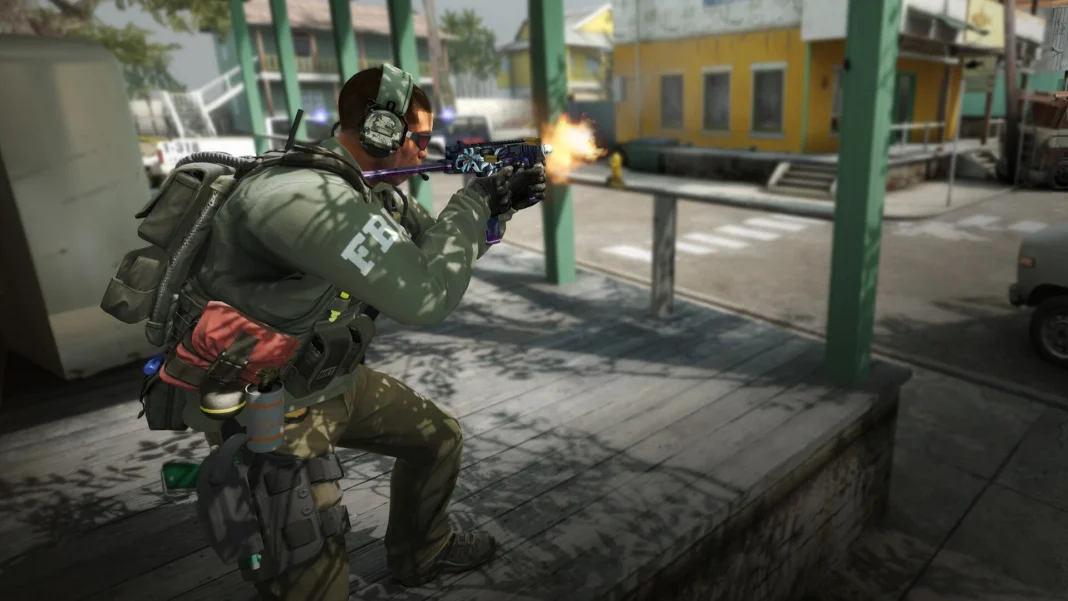
For the first time since the launch of Counter-Strike 2 in September 2023, gamers can once again download Counter-Strike: Global Offensive directly from the Steam Store, sparking a wave of nostalgia among CS veterans who spent a good chunk of their playtime on the battlefields of Cache and Cobblestone.
This quiet, unexpected return of CS:GO to the Steam Library might indicate that Valve is finally responding to community feedback. Since the dawn of CS2’s launch, fans have repeatedly called on the developer to make its predecessor available as a standalone download, similar to titles like Counter-Strike 1.6 and Source, which continue to exist independently on Steam to this day.
Prior to this change, players were still able to launch CS:GO through the hidden “Legacy” branch buried within the settings of Counter-Strike 2. It worked, but wasn’t exactly convenient. Downloading a standalone version and launching it directly is far simpler, which seems to be the standard moving forward.
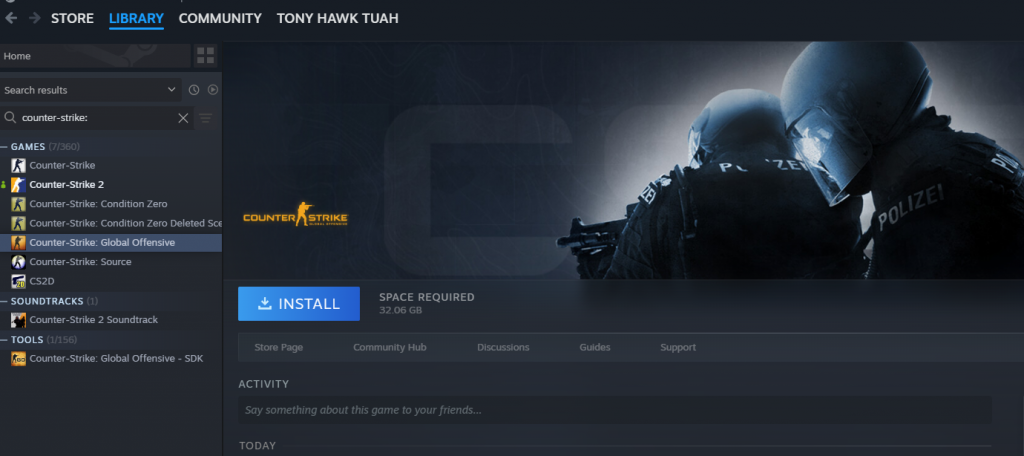
How To Download CS:GO From the Steam Store
While anyone can now choose to download CS:GO as a standalone client from Steam, it is still “unlisted” from the Steam Store, which means that simply searching up the game title won’t help you find it. To download and play CS:GO on Steam, you’ll need a direct link to the game instead.
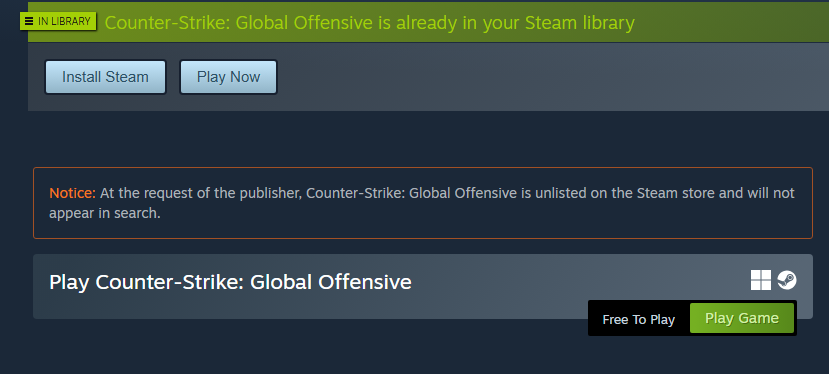
Players who wish to add CS:GO to their Steam Library and relive the glory days of the shooter can do so by clicking this link and going to the official Steam page for the title.
Once you’re on the page, simply click “Add to Library.” The game will then show up in your Steam Library, where you can download and install it just like any other title.
Can You Play CS:GO Online in 2026?
After you download CS:GO from your Steam Library and launch the game, you’ll be greeted with a message saying that support for it has already ended in 2024.
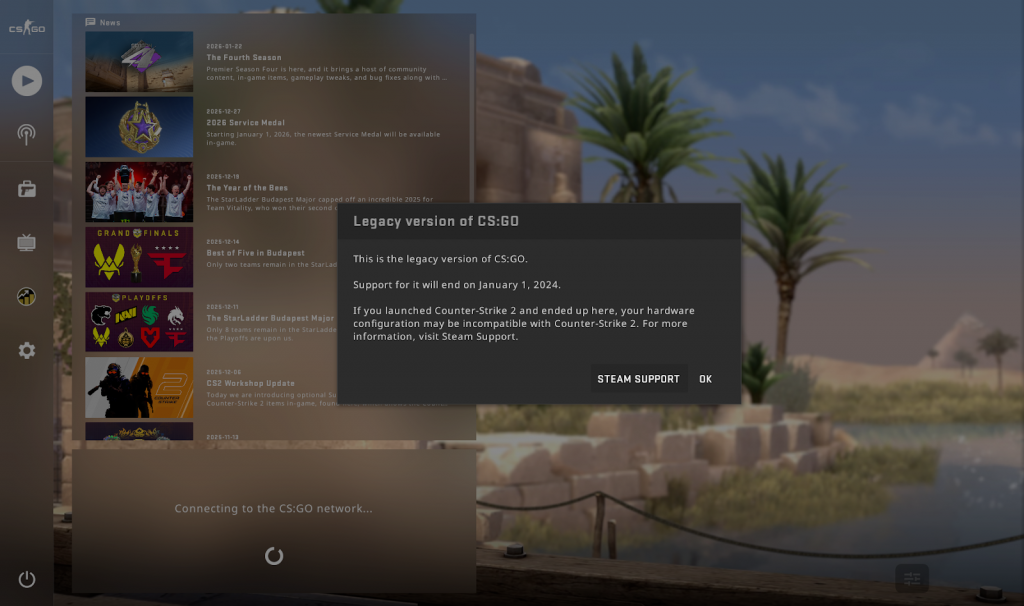
As a result, you won’t be able to connect to the CS:GO network, meaning standard queues like Casual, Competitive, Deathmatch, and other official game modes will be unavailable.
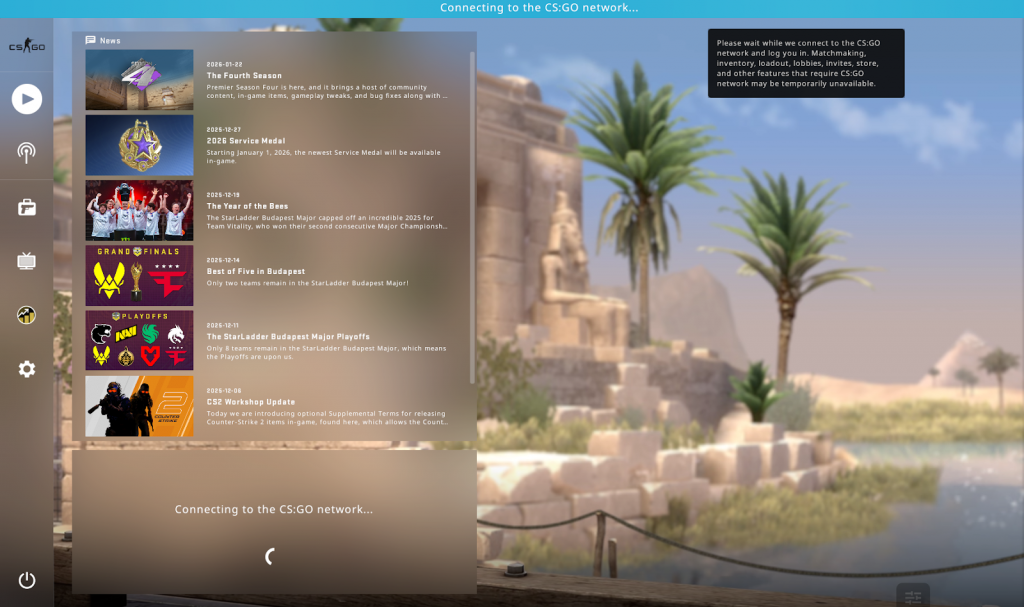
While you can still technically play CS:GO with other players through Community Servers, it isn’t exactly the most intuitive process either.
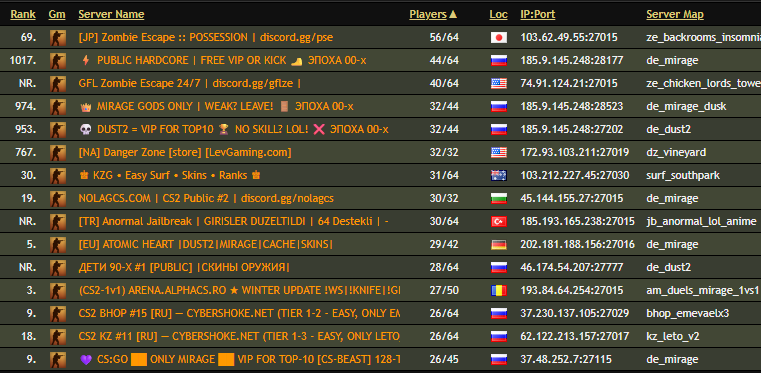
At the time of writing, Steam’s “Community Server Browser” doesn’t seem to be working for CS:GO. Luckily, you’re still able to join servers with other players by grabbing server IPs through third-party websites and connecting to them via the developers’ console.