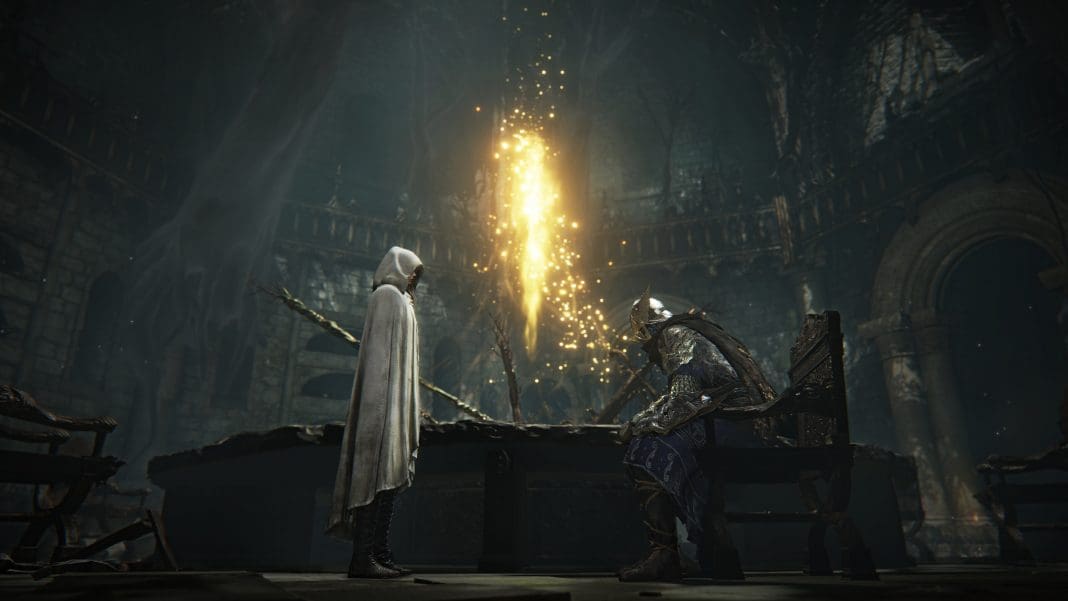
FromSoftware has taken a bold swing at the co-op multiplayer genre with the launch of Elden Ring Nightreign, and it’s paying off. With over 2 million copies sold within a day of release, Nightreign’s release has been largely successful despite receiving mixed early reviews on Steam.
Contrary to other FromSoftware games we have seen in the past, Elden Ring Nightreign puts heavy emphasis on its 3-player co-op multiplayer, making teamwork a core part of the gameplay experience. However, with this shift in focus, many new players are left wondering: how exactly do you play multiplayer in Elden Ring Nightreign?
How To Play Elden Ring Nightreign Multiplayer?
Before you learn how to play Elden Ring Nightreign multiplayer, it’s crucial to know that the game does not support 2-player co-op. If you’re looking to play with your friends, you’ll have to make sure that you have two other Nightfarers ready to take on the game with you, since Nightreign only supports 3-player co-op.
Additionally, it’s also important to note that Elden Ring Nightreign doesn’t support crossplay; you are allowed to play cross-generation. This means that PlayStation users won’t be able to join players using Xbox consoles. However, PS5 players can choose to play with PS4 players, while Xbox Series X|S users can team up with Xbox One players.
With that being said, let’s check out how to play multiplayer in Elden Ring Nightreign.
How To Play Elden Ring Nightreign Co-Op
If you want to jump into multiplayer in Elden Ring Nightreign, you can invite your friends through Steam or send them an invite directly in-game.
Steam Invite
- Launch Elden Ring Nightreign via Steam.
- Finish the tutorial till you get to the Roundtable Hold.
- Go to the Table of Lost Grace.
- Bring up your Steam overlay (Shift+Tab by default)
- Go to the ‘Friends’ tab
- Right-click on the friends whom you want to invite, and select ‘Invite to Party’ from the dropdown menu
- Wait for your friends to join and start the Expedition
In-Game Invite
- Finish the tutorial and interact with the Table of Lost Grace
- From the Expedition menu, go to the Matchmaking Settings tab
- Select ‘Multiplayer Password’ and type in your lobby password
- Set the ‘No. of Password Players’ to the number of friends you are inviting (your friends also need to enter the same number)
- Share the password with your friends, who then need to type it in the same section
- Head back to the Expedition menu and select the mission (your friends also need to select the same mission)
- Start the Expedition
If you still have any queries regarding it, let us know in the comments below.