Home Blog Page 738

Fallout 4 PS Plus Collection owners will not get Next-Gen Updates

0

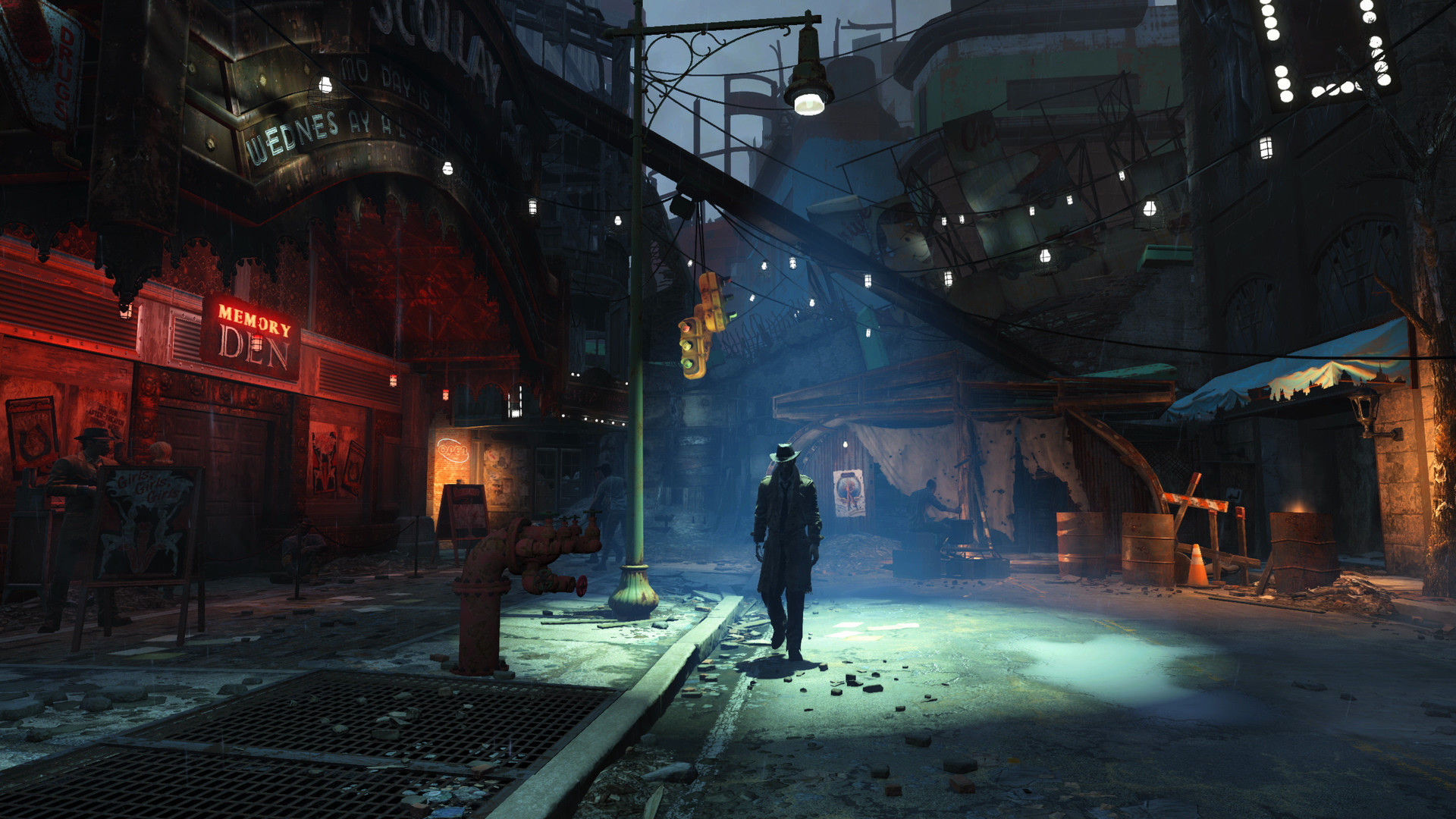
Bethesda has confirmed that the free next-gen update scheduled for Fallout 4 will not reach the players who own the game via the PS Plus Collection.

As it was presumed, not everyone would be privy to the latest update of the game, and suffice it to say that a lot of players will be left out, especially on the PlayStation side of things as the free update is only for subscribers who have the game via the PlayStation Plus Extra catalog while everyone else has to pony up some money if they want the Next-Gen updates.

“We’ve seen some confusion regarding the free Fallout 4 next-gen update for PlayStation Plus Extra members,” read Bethesda’s statement. “The Fallout 4 next-gen update will be available to PlayStation Plus Extra members through the PlayStation Game Catalog. Your patience is appreciated while the teams work on this.”

The latest update did not have the smoothest of launches as it came across a plethora of issues, especially with the PC and Xbox versions of the game. Now that the underlying issues are getting resolved, the next-gen updates will be flowing in full swing as time passes. Make sure you cut as not all owners of the game are likely to get it.

Stay updated with the latest news in gaming and esports by signing up for early access to TalkEsport’s Mobile App. Follow us on Twitter and Google News to ensure you never miss the exciting updates.

New World Quests Unveiled in Genshin Impact Version 4.6

0

Genshin Impact enthusiasts are in for a treat with the unveiling of captivating new World Quests in the latest update, Version 4.6. These quests, nestled in the enchanting Fontaine region, promise an immersive exploration into the game’s rich lore and offer enticing rewards to intrepid players.

The Shadow Over Petrichor Unraveled

Venture into the mysterious realm of Petrichor, where strange occurrences beckon brave souls to uncover hidden secrets. Embark on a quest that leads you to the heart of the enigma, rewarding your valor with 30 Primogems upon triumph.

Underwater Nocturne: A Dive into Mystery

Dive deeper into the narrative as events unfold in the wake of Petrichor’s mysteries. Navigate through the enigmatic Faded Castle, rescuing the denizens of Petrichor and claiming another 30 Primogems as your conquest’s bounty.

New World Quests in Genshin Impact Version 4.6

The Last Day of Remuria: Unveiling Truths

Delve into the depths of revelation as players track down Boethius in the Sea of Bygone Eras, unraveling the true identity of Monsieur Os. This quest promises 30 Primogems as a testament to your unraveling skills.

Gradus ad Capitolium: A Confrontation Beckons

Journey to the ancient sunken capital, Domus Aurea, and face the enigmatic Boethius in a showdown of wills. Claim your rightful rewards of 40 Primogems as you emerge victorious from this climactic encounter.

These gripping quests not only expand the lore of the Fontaine region but also offer substantial Primogem rewards, adding depth and excitement to the Genshin Impact experience. Dive into Version 4.6 today and embark on an adventure like never before!

Manor Lords: Unprecedented Success in Medieval Strategy Gaming | Indie Game Development

0

Manor Lords, the highly anticipated medieval strategy game, has achieved remarkable success with over 1 million copies sold within just 24 hours of its launch. This unprecedented feat has propelled Manor Lords to the forefront of the gaming world, breaking records for Steam concurrent player counts and marking a significant milestone for indie game development.

The launch of Manor Lords on April 26 in Early Access form sparked a frenzy among gamers worldwide. Its extensive Steam wishlists translated into a massive surge in sales, surpassing all expectations. Within hours, Manor Lords soared to the top of the player concurrents rankings on Valve’s platform, reaching an impressive peak of 173,178 concurrent players. This achievement not only solidifies Manor Lords’ position as a top-tier city builder but also surpasses concurrent player counts of established titles like Civilization and Cities: Skylines.

Manor Lords gameplay

Developed by Slavic Magic, Manor Lords offers players an immersive experience in medieval city building, intricate tactical battles, and complex economic and social simulations. Its stunning graphics and engaging gameplay have captivated players, earning it rave reviews and a dedicated fan base. IGN’s Early Access review awarded Manor Lords a commendable 7/10, praising its beautiful visuals and addictive gameplay while acknowledging its ongoing development.

Future Plans and Enhancements

Greg Styczeń, the mastermind behind Manor Lords, has outlined key improvements for the upcoming patch. These include addressing homeless bugs, balancing archer damage, refining trade mechanics, optimizing AI territory claims, and enhancing sawpit efficiency. These enhancements aim to further enrich the player experience and ensure a seamless gaming environment.

Manor Lords’ rapid success reflects a broader trend in the gaming industry, where mid-priced indie games are achieving unprecedented acclaim and sales figures. This trend contrasts with the challenges faced by some triple-A titles, highlighting the growing appetite for unique and innovative gaming experiences among players worldwide.

In conclusion, Manor Lords’ meteoric rise in sales and player engagement underscores its status as a groundbreaking medieval strategy game. With ongoing updates and a dedicated developer team, Manor Lords is poised to continue captivating audiences and shaping the future of the gaming landscape.

Beekeeping in Manor Lords: A Guide to Apiaries and Sustainable Honey Production

0

In the bustling world of Manor Lords, sustenance reigns supreme. Among the myriad ways to feed your populace, honey stands out as a perennial favorite. Here’s how to delve into the sweet world of Apiaries.

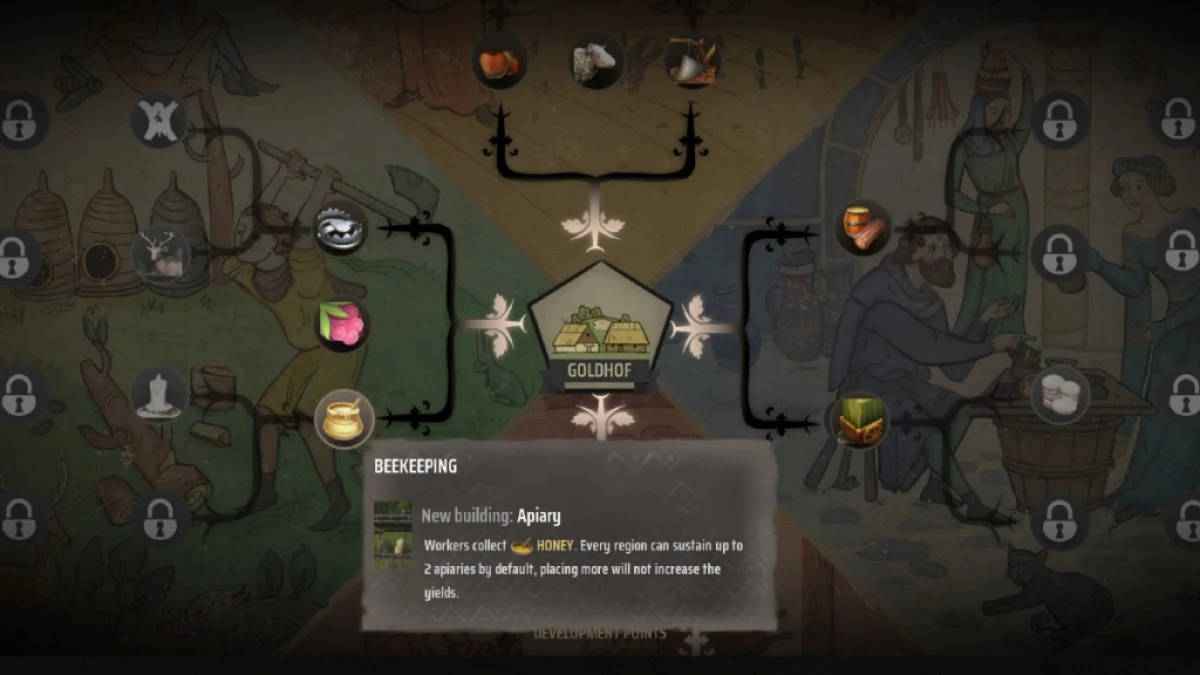
To embark on your beekeeping journey, navigate to the Development branch known as Beekeeping within Manor Lords. Invest in a Development Point to unlock this branch, ensuring a stable supply of honey for your settlement.

Constructing the Apiary

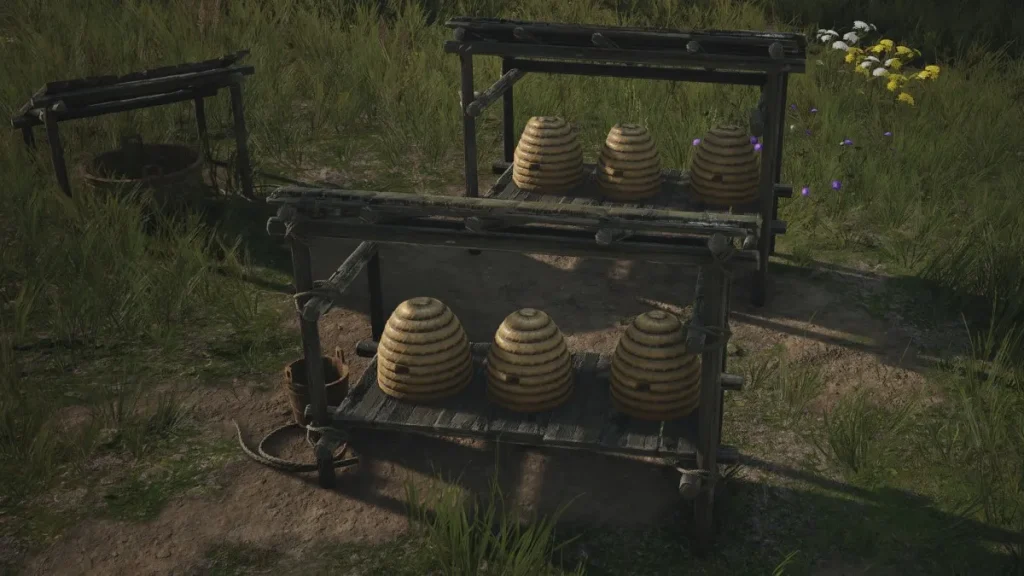
Once Beekeeping is unlocked, head to the Construction menu and locate the Apiary building. With two Planks and a vision for a buzzing future, construct your Apiary to commence honey production.

Beekeeping in Manor Lords apiary

Harnessing Nature’s Bounty

Assign a diligent family to tend to your Apiary, kickstarting the honey-making process. As they nurture the bees and harvest the golden nectar, your food reserves flourish, sustaining a thriving community.

Maximizing Honey Yield

Expand your honey empire by constructing up to two Apiaries within your region. However, note that exceeding this limit won’t amplify your honey yield. For advanced beekeeping enthusiasts, consider unlocking the Advanced Beekeeping branch for enhanced production capabilities.

In conclusion, mastering the art of Apiaries in Manor Lords unlocks a sustainable food source, essential for nurturing a prosperous domain. Happy bees mean happy settlers, ensuring your realm thrives with the sweetness of success.

Follow TalkEsport for more such guides.

Honkai Star Rail Version 2.2 Update: New Content, Characters, and Challenges Revealed

0

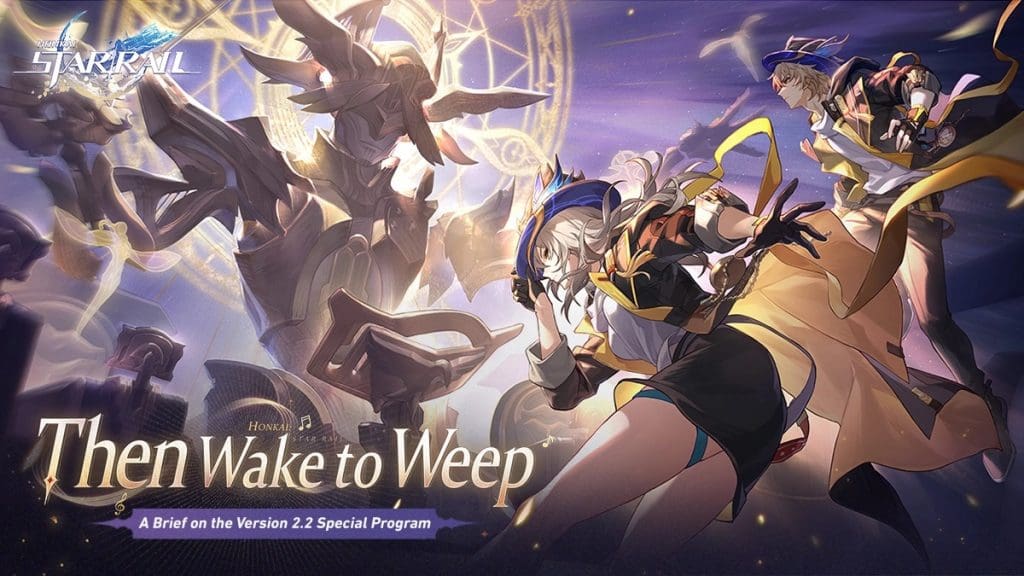
Honkai Star Rail enthusiasts are eagerly anticipating the arrival of version 2.2, set to launch on May 8, 2024. Titled ‘Then Wake to Weep,’ this update promises a plethora of new content, including missions, characters, areas, events, and more.

In version 2.2, players will embark on a new Trailblazer mission, “The Fool Always Rings Twice,” offering fresh challenges and rewards. Additionally, players can explore captivating new locales such as Dreamflux Reef, Soulglad Festivity Auditions, and Penacony Grand Theatre, adding depth to the game’s immersive universe.

Exciting Characters and Events

The update introduces two new limited-time characters, Robin and Boothill, debuting in the Warp Event. These characters come with enticing 5-Star and 4-Star Light Cones, including Flowing Nightglow, Sailing Towards A Second Life, and Boundless Choreo, enhancing gameplay experiences across Phase 1 and Phase 2 of the events. Other noteworthy characters like Topaz & Numby, Worrisome, Blissful, Fuxuan, and She Already Shut Her Eyes join the roster, each with unique abilities to explore.

Honkai Star Rail Version 2.2 Update Poster

Unveiling New Challenges and Features

Version 2.2 brings formidable new enemies like the “Harmonious Choir” The Great Septimus and challenges such as “Tomorrow in Harmonious Chords” and “Present Inebriated in Revelry,” promising thrilling battles and strategic gameplay. Events like Gift of Odyssey, Clock: Dreamy Memoir and The Legend of Galactic Baseball add depth and excitement to the gaming experience.

Enhancements and Improvements

In addition to new content, version 2.2 introduces enhancements such as the Echo of War: Salutations of Ashen Dreams stage, new materials like IPC Work Permit and Meteoric Bullet Series, and improvements to showcase and team edit features. The introduction of the character tag feature enhances customization and gameplay strategies, making Honkai Star Rail Version 2.2 a must-play for fans and newcomers alike.

Stay tuned for more updates and insights as Honkai Star Rail continues to evolve and captivate players worldwide.

How to Fix Fallout 4 Crashing on Startup PS5 Error?

0

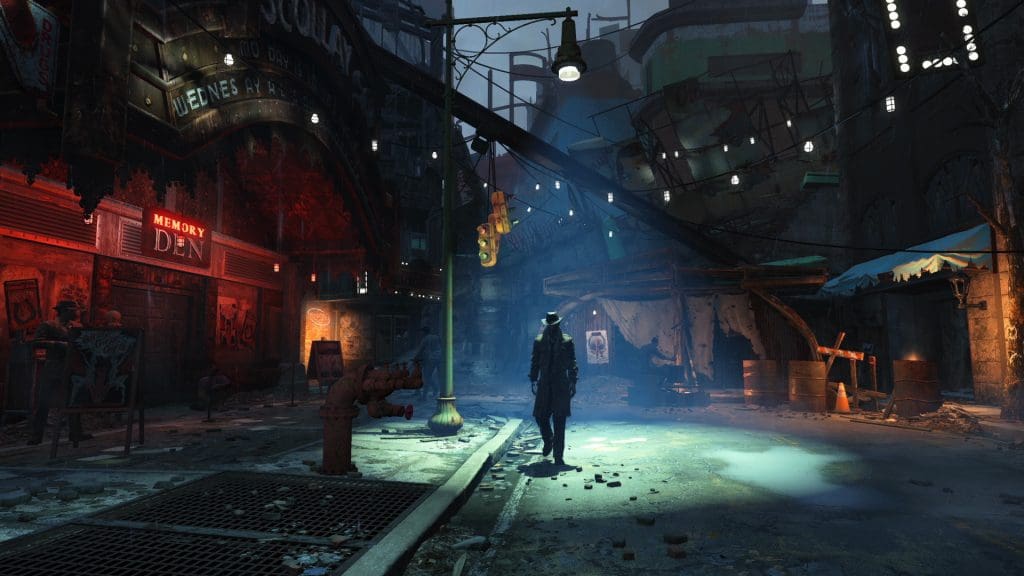
Fallout 4’s next-gen upgrade has been out and has led to many players going back into the wasteland. Nonetheless, numerous PS5 players are currently being frustrated by “Crashing on Startup” error. Are you also facing the same issue? Don’t worry! This article will fix the issue on your PS5. Keep reading till the end.

How to Fix Fallout 4 Crashing on Startup PS5 Error?

Fallout 4

The Fallout 4 community quickly pinpointed what was making the game crash at start-up. It seems specific DLC contents, specifically Automatron plus Wasteland Workshop expansions, are contradicting the next-gen update.

To fix the error follow the steps mentioned below:

  • Remove Fallout 4 as well as every other piece of software that comes with these games off your PS5 Console. Then we can install them again from scratch.
  • Uninstall first before reinstalling only Fallout 4 base game exclusive of DLC packs; this will help find out whether it is an issue within the DLC contents or not.
  • Play the game but without any add-ons being active; if it loads well there aren’t any mistakes happening during that period which is a sign that one/more DLCs are at fault.
  • After you know that the main game is well installed, install the Add-Ons one after the other carefully. Look closely into Automatron and Wasteland Workshop add-ons. Once you install an add-on and the game starts crashing again you know the one responsible for it.
  • Watch out for any Fallout 4 update released by the developers. You can also contact Bethesda Support to raise a ticket.

Did you successfully fix the Fallout 4 Crashing on Startup Error on your PS5? Let us know in the comment section below.

Gray Zone Warfare Early Access All Set to Go Live Tomorrow

0

MadFinger Games has confirmed officially that Gray Zone Warfare is coming to early access tomorrow April 30. The developers have released a new Release Date Trailer that offers us new angles on all elements of the game.

Escape from Tarkov has always been the premier looter shooter; its position at the top of the market is uncontended. However, Gray Zone Warfare is not seeking equality with it. It is interesting to observe that Gray Zone Warfare was recently tested by a select group of people who were among the first. And they all enjoyed it, giving positive feedback everywhere.

We all expected a few more months of wait for the release of Gray Zone Warfare by fans. However, the developers have decided to release it tomorrow April 30. It will be available only on Steam and cost-wise, it is expected to be significantly cheaper than its chief rival- Escape from Tarkov.

Are you ready for the Gray Zone Warfare Early Access? Let us know your opinion in the comment section below.

Is Pokemon Unite Pay to Win?

0

There are thousands of games worldwide, some relying solely on skill for victory while others follow a pay-to-win model. In which category does the Pokemon Unite fit in? We will find out in this article.

In Pokemon Unite, if you want to get good at the game you need Item Enhancers. Those Item Enhancers increase your character’s statistics which gives you a clear advantage during battles. Moreover, if you pay for the items, you will be easily able to acquire the items.

Is Pokemon Unite Pay to Win?

pokemon-unite-closed-betajpg

Item Enhancers are primarily obtained via Aeos Tickets for F2P users. Although they can be found within the game, their availability may sometimes be restricted. Optionally, they are available for purchase using Aeos Gems – the game’s digital currency that is bought with actual money.

The simplicity of buying Item Enhancers from the market kind of makes the game pay-to-win (P2W). The paid players have a strong advantage in faster progress compared to their F2P peers.

Apart from that, paid users also get access to Battle Pass. However, its exclusive rewards include skins, tickets, and gems that do not affect how you play but can help increase the levels of your items faster.

Have you spent actual money on Pokemon Unite? Let us know in the comment section below.

Garena Free Fire MAX Redeem Codes for 29th April 2024

0

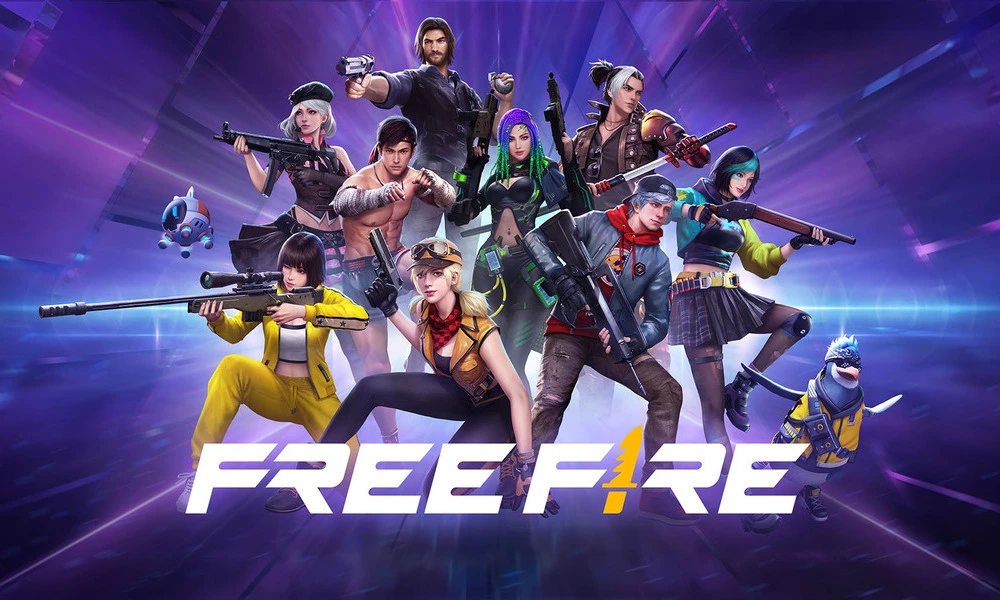
Free Fire is a very popular battle royale game with millions of active users per day. A large part of this fan base comes from India and despite the ban, players have shifted to its advanced version called Free Fire Max to enjoy the game.

The game has same core and hence, it has redeem codes as well. Here are some redeem codes that you can use to get free items in Free Fire Max.

Free Fire redeem codes are special codes that can be used to unlock several items for free in-game. They are not released on a regular basis hence coming across a working code is very hard. 

Garena Free Fire MAX Redeem Codes

As Free Fire now banned in India, players have shifted to Free Fire Max and the entire account history is ported to its servers. This means that players can still use their old accounts and make use of features like redeem codes to get rewards in it as well.

Free Fire MAX Redeem codes for 29th April 2024:

  • 3X6F8H1Q5R9T2D
  • 9J2K5L4O7I3U6Y
  • 1S5G7C3W8E4R6T
  • 8Y3U2I6O4P7A9S
  • 4D9F6G2H1J3K5L
  • 6Q2W4E8R5T3Y7U
  • 5Z7X1C9V4B2N6M
  • 3I1O8P6A7S4D5F

HOW TO REDEEM CODES IN FREE FIRE MAX

It is quite simple to redeem these codes in Free Fire. Players just need to visit the redemption center and enter the code given below. Use the method given below to get these items.

  • Visit the Reward Redemption center of Garena Free Fire. Click here to visit.
  • Log in with your Free Fire account. One must have either Facebook or Google ID signed in as a Guest account does not work.
  • Enter the code and get free rewards in your in-game item vault.

The redeem codes tend to expire very soon and hence, make sure to use them as soon as you can. Some of them can be region restricted and if you find one like that, simply move on to next one as region restricted codes cannot be used in other areas.

Stay updated with the latest news in gaming and esports by signing up for early access to TalkEsport’s Mobile App. Also, follow us on Twitter and Google News to ensure you never miss the exciting updates.

How To Use the Left-Hand Viewmodel in CS2?

0

With the official launch of Counter-Strike 2 in September 2023, many avid fans of the shooter were left disappointed due to the lack of customization that was available in the game compared to CS:GO. The absence of left-handed viewmodels and bob commands caused an uproar within the community, with players expressing their frustration and disappointment across various online forums and social media platforms. Many players had hoped for an enhanced level of personalization and control over their Counter-Strike experience with the engine upgrade, only to find themselves limited by the constraints of the new release.

The recent April 25th CS2 update has addressed these issues, as it has brought with it a bunch of quality of life changes to the game that enables players to further customize their viewmodels and even assign a hotkey to change viewmodel sides at any point in-game.

Ready to find out how to use the newly added left-hand viewmodel in CS2? Look no further.

How To Use Left-Handed Models in CS2

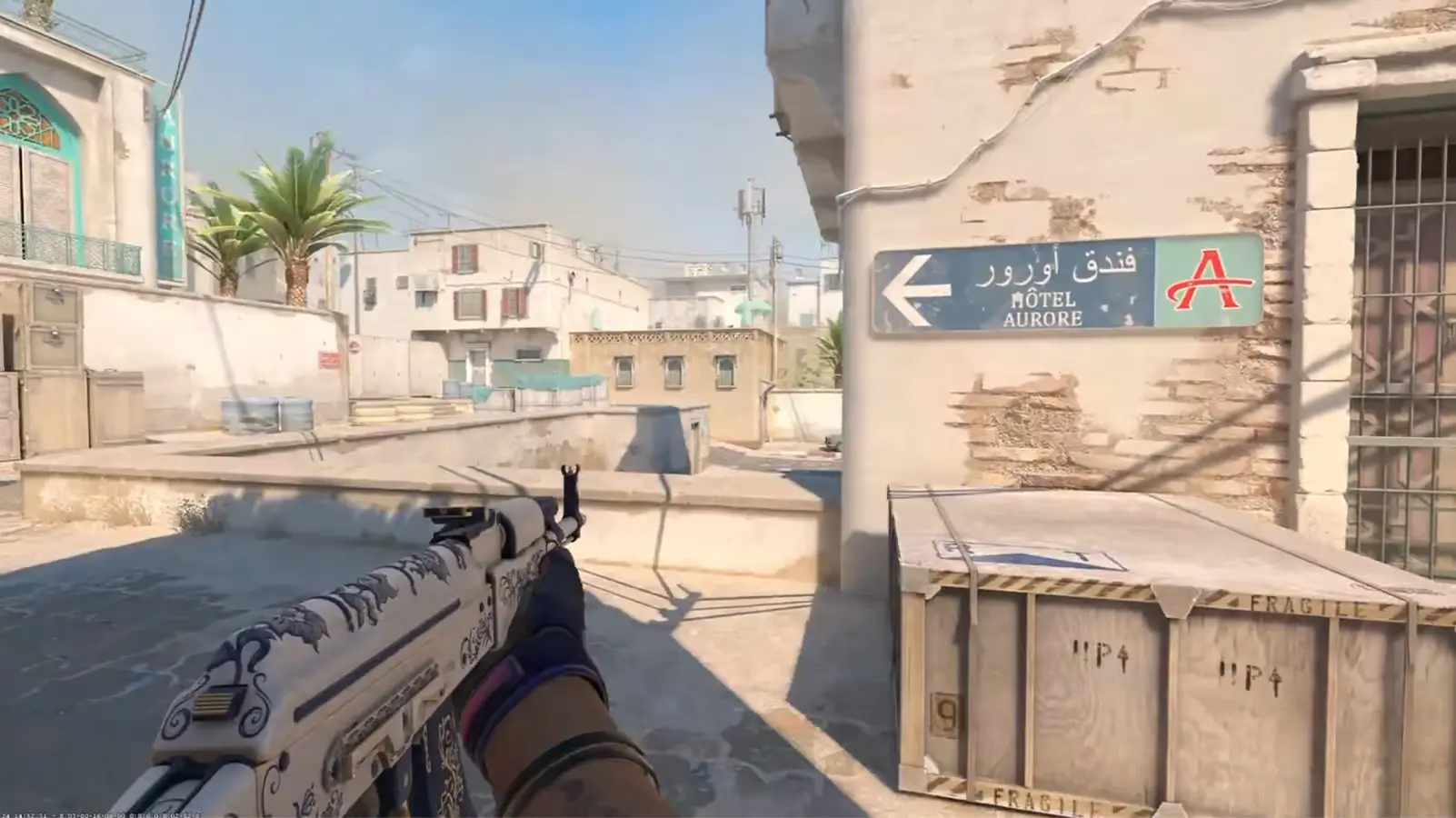
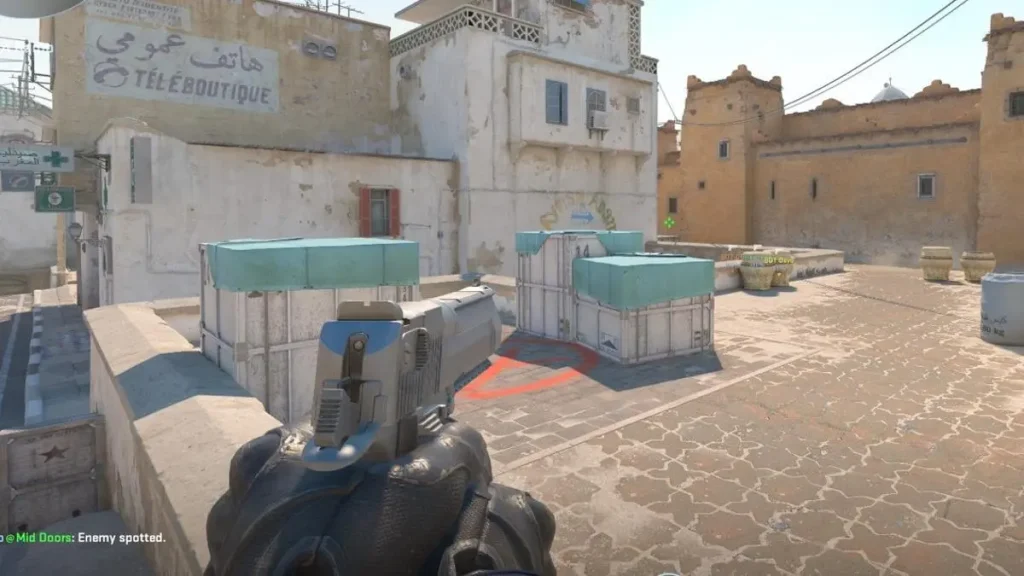
cs2 left hand pov

Previously, CS:GO players were able to type ‘cl_righthand 0’ in the console to use the left-handed viewmodel and change the value to ‘1’ to set the viewmodel to right-hand.

However, with the new update, Valve seems to have switched the viewmodel commands up in CS2 while also implementing a much easier way to change in-game viewmodels on the go when playing a competitive game.

Without further ado, let’s take a look at how you can change your viewmodel in CS2 using the game’s developers console:

  • Launch CS2.
  • Open the developers console by pressing the tilde (~) key on your keyboard.
  • Type in ‘Switchhands’.
  • Close the console.

By following these commands, you can seamlessly switch your Counter-Strike 2 viewmodel to the left-hand position. To switch your viewmodel back to the right-hand position, simply paste the same command in the console once more.

How To Change CS2 Viewmodel Without Using Console

Players can also change their CS2 viewmodel from the in-game settings menu by following these steps:

  • Launch CS2.
  • Head to the settings menu.
  • Scroll down to the item section of the menu.
  • Find the “Preferred Viewmodel Left/Right Handedness” and set it as per your liking.

Under the preferred viewmodel, there’s also an option to assign a hotkey for instantaneous viewmodel changes during gameplay, which can be useful when you’re looking to switch your hands on the go.