Friday, May 15, 2026
Home Blog Page 633

Sid Expresses Frustration Over Cheating Problem in BMPS 2023

0

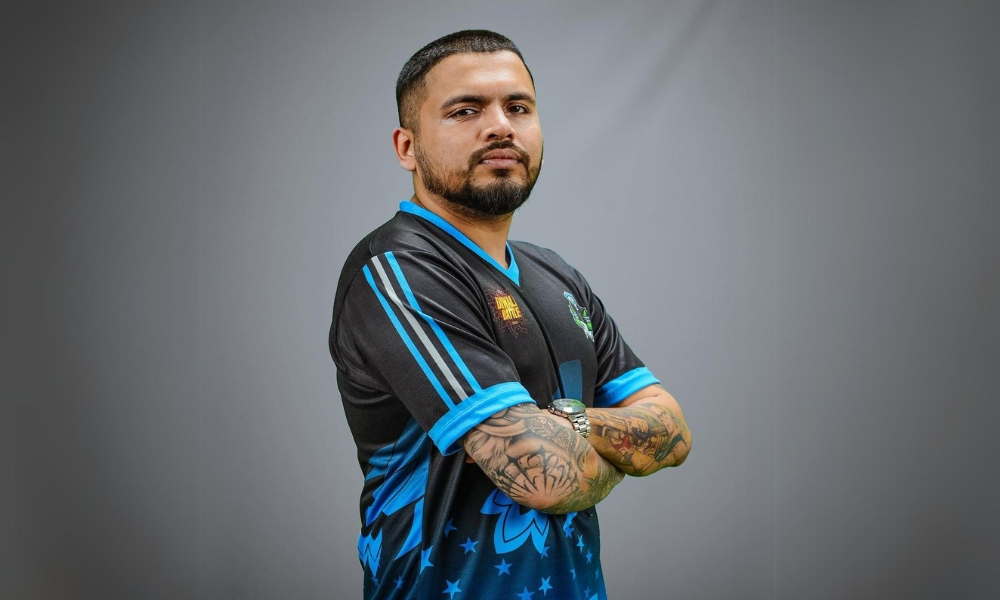
Team SouL’s manager, Siddhant “Sid” Joshi, recently vocalized his deep frustration with the persisting cheating problem in Battlegrounds Mobile India (BGMI) tournaments, particularly during the ongoing BGMI Pro Series 2023 (BMPS 2023). The issue of cheating has plagued the competitive scene since the relaunch of BGMI in May, and Sid’s statements shed light on the challenges faced by both underdog and established players.

Sid Unleashes Frustration Over Cheating Issue in BMPS 2023

In a recent livestream, Sid openly talked about the persistent cheating problem in BGMI and BMPS 2023. He addressed the harsh reality faced by underdog players who, despite legitimate and impressive performances, find themselves under scrutiny due to the prevalence of cheating. He added, “It is not our fault, it is not your fault, it is the fault of the pieces of sh** that are using hacks in the industry. It is their fault.

Expressing the frustration shared by many, Sid highlighted the necessity for players, especially underdogs, to provide unedited Points of View (POVs) and handcams to prove their authenticity. “If you’re an underdog, if you’re a legit player, if you’ve got 15 finishes in a match, and immediately 1 to 2 hours after that, if you don’t have your match POV ready, if you don’t have the footage with zero editing, then I think people are going to say that you’re a hacker,” he explained.

Sid’s Firm Stance on Proving POVs

Following this, Sid explained that if someone fails to provide their POV recording or makes excuses for not recording the game, and expects that people will consider them legitimate, then it’s not going to happen. “Those who are refusing to provide unedited POVs and handcams, they are cheating. Because if you don’t have anything to hide, you will provide whatever others want. If you have something to hide, if you have excuses, if you’re messing up the game of legit players, karma will hit you so hard you will not know what hit you,” he added. 

Lastly, Sid stated, “This is me super-frustrated with what is happening in the scene right now. I am angry and frustrated, but I cannot do anything about it. They have messed up the life, career, and future of so many good and genuine players; not only underdog players, but also T1 players.”

Stay updated with the latest news in gaming and esports by signing up for early access to TalkEsport’s Mobile App. Follow us on Twitter and Google News to ensure you never miss the exciting updates.
Hogwarts Legacy Tops Google’s Year in Search 2023 Game List

0

“Hogwarts Legacy,” a game that immerses players in the enchanting world of Harry Potter, has emerged as the year’s top-searched game. This spellbinding adventure has not only captured the hearts of Potterheads but also set a remarkable record on Twitch, becoming the most searched single-player game with an impressive 1.2 million concurrent views​​.

Most Searched Games of 2023

The list of top-searched games in 2023 showcases a mix of genres and experiences, reflecting the broad spectrum of gamers’ interests:

  • Hogwarts Legacy
  • The Last of Us
  • Connections
  • Battlegrounds Mobile India
  • Starfield
  • Baldur’s Gate 3
  • Suika Game
  • Diablo IV
  • Atomic Heart
  • Sons of the Forest

Each title offers unique storylines and gameplay experiences, from the post-apocalyptic survival of “The Last of Us” to the epic fantasy realms of “Baldur’s Gate 3“​​.

Battlegrounds Mobile India,” despite its regional availability, impressively ranked within the top 5. This shows the immense popularity of the game in India, where it has a dedicated and growing fanbase. On the other hand, “Baldur’s Gate 3,” despite winning at ‘The Game Awards 2023,’ didn’t crack the top 5 but still secured a respectable sixth place​​.

2023’s top-searched games list is a clear indication of how diverse the gaming world has become. Players are not confined to a single genre; instead, they are exploring a variety of gaming experiences, from indie titles to blockbuster franchises.

This trend points towards an inclusive gaming culture where different types of games receive attention and appreciation from a global audience​​.

G2 sail past Mouz to the Blast Premier Upper Bracket Finals

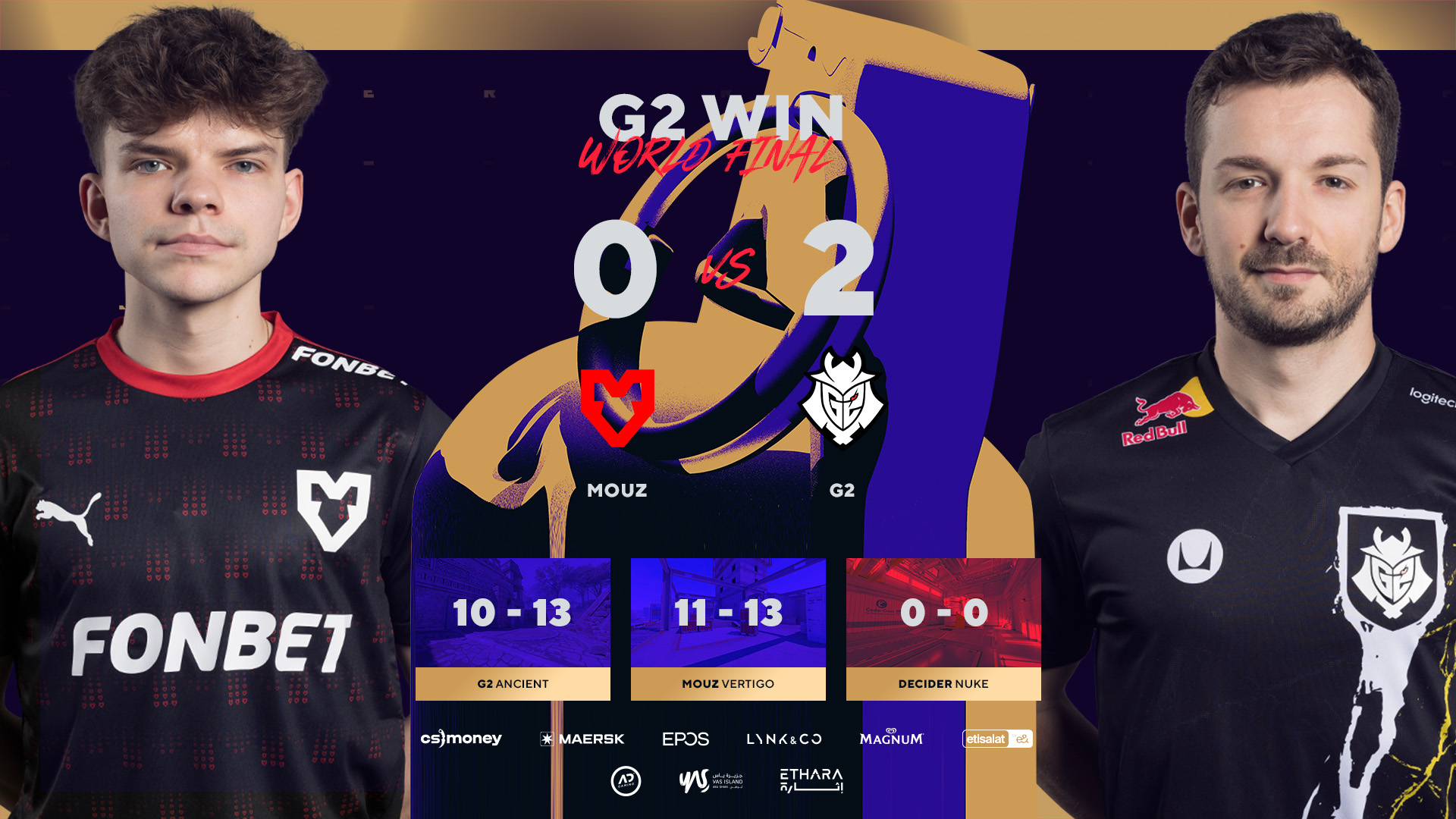
Nexa and G2 brought the heat to the upper bracket semi-finals against Mouz to book themselves a place in the UB Semi-Finals against FaZe Clan on Thursday. G2 took down a Mouz team that recently comfortably lost one of their stars but looked shaky at times. This marks Nexa’s second debut for the team and one to remember for the coming days.

Map Veto

  • G2 removed Mirage
  • MOUZ removed Anubis
  • G2 picked Ancient
  • MOUZ picked Vertigo
  • G2 removed Overpass
  • MOUZ removed Inferno
  • Nuke was left over

Map 1: Ancient (Pick: G2 , Win: G2, Final Score: 13-10)

After securing a nearly flawless pistol round win on the T-side of Ancient, G2 grabbed the follow-up anti-eco as well before their opponents could win their first buy-round in the game. However, MOUZ failed to maintain their momentum as G2 struck back, winning consecutive rounds to get a 5-1 lead. Despite having an initial lead, the following rounds swayed away from G2’s grasp as MOUZ equalized the game heading into the second half.

The second pistol round of the series enabled MOUZ to snatch the lead from their opposition after an impressive display of gunplay. The teams traded a few rounds back and forth before G2 managed to tie the score 9-9 and eventually gain the lead for themselves on the CT side of Ancient. G2 eventually closed out the first game with a 13-10 score in their favor.

Map 2: Vertigo (Pick: Mousesports, Win: G2, Final Score: 13-11)

G2 got off to a poor start to Vertigo, a map that they have historically struggled with in CS2. Nexa’s addition to the team did not solve their woes on the defense as Mouz put on a formidable offensive display that broke through G2’s walls. The team looked underprepared and a shadow of themselves from the first map after ending the first map with only 4 rounds to their name.

On the T side, G2 shifted the momentum with fast-paced Counter-Strike and Nexa with his sharp entries proving doubters wrong who believed his arrival came as a result of nepotism within the G2 umbrella. m0nesy was the stand-out performer but with a supporting cast that played like a well-structured team on the T side. G2 only let 3 rounds slip before they were able to pick up 11 and come back in the second half to win the map.

Stay updated with the latest news in gaming and esports by signing up for early access to TalkEsport’s Mobile App. Follow us on Twitter and Google News to ensure you never miss the exciting updates.
Apple Unveils 2023’s Top Apps & Games on iPhone and iPad

0

The digital landscape of 2023 has been a remarkable journey, with the App Store at its core, showcasing an array of apps and games that have captivated users worldwide. This year’s highlights reveal a fascinating blend of creativity, innovation, and entertainment that have defined user experiences across the globe.

In the realm of free iPhone applications, the diversity is striking. Leading the pack is ‘Temu: Shop Like a Billionaire,’ a testament to the growing trend of e-commerce apps. Video editing has also seen a surge in popularity, with ‘CapCut – Video Editor’ securing a top spot, reflecting the increasing demand for content creation tools. Notably, social media giants like TikTok and Instagram continue to dominate, underscoring their unwavering appeal.

The paid app segment tells a different story, highlighting niche demands and specialized interests. ‘Shadowrocket,’ a utility app, and ‘HotSchedules,’ a work management tool, top the list, indicating a shift towards apps that enhance productivity and personal efficiency. Creative apps like ‘Procreate Pocket’ also feature prominently, showcasing the growing interest in digital artistry.

Here is a list of the most downloaded apps and games of 2023 in the U.S.:

Top Free iPhone Apps

  • Temu: Shop Like a Billionaire
  • CapCut – Video Editor
  • Max: Stream HBO, TV, & Movies
  • Threads, an Instagram app
  • TikTok
  • Instagram
  • Google
  • YouTube: Watch, Listen, Stream
  • WhatsApp Messenger
  • Gmail – Email by Google

Top Paid iPhone Apps

  • Shadowrocket
  • HotSchedules
  • Procreate Pocket
  • The Wonder Weeks
  • 75 Hard
  • AutoSleep Track Sleep on Watch
  • Goblin Tools
  • TonalEnergy Tuner & Metronome
  • SkyView
  • AnkiMobile Flashcards

Top Free iPhone Games 

  • MONOPOLY GO!
  • Roblox
  • Royal Match
  • Subway Surfers
  • Gardenscapes
  • Call of Duty: Mobile
  • Block Blast!
  • Makeover Studio: Makeup Games
  • Parking Jam 3D
  • Survivor!.io

Top Paid iPhone Games

  • Minecraft
  • Heads Up!
  • Geometry Dash
  • Bloons TD 6
  • MONOPOLY
  • Papa’s Freezeria To Go!
  • Plague Inc.
  • Red’s First Flight
  • Five Nights at Freddy’s
  • Grand Theft Auto: San Andreas

Top Free iPad Apps

  • Max: Stream HBO, TV, & Movies
  • YouTube: Watch, Listen, Stream
  • Netflix
  • Google Chrome
  • Disney+
  • Goodnotes 6
  • TikTok
  • Amazon Prime Video
  • Temu: Shop Like a Billionaire
  • Peacock TV: Stream TV & Movies

Top Paid iPad Apps

  • Procreate
  • Shadowrocket
  • Nomad Sculpt
  • forScore
  • Toca Life: Hospital
  • Bluebeam Revu for iPad
  • Teach Your Monster to Read
  • AnkiMobile Flashcards
  • Endless Paper
  • ToonSquid

Top Free iPad Games

  • Roblox
  • Magic Tiles 3: Piano Game
  • Subway Surfers
  • Royal Match
  • Among Us!
  • Duet Cats: Cute Cat Games
  • Stumble Guys
  • MONOPOLY GO!
  • Bridge Race
  • Gardenscapes

Top Paid iPad Games

  • Minecraft
  • Geometry Dash
  • Bloons TD 6
  • Stardew Valley
  • MONOPOLY
  • Five Nights at Freddy’s
  • Red’s First Flight
  • Poppy Playtime Chapter 1
  • Plague Inc.
  • Garten of Banban 2

Top Apple Arcade Games

  • NBA 2K23 Arcade Edition
  • Cooking Mama: Cuisine!
  • Bloons TD 6+
  • Angry Birds Reloaded
  • Sneaky Sasquatch
  • Warped Kart Racers
  • Hello Kitty Island Adventure
  • Snake.io+
  • Fruit Ninja Classic+
  • Solitaire by MobilityWare+

How to Repair Tools & Items in LEGO Fortnite?

0

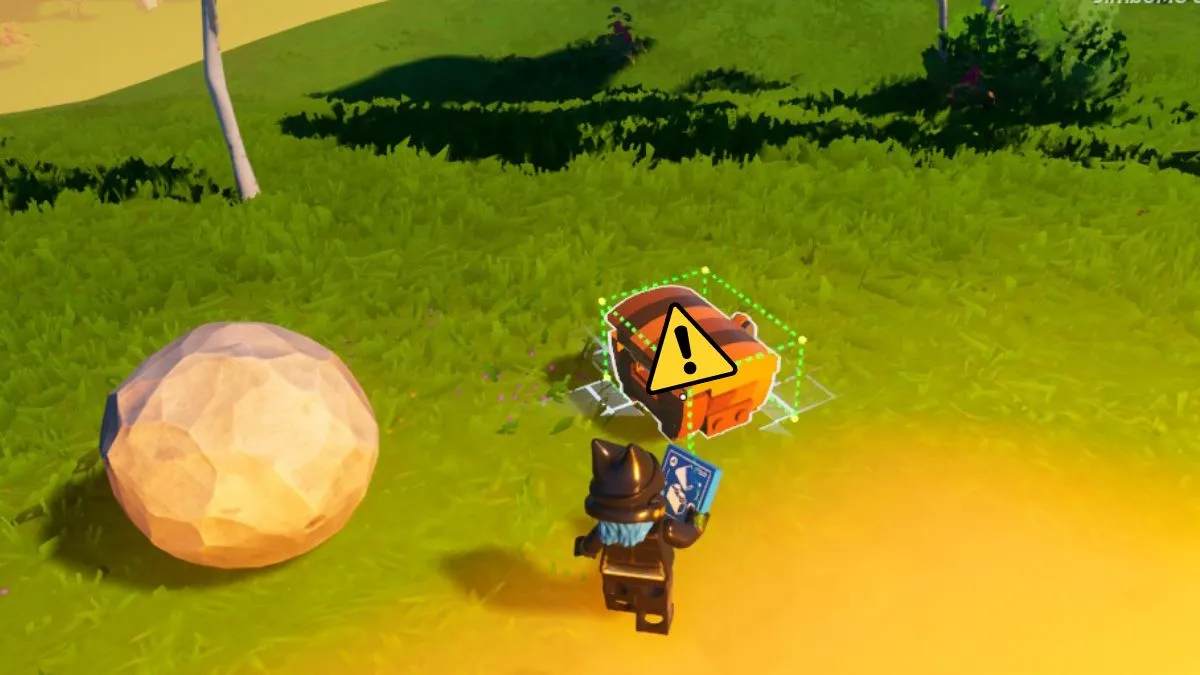
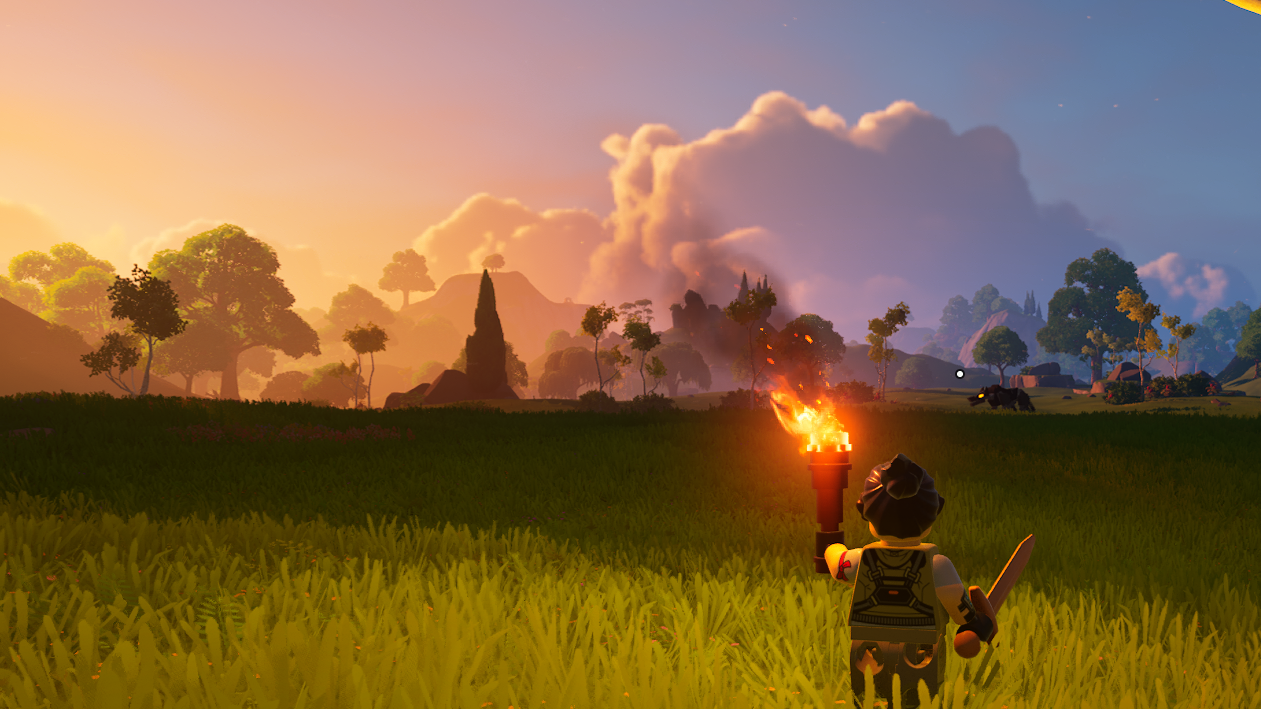
LEGO Fortnite has captivated players worldwide as enthusiasts dive into this fusion, a common question arises: Is it possible to repair items in LEGO Fortnite?

This guide delves into the mechanics of the game, providing clear insights and practical advice for players looking to maximize their gameplay experience.

In the world of LEGO Fortnite, understanding the durability and lifespan of tools and weapons is crucial. Like many games, items in LEGO Fortnite come with a durability factor, indicating how long they can last before breaking.

This element adds a layer of strategy to the gameplay, as players must balance the usage of their favorite items with the need to preserve them for critical moments.

How Does Repair Mechanism Work in LEGO Fortnite?

The question of whether items can be repaired in LEGO Fortnite is a topic of interest among the gaming community. In some games, repair mechanisms allow players to restore the durability of their tools and weapons, prolonging their utility and effectiveness. However, in LEGO Fortnite, the dynamics are different.

As of now, LEGO Fortnite does not feature a direct repair option for items. This means players need to strategize carefully, using items judiciously to ensure they remain effective for as long as possible.

Since direct repair is not an option in LEGO Fortnite, players must adopt different strategies to ensure the longevity of their items. Here are some tips:

  • Balanced Usage: Avoid over-relying on a single item. Rotate through different tools and weapons to distribute wear and tear evenly.
  • Resource Management: Collect resources efficiently to replace items as they wear out. Staying stocked up is key to continuous gameplay.
  • Strategic Play: Engage in battles thoughtfully. Sometimes, avoiding unnecessary combat can save your items from premature wear.

Also Read | How to Fix World Currently Unavailable Error?

E3 is Officially Dead

0

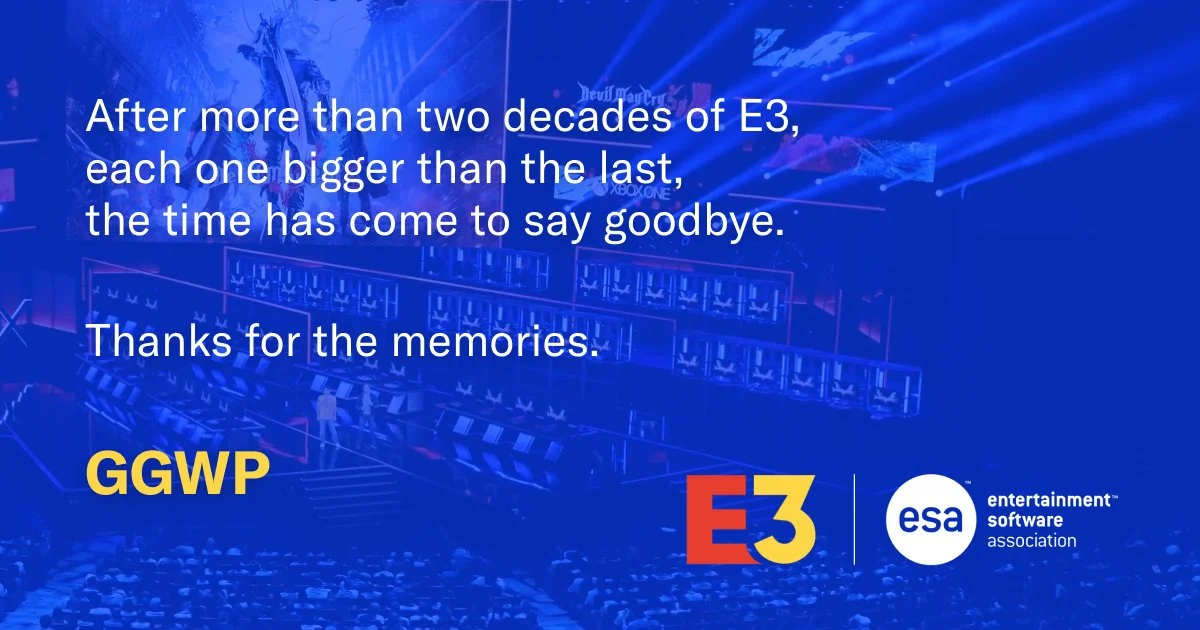
E3 has officially been canceled forever, marking the end of an era in the video game industry. This decision, confirmed by its parent company, comes after numerous challenges in recent years, including a failed attempt at revival this year.

The Decline of E3

E3’s significance began to wane as major partners like Sony, EA, and Nintendo chose to host their events. The arrival of competitors such as Geoff Keighley’s Summer Games Fest and the impact of the COVID-19 pandemic further diminished E3’s relevance. In 2021, an all-digital version of E3 resulted in financial losses, and the subsequent 2022 and 2023 shows were canceled.

The Final Struggle and Closure

Efforts by ReedPop to resurrect E3 were unsuccessful, leading to the cancellation of the 2023 event at the last minute due to limited interest from publishers and developers. Although there were rumors of a complete reinvention for E3 in 2025, the Entertainment Software Association (ESA) has now decided to bring the event to a close.

ESA president and CEO Stanley Pierre-Louis expressed the industry’s deep connection to E3, acknowledging the difficult decision to end such a beloved event. The closure of E3 signals a significant shift in how the gaming industry connects with fans and partners, paving the way for new opportunities and approaches in showcasing video games and interactive entertainment​​.

Why Is Your Ping So High in Valorant?

0

Valorant, the popular First-Person Shooter (FPS) game by Riot Games, has captivated a vast player base with its intense online multiplayer format. A critical aspect impacting gameplay is the ping or latency experienced during matches. High ping can severely affect performance, leading to missed shots and lag, frustrating players striving for competitive success.

In this article, we will discover the reasons behind your high ping in Valorant and how to fix it. Let’s dive into it without wasting time.

Why Is Your Ping So High in Valorant?

  • Server Overload: Each new Episode in Valorant sees a surge in player activity, overloading servers. This influx can lead to latency issues, as servers struggle under increased load.
  • Internet Connectivity Fluctuations: Players’ internet stability plays a significant role. Unstable connections can result in high ping, disrupting the gaming experience.

How to Fix High Ping Issue in Valorant?

To enhance your Valorant experience and reduce ping, consider these solutions:

  • Restart Game and Client: Sometimes, simply restarting Valorant and the Riot Client can resolve ping issues.
  • Opt for Ethernet Connection: Switching from Wi-Fi to a more stable ethernet connection can significantly improve network stability.
  • Update Windows: Ensure no background downloads or updates interfere with your network performance.
  • Close Background Applications: Applications running in the background might consume bandwidth, affecting ping.
  • Modem Restart: A classic yet effective method is to restart your internet modem to refresh the connection.
  • Contact ISP: Regularly check with your Internet Service Provider for updates and perform diagnostic checks to ensure a consistent connection.

If you are still facing high ping issue in Valorant, let us know in the comment section below.

UFL Gets $40 Million Investment From Cristiano Ronaldo

0

Football star Cristiano Ronaldo has recently ventured into the world of esports by investing a substantial $40 million in UFL, an upcoming soccer video game. This move marks a groundbreaking fusion between the traditional sports world and the rapidly growing esports industry, highlighting the expanding influence of digital sports.

Developed by Strikerz Inc., UFL has been in the works since 2016 and is poised to redefine the virtual soccer gaming experience. Unlike its competitors, UFL is a free-to-play game, emphasizing fair play and skill over pay-to-win dynamics. It promises to deliver an immersive and realistic soccer simulation, aiming to set new standards in the esports arena.

Ronaldo’s expertise and global appeal as a soccer icon are expected to contribute significantly to the game’s development and marketing. By lending his insights and knowledge of soccer, Ronaldo is set to enhance the game’s authenticity, making it more appealing to fans of the sport and gaming enthusiasts alike. His involvement is anticipated to bring heightened visibility and credibility to UFL, distinguishing it in a market dominated by well-established gaming franchises.

This collaboration between Ronaldo and UFL underscores the lucrative nature of the esports industry, which has seen remarkable growth in recent years. With increasing revenue streams and expanding global player bases, esports are attracting investments and endorsements from celebrities and sports stars worldwide.

Ronaldo’s bold move into esports with UFL is not just a business venture but a sign of the times. It reflects the blurring lines between traditional sports and digital gaming, offering new entertainment avenues for fans.

LEGO Fortnite: How to Fix World Currently Unavailable Error?

0

Are you a fan of Fortnite and LEGO, blending your love for gaming with creative building? If so, you may have encountered the frustrating LEGO Fortnite matchmaking error, displaying a message: “Matchmaking Error (#1) World currently unavailable, try again soon.”

This hiccup can put a damper on your gaming experience, but fear not! There are several steps you can follow to resolve this issue, ensuring you get back to the world of LEGO Fortnite without hassle.

Common Causes Behind the World Currently Unavailable Error

The error typically arises due to server overload. LEGO Fortnite’s immense popularity, especially after updates or during peak gaming hours, leads to a surge in player activity. This influx can strain game servers, causing sluggish response times or preventing connections altogether.

Scheduled maintenance or updates by Epic Games also play a role. Servers might be temporarily down during these periods for patch implementations or improvements. Additionally, software bugs or network issues could disrupt matchmaking services. Lastly, check your internet connection, as weak signals or network restrictions can impede communication with Fortnite’s matchmaking servers​​.

How to Fix World Currently Unavailable Error in LEGO Fortnite?

  • Check Server Status: Start by confirming the operational status of Fortnite servers on the Epic Games Server Status page.
  • Try a Different Browser: Switch browsers or devices to see if the issue is browser-specific.
  • Adjust Matchmaking Region: Some players find success by changing the matchmaking region in-game settings.
  • Ensure Internet Stability: A stable, strong internet connection is crucial.
  • Restart LEGO Fortnite: Often, a simple restart resolves temporary glitches.
  • Modify DNS Settings: This can optimize your connection to Fortnite servers.
  • Clear Browser Cache and Cookies: This step can enhance browser performance.
  • Uninstall and Reinstall LEGO Fortnite: Consider this as a last resort.
  • Contact Epic Games Support: If the problem persists, reach out to Epic Games support for assistance​​.

Additional Tips

  • Restart the Game: This can reload game files correctly, eliminating discrepancies.
  • Change Server Region: Switching your server region might help if the error is due to overloaded servers.
  • Switch to Battle Royale Mode: Then head back to LEGO mode to secure a spot in the server queue.
  • Join a Friend’s World: If you can’t load your world, join a friend’s LEGO Fortnite adventure.
  • Re-install Fortnite: If problems persist, a fresh installation might resolve file corruption issues.

Have you successfully fixed the error? Let us know in the comment section below.

Can You Get Banned for Using the Fortnite Festival XP Glitch?

0

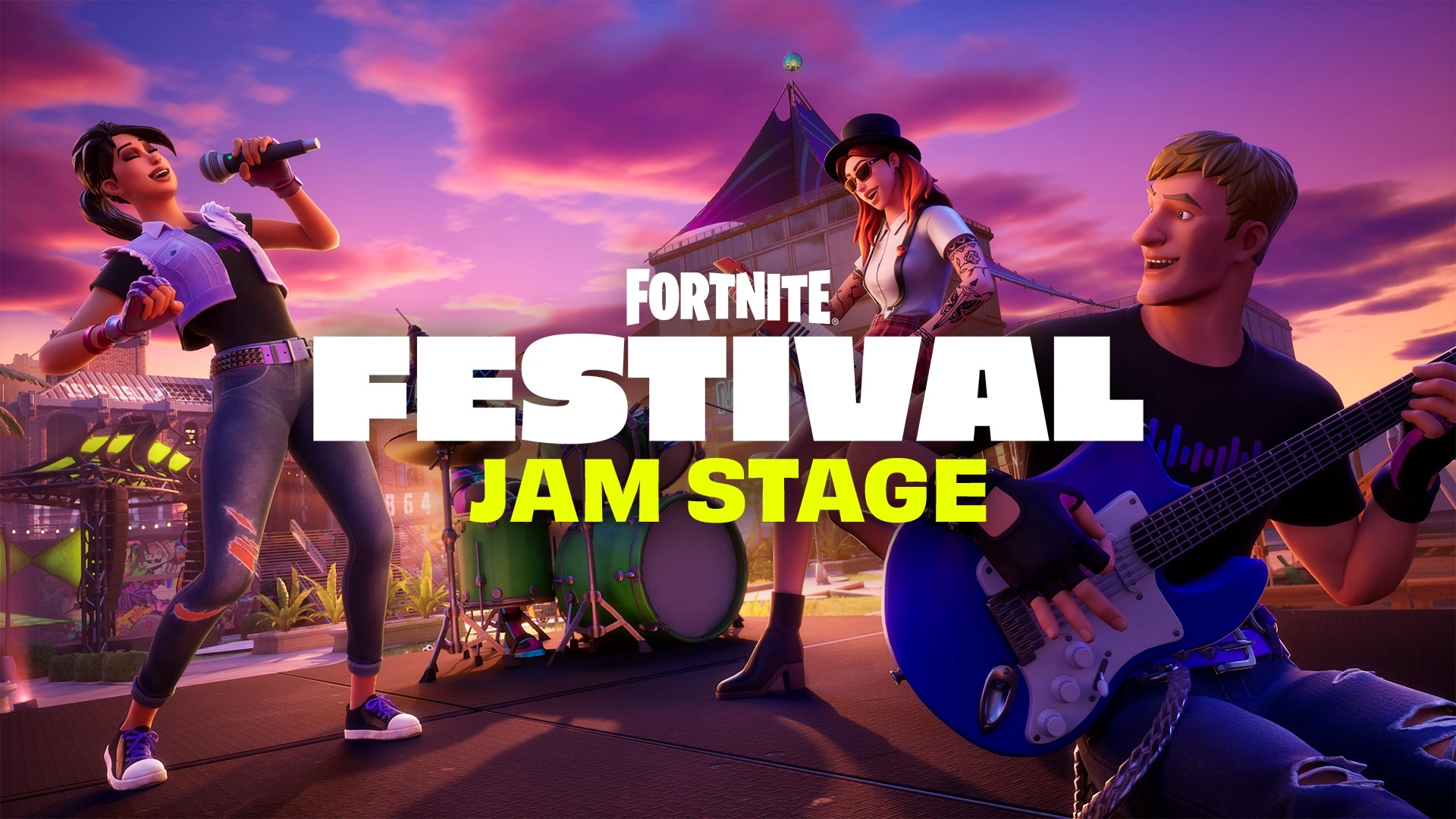
December in Fortnite has been nothing short of electrifying, thanks to the introduction of three new elements: the LEGO Fortnite survival game, the high-octane Rocket Racing mode, and the headline-grabbing Fortnite Festival.

Amidst these exciting updates, a particular anomaly has emerged – the Fortnite Festival XP Glitch, now the center of attention in the gaming community​​.

Fortnite Festival XP Glitch

The glitch presents an unprecedented opportunity, allowing gamers to zoom through hundreds of levels in a remarkably short time. This involves leveraging a daily quest with the help of a friend. The method is straightforward yet ingenious:

  • Essential Requirement: Have the ‘Play on the Jam Stage for 20 minutes’ Daily Quest active.
  • Teaming Up: Join a friend who’s already at the Jam Festival Stage.
  • AFK Strategy: Participate in the Jam Stage activity, then stay AFK (Away From Keyboard) for 20-30 minutes.
  • Game Exit: Depart the game using the ‘Return to Lobby’ option.
  • Harvesting the Rewards: Each re-entry into the game gifts you a complete level up.
  • Repeat as Desired: You can repeat this process to your heart’s content or until the glitch is resolved.
  • Enjoy the Swift Progress: Revel in the rapid ascension through the levels​​.

Can You Get Banned for Using the Fortnite Festival XP Glitch?

So, is it safe to use the Fortnite Festival XP glitch? The answer is nuanced. On the one hand, Epic Games has a track record of not banning players from using such exploits, especially when they don’t negatively impact other players.

On the other hand, the use of any glitch is a grey area and carries its own set of risks. Players should be aware that while they might not face an outright ban, there are other potential repercussions, such as progress resets.

Disclaimer: Use the Fortnite Festival XP Glitch at your own risk. TalkEsport is not responsible for any consequences or actions taken by Epic Games.