Friday, May 8, 2026
Home Blog Page 467

Genshin Impact 4.8 Livestream Schedule: Date, Time & Where To Watch

HoYoverse has officially revealed the schedule for the upcoming Genshin Impact 4.8 livestream, and fans of the open-world RPG are excited to know more about what the new update will bring to the title.

While the Genshin Impact 4.8 update isn’t expected to bring many major changes to the game, the special program livestream will likely reveal information on Natlan alongside the highly anticipated 5.0 update.

For the uninitiated, the Genshin Impact 5.0 update is set to be one of the biggest updates in the game’s history and may bring with it a bunch of new content, events, characters, weapons, and more.

In this article, we take a look at the Genshin Impact 4.8 livestream schedule, its date, time, and where you can watch it.

Genshin Impact 4.8 Livestream Schedule: Date, Time 

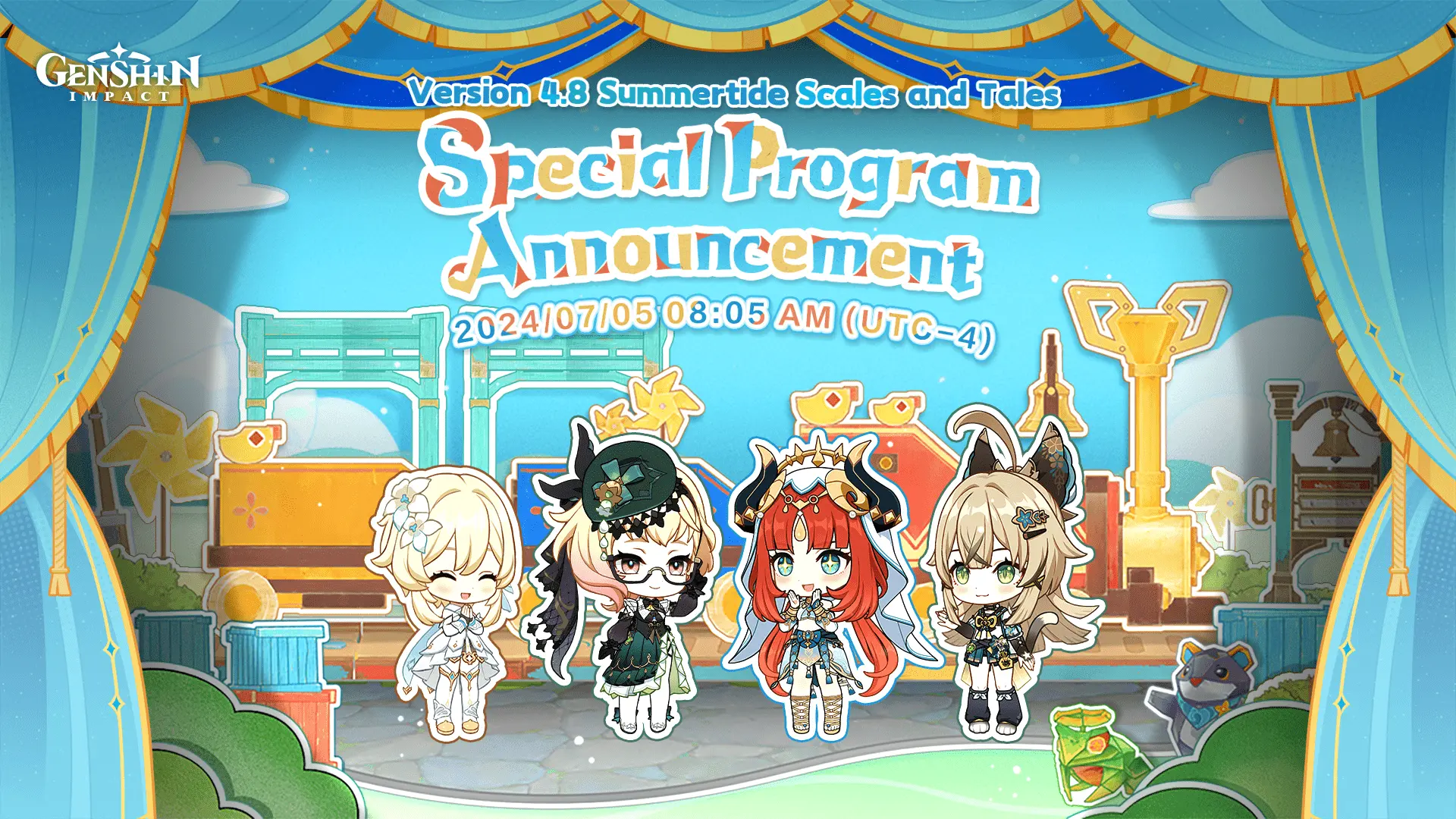
As confirmed by HoYoverse, the Genshin Impact 4.8 livestream is scheduled to take place on July 05, at 8:05 AM (UTC-4).

Genshin Impact fans tuning in to the 4.8 special program livestream will be able to get a sneak peek at the contents of the update and get redeem codes worth 300 Primogems.

Below, we have included the Genshin Impact 4.8 livestream times in various time zones from throughout the globe:

  • California, USA – 5:05 AM
  • Toronto, Canada – 8:05 AM
  • Rome, Italy – 2:05 PM
  • New Delhi, India – 5:35 PM
  • Beijing, China – 8:05 PM
  • Tokyo, Japan – 9:05 PM
  • Melbourne, Australia – 10:05 PM
  • Auckland, New Zealand – 12:05 AM (July 6th)

Genshin Impact 4.8 Livestream: Where To Watch

Genshin Impact fans can catch the 4.8 special program livestream by tuning into the official Twitch and YouTube handles of the game.
How to Get 100 Free Pulls in Zenless Zone Zero

0

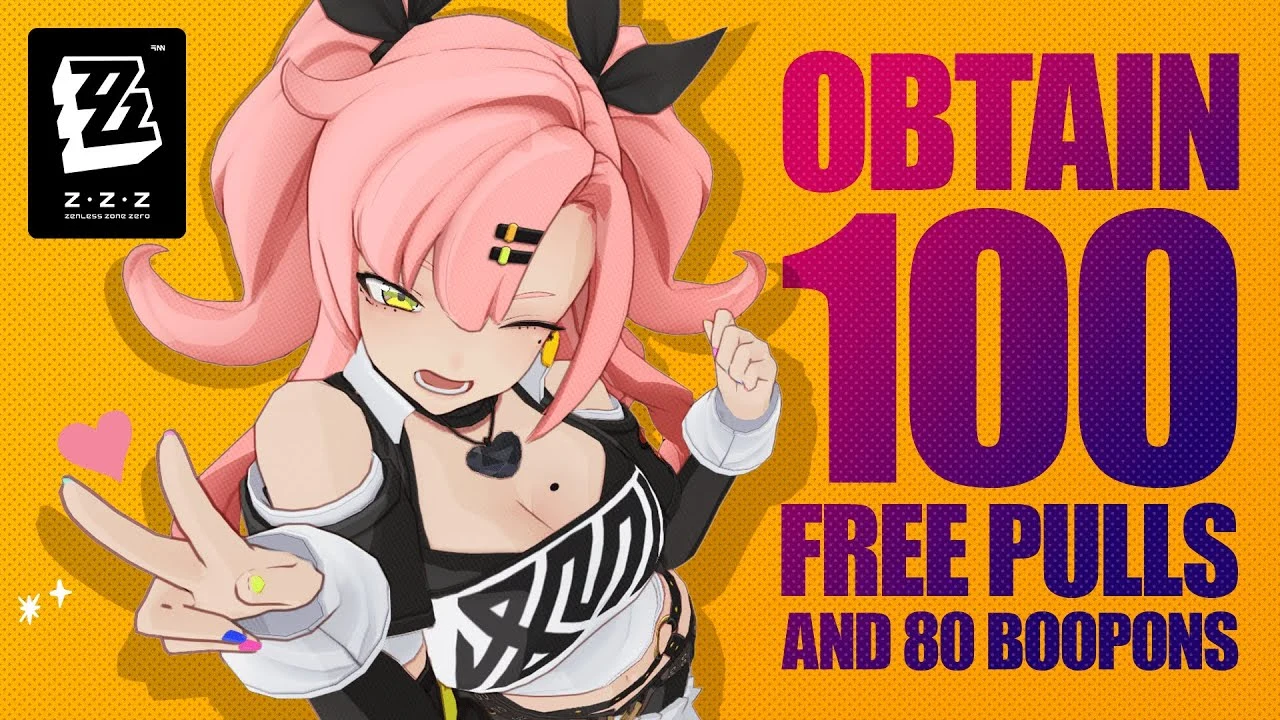
Zenless Zone Zero is finally here and it has come bearing rewards of 100 Free Pulls as a part of their grand release. If you are looking to acquire said Free Pulls, you are in the right place as even though they are free, it might be quite a drag to get them.

Suffice it to say that the 100 Free Pulls aren’t credited right from the get-go but the game makes you work for it. While many assumed to have said Free Pulls directly into your accounts, Zenless Zone Zero requires you to complete a few tasks before you can see them in your account.

The 100 free pulls are rewarded as listed below:

  • 20x Encrypted Master Tape: Limited Agent Banners
  • 70x Master Tape: Permanent Agent Banner
  • 1,600x Polychrome: Can be converted into 10x Encrypted Master Tapes.

Here is how you can get all the 100 free pulls along with the promised Boopons in ZZZ:

  • Rewards from Pre-registration: 20x Master Tapes and 5x Boopons
  • Cunning Generosity event Rewards: 10x Master Tapes
  • Sixth Street Giveaway daily login event rewards: 10x Encrypted Master Tapes
  • New City Visitor’s Passport daily login event rewards: 10x Encrypted Master Tapes
  • “En-Nah” Into Your Lap daily login event rewards: 10x Boopons
  • Road to Proxy Greatness level-up rewards: 40x Master Tapes, 1,600 Polychrome, and 65 Boopons.

A plethora of side quests include the likes of mini-games and hollow zero, which offers slick ways to get your hands on a few Free Pulls. Now that the game is offering quests dedicated to farming Free Pulls, it would be a shame to let this opportunity go away.

Stay updated with the latest news in gaming and esports by signing up for early access to TalkEsport’s Mobile App. Follow us on Twitter and Google News to ensure you never miss the exciting updates.

What Is The Size Of Zenless Zone Zero (ZZZ)?

Zenless Zone Zero (ZZZ) is an eagerly anticipated game, and understanding its download size is crucial for gamers planning to install it on their devices. This guide provides a detailed breakdown of the storage requirements for different platforms.

PC Download Size

For those looking to play Zenless Zone Zero on PC, the download size is approximately 50 GB. However, it’s important to note that you will need around 110 GB of free space to unzip and install the game properly. This additional space is necessary to ensure a smooth installation process.

PlayStation Download Size

If you are a PlayStation user, the file size for Zenless Zone Zero is slightly smaller, coming in at just over 49 GB. This makes it a bit more manageable compared to the PC version, but still requires a significant amount of storage.

Android Download Size

For mobile gamers, particularly those using Android phones, the game can be downloaded from the Google Play Store and will require around 20 GB of space. This is considerably smaller than the PC and PlayStation versions, making it more accessible for mobile users.

Comparison with Other Games

While Zenless Zone Zero is not a small game by any means, it is still smaller than some other popular titles like Genshin Impact. This is a notable point for gamers who are conscious of their device’s storage capacity.

Increasing Game Sizes

It’s worth mentioning that a 50 GB download size might seem large, but it is becoming more common as new games continue to grow in size. This trend shows no signs of slowing down, so gamers should be prepared for larger file sizes in the future.

In summary, whether you are planning to play Zenless Zone Zero on PC, PlayStation, or Android, it’s essential to ensure you have enough storage space to accommodate the game. This guide should help you prepare your device accordingly.

Does Zenless Zone Zero Have Co-Op and PVP?

Zenless Zone Zero is an exciting new game from MiHoYo, the creators of popular titles like Genshin Impact. As players dive into this fresh universe, many are curious about the game’s multiplayer capabilities. This guide will explore whether Zenless Zone Zero includes multiplayer co-op and PVP features.

Current Multiplayer Features

No Co-Op at Launch

At the time of its launch, Zenless Zone Zero does not support co-op gameplay. This means players cannot team up with friends to tackle the game’s main content together.

Limited Multiplayer Functionality

While traditional co-op is absent, there is some limited multiplayer functionality. Players can engage in minigames with friends, offering a taste of social interaction within the game. This feature allows for some level of multiplayer engagement, even if it’s not the full co-op experience many might hope for.

PVP Features

No PVP at Launch

Similar to co-op, Zenless Zone Zero does not include PVP (Player vs. Player) modes at launch. Players looking to compete directly against others will need to wait for future updates.

Future Battle Mode

The developers have plans to introduce a “battle mode” in the future, which will add PVP functionality. This upcoming feature promises to bring competitive gameplay to Zenless Zone Zero, allowing players to test their skills against each other.

Future Updates

Keeping an Eye on Updates

For players who prioritize multiplayer features, it is advisable to stay updated with announcements from MiHoYo. The developers are actively working on enhancing the game, and future updates may bring the desired co-op and PVP functionalities.

While Zenless Zone Zero does not currently offer co-op or PVP modes, there are limited multiplayer features available, and significant updates are planned for the future. Players should keep an eye on MiHoYo’s announcements for the latest developments in the game’s multiplayer capabilities.

How to Fix Valorant Error Code VAL 62: A Troubleshooting Guide

0

Valorant Error Code Val 62 is a common issue that many players encounter. This error can arise from various factors, including problems with Riot Vanguard or the Riot Client. The official Riot Games support site attributes this error to “NoGamepodsToPingFailure,” indicating that it is not a fault on the player’s part. Here’s a comprehensive guide to help you resolve this issue.

Steps to Resolve Valorant Error Code Val 62

1. Restart the Riot Client

One of the simplest solutions is to restart the Riot Client. This can help reset any temporary issues that might be causing the error.

2. Check the Riot Servers

Sometimes, the error might be due to server issues. Check the Riot Servers to see if there is any ongoing maintenance or server downtime. This can save you time troubleshooting a problem that is out of your control.

3. Flush DNS and Restart the Router

Network issues can also lead to this error. Flush your DNS and restart your router to ensure that your network connection is stable and not causing the problem. This step can help clear any network-related issues that might be affecting your connection to the game servers.

4. Contact Riot Support

If the above steps do not resolve the issue, it’s best to contact Riot Support for further assistance. They can provide more specific guidance and help troubleshoot the problem.

Valorant Error Code Val 62 is often tied to updates, server maintenance, or network connectivity issues. By following the steps outlined above, you can resolve this error and get back to enjoying your game. Remember, restarting the Riot Client, checking server status, flushing DNS, restarting your router, and contacting Riot Support are effective ways to tackle this issue.

By addressing these steps, you can ensure a smoother gaming experience and minimize disruptions caused by this error.

How to Make a Torch in Minecraft

0

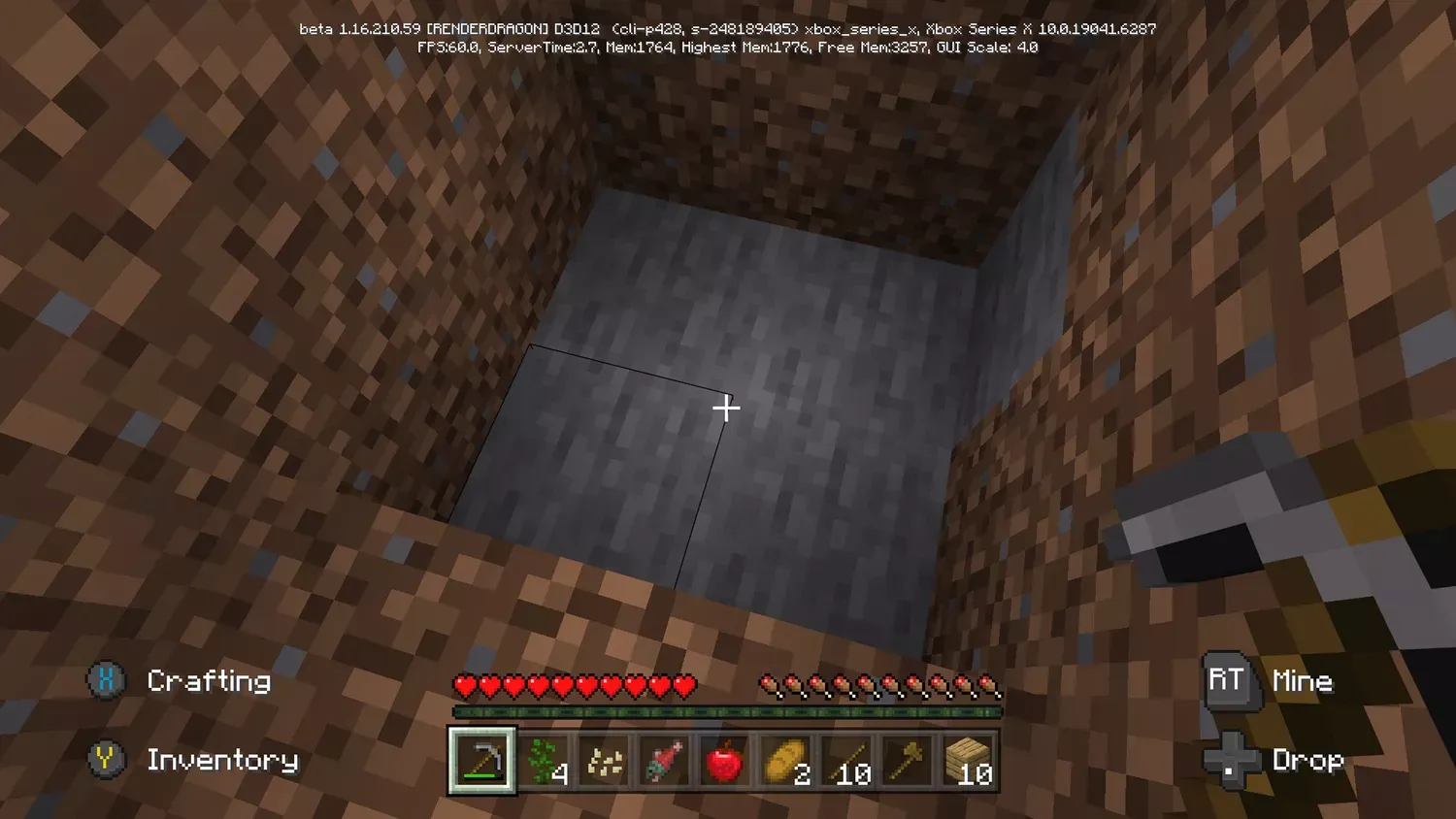
Minecraft is a game that allows players to explore, build, and survive in a blocky, procedurally-generated 3D world. One of the essential items in the game is the torch, which provides light and helps keep hostile mobs at bay. This guide will walk you through the steps to make a torch in Minecraft.

Materials Required to Make Torches

To craft a torch, you will need two primary materials: one stick and one piece of coal or charcoal. These materials are relatively easy to obtain, making torches one of the first items you should craft when starting a new game.

How to Get Coal or Charcoal in Minecraft

Finding Coal

Coal is a common resource that can be found in coal ore blocks. These blocks are typically located in caves, mountains, and other underground areas. When you mine a coal ore block with a pickaxe, it drops coal, which you can then use to craft torches.

Making Charcoal

If you can’t find coal, you can make charcoal by smelting wood logs in a furnace. Simply place a wood log in the top slot of the furnace and any fuel source (like wooden planks or coal) in the bottom slot. After a short time, the furnace will produce charcoal, which can be used as a substitute for coal in torch crafting.

How to Craft a Torch in Minecraft

Once you have your stick and coal or charcoal, you can craft a torch using the crafting table. Follow these steps:

  1. Open the Crafting Table: Right-click on the crafting table to open the 3×3 crafting grid.
  2. Place the Stick: Place one stick in the center slot of the crafting grid.
  3. Add Coal or Charcoal: Place one piece of coal or charcoal directly above the stick in the crafting grid.
  4. Collect Your Torches: Once the stick and coal/charcoal are in place, four torches will appear in the result box. Drag them into your inventory.

What Can You Do With a Torch in Minecraft?

Torches are incredibly versatile and useful in Minecraft. Here are some of their primary uses:

  • Lighting: Torches provide light, which is crucial for exploring caves and building structures. They prevent hostile mobs from spawning in dark areas.
  • Marking Paths: Use torches to mark your path when exploring, so you can easily find your way back.
  • Redstone Circuits: Torches can be used in redstone circuits as a power source or signal inverter.

By following these steps, you can easily craft torches and enhance your Minecraft experience. Happy crafting!

GTA Online Update Channels The Matrix with New Vehicles & Filter

0

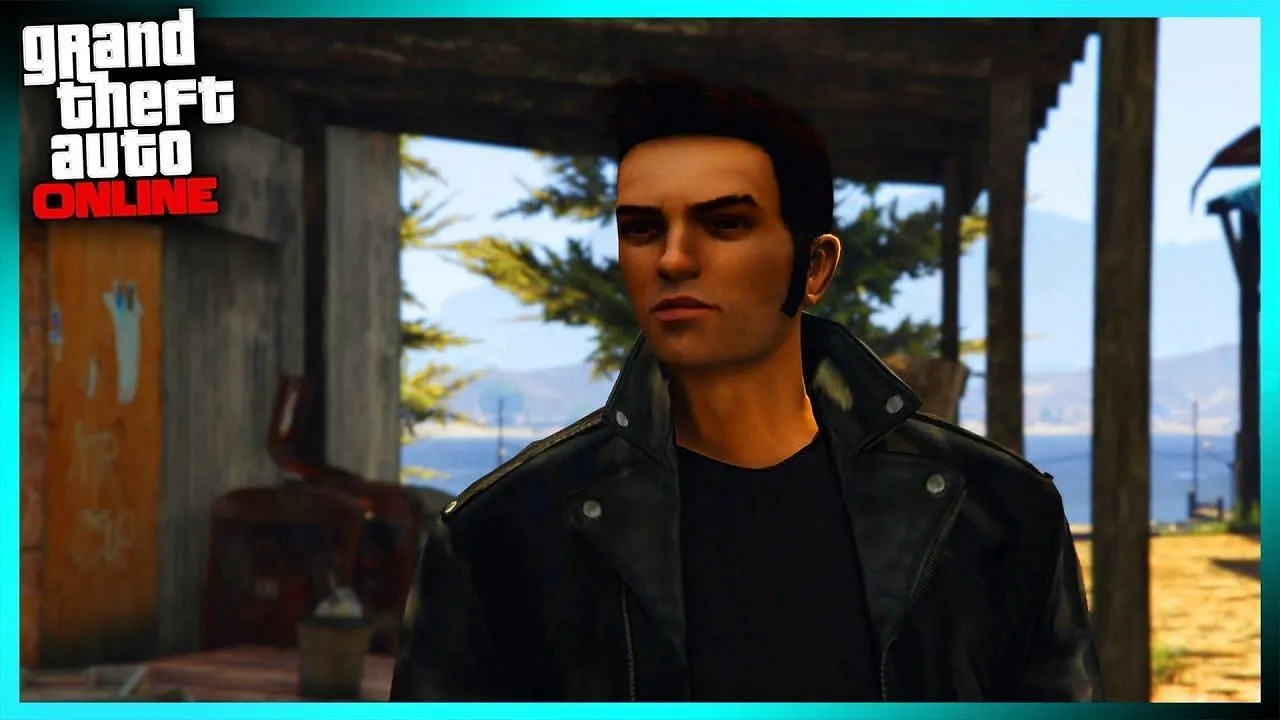
GTA Online continues to captivate its audience with innovative updates, and the latest one has a unique twist that fans of The Matrix series will appreciate. The recent update introduces vehicles inspired by the iconic characters from the legendary sci-fi franchise.

In this update, several cars are named after key figures from The Matrix universe. Players can now drive vehicles such as the OracleRhinehartCypherZionNiobe, and Sentinel. These names are a direct nod to the main characters in the series, adding a layer of nostalgia and excitement for fans of both GTA and The Matrix.

Moreover, the game’s Rockstar Edition includes a special ‘Morpheus’ filter. This filter, characterized by its predominant green hue, mirrors the distinctive visual style of The Matrix films, further enhancing the thematic experience for players.

As GTA Online continues to receive updates, it remains to be seen if more vehicles will be named after other characters from The Matrix. Fans are encouraged to stay tuned for future updates that might expand this intriguing crossover.

This creative integration not only enriches the gaming experience but also pays homage to one of the most influential sci-fi series of all time. Whether you are a fan of GTA, The Matrix, or both, this update offers a unique blend of action and nostalgia.

IShowSpeed Assaulted in Norway

0

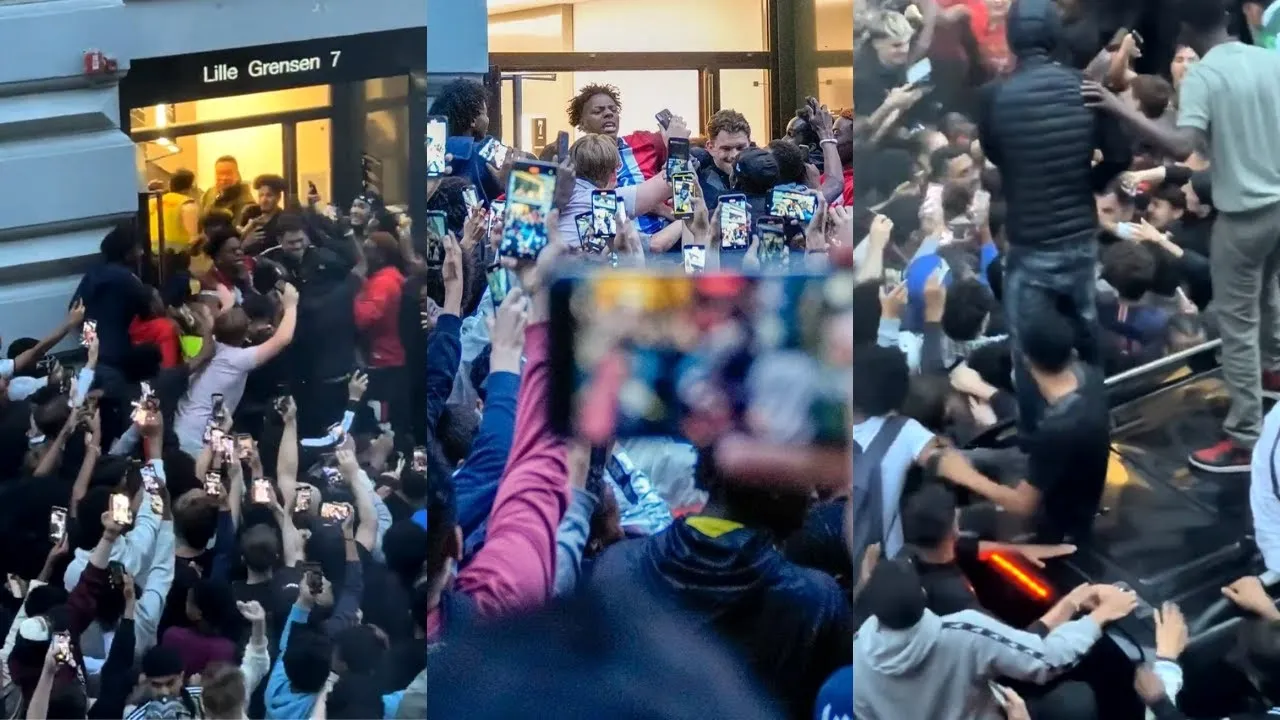
IShowSpeed, a popular YouTube personality, faced a harrowing experience in Norway, leading him to declare that he will never return to the country. The incident occurred while Speed was broadcasting live from a souvenir shop in Oslo, where a mob of fans had gathered outside, eagerly waiting for him.

The situation escalated when Speed was seen berating an individual who had apparently jumped into his getaway car, further intensifying the chaos. After managing to get to safety, Speed addressed his audience, describing the ordeal as the ‘worst day’ of his life.

This isn’t the first time Speed has encountered such a tumultuous situation. He previously had a similar experience in Amsterdam, where he had to flee from a crowd of viewers in a stranger’s boat before being escorted away by police.

The repeated incidents of being mobbed by fans have evidently taken a toll on Speed, prompting his firm decision to avoid Norway in the future

Kai Cenat & MrBeast Stream Ends in Chaotic Indoor Fireworks Display

0

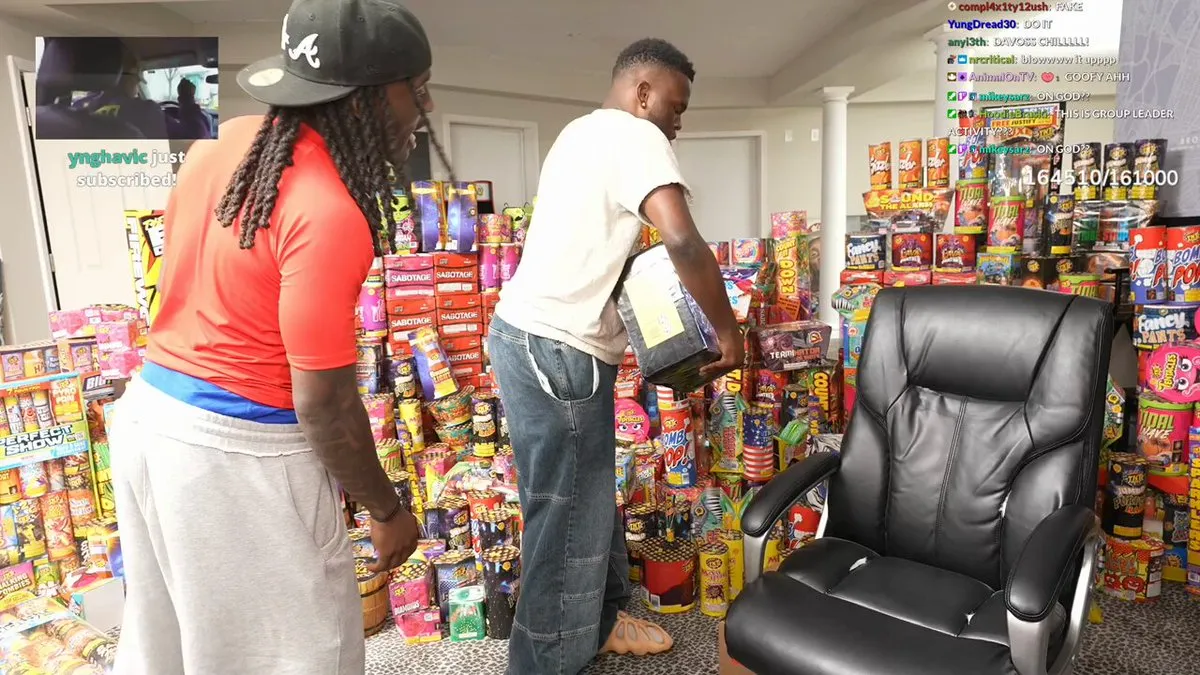
In a recent live stream that quickly turned chaotic, popular content creators Kai Cenat and MrBeast found themselves amidst an unexpected indoor fireworks display. The event, which took place on Wednesday night, was intended to be a collaborative effort but ended abruptly with a dramatic twist.

The 22-year-old Kai Cenat had prepared for the stream with an impressive collection of fireworks, humorously referring to them as his “artillery for defense“. The stream, however, was cut short at the 35-minute mark when Davis, another content creator, arrived with a large box of fireworks. In a move that seemed to preemptively celebrate Independence Day, Davis set off the fireworks indoors, leading to a chaotic and abrupt end to the stream.

Prior to the event, Cenat had ominously hinted at the night’s explosive potential by declaring, “war starts tonight”. Following the unexpected turn of events, Kai took to Twitter to express his frustration, posting, “IM DONE WITH ALL THIS SHIT!!!!! BET”.

This incident highlights the unpredictable nature of live streaming and the lengths to which content creators will go to entertain their audiences. The collaboration between Kai Cenat and MrBeast, although short-lived, certainly left a lasting impression on their viewers.

Esports World Cup: Riyadh Masters 2024 Dota 2 Teams Revealed

The Riyadh Masters 2024 is about to begin for Dota 2 in a few weeks and with the stakes now higher than ever,  that’s right a whopping US $5,000,000 the pressure is on.

As usual, the total prize pool is $5Mn with only one first prize who will win a major chunk of it. Let’s take a look at all the teams that are going to be competing for the main stage events to win the grand prize at the Riyadh Masters 2024.

But, what is the Riyadh Masters 2024 tournament?

A prestigious tournament that will be running its third iteration this year will also be the culminating championship for the second season of the ESL Pro Tour. The tournament was recently inducted into the Esports World Cup lineup back in February 2024 and has marked its spot in the competitive calendar for Dota 2 ever since. 

So, how do teams make it to the Riyadh Masters 2024?

Well, teams have to earn their spot by competing in playoffs, which can be through either of the two ways:

Either through the ESL Pro Tour (EPT) or through the regional qualifiers which is often considered the more brutal bashoff of the two, where extremely talented teams from all regions across the world compete, with an added layer of difficulty considering that the games are knockoff matches, meaning losers are eliminated and winners move on to their next games. (No Lower bracket Team Liquid dream)

The group stages are where the same format as legacy tournaments are followed, where top teams who advance to the upper bracket move on to further playoffs, while the lower bracket teams fight for their position in the tournament where a double-elimination format is used all of which ultimately lead to the BO5 grand finale. 

Here is a list of all the teams who’ve qualified for the Riyadh Masters 2024 in Dota 2

Here is a list of all the teams with their standings on the table concerning their Pro Tour points in Dota 2:

RIYADH MASTERS 2024 GROUP STAGE TEAMSESL PRO TOUR POINTS
Team Falcons18,280
Betboom Teams16,300
Gaimin Gladiators10,960
Xtreme Gaming10,400
Tundra Esports6,515
Team Liquid6,038
OG5,496
Team Spirit5,200

Here is a list of all the teams and the regional tournaments in which they are competing from for the tournament:

RIYADH MASTERS 2024 PLAY-IN TEAMSQUALIFYING TOURNAMENT
EntityWestern Europe Closed Qualifier Champion
MouzWestern Europe Closed Qualifier Runner Up
Virtus ProEastern Europe Closed Qualifier Champion
PSG QuestMENA Closed Qualifier Champion
G2 x iGChina Closed Qualifier Champion
LGD GamingChina Closed Qualifier Champion
Azure RayChina Closed Qualifier Runner Up
AuroraSoutheast Asia Closed Qualifier Champion
Blacklist InternationalSoutheast Asia Closed Qualifier Runner Up
NounsNorth America Closed Qualifier Champion
HeroicSouth America Closed Qualifier Champion
BeastcoastSouth America Closed Qualifier Runner Up

We are excited for this year’s tournaments that will give out newer teams considering how many legacy teams have had complete roster changes recently. Stay tuned to this space for all updates on the Esports World Cup Riyadh Masters 2024 and coverage throughout The International 13 (TI 13) this year. Until next time, adios!