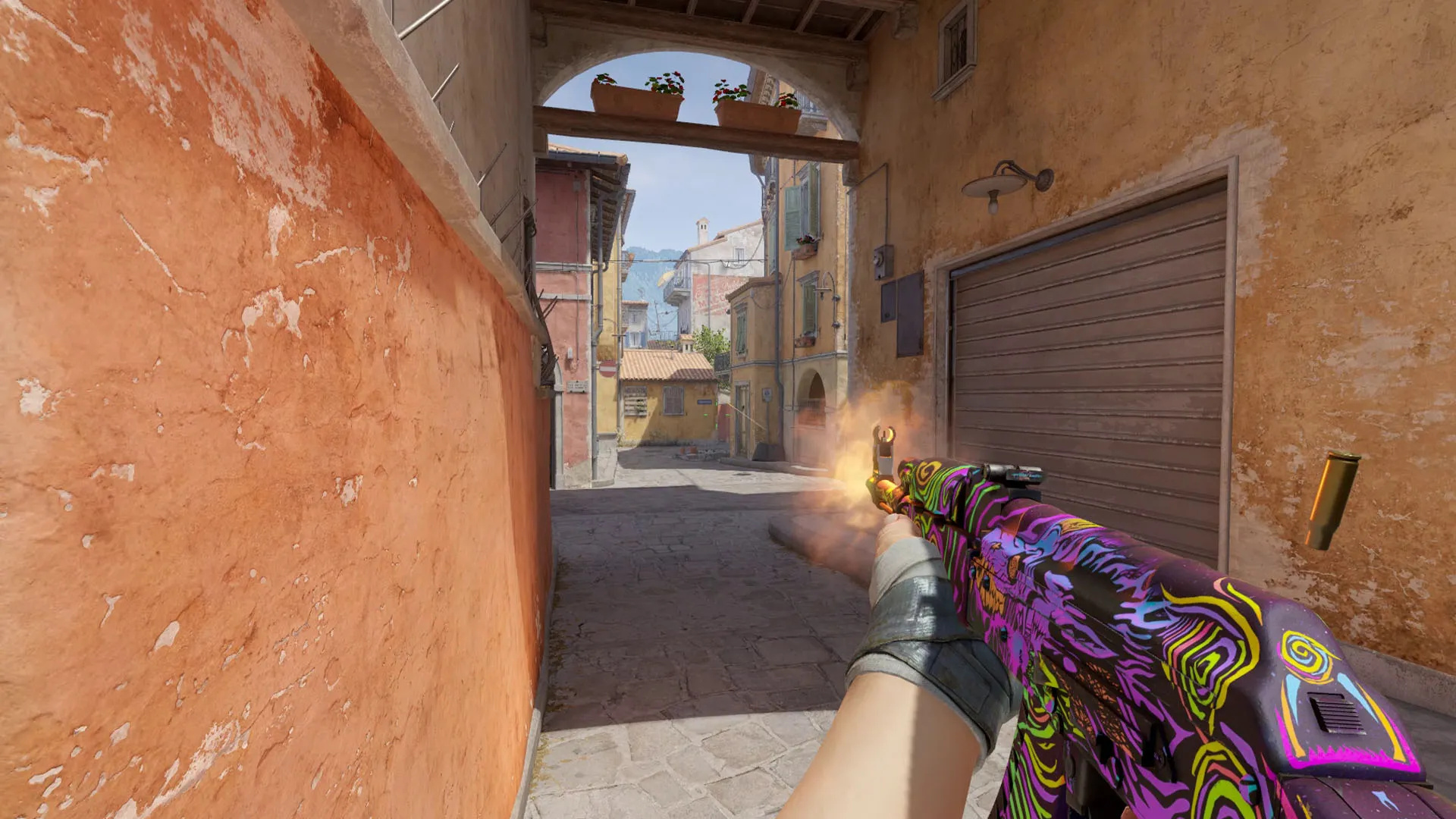
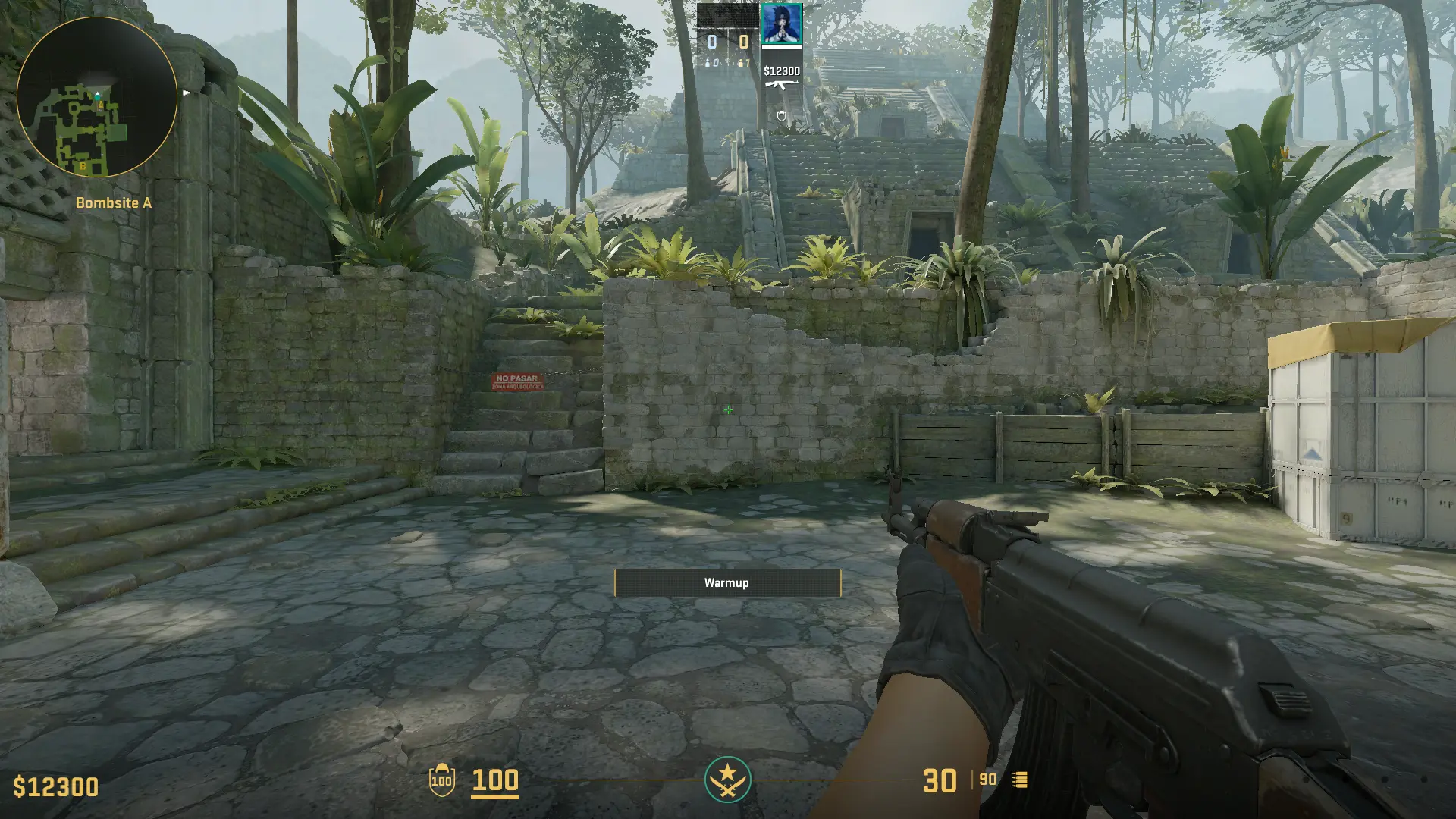
If you’re looking to practice your wallbangs or refine your smoke lineups to perfection in Counter-Strike 2, you’ll need to create a custom server for yourself.
We have previously discussed how you can create custom servers in CS2 to play with your friend. However, before jumping into a custom game, there’s one more thing you need to know — how to enable cheats in CS2.
Enabling cheats in CS2 will let you access various commands and features that can help you practice and improve your skills more effectively, such as infinite ammo, no-clip mode, and the ability to see through walls.
How To Enable Cheats in CS2
If you want to enable cheats for your custom server in CS2, you’ll first need to enable the developer’s console.
To enable your CS2 console, simply head over to the game’s settings and go to the ‘GAME’ window. Once there, find the option called ‘Enable Developer Console’ and set it to ‘yes’.
You can also go to your Steam Library and add ‘-console’ to your CS2 launch options for the same effect.
How To Use Cheats in CS2
Once you have the developer’s console enabled, you are ready to use cheats in your CS2 server.
First, open your console by hitting the tilde (~) key on your keyboard. On the new window that opens, type ‘sv_cheats true’ and hit enter.
That’s it! You have successfully enabled cheats in CS2.
Now, you can enter various cheat commands into your console to achieve your desired effects.
Hey there, Minecrafters! Ready for some fresh news from the blocky world of Minecraft? Buckle up, because the Bedrock 1.21.2 update, also known as the “Tricky Trials” update, is here and it’s packed with some cool new stuff. Let’s dive in!
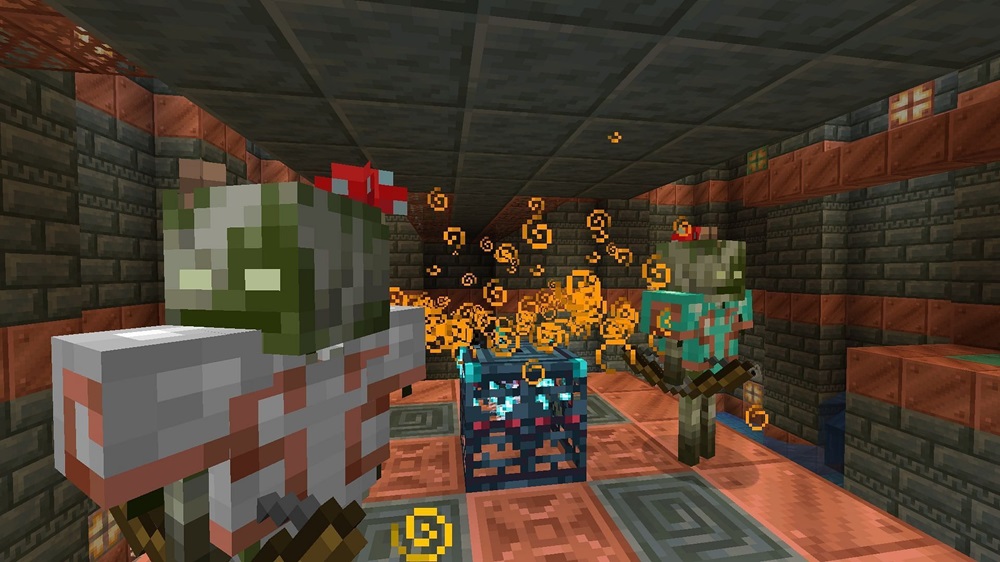
First up, we’ve got the Tricky Trials. This is like the ultimate Minecraft obstacle course, with new combat challenges and features that’ll test your mettle. Expect to face off against new hostile mobs like Breeze and Bogged, and even some new variants of the mobs we all love to hate. But don’t worry, you’re not going in unarmed. The update introduces a new weapon, the Mace, to help you smash your way through those trial chambers.
Next, let’s talk about the new wolf skins. The Pale Wolf and the Rusty Wolf are the latest additions to the pack, and they spawn in specific biomes like the Taiga and Jungle. So, if you’re a fan of our four-legged friends, you’re in for a treat.
For all you Add-On creators out there, this update’s got something for you too. There’s a new pivot point attribute added to the block transformation component. This should make your rotation and scale operations smoother than a freshly sheared sheep.
And of course, it wouldn’t be an update without some bug fixes and improvements. The specifics weren’t in the search results, but you can bet your diamond pickaxe that the game’s going to be running smoother than ever.
Hey there, fellow Minecraft enthusiasts! Ever been hit with that pesky “outdated client” error? Yeah, it’s a bummer, right? It’s like being told you can’t join the party because your threads are so last season. But don’t sweat it, I’ve got your back. Here’s the lowdown on how to get back in the game.
Give the Minecraft Launcher a Reboot: First off, try giving your Minecraft Launcher a quick reboot. It’s like a morning coffee for your game, waking it up and getting it ready for the day. Most of the time, this quick fix gets the job done and you’re back to slaying creepers in no time.
Update Your Game: Still seeing that error? Alright, time to roll up our sleeves. Head on over to your device’s app store and check if Minecraft’s got a new update waiting. It’s like getting a new set of threads to match the season. Download and install that bad boy, and you should be good to go.
Reinstall Minecraft (if necessary): If you’re still stuck at the door with that outdated client error, it might be time for a fresh start. Consider uninstalling and then reinstalling Minecraft. It’s like moving out and then moving back in again, but this time, you’ve got all new furniture.
Contact Mojang Support (as a last resort): And if all else fails, don’t be shy to hit up Mojang Support. They’re like the bouncers who know who’s who and what’s what. They can help you sort out any server-related issues that might be causing the problem.
Remember, the key to avoiding this party foul is to keep your game updated. So, stay on top of those updates and you’ll be partying in the world of Minecraft without a hitch. Now, go forth and build, explore, and adventure to your heart’s content!
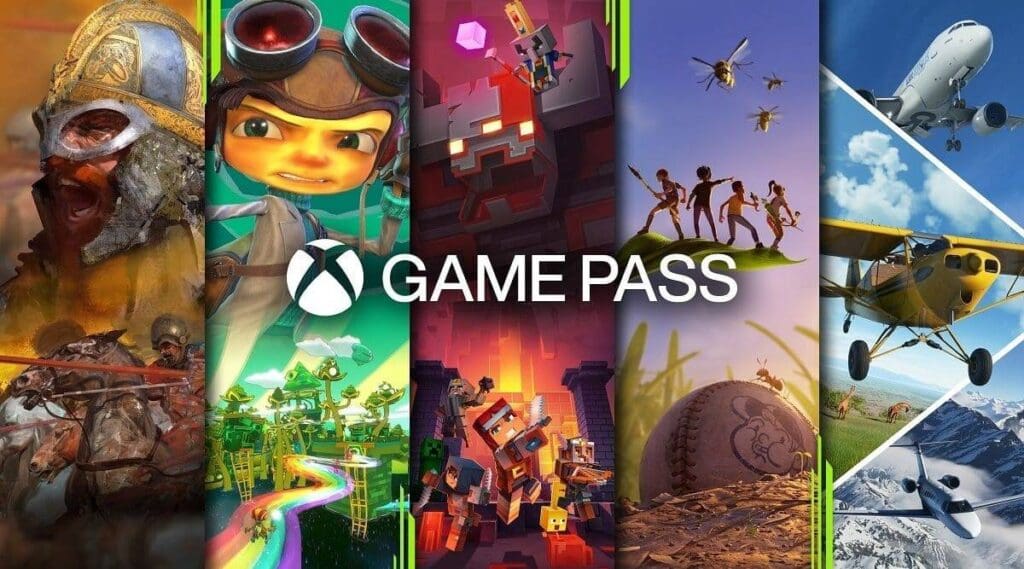
Microsoft is shaking things up with its Xbox Game Pass subscription service, and not all the changes are going to be popular. Starting soon, the prices for various Game Pass tiers are set to increase, and the Standard tier will no longer include day-one game releases.
The most significant change is the price hike for Xbox Game Pass Ultimate, which is jumping from $16.99 to $19.99 per month. This $3 increase makes it the most expensive option but also the only one that offers day-one releases for console players who aren’t already on the existing Console plan.
PC gamers aren’t spared either. The PC Game Pass will see a $2 increase, bringing the monthly cost from $9.99 to $11.99. However, PC subscribers will still get access to day-one games, which might soften the blow a bit.
The Xbox Game Pass Standard tier is getting a significant overhaul. When it becomes available to new or lapsed subscribers in the coming months, it will cost $14.99 per month. However, it will no longer include day-one releases, meaning you won’t get immediate access to big titles like the upcoming Call of Duty: Black Ops 6. This change makes the Ultimate tier the only option for console players who want those day-one releases.
The Xbox Game Pass Core remains at $9.99 per month, but the annual subscription is increasing from $59.99 to $74.99. Meanwhile, the Xbox Game Pass for Console, which costs $10.99 per month for existing subscribers, is being phased out, and new sign-ups are no longer available.
Microsoft has released a comprehensive list of worldwide price changes for Game Pass, so subscribers around the globe can see how these adjustments will affect them.
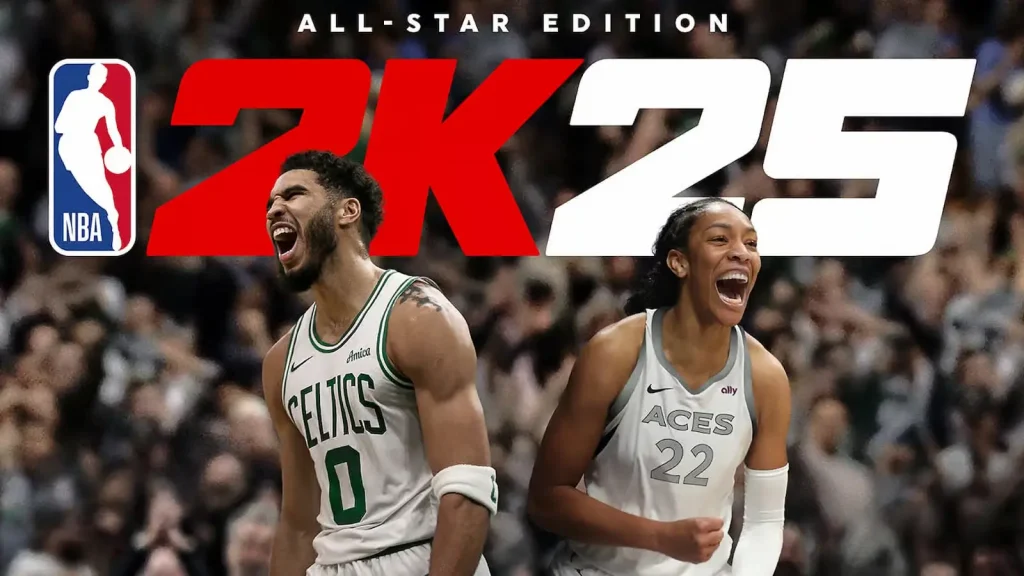
NBA 2K25 is making waves with its latest cover reveal, showcasing stars from both the NBA and WNBA for the first time. This bold move highlights the game’s commitment to celebrating basketball talent across both leagues.
Leading the charge for the NBA is Jayson Tatum, who recently spearheaded the Boston Celtics to victory in the 2024 NBA Finals. Tatum’s stellar performance and leadership on the court have earned him a spot on the Standard Edition cover of NBA 2K25.
On the WNBA side, A’ja Wilson graces the cover of the WNBA Edition. Wilson, who was named the WNBA Finals MVP in 2023, continues to dominate the league with her exceptional skills and on-court presence.
For those looking for a bit of nostalgia, the Hall of Fame Edition of NBA 2K25 features none other than Vince Carter. An eight-time All-Star and two-time All-NBA Team member, Carter’s legendary dunking prowess and recent induction into the Naismith Memorial Basketball Hall of Fame make him a fitting choice for this special edition.
NBA 2K25 isn’t just about the covers; it’s packed with new features and improvements. Players can expect mode parity across PS5, Xbox Series X|S, and PC, although crossplay support remains exclusive to the new-gen consoles. The game introduces the sixth era in MyNBA, a more interactive City, and expanded opportunities in The W mode.
The integration of ProPLAYTM technology promises to elevate the gameplay experience, particularly in modes like MyNBA. Additionally, new MyTEAM modes, updates to MyCAREER, and a bustling Neighborhood metropolis filled with quests, rewards, and rivals await players.
NBA 2K25 is set to deliver an unparalleled basketball gaming experience, celebrating the best of both the NBA and WNBA while offering a host of new features and improvements for fans to enjoy.
Hey gamers! If you’re a fan of Free Fire MAX but struggling with data limits, there’s some great news for you. The low MB version of Free Fire MAX is now available for download, and it’s perfect for those who want to enjoy the game without using up too much data. Here’s everything you need to know to get started.
What is Free Fire MAX?
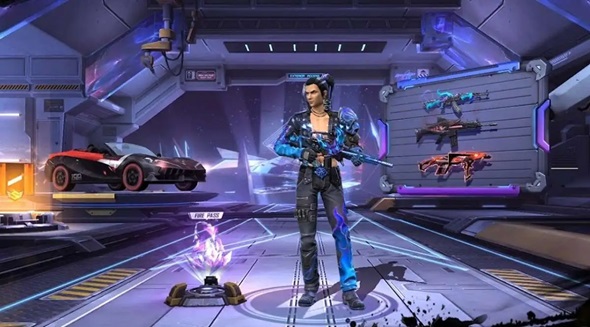
Free Fire MAX is an enhanced version of the popular battle royale game, Free Fire. It comes with improved graphics and additional features that make the gameplay experience even more immersive.
Why Download the Low MB Version?
The low MB version of Free Fire MAX is designed for players who want to save on data usage. This version is significantly smaller in size, making it easier to download and install, especially if you have limited storage or a slower internet connection.
Steps to Download Free Fire MAX Low MB
Follow these simple steps to get the low MB version of Free Fire MAX on your device:
Visit the Low MB APK Download Website: Head over to the website where the low MB APK is available for download.
Click on the “Download” Button: Find and click the download button on the page.
Select the “Low MB” Option: Make sure to choose the low MB version to ensure you’re downloading the smaller file.
Install the APK File: Once the download is complete, open the file to start the installation process.
Important Details
File Size: The low MB version is approximately 615.13 MB, which is much smaller compared to the original game size of about 2.5 GB.
Compatibility: This version is compatible with Android devices running Android 4.1 or later.
Updating the Game: After installing the low MB version, you can update the game to the latest version through the Google Play Store.
Troubleshooting Tips
If you encounter any issues while downloading the low MB version, try using a different browser or consider downloading the game from a third-party website. Also, ensure that your device settings allow installations from unknown sources.
The low MB version of Free Fire MAX is a fantastic option for gamers who want to enjoy the game without worrying about data usage. Follow the steps above to download and install it, and dive into the action-packed world of Free Fire MAX!
The second major of Counter Strike 2 is a few months away and the community is already showing concerns over events building up to the month-long festival of Counter Strike.
Major is the ultimate prize of any CS player and it has been this way since its inception. While other tournaments could rival the Majors in terms of hype or prize pool, the unique celebration of CS, that is the Major has always set itself apart as a final step to cement the legacy of a player.
Without any question, everything related to a major remains under the critical eye of the fans, and rightfully so however, the upcoming major has brought concerns over several areas of the tournament which the community believes could cause a debacle.
The least concerning of it all would be the sheer difference in timezone. Hosting a tournament in Asia would mean a massive inconvenience for the European audience who make up for the biggest chunk of viewership. Hosting a tournament in a time zone of stark contrast would mean turning your back on the majority of your viewers.
Open Qualifiers present fair chances to lesser-known teams who get a chance to impress against some of the more established teams. Talented players get a chance to stand out in these open qualifiers which helps them find teams in the future. While the Copenhagen major faced challenges dealing with cheaters from one qualifier, removing it completely for the next major was a harsh move against up-and-coming teams.
Regarding reputation as an organizer, Perfect World took a big hit for the Dota 2 Major debacle and fans found it utterly disrespectful not to allow English-speaking talents to host the event from inside the venue. To deal with this, PGL will be remotely broadcasting the tournament which only increases the chances of a plethora of technical issues.
Combining all the issues mentioned above, the community’s concern about the successful execution of the Shanghai Major is well-placed. Now only time can tell if they can tackle with all of this and host a great Major.
Adjusting your FOV and ViewModel can give you a slight competitive edge by lowering blind spots and increasing your ability to identify foes rapidly. This may seem like a step that can be overlooked but helps in the long run.
The competitive edge with changing FOV and ViewModel is mostly due to the placebo effect it brings. However, change in CL_Bob often helped players with recoil given it reduced the shaking of guns during a spray but unfortunately, it has been removed during the launch of CS2.
FOV (Field of View)
Viewmodel FOV range: 40 to 68.
Viewmodel FOV Command:viewmodel_fov X (where X is the desired FOV value)
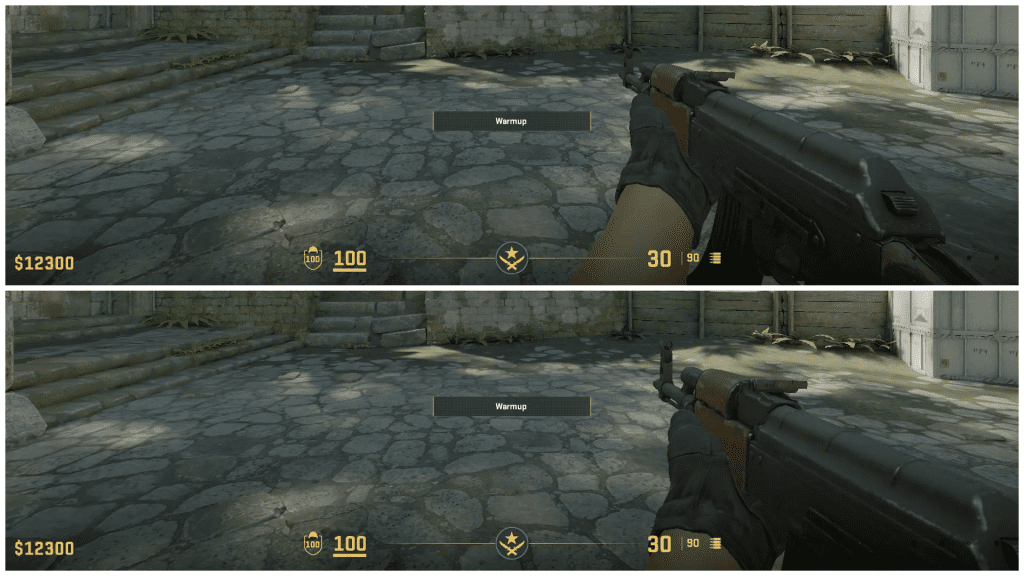
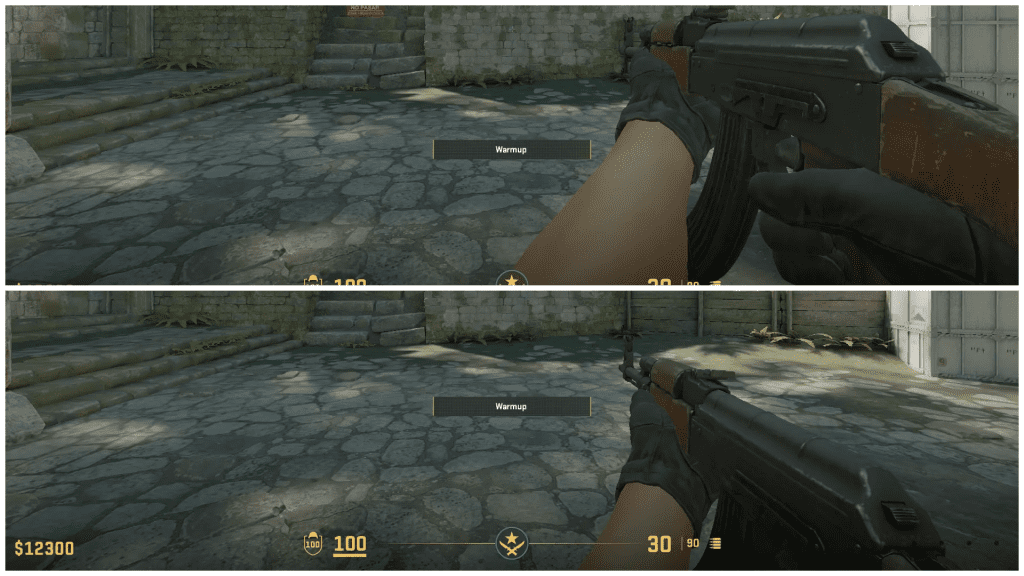
This controls the distance of your gun on the bottom half of the screen from the player cam which reveals certain areas on the screen. The higher the value, the further you are from the gun.
Top image: FOV 68. Bottom image: FOV 40.
Viewmodel Position
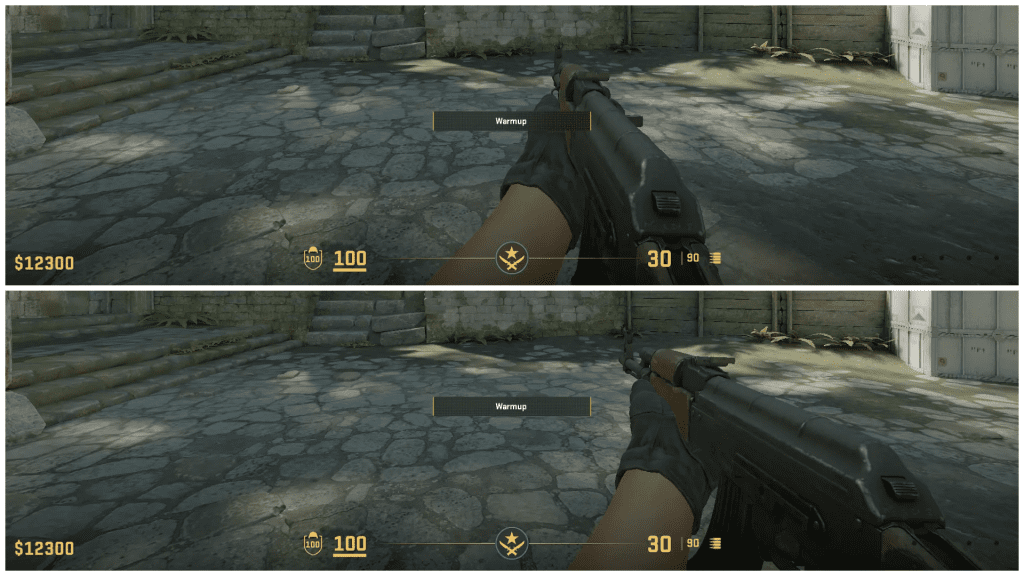
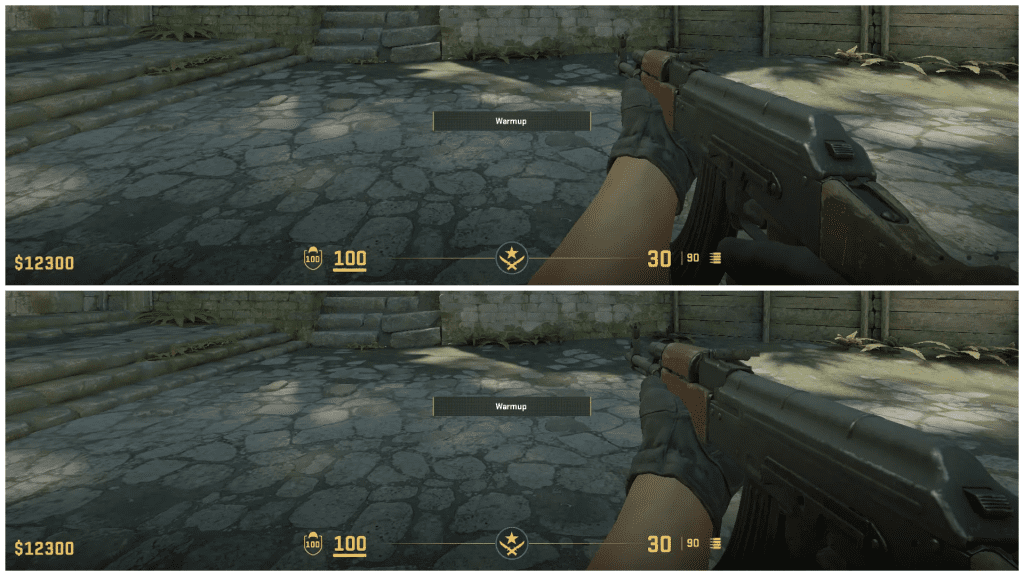
The following commands are just the position of the ViewModel. The 3 commands move your gun and are along the three axes on the screen to give you an extended level of comfort when playing.
Viewmodel Position Commands:
viewmodel_offset_x Y – Adjusts the viewmodel left/right.
viewmodel_offset_y Z – Adjusts the viewmodel up/down.
viewmodel_offset_z W – Adjusts the viewmodel forward/backward.
viewmodel_offset_x from 2 to -2.5.
viewmodel_offset_y from 2 to -2. viewmodel_offset_z from 2 to -2.
If you have ruined everything by fiddling with the commands, viewmodel_presetpos 3 will set everything back to default.
FOV and ViewModel settings are mostly about comfort so go by the principle “if it looks good, it is good”. Reach a position that makes it look comfortable to your eye and you are good to go.
Playing with the meta is one of the strongest strategies to excel at a game, and that’s why we have curated a list of the best warzone guns just for you!
What are some of the best guns in Warzone?
The game in itself has been on a steep innovation curve over the recent past where there have been new maps, weapons, and even gameplay mechanics with the latest Call of Duty releases. The game has transitioned through multiple fictional nations throughout the Modern Warfare series even, but what makes the game much more interesting is the fact that the battle royale mode when combined with the Resurgence mode which is getting an all-time high influx of new players make it the best time in the game’s lifecycle to know which weapons are in meta to outperform your opponents.
Here are some of the best Call of Duty Warzone guns
Well, the biggest advantage on the field is knowing which weapons are to be used in the arena and which ones have to be left alone, so here are some of the best weapons in Warzone with the reasoning behind why you should pick them.
Kar98k
Superi 46
DG 58 LSW
BP50
KATT AMR
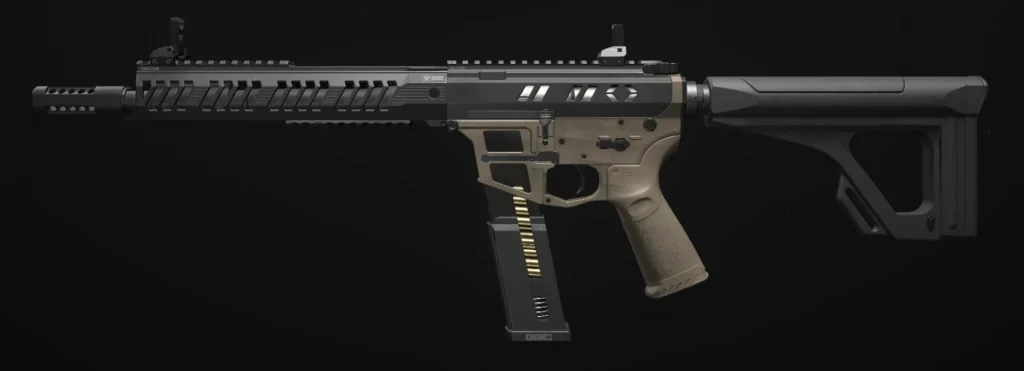
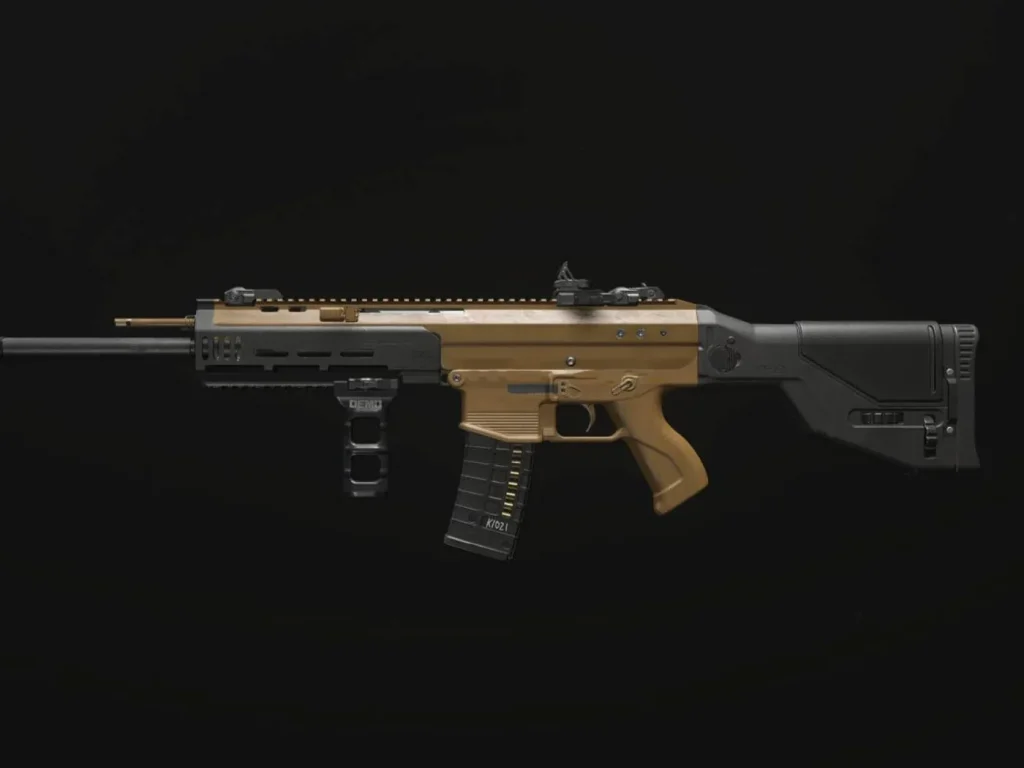
MCW
Striker
MTZ 556
Rival 9
Holger 26
WSP Swarm
BAS B
COR 45
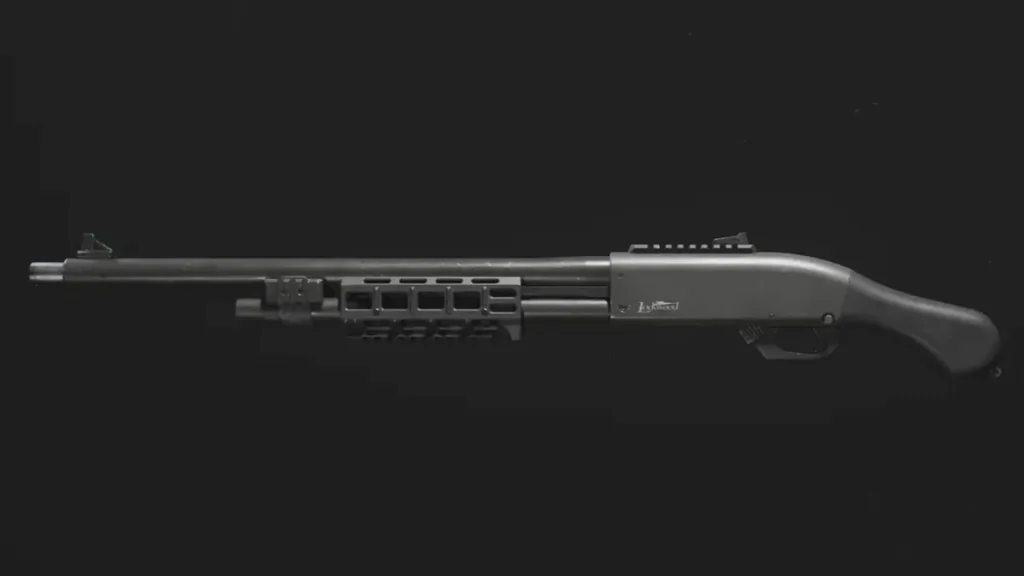
Lockwood 680
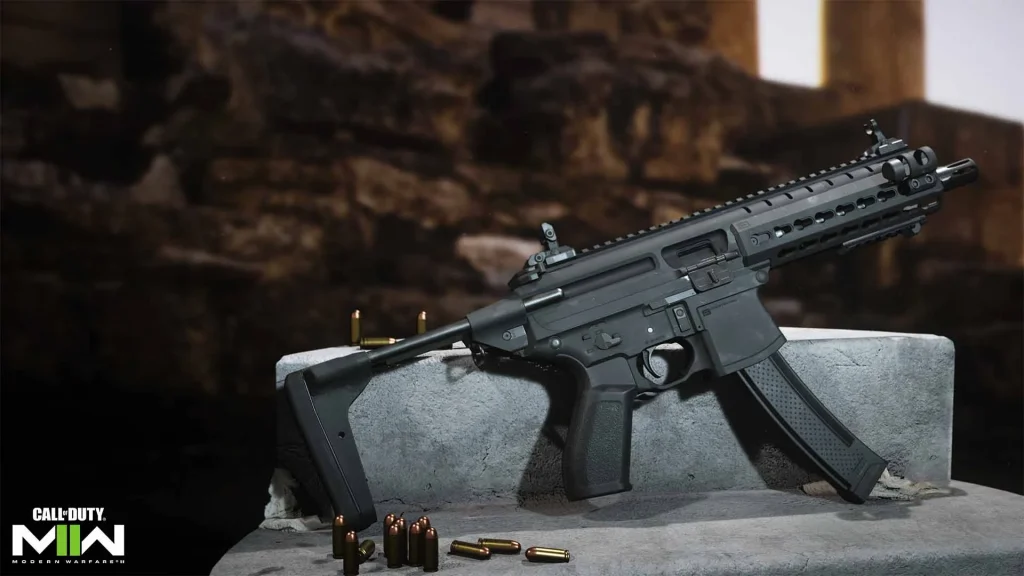
BAS P
Starting with none other than the,
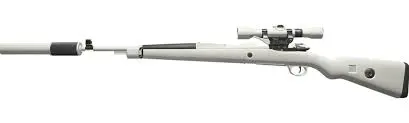
Kar98k
An extremely popular fast marksman rifle which was one of the flagship guns in PUBG as well, has enough power to stop someone with a single shot from up to 70 meters and with a good loadout, can also have extended range. With right positioning on the map and with enough firepower, this weapon will let you take on entire squads of enemies by yourself.
Superi 46
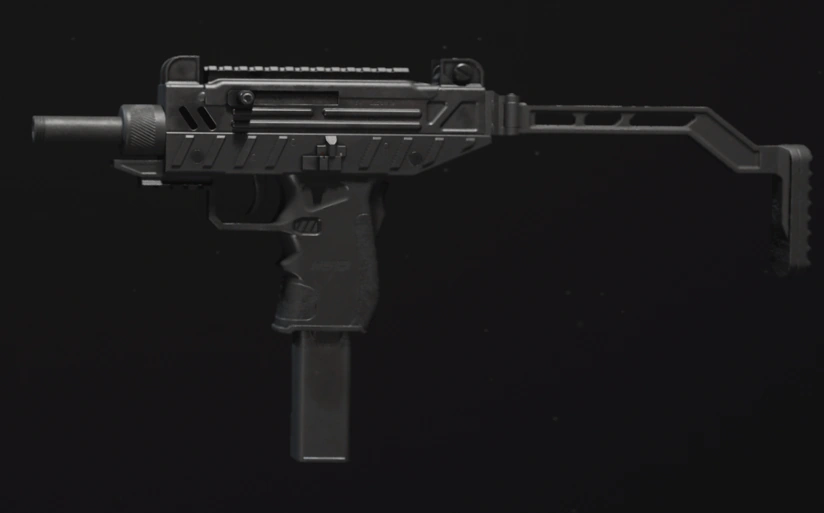
This gun is a highly adaptable SMG that can fit into any fight in mid-range or in close quarters. The Superi 46 has loadouts that enable it to fire at a velocity while controlling recoil helping you to run this as your secondary choice with a sniper for when things get “road housed”
DG-58 LSW
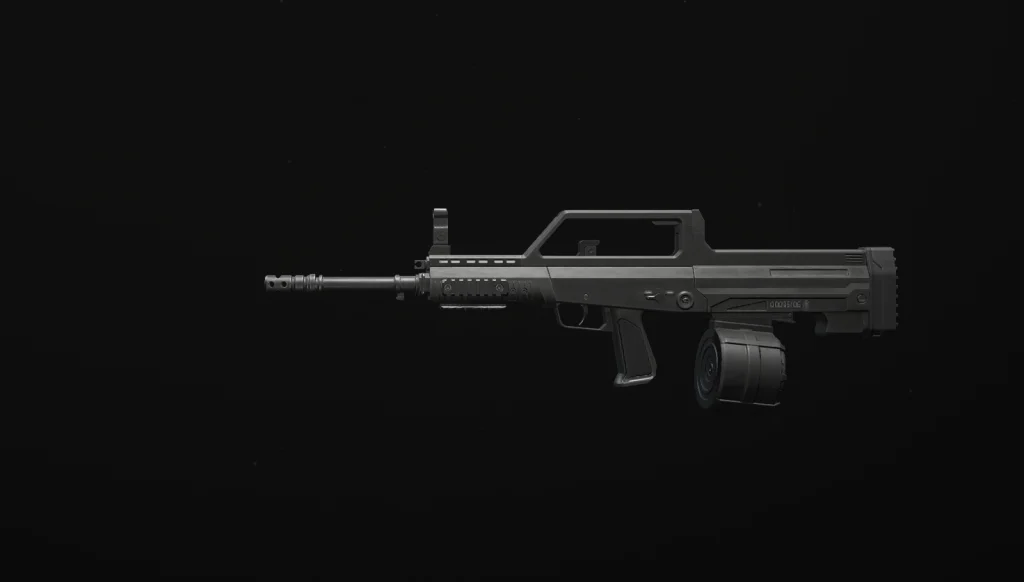
Ahh yes, the classic LMG. This weapon is an LMG that has the handling of an assault rifle. How so? You may ask, to which the answer is its effective range without bullet drop and its ability to have its recoil controlled through attachments – which are usually gripes with LMGs when compared to ARs. This gun lets you take fights at any distance and can also be very beginner-friendly due to its magazine size.
BP-50
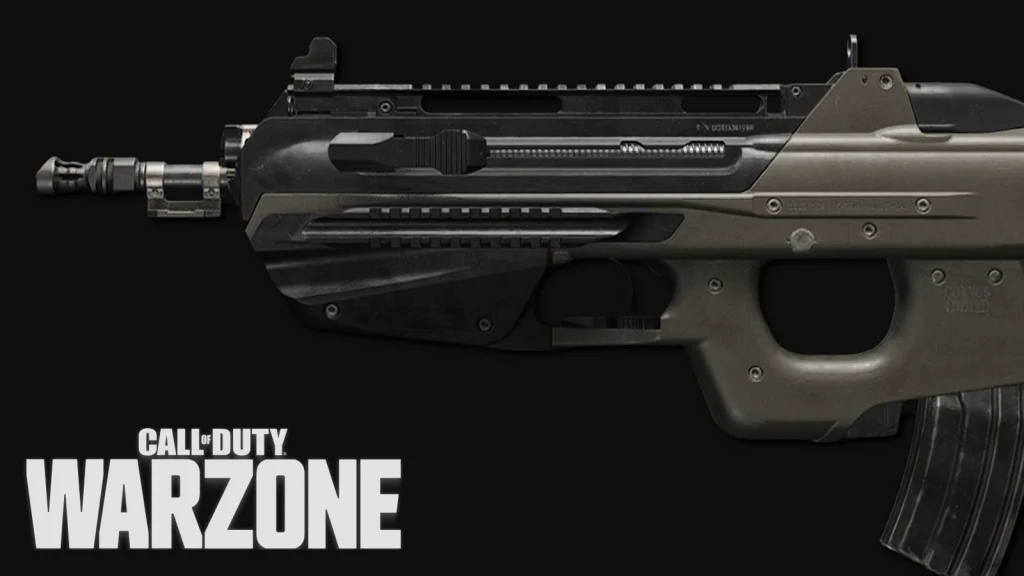
The BP50 was one of the latest additions to the game in Season 2 Warzone Battle pass, where the gun dominated the mid-range weapons when kitted properly. This weapon has an insane rate of fire and once someone is accustomed to its recoil pattern, has the stopping power to take down multiple opponents in a single magazine making it an excellent choice for both Warzone and Resurgence.
KATT – AMR
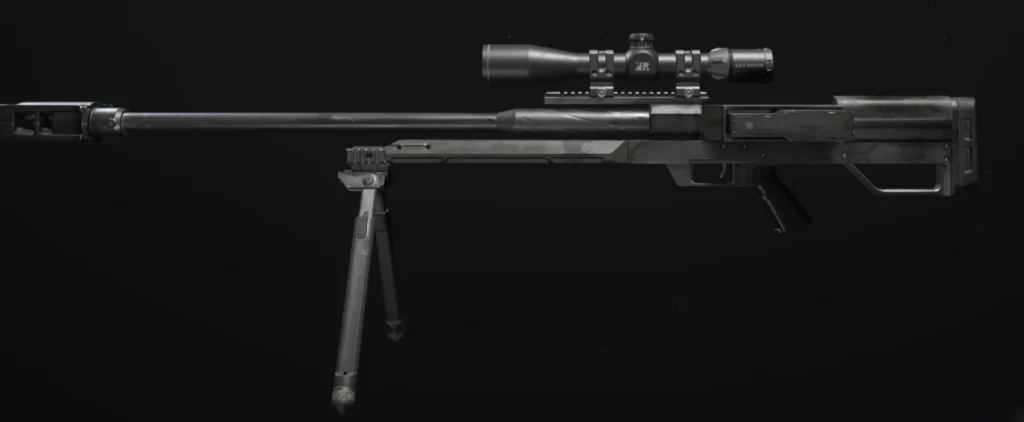
As the name suggests, the KATT-AMR is by far the best choice for long-range fights in the game with exceptional bullet velocity and damage making it a two-shot target-hit weapon allowing for enemies even with the slightest amount of HP missing to be downed immediately.
MCW
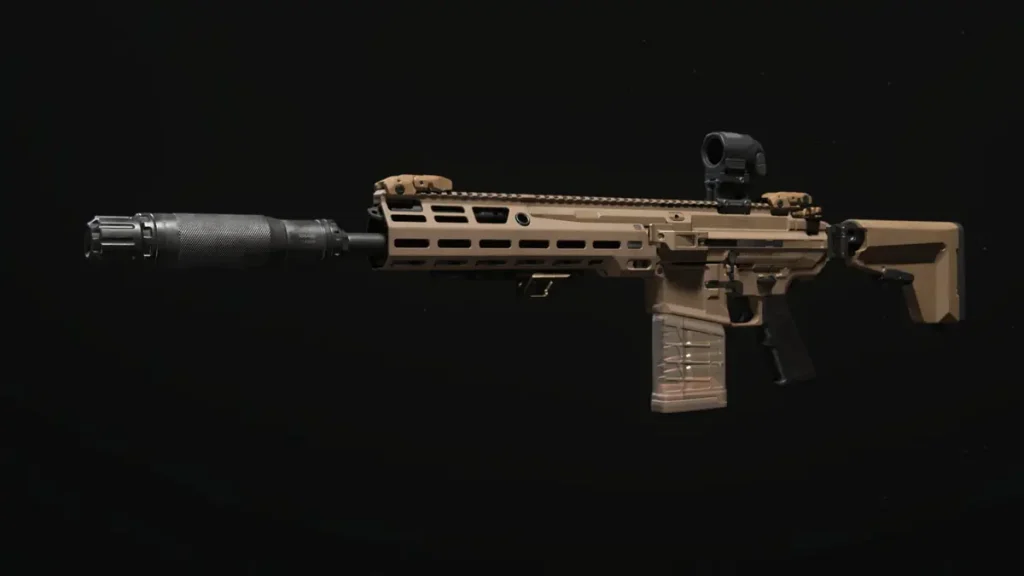
If you prefer traditional assault rifles over SMGs, this gun is just for you. The MCW when customized with the right accessories offers a fast bullet velocity and improved recoil control without the penalty of movement speed that ARs bring to the table. This gun, very aptly for a reason, is one of the best beginner-friendly options in the game that can get the job done.
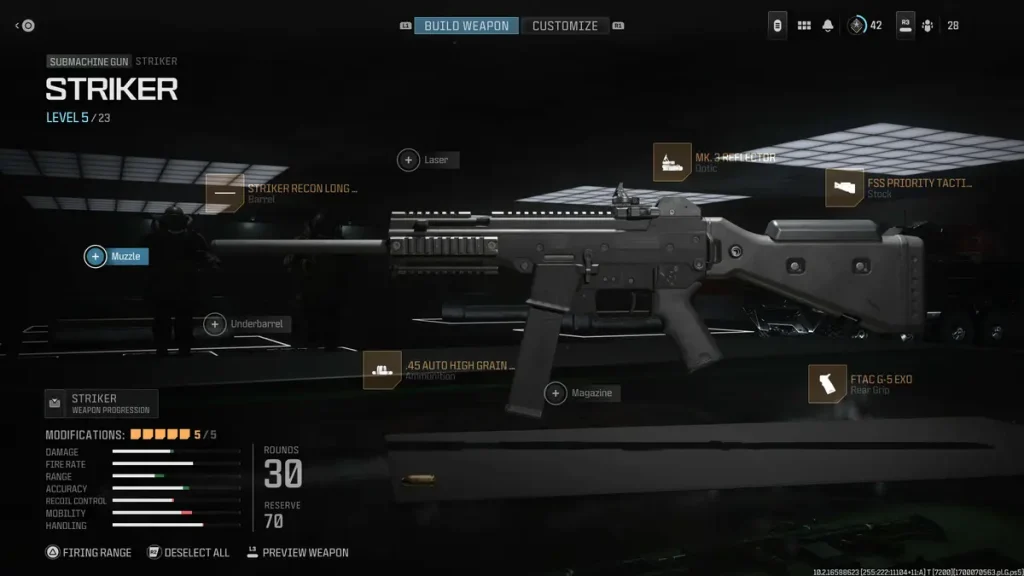
Striker
One of the better SMGs right before the latest update nerfed them, but can be made better with the proper loadout when paired as a secondary with other potent long-range weapons like the Kar98k.
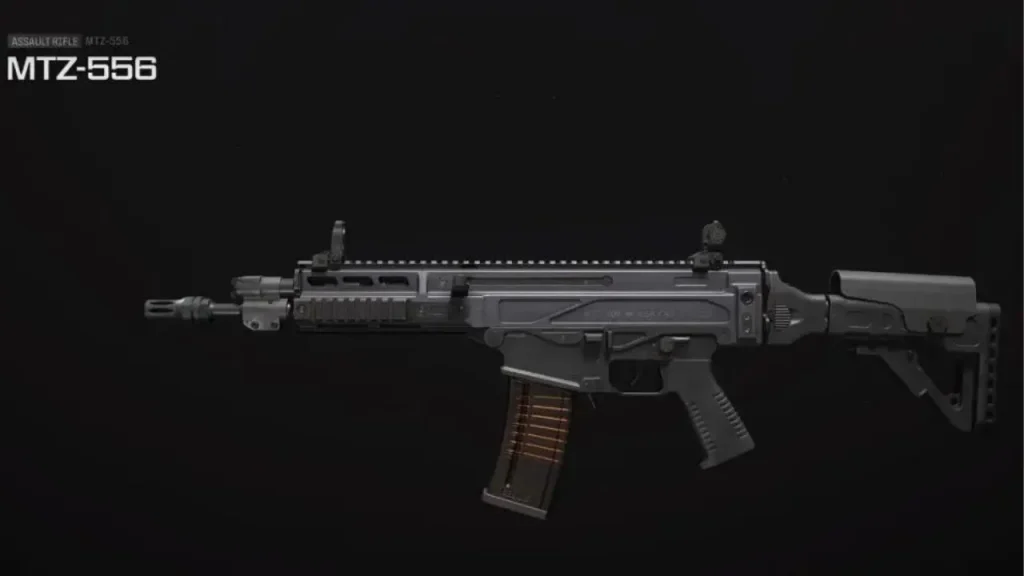
MTZ 556
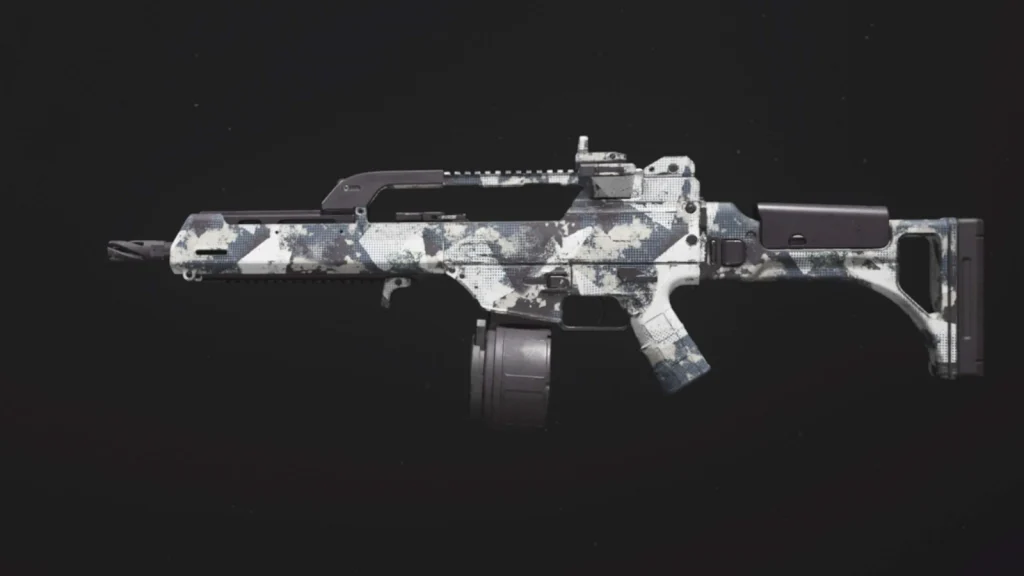
Very much like the MCW, the MTZ 556 is one of the weapons that you can refer to as the “heavyweight classic” with it being one of the first ARs you got to unlock in Modern Warfare 3 making it one of the most popular picks in the game and even now in Warzone. What makes the gun fantastic isn’t the fact that the recoil is easy to control, but that its magazine is a 50-round drum that allows you to spray and pray, while you down all of your opponents (as long as you play with your eyes open and don’t miss all of your shots)
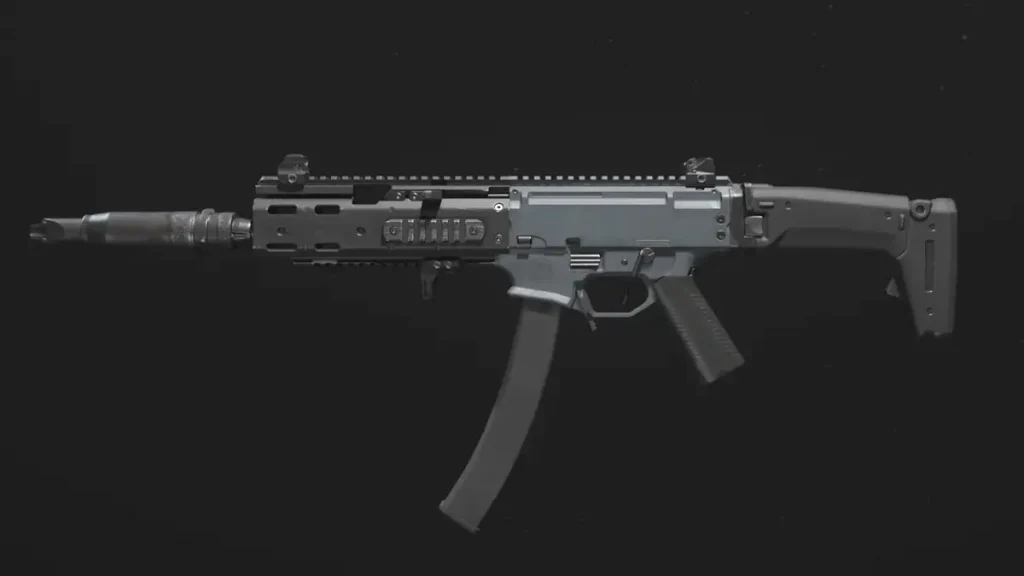
Rival-9
SMGs are often frowned upon due to their handling and damage fall-off, but in Warzone, in the battle royale game mode, the Rival 9 is well-equipped to handle enemies at all ranges. Adding this to your arsenal in the secondary slot will help you be more mobile while at the same time, helping you eliminate anyone who fights you in close quarters. This gun just is one of those weapons that allows you to roam the map worry-free.
Holger 26
Yet another LMG that is highly reliable where with the right loadout can bring excellent recoil control and can attach a 4x scope – for long-range combat. Although we don’t recommend it, when times are tough, you gotta do what you have to do. But what we can vouch for is the Holger 26’s ability to pin down enemies with the suppression fire when playing with squadmates to avoid calling for attention on the map.
WSP Swarm
Often a very difficult option to recommend to beginners due to its EXTREMELY high rate of fire, is a weapon that when once you’re able to control should leave you with one of the deadliest secondary weapons on your hands. The only gripe is to remember that this gun suffers from extremely high vertical recoil due to its fire rate and pulling your mouse down when firing is the only tactic to counter the spring back.
BAS-B
In the past, the weapons dictated to be strong in certain Metas have been due to their availability, the map size, and also due to the overall strength of the weapon. But since Urzikstan is around the same size as the Verdansk, the BAS-B has managed to maintain its exceptional performance even in the latest patch. The gun especially thrives in the mid-range where it can take down enemies with just a few body shots.
COR 45
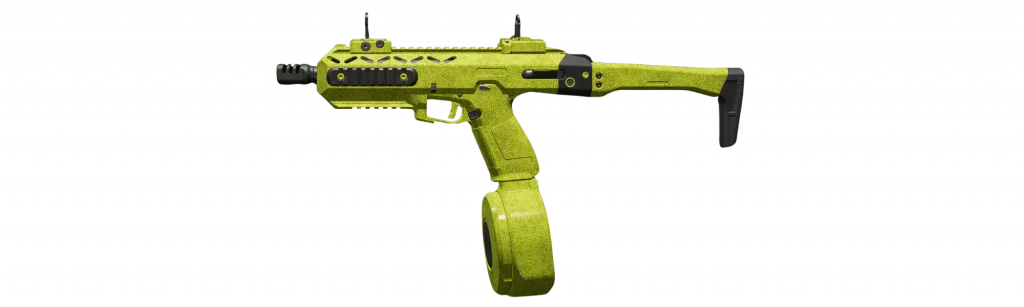
A powerful secondary pistol, when upgraded using the XRK IP-V2 conversion kit is no joke. The aftermarket part turns the weapon into a makeshift SMG, which when bringing its mobility and magazine seize can give you best of the both worlds without having you give up a massive edge with your vest.
Lockwood 680
You may think it’s a meme, but stay assured it’s not. When used in the right range, shotguns in Warzone can help you chase down rival players and take on unexpected flanks where you can take the most advantage of them inside buildings where close-quarter gunfights are bound to start. Pair this with a long-range gun and you should survive through the initial minutes of the game without sweating it!
BAS-P
Last, but certainly not least is the BAS-P which can rip through enemies thanks to the fire rate; and its ability to get you out of sticky situations with damage to mobility ratio. Check this gun out within the game to know what it can do best when coming to mid-range fights.
Hopefully, we’ve covered every weapon you could need in Warzone in the current meta. Combining these guns with the perfect loadout will help you squeeze maximum value out of them and once you call in a loadout drop in-game, you should be able to breeze through the rest of the game!
For more such guides and informational quips on Warzone, stay tuned to Talkesport.
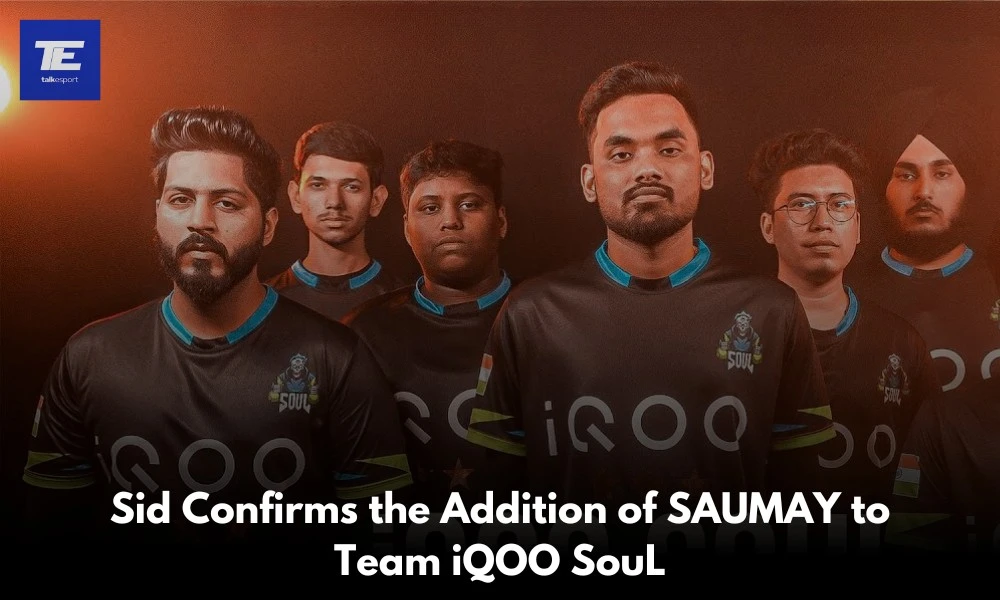
Team iQOO SouL’s former manager and S8UL Esports’ Content Creator, Siddhant “Sid” Joshi, has officially announced a significant update for the Battleground Mobile India (BGMI) roster of Team iQOO SouL. Sid confirmed that a promising underdog player, SAUMAY, is set to join the roster of Team iQOO SouL. This news follows the unexpected departure of Rudra “Spower” B, who has moved to Carnival Gaming after the conclusion of the Battlegrounds Mobile India Series (BGIS) 2024.
Team iQOO SouL Adds SAUMAYto Its BGMI Roster
In a recent livestream, Sid revealed that the decision to bring SAUMAY on board was a collective one made by the entire team. SAUMAY will initially join Team iQOO SouL as the fifth player on a trial basis for the upcoming BGMI Masters Series (BGMS) Season 3. His performance during this series will be critical in determining his future with the team, with the potential of securing a permanent position in the five-man roster if he proves his worth.
During the announcement, Sid emphasized that SAUMAY has received strong support from key team members, including In-Game Leader (IGL) Mohammad Raja “Manya,” Coach Shubham “Mayavi” Chawla, and Analyst Rahul “Ayogi”.
As an underdog player, SAUMAY does not have a long list of achievements under his belt. However, for a brief but impactful period around December 2023, he was a part of Enigma Gaming‘s BGMI roster, where they clinched a notable victory in the POVA CUP Season 4.
SAUMAY’s addition to Team iQOO SouL will be a significant move in the BGMI esports scene. Team iQOO SouL, being one of the fan-favorite teams, faces immense pressure and high expectations. While Spower’s past experience and performance set a high benchmark, it will be intriguing to see if SAUMAY, as an underdog, can rise to the challenge and fill Spower’s shoes.