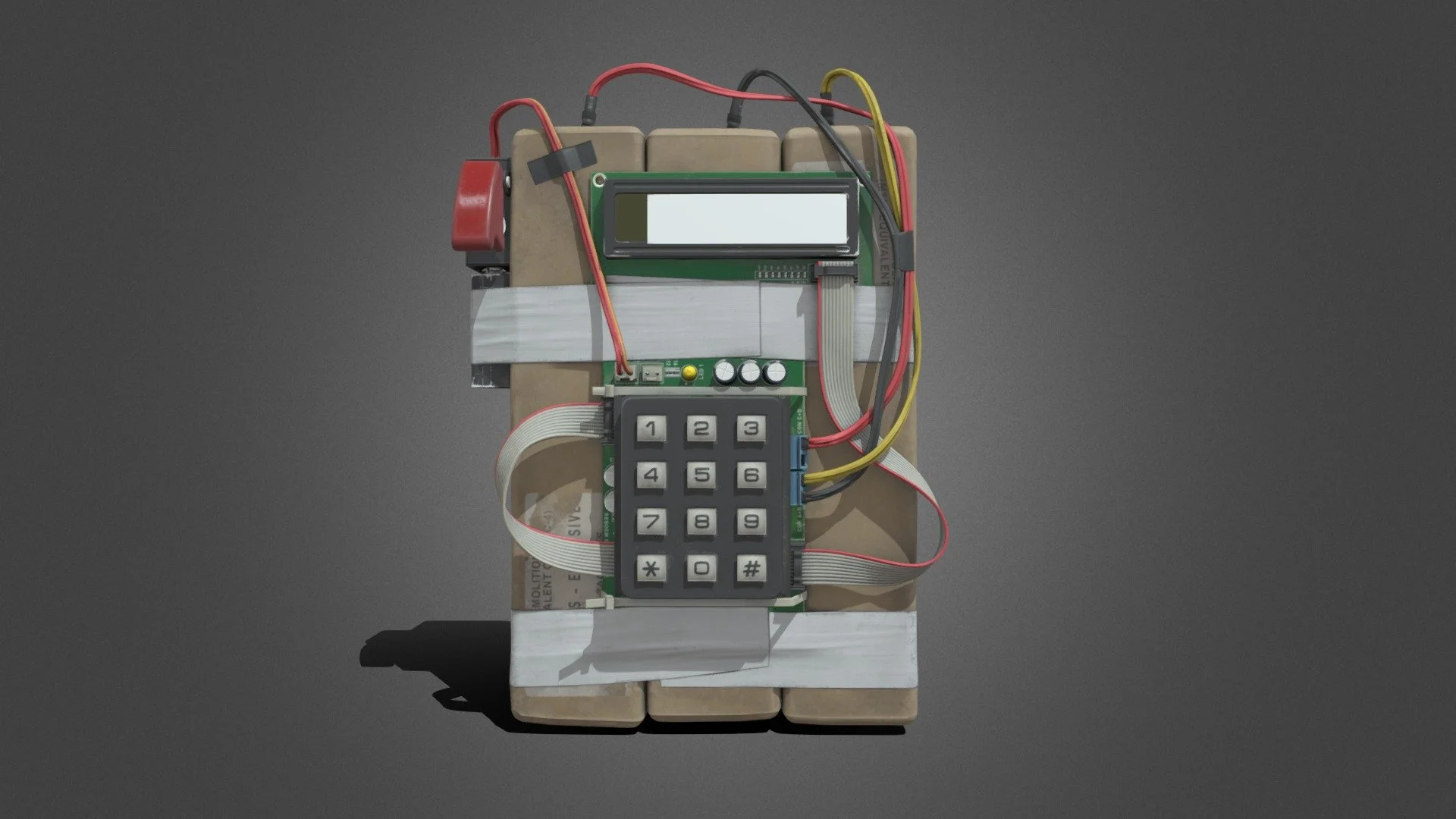
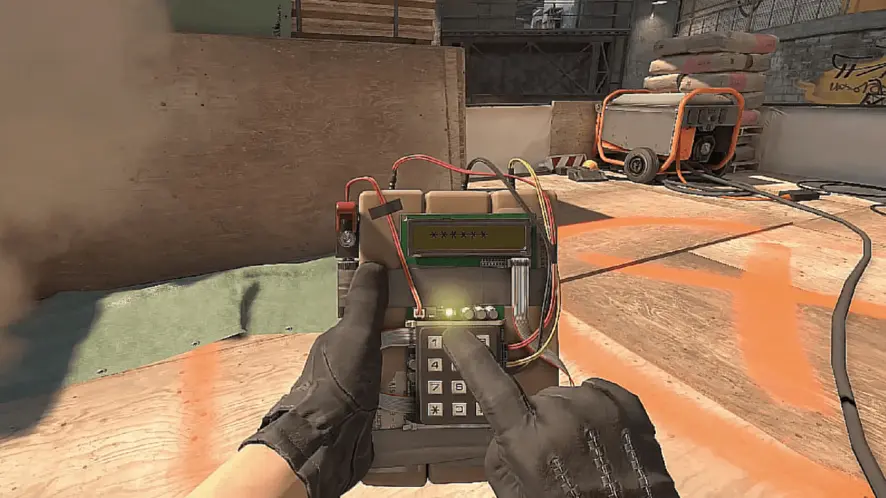
In Counter-Strike 2, defusing a bomb is a fundamental part of Counter-Strike that you absolutely cannot do without. if you are new to the game and want to figure out how bombs work in Counter-Strike then this article is for you.
Bombs in CS take a little less than 4 seconds to plant. If a terrorist fails to plant the bomb within the given time then the round goes to the CTs. Given the time constraint, it can be argued that the game is slightly favored towards the CTs but effective utilization of the bomb is one of the fundamentals that every player must know if they are to play the game.
To put it simply, Counter-Terrorists must stop the bomb from being planted or defuse it if it is already planted which brings us to the key topic.
How to defuse a bomb?
Go close to the bomb and make sure your crosshair is pointing towards it or in the near vicinity.
Press and hold “E” unless you have changed the keybind. Make sure you are not looking away or rapidly moving your mouse when defusing.
Point to note, a defuse takes 10 seconds without a kit and 5 with one so make sure to grab one before the round starts.
Bombs can only be planned on specific locations on a map. Paying heed to audio queues and radar is extremely important in multiple facets of the game.
Make sure to kill all the Terrorists before you sit for a defuse or you can always try a ninja by smoking off the bomb and then sitting for a defuse but there is always the risk of an underhanded nade or getting spammed.
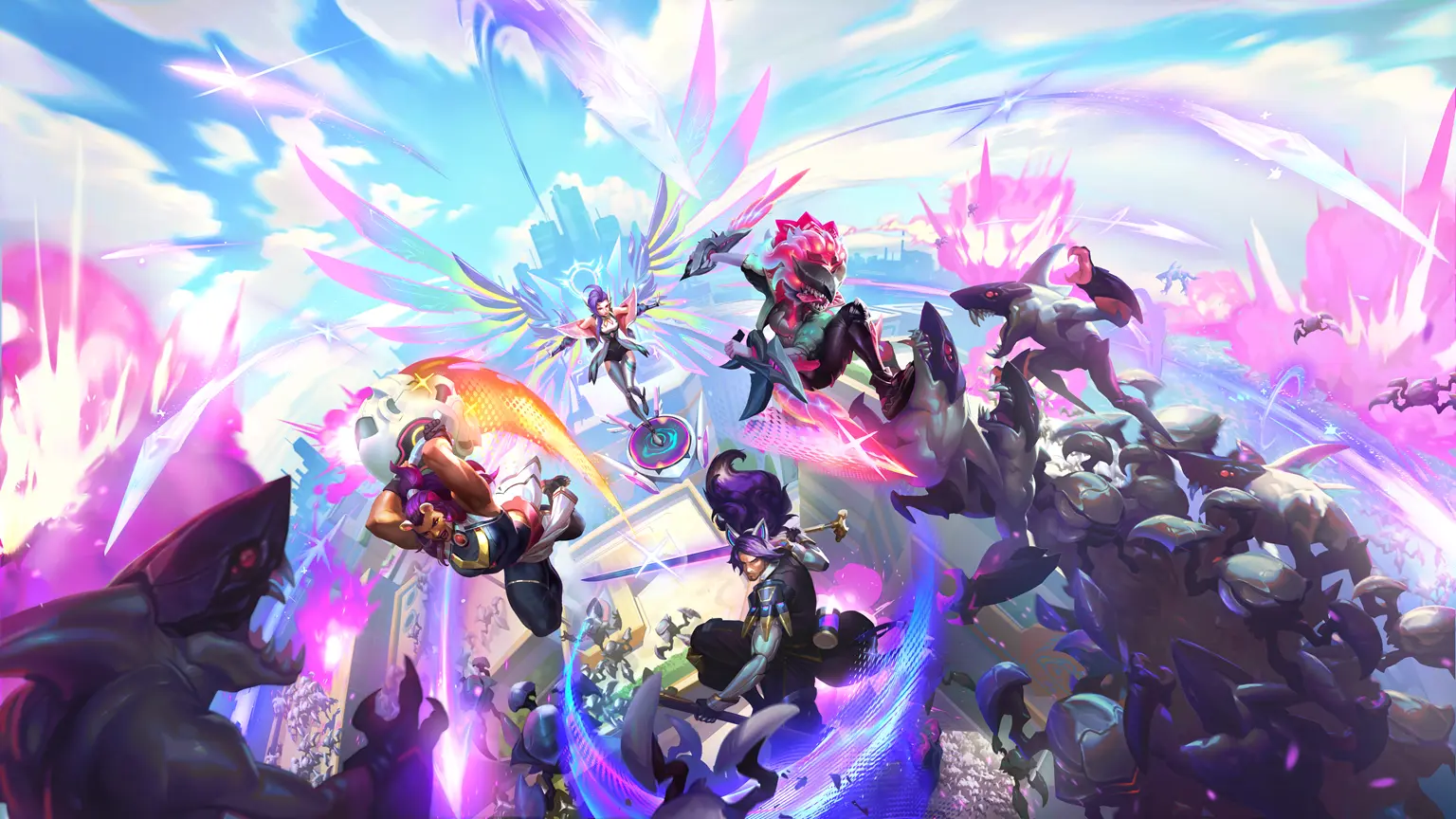
League of Legends patch 14.14 has kicked off the highly anticipated Swarm: Operation Anima Squad game mode, and players have already started battling their way through the waves of Primordians and terrifying bosses that the new co-op PvE mode has to offer.
A lot of players can find the new LoL Swarm game mode extremely difficult, which is why you need to equip yourself with good gear that will help you take down the Primordians and give you the upper hand as you fight your way through the bosses.
What Are Echoing Batblades in LoL Swarm?
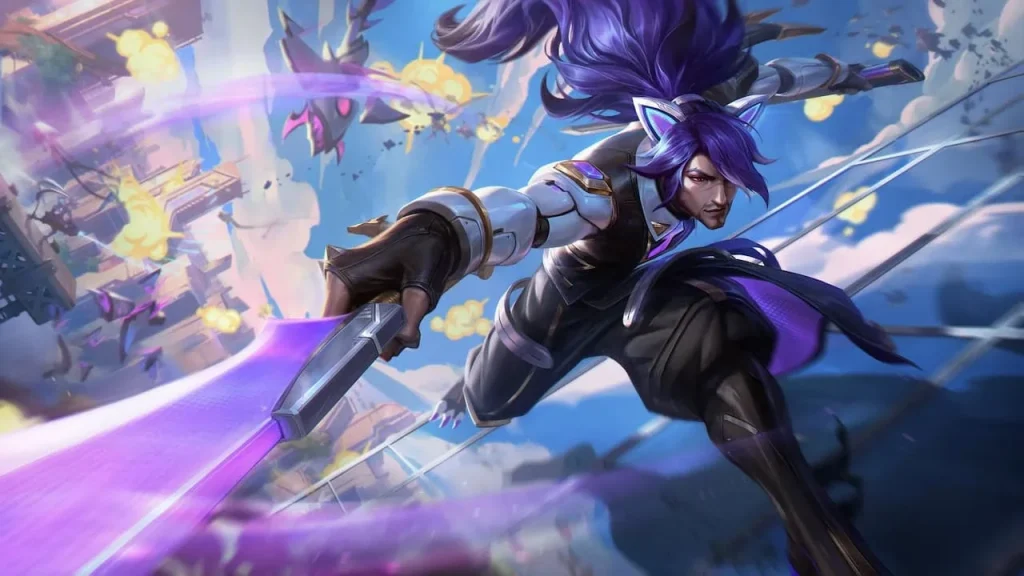
The Echoing Batblades is one of the 20 available weapons in the LoL Swarm game mode and is also one of the best weapons that you can use in the mode. It is capable of dishing out huge amounts of AoE damage with its piercing projectiles that can bounce off terrain. Upon getting this weapon to level five, the Echoing Batblades transform into Vayne’s Chromablades, which has improved overall stats.
How to Get Echoing Batblades
The first thing you need to do to unlock the Echoing Batblades in LoL Swarm is unlock Xayah.
Xayah can be unlocked by finishing all Story Mode missions and completing 20 trial challenges regarding the champion Bel’Veth.
Once you have unlocked Xayah, you need to reach level 35 with her to unlock the Echoing Batblades in LoL Swarm.
While unlocking the Echoing Batblades in LoL Swarm mode is certainly not an easy task, the amount of damage the weapon is capable of dealing to your enemies makes it worth the grind.
The highly anticipated Battlegrounds Mobile India Masters Series (BGMS) Season 3 kicked off with Opening Week Day 1 on 19th July. The day saw some intense battles as the team vied to secure a spot in the upcoming stage of the tournament. Team 8bit and Carnival Gaming secured the Winner Winner Chicken Dinners in the two matches of BGMS Season 3 Opening Week Day 1. Let’s dive deeper and see how each match unfolded.
Recap of BGMS Season 3 Opening Week Day 1 Match 1 and 2
Here is the recap of both matches from Day 1 of BGMS Season 3 Opening Week.
Match 1 – Erangel: Groups A, B,C, D
8bit absolutely dominated in the first match from the beginning, securing the win with 24 finishes. Their dominance started early, wiping out Team Limra’s entire squad in the first zone, grabbing 8 points for four finishes thanks to the Powerplay rule.
As the pressure mounted and the map shrunk, the final four teams were Revenant Esports, Raven Esports, Vasista Esports, and of course, 8bit. Things got intense at the end of the match. 8bit’s MAC aggressively rushed on Revenant’s lone survivor, Saif, and took him down in a 1v1 DBS battle. Vasista Esports wasn’t out yet though. Secret eliminated Raven Esports’ Hanzo with a well-placed grenade.
The final showdown became a 3v2 with 8bit facing off against Vasista Esports. 8bit’s Aditya displayed impressive grenade work, knocking out Vasista’s Secret. The win was sealed by Mighty, who ran over Vasista’s remaining player, Apollo, with a vehicle.
After the first match, the Opening Week standings showcased 8bit leading with an impressive 24 finishes. Following them, WSB Gaming secured second place with 16 finishes. Vasista Esports held the third spot with 13 finishes, whereas MOGOEsports took fourth place with 11 finishes. Revenant Esports rounded out the top five, accumulating 9 finishes.
While 8bit‘s teamwork was on point, it was their in-game leader, Juicy, who truly shone with a whopping 5 finishes, earning him the well-deserved MVP title for the match!
Match 2 – Miramar: Groups B,C, D, E
Carnival Gaming, who started slow and steady, surprised everyone with a late-game surge, grabbing the victory with a solid 17 points!
The final zone got intense with the last five teams – Revenant Esports, Vasista Esports, Global Esports, Entity, and Carnival Gaming – all battling it out for survival. Carnival Gaming’s Spower made a crucial play, eliminating Entity’s Raiden and putting them one step closer to the win.
The pressure was on, and Carnival Gaming and Revenant Esports put Global Esports in a sandwich situation. They successfully took down Global Esports, leaving just three teams remaining.
In the final moments, Carnival Gaming’s Hector emerged as a hero, eliminating the final two players of Revenant Esports. With just one player left on Vasista Esports, Goblin stepped up and secured the final kill, sealing the deal for Carnival Gaming and their victory.
Leaderboard Overview after BGMS Season 3 Opening Week Day 1
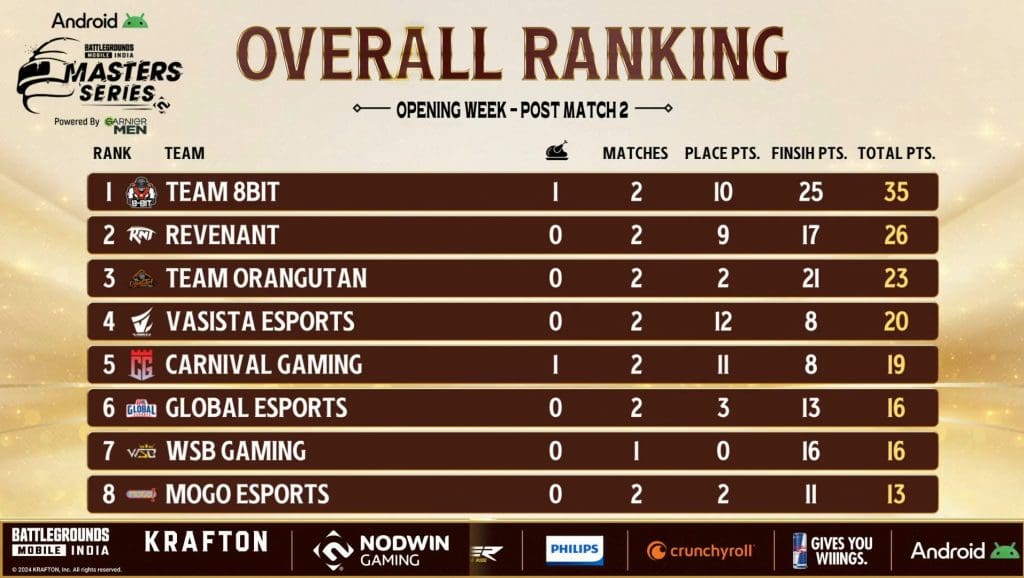
Day 1 of the BGMI Season 3 Opening Week is in the books, and the competition is already heating up. 8bit is the early leader with a dominant 35 points. They secured a convincing Winner Winner Chicken Dinner (WWCD) along with 10 placement points and a staggering 25 finish points!
Hot on their heels are Revenant Esports, sitting comfortably in second place with 26 points. While they haven’t grabbed a WWCD yet, their consistent performance with 9 placement points and 17 finish points keeps them in the thick of things.
Orangutan Gaming currently holds onto third place with 23 points. They haven’t secured a top placement yet, but their aggressive strategy is paying off with a whopping 21 finish points.
Vasista Esports, who displayed impressive teamwork, sits in fourth place with 20 points. They’ve been consistent with placements with 12 points, but haven’t racked up as many finishes, 8 points.
Rounding out the top five is Carnival Gaming. Their late-game heroics secured them a WWCD and 19 points. They’ve also shown strong placement skills, securing 11 points, and added 8 finish points to their total.
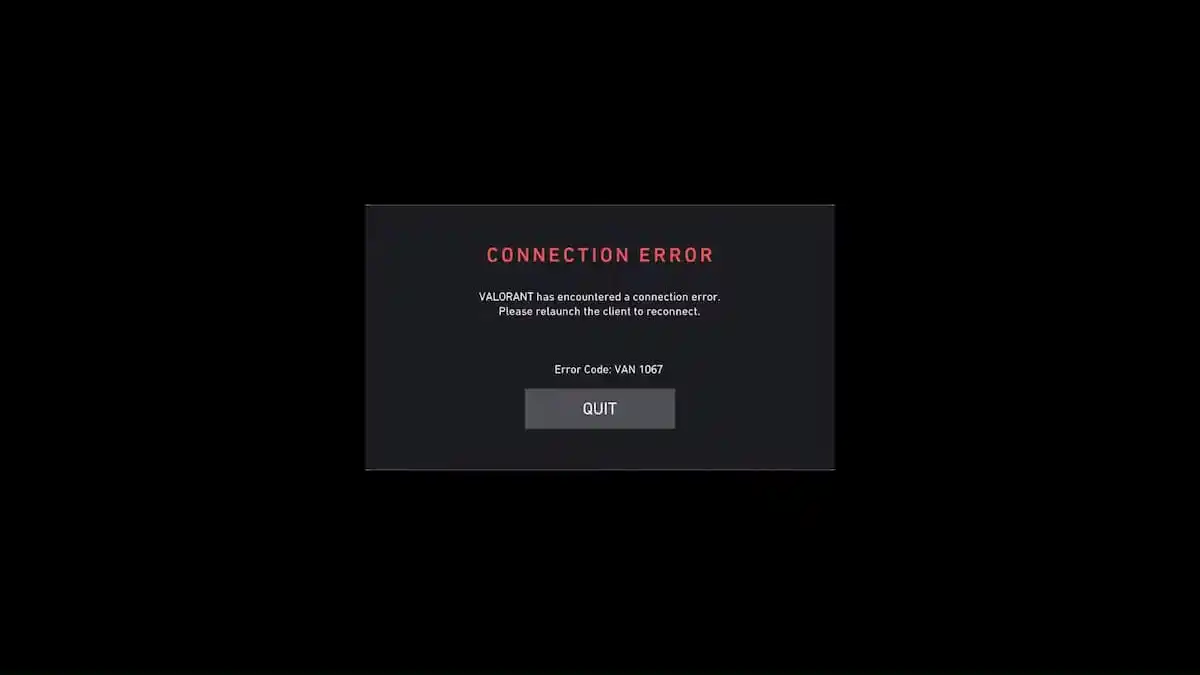
The VAN 1067 error message is one of the most frustrating issues you can encounter when trying to play Valorant. It prevents you from logging into Valorant and can be exceptionally difficult to resolve, often persisting through system restarts and even reinstallations.
The error message behind the VAN 1067 error reads, “relaunch the client to reconnect.” However, in many cases, relaunching the client doesn’t help at all, and you’ll be greeted with the same message even after relaunching your Riot Client several times.
Luckily, the VAN 1067 error can be fixed in only a few minutes if you know what you’re doing. By following a few simple steps, you’ll be able to fix this error in no time and get back to enjoying Valorant with your friends.
If you’re encountering the VAN 1067 error while trying to launch Valorant, we have you covered. In this article, we take a look at everything you need to do to fix the VAN 1067 error in Valorant.
How To Fix VAN 1067 Error Code in Valorant
The VAN 1067 error in Valorant can be caused by a number of different reasons. While it can be difficult to pinpoint the reason why you’re getting the error, you can often fix it by following a series of solutions.
Below, we’ve listed all the steps you need to follow to fix the VAN 1067 error message in Valorant.
Relaunch Valorant & Riot Client: In some cases, relaunching the Riot Client can be enough to fix this problem, which is why the first thing you need to do when you encounter this error is restarting your Riot Client.
Restart Your PC: Restarting your PC is also worth a shot if relaunching the client doesn’t solve the problem.
Update Windows: An outdated Windows might also cause the VAN 1067 error in Valorant. Check if there are any updates available for your Windows version, and download any updates that you are missing.
Enable TPM 2.0: If you’re using Windows 11, a common cause of the VAN 1067 error in Valorant could be that your TPM is disabled. To solve this problem, follow these steps:
Restart your PC
Keep pressing ‘F2’ or ‘Delete’ during the boot till you enter BIOS.
Once you see the menu, go to ‘Settings’.
Head over to the Security tab, and find an option named ‘TPM’ or ‘Trusted Platform Module’.
Change it to ‘Enabled’.
Save and exit.
Restart VGC Service: The VAN 1067 error can also occur if the VGC service on your PC stops working. To restart the VGC service, follow these steps:
Press Win+R.
In the window that opens, type ‘services.msc’ and hit enter.
Find a service named ‘VGC’ and double-click.
Go to the ‘General’ tab, find Service status, and click on Start.
Hit ‘Apply’ to save the changes.
By following the aforementioned methods, you should have successfully solved the VAN 1067 error in Valorant. If the problem still persists, there’s a good chance that the game is undergoing maintenance or that there’s an issue with the Riot Games servers. You can check the Riot Games server status through its official website or via third-party sites like Down Detector.
Free Fire, the renowned battle royale game, continues to captivate gamers worldwide with its intense gameplay and vast array of in-game rewards. One of the most sought-after features in the game are the Free Fire redeem codes, which grant players access to exclusive items and goodies without spending any money.
Free Fire redeem codes are special combinations of characters that, when entered correctly, provide players with various rewards such as weapon skins, character outfits, and in-game currency. While these codes are not released frequently, stumbling upon a working code can significantly enhance the gaming experience.
All New Free Fire Redeem Codes for Today July 19, 2024
Here are some Free Fire redeem codes redeem codes you can use to get free items in the game today 2024:
F6R3F9QD7V2KJ8NY
FD4B7QJ6R8V9F3KN
F8XH4B7C9V3D2YRK
F5V7F9C3J8Q2YH4R
FDJQ4B8X5G7V9WNY
FXC3K2J4F7Q9RW8V
F9B3W6C7R2G8XHVK
FQ3Y9V8X6C4H2BKJ
F6G7R8X3Q2DKW9VF
F5G7C9Q6W4B8DKVX
F9R3K7D4W2Q6N8YC
FXN7W8C9D2Q6RJYF
F5X6F9K2D7R8JQCB
F7N3C2J4W6Y9RB8K
HOW TO FREE FIREREDEEM CODES TODAY
Redeeming codes in Free Fire is a quick and straightforward process. Follow these steps to claim your rewards:
Sign in using your Free Fire account credentials. Ensure that you have a valid account linked to either Facebook, Google, VK, or Huawei.
Enter the Redeem Code: Input the redeem code into the provided field and click on the “Confirm” button.
Collect Your Rewards: Once the code is successfully redeemed, the rewards will be sent directly to your in-game mailbox. Launch Free Fire and claim your items from the mailbox.
Tips for Using Free Fire Redeem Codes
Timely Redemption: Redeem codes have expiration dates, so it’s essential to use them promptly to avoid missing out on rewards.
Regional Restrictions: Some codes may be region-specific and may not work if you are in a different region. If a code doesn’t work, try using another one.
Single Use: Most codes can only be redeemed once per account, so ensure you enter the code correctly the first time.
Free Fire redeem codes tend to expire very soon and hence, make sure to use them as soon as you can. Some of them can be region restricted and if you find one like that, simply move on to next one as region restricted codes cannot be used in other areas.
Free Fire is a very popular battle royale game with millions of active users per day. A large part of this fan base comes from India and despite the ban, players have shifted to its advanced version called Free Fire Max to enjoy the game.
The game has same core and hence, it has redeem codes as well. Here are some Free Fire Max redeem codes that you can use to get free items in the game.
Free Fire redeem codes are special codes that can be used to unlock several items for free in-game. They are not released on a regular basis hence coming across a working code is very hard.
Free Fire MAX Redeem Codes
As Free Fire now banned in India, players have shifted to Free Fire Max and the entire account history is ported to its servers. This means that players can still use their old accounts and make use of features like redeem codes to get rewards in it as well.
Free Fire MAX Redeem Codes for 19th July 2024:
F6R3F9QD7V2KJ8NY
FD4B7QJ6R8V9F3KN
F8XH4B7C9V3D2YRK
F5V7F9C3J8Q2YH4R
FDJQ4B8X5G7V9WNY
FXC3K2J4F7Q9RW8V
F9B3W6C7R2G8XHVK
FQ3Y9V8X6C4H2BKJ
F6G7R8X3Q2DKW9VF
F5G7C9Q6W4B8DKVX
F9R3K7D4W2Q6N8YC
FXN7W8C9D2Q6RJYF
F5X6F9K2D7R8JQCB
F7N3C2J4W6Y9RB8K
HOW TO REDEEM CODES IN FREE FIRE MAX
It is quite simple to redeem these codes in Free Fire. Players just need to visit the redemption center and enter the code given below. Use the method given below to get these items.
Visit the Reward Redemption center of Garena Free Fire. Click hereto visit.
Log in with your Free Fire account. One must have either Facebook or Google ID signed in as a Guest account does not work.
Enter the code and get free rewards in your in-game item vault.
The redeem codes tend to expire very soon and hence, make sure to use them as soon as you can. Some of them can be region restricted and if you find one like that, simply move on to next one as region restricted codes cannot be used in other areas.
Due to the highly competitive nature of Valorant, players are always looking to get whatever advantage they can to get the upper hand against their enemies. While there are plenty of ways to get a competitive advantage in the virtual battlefields of Valorant, one of the easiest things you can do is make your game more vibrant.
Making Valorant more vibrant will not only enable you to have an easier time when trying to spot enemies, but your game will also look much better and more immersive.
If you’re looking to make your Valorant more vibrant and bright, you’ve come to the right place. In this article, we take a look at everything you need to do to make your game more vibrant and easily spot enemies in the heat of war.
How To Make Valorant More Vibrant
There are a number of steps you can take to make Valorant more vibrant and make your enemies stand out more from the environment. Below, we’ve listed everything that you need to know about making Valorant more vibrant.
In-Game Settings: To make Valorant more vibrant, make sure you have turned on ‘Improve Clarity’, ‘Bloom’, and set Anti-Aliasing to at least ‘MSAA 2X’. The rest of the graphics settings are mostly up to personal preference, but we recommend setting everything to low to get the maximum FPS possible.
Enemy Highlight Color: While you can get away with any highlight color that you are comfortable with, we strongly recommend setting it to yellow (Deuteranopia) since it stands out from the environment on most maps.
Nvidia Settings: You can easily change the Nvidia color settings to make Valorant more vibrant. To do so, you can simply right-click on your desktop > open the Nvidia Control Panel > go to ‘Adjust desktop color settings’. Once there, you can boost up your ‘Digital Vibrance’ to make your games much more colorful. You can also amp up your Brightness and Contrast as per your liking from the same window.
Crosshair: Having a good crosshair is crucial to getting good aim in Valorant. Most importantly, you have to make sure your crosshair color is easily distinguishable from the surroundings. We recommend having a cyan crosshair since it stands out well from the yellow enemy outlines.
That’s everything you need to know about making Valorant more vibrant. Once you’ve followed these steps, you’ll find yourself having a much easier time locating your enemies and aiming at their heads. Consequently, you’ll end up winning more gunfights and climbing up the ranking spectrum.
Dota 2 is one of the biggest competitive MOBAs on the internet, featuring intense, fast-paced gameplay where two teams of five players each compete to destroy the opposing team’s Ancient.
Due to the dynamic nature of Dota 2 gameplay, every minute of a match is packed with action, as games often swing back and forth between teams. While dramatic comebacks can be thrilling, there may be times when you find yourself in situations where victory seems nearly impossible.
In such moments, you might feel tempted to surrender and dive into a new match of Dota 2 with hopes of getting a better draft or better teammates.
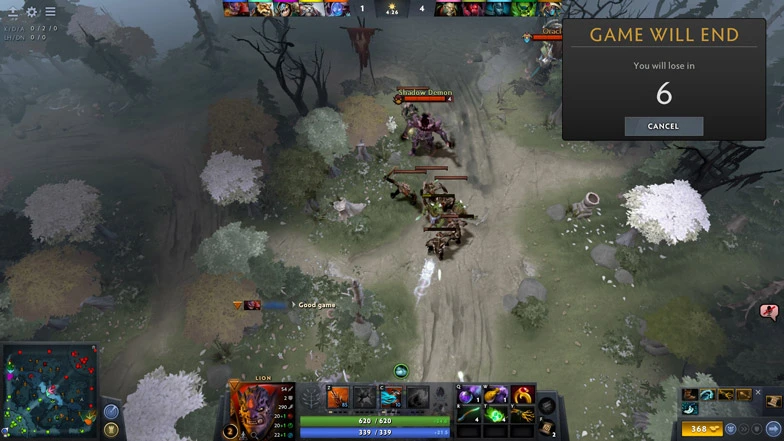
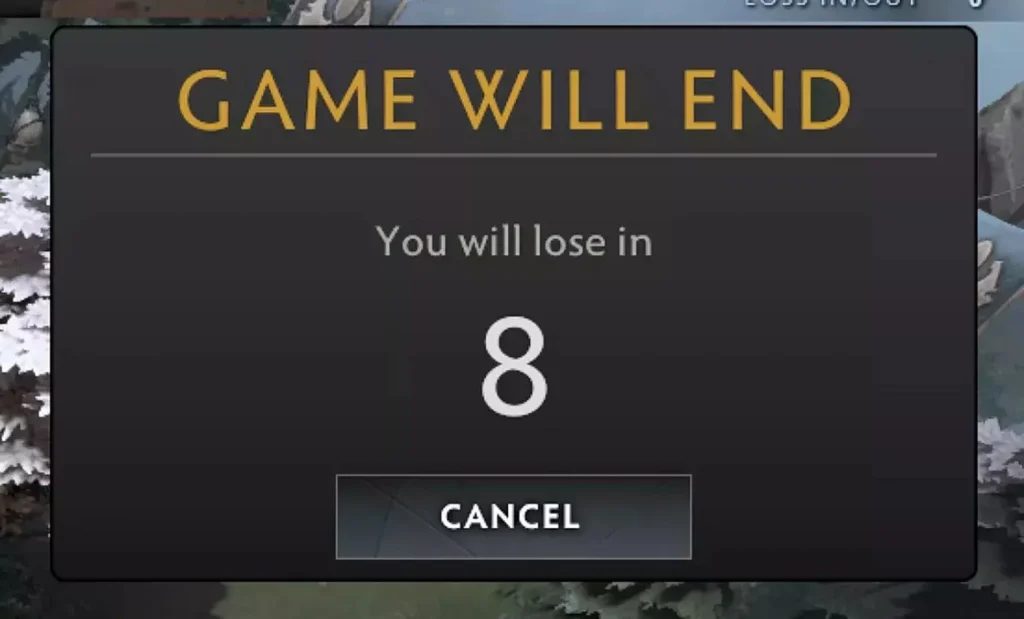
However, is it possible to surrender in Dota 2? The answer is a little complicated.
If you’re here looking for how to surrender in Dota 2, look no further.
How To Surrender in Dota 2: Explained
The rules for surrendering in Dota 2 are different based on whether you’re in a party of five in a private lobby, public game, or you’re solo queuing.
How To Surrender as a Party of Five in Dota 2
If you’re playing with your friends and you’re in a full party, you can surrender by following these steps:
Public Lobby: If you’re in a public lobby, every single member of your team needs to type out ‘GG’ or ‘GGWP’ in all chat to surrender.
Private Lobby: If you’re playing in a private lobby, then any member of the team can type ‘GG’ or ‘GGWP’ in all chat to surrender.
Remember that you have to type it in all chat, and typing it in team chat doesn’t initiate a surrender vote.
How To Surrender as a Solo Player in Dota 2
Unfortunately, you cannot surrender games as a solo queue player in Dota 2. This may be due to the fact that most Dota 2 games can be winnable despite seeming challenging at times. The comeback mechanics in Dota 2 can sometimes be extremely rewarding, as killing off a high net-worth enemy can easily give your team a significant gold and XP boost.
Among the list of new additions that LoL patch 14.14 has introduced to the title, the Swarm game mode is perhaps what fans have been looking forward to the most.
The Swarm | Operation Anima Squad is a new limited-time PvE bullet-heaven game mode where players can fight hordes of enemies with their friends and take down the Primordian bosses.
— League of Legends (@LeagueOfLegends) July 16, 2024
The new LoL Swarm game mode features only a select few Champions from the League roster for the players to pick from. In this article, we take a look at all the LoL Champions that are currently playable in the Swarm game mode.
LoL Swarm Game Mode: All Playable Champs
Here’s a list of all the Champions that you can pick in the League of Legends Swarm | Operation Anima Squad game mode:
Battle Cat Jinx
Battle Dove Seraphine
Battle Lion Leona
Battle Bear Illaoi
Primordian Briar
Battle Wolf Yasuo
Battle Bunny Prime Riven
Battle Bunny Aurora
Battle Bat Xayah
Note that all the Champions in the LoL Swarm game mode have their own unique set of abilities that you can unlock as you play through this newly added game mode.
Despite losing their star player to G2, M80 has held their ground in the Esports World Cup against Complexity and found themselves through to the next round of the tournament.
Both teams settled for Anubis following the veto but Complexity started on the CT side off the back of a knife-round win. Complexity got off to a 7-1 lead but let it slip away, trailing 7-5 at the half. M80’s T side took time to get going but it was able to narrow down the lead before switching sides.
M80 did not post a single round in the second half until CoL put 11 rounds on the board. Controversy’s T-side was equally strong. They began dismantling Complexity’s offense gradually and, in a stunning comeback, managed to get to match point at 12-11. M80 forced CoL into OT, upon which they were unable to keep their form.
Complexity won the opening two rounds of overtime before faltering. M80 knotted the score at 14–14, tightening the match even further. By the end of overtime, things were getting crazy as M80 managed to unexpectedly reverse the man’s advantages and win 16–14.