Brazil’s betting ban is already changing Counter-Strike in the country. President Lula signed Provisional Measure 1,394 on September 25, 2026. It outlaws fixed-odds betting and every kind of betting sponsorship aimed at Brazilians. Keyd Stars has paused its CS2 team. BetBoom holds the Brazilian rights to most top-tier CS2 broadcasts, and it is now barred from promoting itself to Brazilian viewers.
Football gets most of the headlines. Counter-Strike has a bigger problem, though, because one bookmaker sits underneath much of the Brazilian scene. It sponsors the country’s best-known team, backs its most famous player and owns the local broadcast rights to BLAST, PGL and ESL events.
What Brazil’s Betting Ban Says
MP 1,394 bans the operation, offering, brokering and advertising of fixed-odds bets across Brazil. For esports, the sections that matter are the ones on sponsorship, licences and online platforms. All of these come from the published text of the measure.
| Section | What it does | Why CS2 should care |
|---|---|---|
| Article 4 | Cancels all federal betting licences 30 days after publication, with no refund of the fee | Licensed sponsors lose their legal right to operate in Brazil on October 25 |
| Article 16 | Bans advertising, marketing and sponsorship of betting in any medium when aimed at the Brazilian public | Covers jersey logos, broadcast overlays and sponsored segments |
| Article 16, §2 | Gives 10 days from publication to remove ads and sponsor signs | That deadline passed on October 5 |
| Article 17 | Exempts content published before the measure where betting ads appear only incidentally | Old VODs and past broadcasts are likely safe |
| Articles 19 to 22 | Makes platforms responsible for stopping betting promotion, including content posted by third parties | Twitch, YouTube and Kick streams of CS2 are in scope |
| Article 22 | Fines platforms up to 10% of group revenue in Brazil, capped at R$50 million per infraction | Gives platforms a reason to act fast against sponsored streams |
The full text and its progress are on the Brazilian Congress page for MP 1,394.
Brazil Betting Ban Timeline: Key Dates
Most of the deadlines have already passed. The two that will decide the ban’s future arrive later.
| Date (2026) | What happens |
|---|---|
| September 25 | MP 1,394 published. Deposits stop at once |
| September 30 | Keyd Stars pauses its CS2 project |
| October 5 | Deadline to remove betting ads and sponsorships. Last day for bettors to request withdrawals |
| October 6 | Licensed betting sites and apps blocked |
| October 9 to 14 | Operators refund customer balances |
| October 13 | Deadline for amendments in Congress |
| October 25 | Federal betting licences expire. Presidential runoff held the same day |
| November 23 | First 60-day window for Congress to vote ends (it can be extended) |
| November 24 | PGL Major Singapore begins |
The refund dates come from iGaming Business’s breakdown of the measure. The publication also counts almost 90 licensed operators, and each one paid R$30 million (about $5.8 million) for its licence.
Keyd Stars Is the First CS2 Casualty
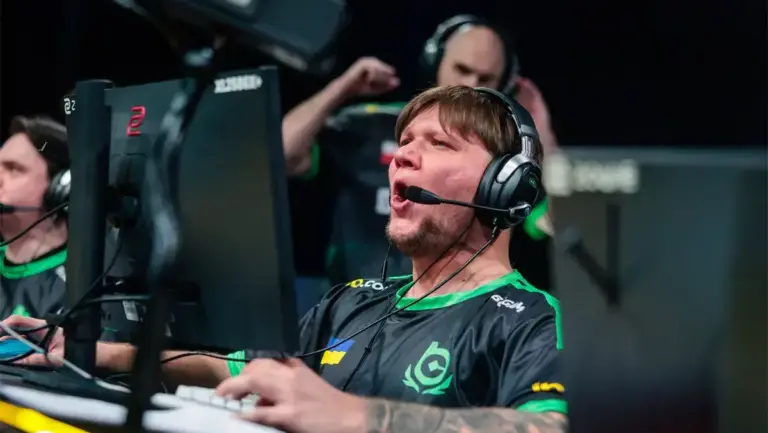
Vivo Keyd Stars announced on September 30 that it would pause its Counter-Strike project for an indefinite period, five days after the measure went live. All of its players became free agents, including Rodrigo “drg” Ausenka.
The club gave two reasons. One was Brazil’s commercial and regulatory environment. The other was changes to Valve’s competitive model, which ties tournament invites to how Valve’s VRS ranking system works and makes tier-two teams harder to fund. Keyd’s master sponsor was the bookmaker EstrelaBet. Brazilian outlet Critical Hits tied EstrelaBet’s departure directly to the ban.
Keyd was a real competitive side. It won CCT Season 3 South American Series #9 and finished runner-up at CBCS Masters Xeque Mate 2025. A team with that record would normally find a new backer. Under the ban, the most active spenders in Brazilian esports sponsorship are now locked out.
Why BetBoom Makes CS2 the Most Exposed Esport in Brazil
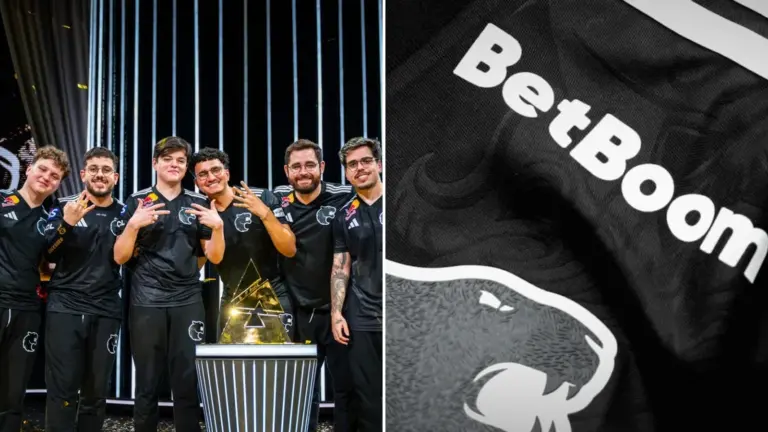
Over the past year, BetBoom built a position that no other sponsor holds in any Brazilian esport. It holds deals with all three major CS2 tournament operators and with FURIA.
| Partner | Announced | What BetBoom holds |
|---|---|---|
| FURIA | October 2, 2025 | Two-year sponsorship, with its logo on the CS2 jersey. FalleN is a brand ambassador |
| BLAST | December 9, 2025 | Media rights holder and exclusive betting partner for BLAST Premier and BLAST Slam in Brazil and Latin America |
| PGL | Early 2026 | Three-year Brazilian broadcast deal that includes PGL Major Singapore 2026 |
| ESL FACEIT Group | February 2026 | Regional broadcast rights for 2026 EFG events, including IEM Cologne, IEM Rio and ESL Pro League Seasons 23 and 24 |
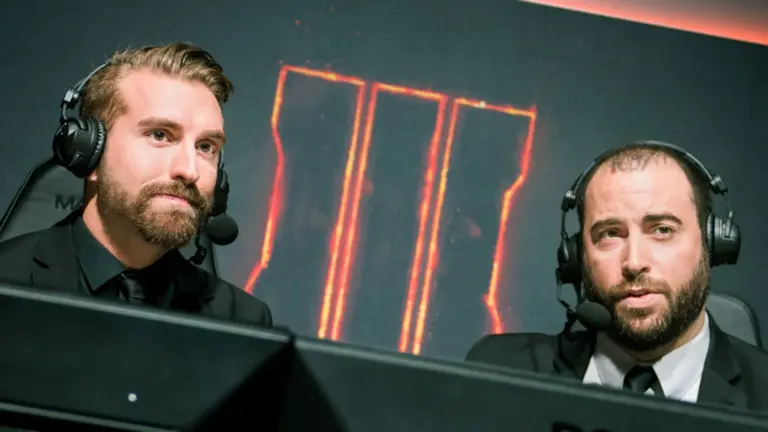
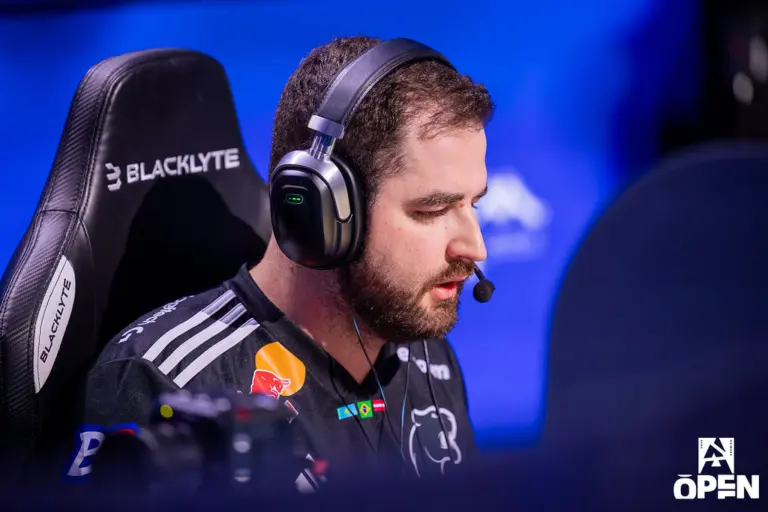
The BLAST and BetBoom agreement alone covers six CS2 events a year. Pley.gg reported that BetBoom sub-licenses content to Alexandre “Gaules” Borba, Brazil’s biggest CS streamer. That means a single betting brand pays for many of the streams Brazilian fans watch.
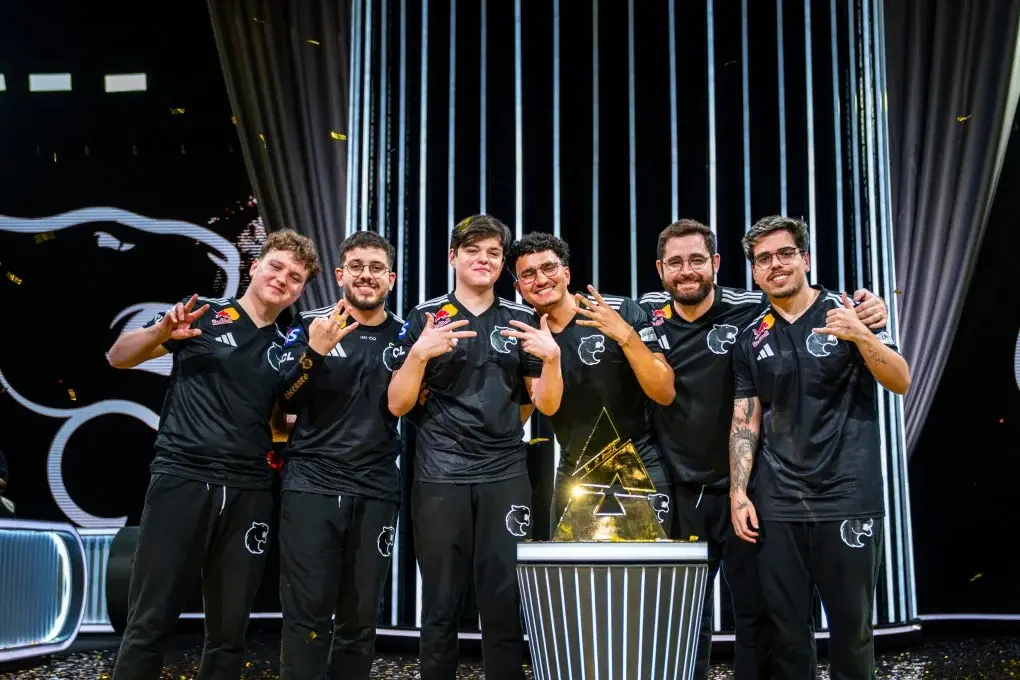
A betting company that can no longer advertise to Brazilians gets far less value from Brazilian broadcast rights. Whether BetBoom keeps paying for those rights, renegotiates or walks away is the biggest open question for the scene. Its contracts have not been made public, so nobody outside the deals knows whether they include exit clauses for regulatory changes.
The timing makes it worse. Brazilian fans are following the ESL Pro League Season 24 playoffs in Katowice right now, and the PGL Major in Singapore starts on November 24. If the ban survives, Singapore would be the first Major that Brazilians watch without the betting partner that holds its local rights.
What Happens to FURIA and FalleN?
FURIA’s BetBoom deal was signed for two years and put the bookmaker’s logo on the CS2 jersey. Article 16 banned that kind of sponsorship toward Brazilian audiences from October 5.
The hard part is geography. FURIA plays most of its matches in Europe, but much of its audience is in Brazil. The measure targets promotion “aimed at the Brazilian public.” It does not say whether a logo on a jersey at a European LAN, streamed into Brazil, counts. FalleN’s ambassador role raises the same question for his personal channels.
FURIA has not made a public statement on its BetBoom contract.
Streamers and Platforms Now Carry Legal Risk
Articles 19 to 22 put the platforms themselves on the hook. Twitch, YouTube and Kick must stop betting promotion from circulating in Brazil, including content their users post. A platform that ignores this risks fines of up to 10% of its Brazilian revenue.
This matters to Counter-Strike because so much Brazilian viewing happens on co-streams. A streamer who reads a betting promo during a match, shows a sponsored overlay or posts an affiliate link now creates a liability for the platform as well. Expect stricter moderation of Brazilian CS content, even from platforms that have tolerated betting promotion in the past.
Old content has some protection. Article 17 exempts material published before September 25 where betting ads appear only incidentally, which should cover most past VODs.
CS2 Is Following Brazilian Football’s Lead
Football shows how fast this moved. Before the measure, 14 of the 20 Série A clubs had a betting company as a sponsor, according to Metrópoles. Flamengo had Betano, Palmeiras had Sportingbet and Corinthians had Esportes da Sorte. When the league returned after the October 5 deadline, all of those logos were gone. São Paulo, Fluminense and Santos played round 29 without a master sponsor because there was no time to sign a replacement.
Esports teams run on much thinner margins than Série A clubs. A football giant can survive a few weeks with a blank shirt. A tier-two CS2 roster like Keyd’s could not.
Can the Brazil Betting Ban Be Reversed?
Yes, it can. A provisional measure takes effect immediately, but it dies unless Congress turns it into law. According to the Congress tracker, the first 60-day voting window ends on November 23. The measure can be extended once by another 60 days, and the clock pauses during the parliamentary recess from late December. A final vote could slip into early 2027.
Lawmakers filed 48 amendments by the October 13 deadline, and 44 remain active after four were withdrawn. Reported proposals include a 24-month grace period for existing sponsorship contracts and partial refunds of licence fees. None of the amendments reported so far mention esports.
Politics will likely decide the outcome. Flávio Bolsonaro finished narrowly ahead of Lula in the October 4 first round, and the runoff is on October 25, the same day the licences expire. Racing Post reported that Bolsonaro called the ban “populist, hypocritical and politically motivated” and wants licensed sports betting back. He is more skeptical of online casinos.
The industry is also fighting the measure in court. The National Association of Games and Lotteries (ANJL) told iGaming Business that it is taking the case to court and argues that the ban violates free enterprise. Analysts at Regulus Partners told Racing Post that the black market is “by far the biggest winner.” For Counter-Strike, that unlicensed offshore market includes skin gambling sites, which were never part of Brazil’s licensing system.
What Brazilian CS2 Fans Will Notice
For now, the changes are mostly cosmetic. Betting logos are disappearing from broadcasts, jerseys and stream overlays, and some sponsored segments will vanish from co-streams. Licensed betting apps no longer work in Brazil.
The deeper effects will take months to show. Teams are planning their 2027 budgets now without knowing whether betting money will come back. If Congress rejects the measure or a new government replaces it, sponsors may return. If the ban becomes law, expect more organizations to follow Keyd and cut their CS2 rosters, and expect a fight over who pays for Portuguese-language broadcasts.
FAQ
What is Brazil’s betting ban?
Brazil’s betting ban is Provisional Measure 1,394, which President Lula signed on September 25, 2026. It bans the operation, offering and advertising of fixed-odds betting in Brazil. Licensed sites went offline on October 6, and all federal betting licences expire on October 25 with no refund of the R$30 million fee.
Does the Brazil betting ban affect esports sponsorship?
Yes. Article 16 bans betting sponsorship and marketing in any medium when it is aimed at the Brazilian public. That covers jersey logos, broadcast overlays and sponsored streams. Teams and broadcasters had until October 5, 2026 to remove betting branding.
Which CS2 teams have been affected by Brazil’s betting ban?
Keyd Stars paused its CS2 project on September 30, 2026 and released its players, citing Brazil’s regulatory environment and Valve’s competitive changes. Its master sponsor was EstrelaBet. FURIA’s two-year BetBoom jersey deal falls under the ban, but FURIA has not commented publicly.
Will Brazilians still be able to watch the CS2 Major?
Yes. The ban does not stop tournaments from being broadcast in Brazil. It stops betting companies from promoting themselves to Brazilian viewers. BetBoom holds the Brazilian rights to PGL Major Singapore, so the open question is whether it keeps funding the Portuguese broadcast without being able to advertise on it.
Is the Brazil betting ban permanent?
Not yet. Congress must vote on the provisional measure, or it expires. The first voting window ends on November 23, 2026, and an extension and the year-end recess could push a final decision into early 2027. The October 25 presidential runoff is likely to shape the outcome.