Home Blog Page 1497

Valorant: XSET qualifies to VCT Challengers Playoffs

0

The Challengers 1 event of VCT Stage 3 in North America has concluded with the top four teams on the table having advanced to the Challengers playoffs, while the rest four would now go back to a second Challengers round in a bid to qualify for the playoffs event, scheduled to be held from August 11-15. 

Teams qualified for the Challengers Playoffs event

  • Sentinels
  • XSET
  • 100 Thieves
  • Team Envy

Previously, the VCT open qualifier for Challengers 1 in North America saw a couple of S-tier teams that were unable to qualify for the next stage as the former is deemed to be brutal, featuring back-to-back matches right from the Round of 128. Cloud9 Blue, TSM.FTX, T1, and FaZe Clan were among those who weren’t able to progress on to Challengers 1. Teams like Rise and Pioneers surprisingly rose to dominance but were unable to turn up as they were halted by Gen.G and Sentinels respectively. 

Among those who have moved onto the playoffs event are Team Envy and XSET who surprisingly came out to be phenomenal including the latter’s upset which saw Sentinels move on to the lower bracket of the Challengers 1.

Though they lost to Sentinels in the grand finals, they were able to ease past against the former in the Upper Bracket round 2 after spending a few weeks practicing with Zachary “zekken” Patrone and Rory “dephh” Jackson. 

The best of 5 grand finale game saw Sentinels win 3-1 over XSET where the latter were able to secure Map 1 but it was the reigning champions who left no space for error as they went on to win the Challengers 1 event of VCT: Stage 3 in North America and qualify for the playoffs event. 

Teams relegated to Challengers 2

  • Pioneers
  • Gen.G Esports
  • Version1
  • Rise

The next open qualifier event for Challengers 2 in North America is set to begin on July 22. You can visit here to sign up for the same.

Recommended | Team Besties Banned From Riot-Sanctioned Events Following ‘Ringing’ Accusations
VCT Challengers 1 NA ends

0

The Challengers 1 event of VCT Stage 3 in North America has concluded with the top four teams on the table having advanced to the Challengers playoffs, while the rest four would now go back to a second Challengers round in a bid to qualify for the playoffs event, scheduled to be held from August 11-15. 

Teams qualified for the Challengers Playoffs event

  • Sentinels
  • XSET
  • 100 Thieves
  • Team Envy

Previously, the VCT open qualifier for Challengers 1 in North America saw a couple of S-tier teams that were unable to qualify for the next stage as the former is deemed to be brutal, featuring back-to-back matches right from the Round of 128. Cloud9 Blue, TSM.FTX, T1, and FaZe Clan were among those who weren’t able to progress on to Challengers 1. Teams like Rise and Pioneers surprisingly rose to dominance but were unable to turn up as they were halted by Gen.G and Sentinels respectively. 

Among those who have moved onto the playoffs event are Team Envy and XSET who surprisingly came out to be phenomenal including the latter’s upset which saw Sentinels move on to the lower bracket of the Challengers 1.

Though they lost to Sentinels in the grand finals, they were able to ease past against the former in the Upper Bracket round 2 after spending a few weeks practicing with Zachary “zekken” Patrone and Rory “dephh” Jackson. 

The best of 5 grand finale game saw Sentinels win 3-1 over XSET where the latter were able to secure Map 1 but it was the reigning champions who left no space for error as they went on to win the Challengers 1 event of VCT: Stage 3 in North America and qualify for the playoffs event. 

Teams relegated to Challengers 2

  • Pioneers
  • Gen.G Esports
  • Version1
  • Rise

The next open qualifier event for Challengers 2 in North America is set to begin on July 22. You can visit here to sign up for the same.

Recommended | Team Besties Banned From Riot-Sanctioned Events Following ‘Ringing’ Accusations
BGMI iOS Release Date: Real Or Fake?

Battlegrounds Mobile India is a huge hit in the country as the old PUBG players are back to the game. The response has been tremendous so far and still, the game is not fully launched. There are some rumors regarding the launch date for the iOS platform and they are completely fake.

Krafton announced the launch of Battlegrounds Mobile India for the android platform only and iOS users were excluded from the first open testing phase. Quickly, the game announced its official launch, and yet again, it was limited to AOS.

There is still no clear answer on why Krafton is not launching the game on the iOS platform but as players are eagerly waiting for more widespread support, it gave way to a lot of rumors.

Some misleading information currently being circulated with different dates is mentioned regarding the launch of BGMI on iOS devices. These timelines are baseless as the officials have not made any announcement yet.

The developers have already clarified that any announcement made regarding the Battlegrounds Mobile India will come through the official website or social media handles and hence, every other source can be neglected.

Also Read | How to Get Free UC In BGMI

Players are hoping for multiplatform support and developers are working for it but till then, we urge our readers to not believe in any kind of launch date for the iOS platform unless and until it is attested by Battlegrounds Mobile India officials.

Recommended | How to buy UC in Battlegrounds Mobile India?

Battlegrounds Mobile India iOS Release Date is fake

0

Battlegrounds Mobile India is a huge hit in the country as the old PUBG players are back to the game. The response has been tremendous so far and still, the game is not fully launched. There are some rumors regarding the launch date for the iOS platform and they are completely fake.

Krafton announced the launch of Battlegrounds Mobile India for the android platform only and iOS users were excluded from the first open testing phase. Quickly, the game announced its official launch, and yet again, it was limited to AOS.

There is still no clear answer on why Krafton is not launching the game on the iOS platform but as players are eagerly waiting for more widespread support, it gave way to a lot of rumors.

Some misleading information currently being circulated with different dates is mentioned regarding the launch of BGMI on iOS devices. These timelines are baseless as the officials have not made any announcement yet.

The developers have already clarified that any announcement made regarding the Battlegrounds Mobile India will come through the official website or social media handles and hence, every other source can be neglected.

Players are hoping for multiplatform support and developers are working for it but till then, we urge our readers to not believe in any kind of launch date for the iOS platform unless and until it is attested by Battlegrounds Mobile India officials.

Recommended | How to buy UC in Battlegrounds Mobile India?

How to buy UC in Battlegrounds Mobile India?

0

Battlegrounds Mobile India is the latest addition to the battle royale genre. This game is specifically designed for Indian audiences and the rest of the world cannot access it. It is quite similar to PUBG Mobile and has the same in-game currency called UC. Here is how you can purchase UC in Battlegrounds Mobile India.

Similar to any other game in the mobile gaming market, there is an option for players to purchase in-game currency to unlock various things. They include several skins and equipment as well. Battlegrounds Mobile India uses UC as the mode of payment.

Players need to spend their money in order to buy UC and it is very similar to how they used to buy UC in PUBG Mobile. The unknown cash can be brought from external websites in the form of top-up as well but as BGMI is still a new game, the legitimacy of such websites is unknown for now.

This is the safest and most used method to buy UC in Battlegrounds Mobile India. Players need to use their money and there is no other way to get the UC for free.

  • Open Battlegrounds Mobile India and click on the UC icon.
  • Select the pack you want to buy. The higher the bundle, the more will be the cost.
  • Select preferable mode of Payment via Google Play services. Players can use their CC/Debit Card and even internet banking to purchase UC.
  • Once the purchase is completed, the UC will be directly added to your in-game account.

If players face any difficulties while buying, they can simply relaunch the game and if the UC is not deposited to your accounts, you can try to contact customer services from the game itself.

Recommended | Can you buy BGMI UC Using MidasBuy?

How to Switch Hands in CSGO? | Hand-Toggling in CSGO Explained

0

CSGO is undoubtedly one of the most popular modern-day competitive shooters out there that is standing strong even after two decades since its initial release. The latest title in the series, Counter-Strike: Global Offensive, was released back in 2012 and is still rocking an esports scene that most other shooters can only hope to achieve.

The aspect that separates CSGO from the other tactical shooters is the freedom of the players to customize their game as much as they want. CSGO players can use the in-game console to make a plethora of changes to their game ranging from visuals to core game mechanics.

Among the variety of uses of the in-game developers’ console, hand changing seems to be the most popular aspect. 

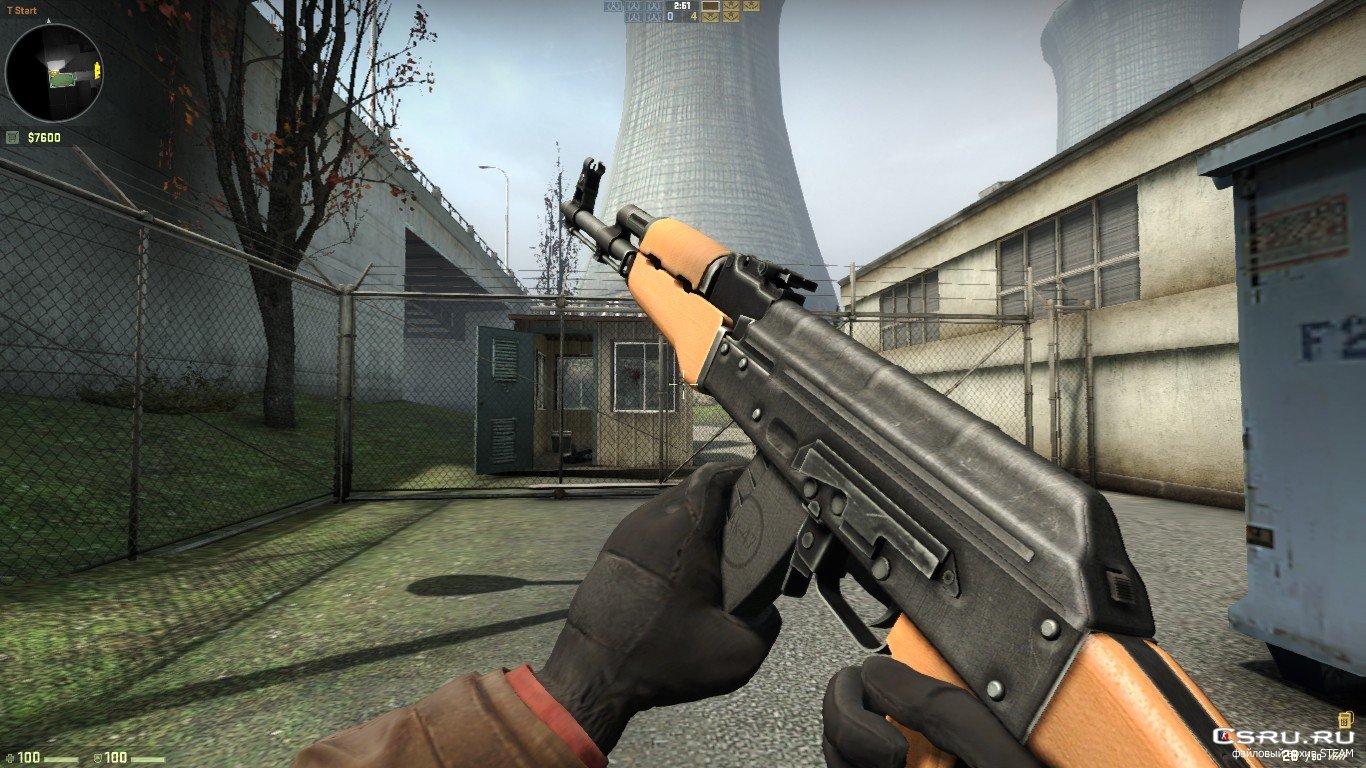
Hand changing through the console allows the player to freely switch their ViewModel from left hand to right hand or vice versa at will. Players can simply use this if they’re lefty and their ViewModel is right-handed, or it can also be used to gain a competitive edge on the battlefield. Let’s take a look at how you can do it yourself. 

How to Switch CSGO Weapon Hands

Switching your hands in CSGO is extremely easy and not time-consuming at all. In fact, you are only a few clicks and some keystrokes away from freely toggling your hands at will. 

Here’s how you do it:

  • Make sure you have the in-game developers’ console enabled. To do so, simply go to the settings, click on ‘Game Settings’ and check “Enable Developer Console”
  • Open the console by pressing the ~ key on your keyboard (if this doesn’t work, you can check the bind from settings)
  • Type in “cl_righthand 0” if you want the ViewModel to be displayed on the left hand. Otherwise, type “cl_righthand 1”
  • Press enter

This is how you can switch your player’s hands through the console. However, you can spice things up a notch and set a keybind for toggling between two hands.

CSGO Switching Hands Toggle Bind

Assigning a key to toggling between two hands can enable you to gain a competitive edge in combat. For instance, you can use the bind if a portion of your screen is blocked by your weapon ViewModel to free up that area. Here’s how you do it. 

  • Open the console
  • Type in “bindtoggle # cl_righthand” where “#” = your desired key

[Example: bindtoggle v cl_righthand]

  • Whenever you press the key you specified [in this case ‘v’] while you’re in a match, your weapon will be switched from left hand to right hand and vice versa

That’s it! Now you can freely switch your hands in CSGO at will to gain that competitive advantage you lacked. Good luck and happy fragging! 

Recommended | Is CSGO dying in 2021?

Can you buy BGMI UC Using MidasBuy?

0

The Royal Pass has finally made its way into BGMI following the first major since the launch of PUBG’s latest iteration curated for India. Players are in a real fix after UC was taken away from Midasbuy which many used to purchase in-game currency.

Krafton Inc is strictly against allowing any third-party website to trade in-game items. Without in-game currency, it becomes hard for the players to get their hands on the RP.

The new Royale Pass is free(no surprise here) with an option to upgrade and earn more rewards. The price list for UC in Battlegrounds Mobile India is given below:

  • 60 UC- ₹ 75
  • 300 UC + 25 UC (Free) – ₹ 380
  • 600 UC + 60 UC (Free) – ₹ 750
  • 1500 UC + 300 UC (Free) – ₹ 1900
  • 3000 UC + 850 UC (Free) – ₹ 3800
  • 6000 UC + 2100 UC (Free) – ₹ 7500

Now that Midasbuy is out of the picture, players can opt for Play Store services for in-game payment. Play store balance can be added via credit/debit card or several e-wallets. No third-party payment methods are entertained by the developer as of now but who knows what the future brings.

Recommended | How to get Free UC in BGMI?

How to get Free UC in BGMI

0

Battlegrounds Mobile India is the new battle royale game launched by Krafton to replace PUBG Mobile in the country. This game shares many similarities with its former version, and the in-game currency is still the same. Here are few methods to earn UC in BGMI.

UC or unknown cash in Battlegrounds Mobile India is the in-game currency which can be used to buy various items in the game. It varies from gun skins, vehicle cosmetics to in-game rename cards and Royale Pass.

Players need to spend money in order to buy Unknown Cash but there were a few methods through which players were able to earn UC for free. Some of them are legitimate and the others could be used at user’s risk. Here is the list of methods you can use to earn free UC in BGMI.

GOOGLE OPINION REWARDS

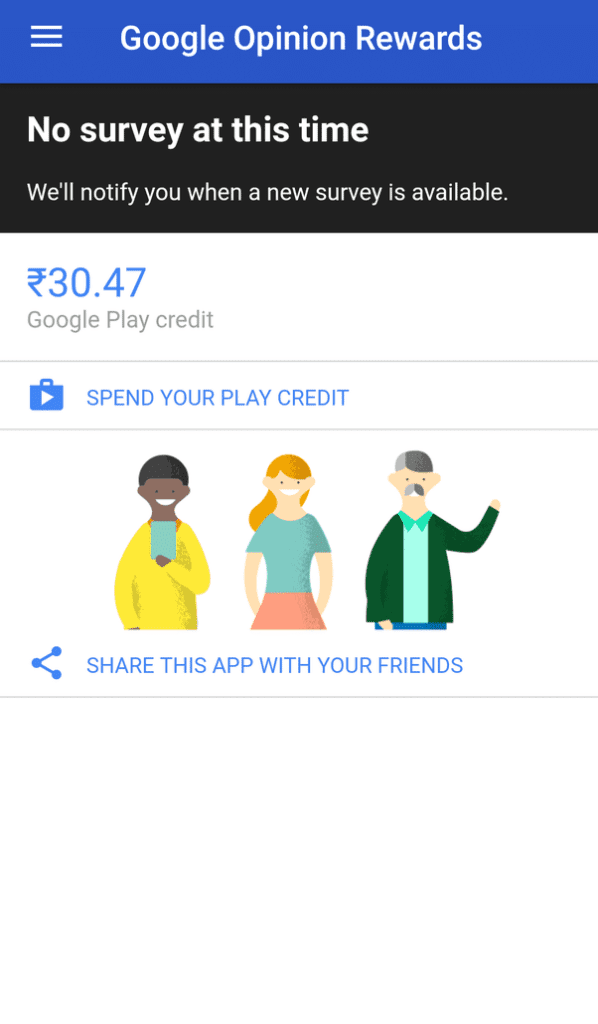
The most trusted way to actually earn free UC is by filling the surveys on Google Opinion Rewards. What this app basically does is allots various surveys to the users on several occasions and pays you when you fill them. The surveys available depend upon many variables and hence earning money from this method may take some time.

The money that is earned through a survey can be used to recharge in-game in Google Play Store. So when you have enough money to buy the UC, visit Play Store and use the money to get it.

GPT APPS

GPT apps are basically the apps that pay you in points. There are several tasks to be completed and once it is done, the app rewards you with some points. Although all the apps have their own payment and reward system, the core remains the same. Once you gather enough points, you can exchange them to get Google Play Vouchers, Steam Codes, and other such things. GPT apps are mostly third-party apps or sometimes even available on App Stores.

One example of such apps is Poll Pay and Easy Rewards that are available on Google Play Store. Users can use such apps to redeem the rewards after completing several tasks present and then use them to redeem gift codes. These codes can be used to purchase any sort of in-game currency in multiple titles, including Battlegrounds Mobile India.

The apps mentioned are not tested by TalkEsport and readers are advised to check the policies of the third-party apps before opting for any survey or tasks that may expose their private data.

These methods can only provide you with limited number of UC and if you want to get it in bulk, there is no other option than buying it using money.

How to link Warframe to your Twitch account?

0

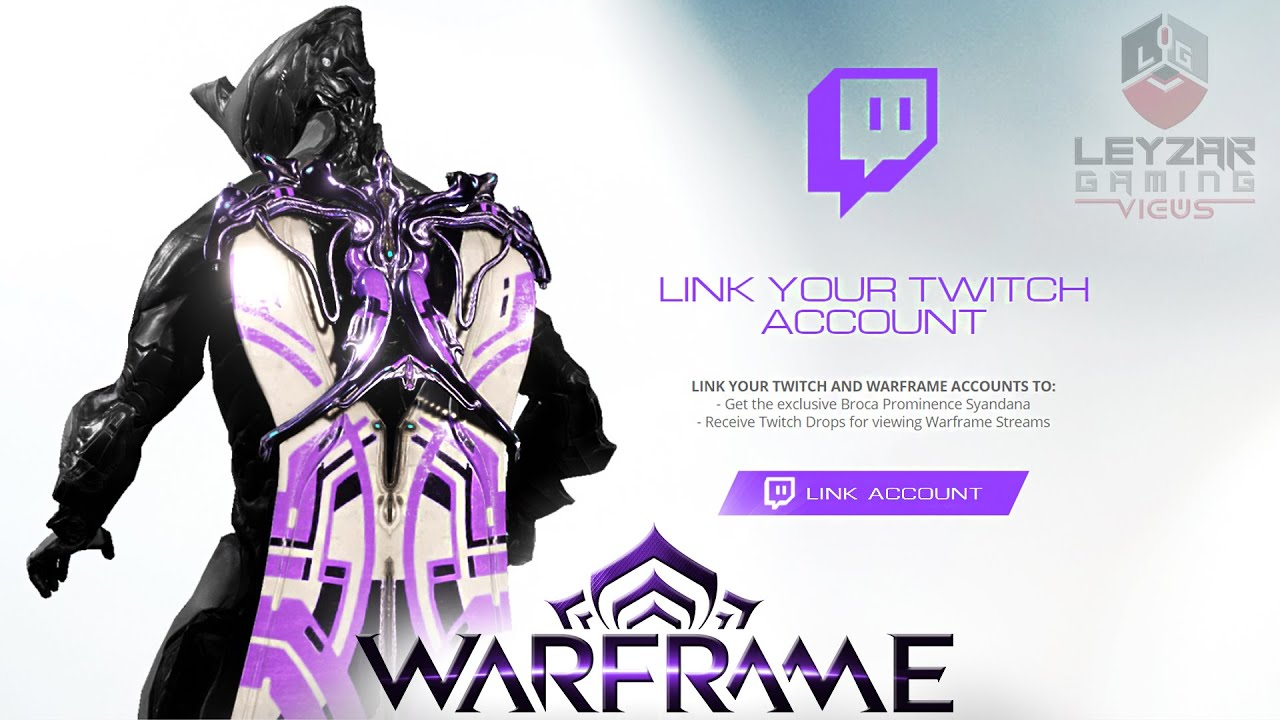
People have started to link their Warframe to their twitch accounts and it is quite beneficial. It helps the players to be eligible for the free goodies and the free loot, which includes Prime Warframe through the Twitch Prime system.

The players are only required to link their account once and if they have already linked and logged in, they will have to relog in order to receive their items. They also need to have a Twitch Prime account to take benefit of some offers, but not all of them.

Follow these steps to connect your Warframe account to your Twitch:

  • Click here and log into your Warframe account
  • Click on your login name in the top right corner, then “Account Management”
  • Click Link your Twitch Account at the bottom of the page and follow the instructions to link your Warframe account to your Twitch Account

After doing all these steps to confirm if your account is linked, go to the Account Management section of your Warframe account, and under user information, you will be able to see if your profile is linked with your Twitch account. 

There are various items that are up for grabs after you have linked twitch to your account. The rewards include – Athodai Pistol, Vastilok Gunblade Weapon, Tannukai Longsword Skin and Armor Set, and Loki Prime Warframe with Slot.

Recommended | Team Besties Banned From Riot-Sanctioned Events Following ‘Ringing’ Accusations
Free Fire: Participate in ESPL 2021 to get free diamonds

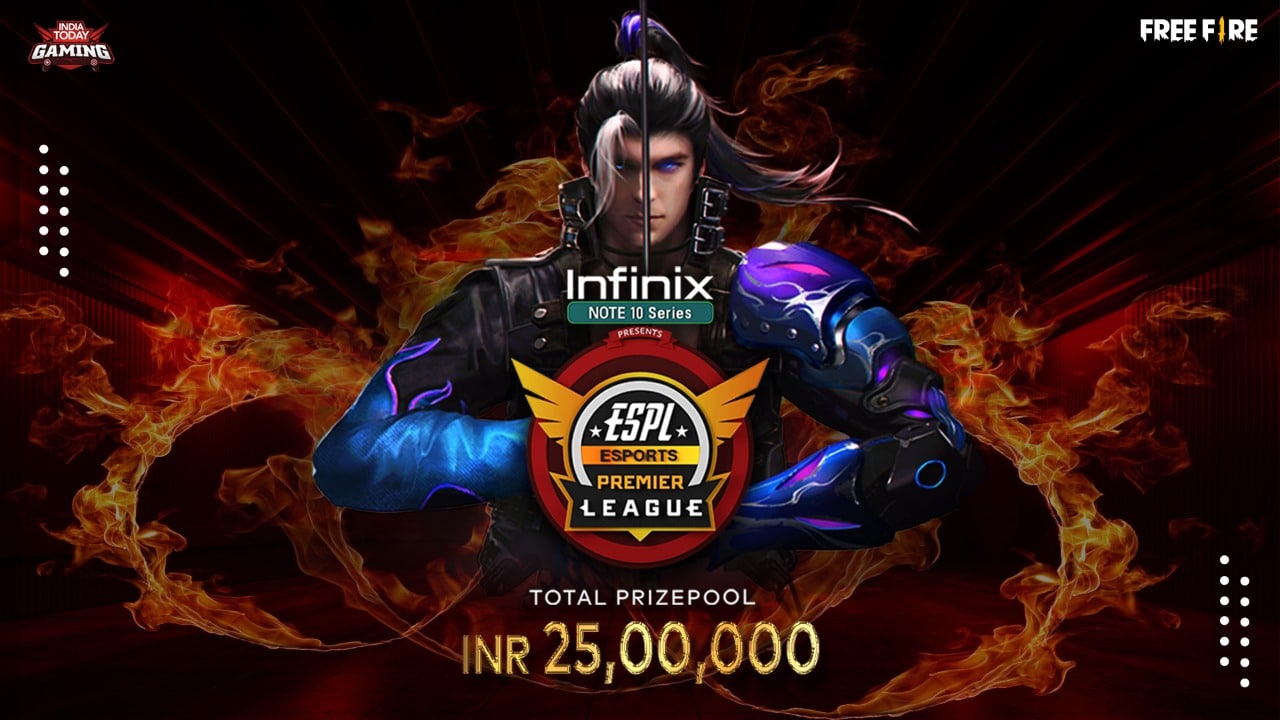
Free Fire players have a very big opportunity to win free diamonds and take part in one of the most prestigious Free Fire tournaments in India. Players can participate in ESPL India 2021 to compete and win the lion’s share of the massive ₹25L prize pool. Those who register are automatically enrolled in a giveaway of 500 diamonds.

Esports Premier League India 2021 is a nationwide Free Fire tournament based on a unique format. Its last group qualifiers are about to start very soon. The first three groups are already concluded and if you still haven’t participated in the tournament, you can register it and fight for the final slot in the Group D qualifiers.

This tournament features a massive prize pool of ₹25,00,000 and players qualifying from each group will fight in an IPL-style format with each team representing a city.

Players who are registering for this tournament are eligible to participate in a diamond giveaway. In this giveaway, 40 lucky players will receive a 500 diamonds pack.

Those who simply register in the last group of ESPL India 2021 are automatically entering this giveaway. You can follow these simple steps to register yourself.

  • Click here to open the ESPL India 2021 registration page.
  • Fill out the form with relevant details and click on Sign Up.

If you want to win some diamonds while trying to compete in a professional event, make sure to participate in this tournament. The last date of registration is 15th July so hurry up before the time runs out.

Also Read | FREE FIRE REDEEM CODES FOR JULY 2021