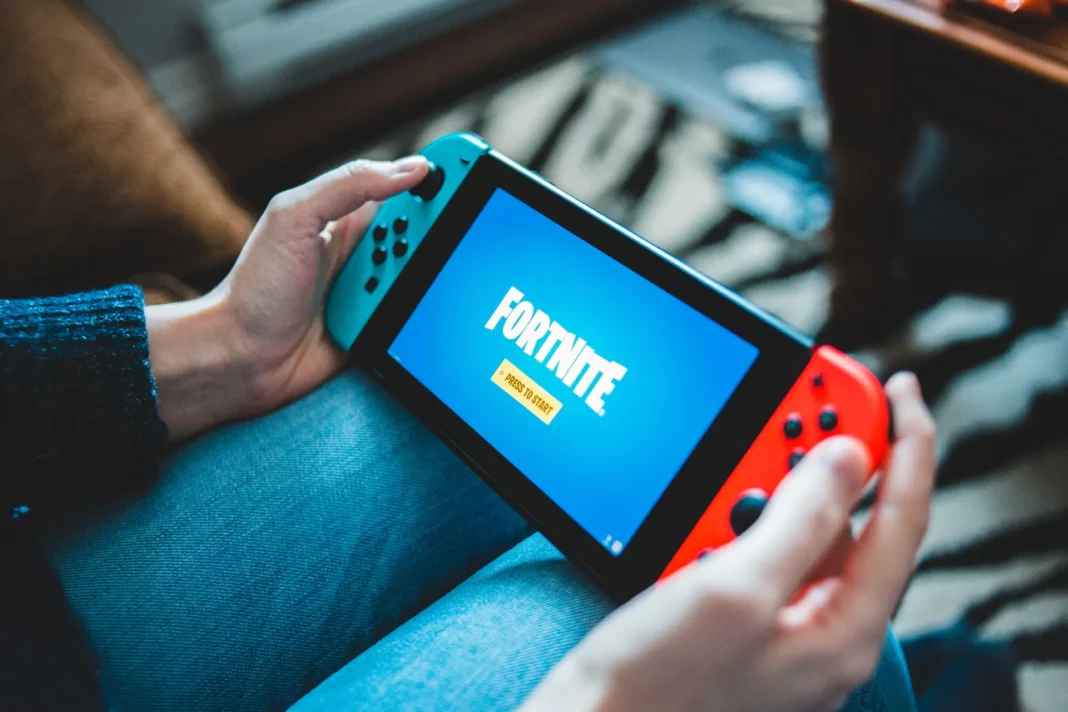
Fortnite updates can transform the gaming landscape overnight. With the introduction of new chapters and seasons, players are treated to a wealth of fresh content. However, to access these updates on Nintendo Switch, players must ensure their game is up-to-date.
In most scenarios, your Nintendo Switch will automatically download and install any pending updates for your games, provided you’re connected to the internet. You must manually start the Fortnite updates if you haven’t selected automatic updates.
How to Update Fortnite on Nintendo Switch?
Manually updating Fortnite on Nintendo Switch is easy. Just follow these steps:
- Navigate to your Nintendo Switch game library.
- Select Fortnite by pressing the ‘A’ button.
- Choose the ‘Update’ option.
To automate the update process, you can enable automatic updates by following these steps:
- Navigate to the system settings.
- Scroll down to find ‘Automatic Software Updates’.
- Enable ‘Automatic Software Updates’.
By enabling automatic updates, your downloaded games will update independently, provided you’re connected to the internet. However, be aware that any ongoing downloads may affect your online gaming experience due to increased ping.
While your Nintendo Switch is downloading a Fortnite patch, you can stay updated with the latest Fortnite news and update notes. This way, you’ll be fully prepared for your next match once the update is installed.
Stay updated with the latest news in gaming and esports by signing up for early access to TalkEsport’s Mobile App. Follow us on Twitter and Google News to ensure you never miss the exciting updates.