

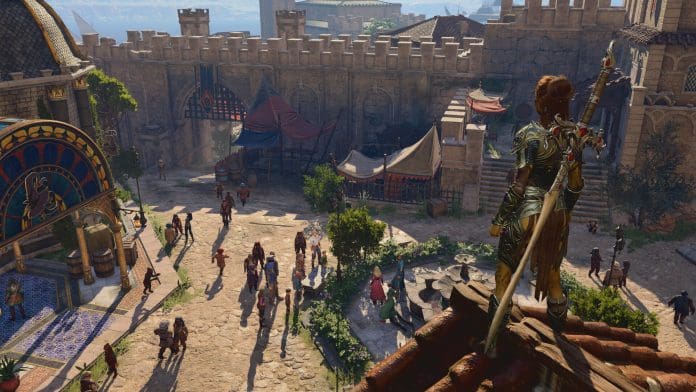

In Baldur’s Gate 3, you can do many things in the game. The community is also constantly creating new mods to improve and introduce new things in the game. In this article, we will get to know how you can mod Baldur’s Gate 3.
Fan-made tool, Baldur’s Gate 3 Mod Manager, has made an easier way for everyone to mod. It looks for any files downloaded by a person automatically and also helps them install such files so they can enjoy their games.
Let’s find out how to mod Baldur’s Gate 3 using the Mod Manager.
How to Mod Baldur’s Gate 3?
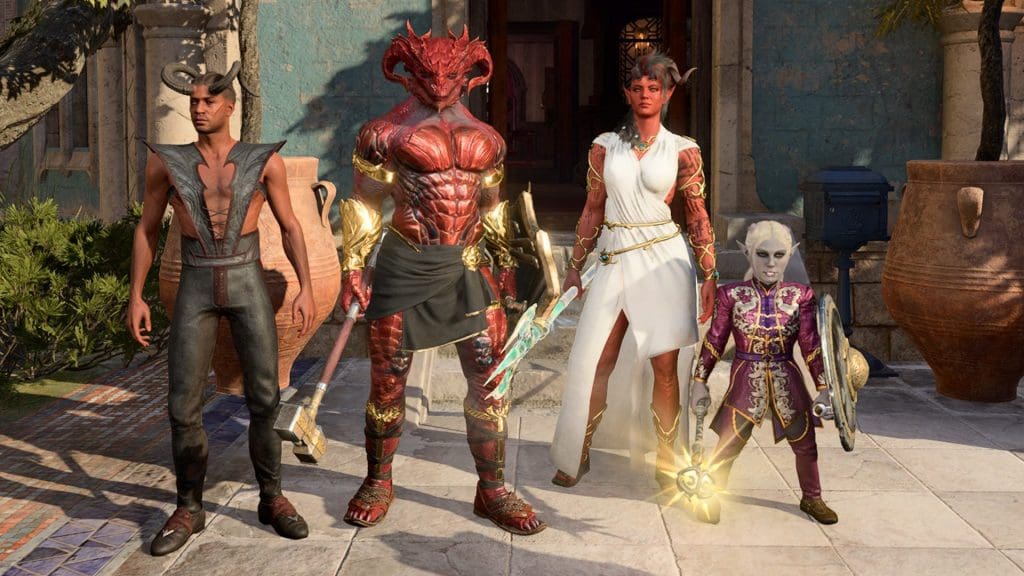
Follow the steps mentioned below to successfully mod Baldur’s Gate 3:
- Visit Nexus Mods or GitHub to download the Baldur’s Gate 3 Mod Manager.
- Extract the files to a preferred location on your system.
- Run the Mod Manager.
- Manually download desired mods from mod websites.
- Extract the mod files and copy the .pkg file to the game’s mod folder (typically located at C:\Users<username>\AppData\Local\Larian Studios\Baldur’s Gate 3\Mods).
- Refresh the mod manager until the downloaded mod appears.
- Drag and drop the mod from the inactive pane to the active pane to activate it.
- Arrange the load order by priority, following the mod author’s instructions.
- Press Ctrl+S to save the load order.
- Then press Ctrl+Shift+G to launch the game from the mod manager.
Are you playing Baldur’s Gate 3 with mod or without mod? Let us know in the comment section below.
