Wednesday, June 10, 2026
Home Blog Page 723

Mavi Speaks Out on Politics in Indian Gaming Community

0

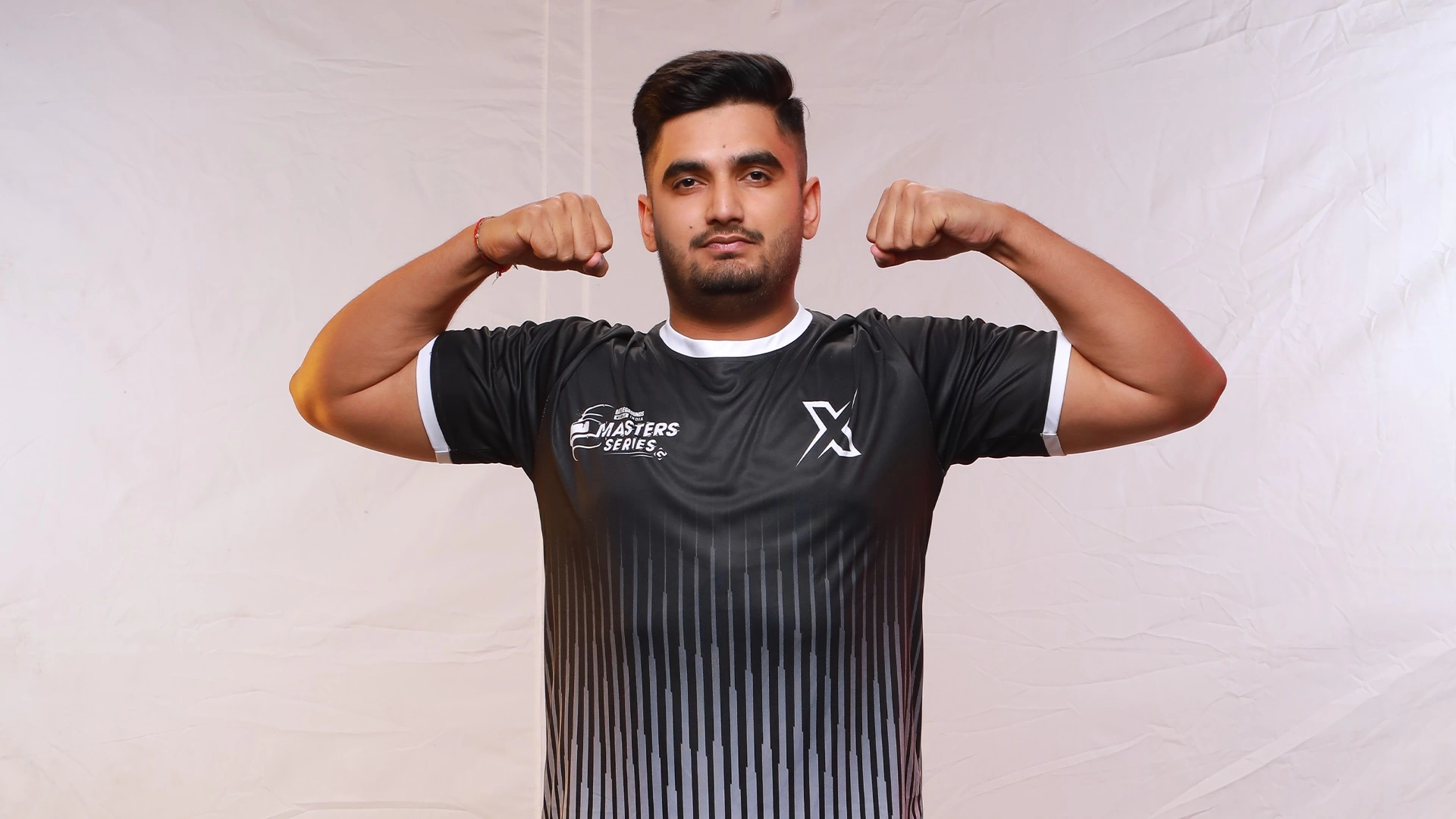
The Indian gaming community has seen rapid growth and holds immense potential. However, it’s not without its challenges. Mavi, a prominent figure in this community, recently shared his perspective on the politics within the gaming scene and his expectations for the upcoming BGIS 2023.

Mavi’s revelations highlight the often-overlooked aspect of politics within the gaming community. He points out that, as with any burgeoning industry, there are power struggles and competition. These dynamics often lead to internal politics.

Major gaming entities, with their vast influence, can sometimes overshadow the contributions of smaller creators, leading to a skewed representation of the community. However, Mavi emphasizes the importance of unity. He believes that the community must be aware of these political undercurrents and work towards creating a more inclusive environment.

Looking ahead, the BGIS 2023 stands as a beacon of hope for the Indian gaming community. Mavi views it as an event that promises inclusivity, offering a platform for both established players and newcomers. He believes that BGIS 2023 has the potential to set the standard for future tournaments, with an emphasis on fair play, transparency, and community engagement.

Moreover, a successful BGIS 2023 can further enhance India’s reputation in the global gaming arena, drawing international attention and potential investments.

Stay updated with the latest news in gaming and esports by signing up for early access to TalkEsport’s Mobile App. Follow us on Twitter and Google News to ensure you never miss the exciting updates.

How to Build Outposts in Starfield?

0

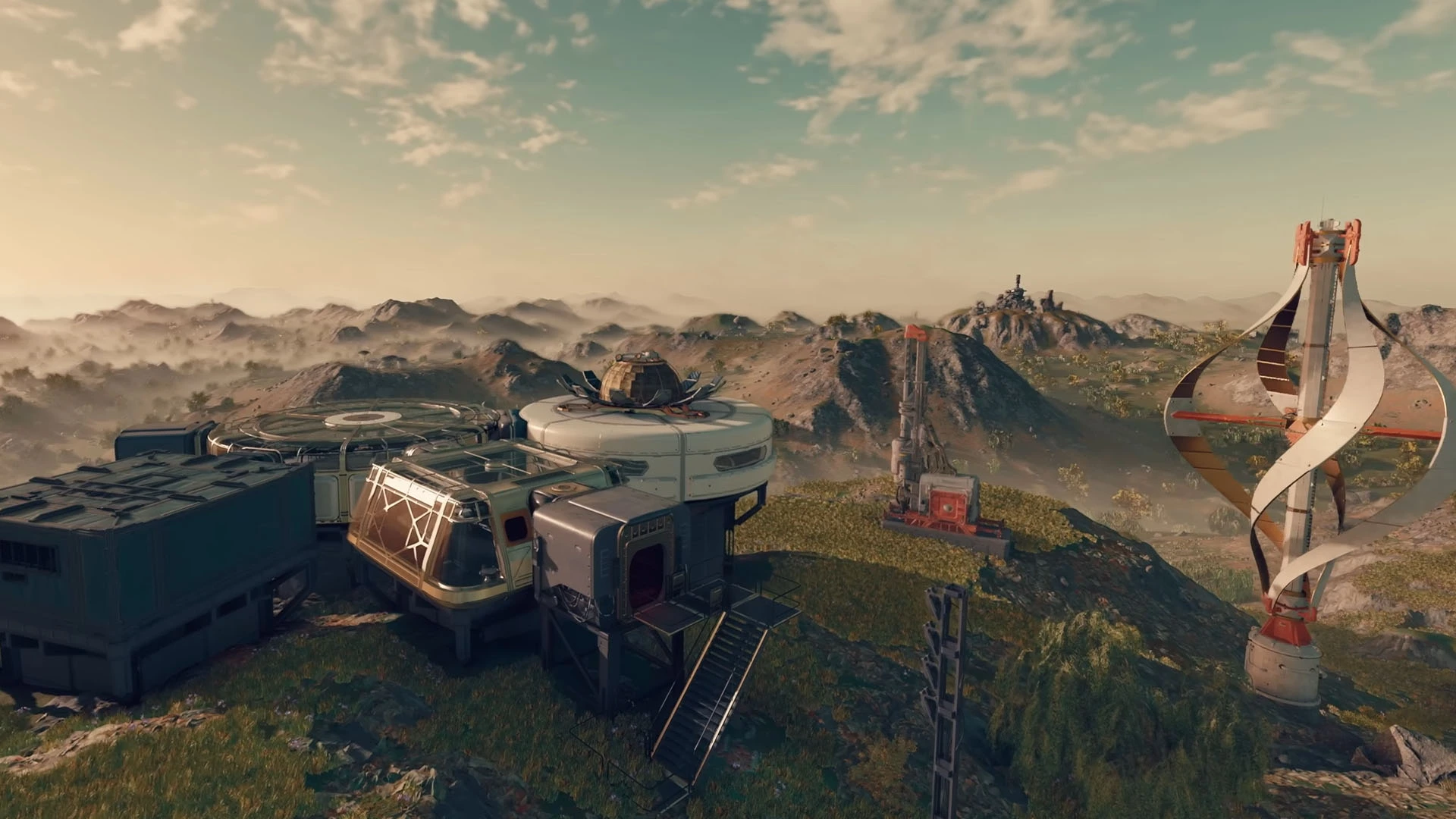
In the vast universe of Starfield, players are given the unique opportunity to construct their own outposts. These structures are not just a testament to one’s architectural prowess but also play a pivotal role in the game’s progression. If you’re looking to optimize your outpost-building endeavors, this guide will provide insights into selecting the best locations and maximizing storage.

How to Build Outposts in Starfield?

The location of your outpost in Starfield can make or break your gameplay experience. Here’s what you need to consider:

  • Resource Proximity: Ensure your chosen location is near essential resources. This will reduce the time spent gathering and increase efficiency.
  • Safety First: Avoid areas with high concentrations of hostile entities. An outpost should be a sanctuary, not a battleground.
  • Accessibility: Ensure the location is easily accessible from various parts of the map, facilitating quicker travel and trade.

Storage is a crucial aspect of outpost construction. Here’s how to get the most out of your space:

  • Optimized Design: Design your outpost with storage in mind. Consider multi-level structures and underground storage to maximize space.
  • Upgrade Regularly: As the game progresses, new storage solutions become available. Stay updated and incorporate the latest storage technologies.
  • Categorize and Organize: Create dedicated storage areas for different resources. This not only maximizes space but also ensures easy retrieval of items.

A strategically constructed outpost offers numerous benefits:

  • Safety: A well-placed outpost provides a safe haven from the game’s many dangers.
  • Resource Management: Efficient storage means less wastage and more resources for crafting and trading.
  • Strategic Advantage: Being in the right location can give players a strategic edge, allowing for better exploration and combat preparedness.

Stay updated with the latest news in gaming and esports by signing up for early access to TalkEsport’s Mobile App. Follow us on Twitter and Google News to ensure you never miss the exciting updates.

How to find Thrumbo for Mystic Carrion in Baldur’s Gate 3?

0

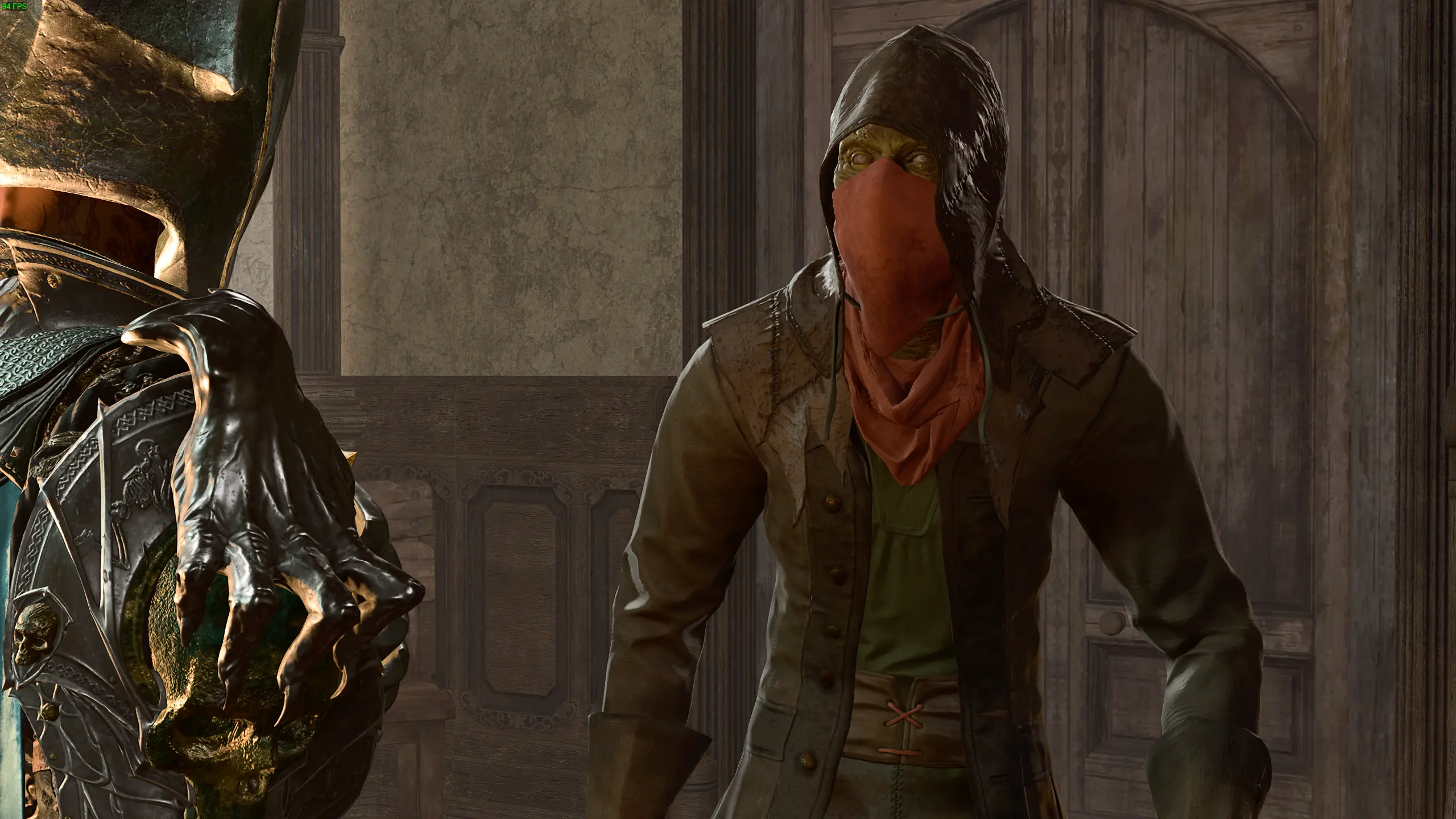
In the sprawling world of Baldur’s Gate 3, players are often faced with intricate quests and hidden treasures. One such quest involves the elusive Thrumbo, a creature that Mystic Carrion is keen to find. If you’re on the hunt for this mysterious being, you’re in the right place. Let’s delve into the steps to locate Thrumbo and assist Mystic Carrion in his quest.

How to find Thrumbo for Mystic Carrion in Baldur’s Gate 3?

The journey to find Thrumbo is not a straightforward one. It requires keen observation, a bit of luck, and the right strategy. Here’s a step-by-step guide:

  • Initiating the Quest: Begin by heading to the Underdark region. Here, you’ll encounter Mystic Carrion, who will share his desire to find Thrumbo.
  • The Clues to Follow: Mystic Carrion provides hints about Thrumbo’s whereabouts. Pay close attention to his words, as they will guide your search.
  • Exploring the Underdark: Navigate through the Underdark, keeping an eye out for any signs of Thrumbo. This creature is known to be elusive, so patience is key.
  • The Final Encounter: Once you’ve located Thrumbo, approach with caution. Engage in dialogue and make choices that align with your character’s morals and objectives.

Thrumbo isn’t just another creature in Baldur’s Gate 3. Its significance lies in the broader narrative and the rewards it brings. Assisting Mystic Carrion in his quest not only provides valuable experience points but also unravels a deeper story about the world of Baldur’s Gate and its inhabitants.

Moreover, the quest offers players a chance to engage in moral dilemmas, challenging them to make decisions that could impact their overall journey in the game.

Stay updated with the latest news in gaming and esports by signing up for early access to TalkEsport’s Mobile App. Follow us on Twitter and Google News to ensure you never miss the exciting updates.

How to Change Pronouns in Starfield?

0

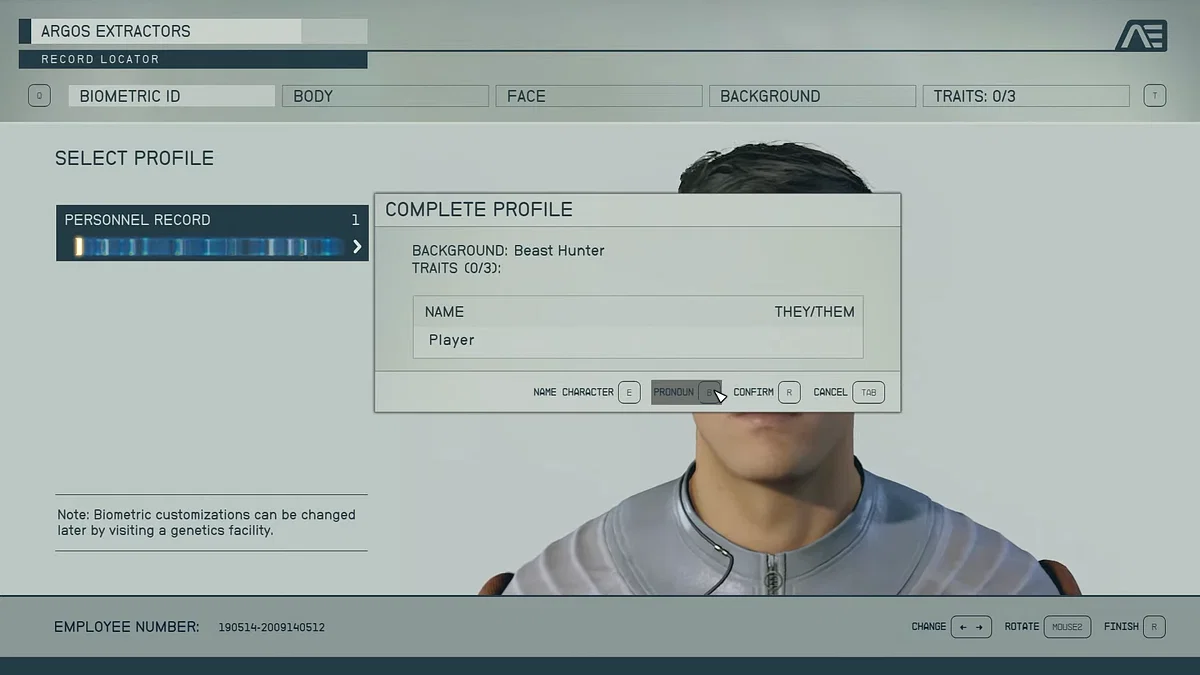
One of the most talked-about features in Starfield is the ability to select and change pronouns. This feature, while celebrated by many, has also stirred controversy among certain groups.

Here’s a closer look at this feature and how to utilize it.

How to Change Pronouns in Starfield?

From the very start, Starfield offers players the choice to pick their pronouns. This initial selection is not set in stone, as the game provides an option to modify them later on. For those who wish to make a change after the initial selection, the process is straightforward:

  • Visit the Enhance! Clinic: The first of these clinics can be found in the Commercial District of New Atlantis, located on the Alpha Centauri planet Jemison.
  • Speak to Warner Connell: Once inside the clinic, players should approach Warner Connell, the clinic’s manager.
  • Opt for the Clinic’s Services: A fee of 500 in-game credits is required to access the character customization menu.
  • Customize Your Character: Within this menu, players can adjust various aspects of their character, including pronouns. The options available are She/her, He/him, and They/them.

The decision by Bethesda to include pronoun customization has been largely applauded, emphasizing the importance of representation and inclusivity in gaming. It allows players to immerse themselves fully, having their in-game character align more closely with their real-world identity.

However, not all reactions have been positive. Some players have even gone to the extent of uninstalling the game in protest. Despite this, the move is seen as a progressive step, especially for RPG enthusiasts who previously had to choose between binary pronouns.

Stay updated with the latest news in gaming and esports by signing up for early access to TalkEsport’s Mobile App. Follow us on Twitter and Google News to ensure you never miss the exciting updates.

Roblox CEO Teases Major Update Coming in November

0

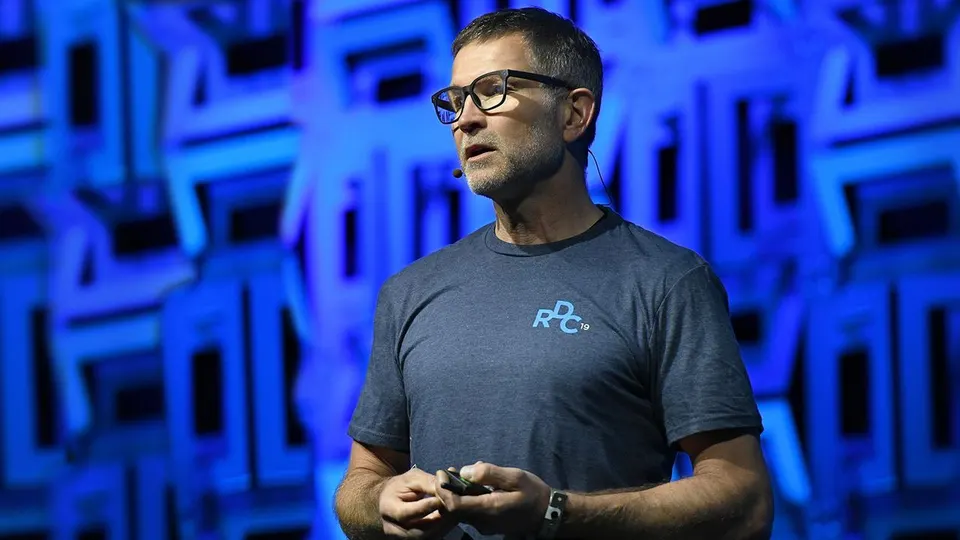
Roblox, a renowned online gaming sensation, is gearing up for a significant revamp later this year. This revelation comes from a somewhat mysterious message by David Baszucki, the co-founder and CEO of Roblox Corporation. This teaser has ignited a flurry of discussions and speculations within the vast Roblox community, especially with the Roblox Developer’s Conference on the horizon.

Over the years, Roblox has carved a niche for itself, captivating millions of gamers and creators with its unparalleled blend of user-driven content, innovation, and camaraderie. Baszucki, often referred to as Builderman within the community, has consistently prioritized player insights, shaping the game’s evolution. Recent additions to the platform include mature experiences, an innovative camera-activated avatar voice chat, and the promise of more features to come.

In a community post on his YouTube channel, Baszucki dropped hints about a significant update, intriguingly named “The Update.” Slated for a November 2023 release, this announcement has left players buzzing with excitement and curiosity. While some doubted the authenticity of the message, it was later verified as genuine. The buzz around this reveal suggests that Roblox might be on the brink of a monumental transformation. However, the specifics remain under wraps, with the developer roadmap being the only source of potential clues.

With the Roblox Developer’s Conference just around the corner, players are on the edge of their seats, awaiting more information about “The Update.” While some players approach the news with caution, many are thrilled at the possibility of novel features and game enhancements.

Stay updated with the latest news in gaming and esports by signing up for early access to TalkEsport’s Mobile App. Follow us on Twitter and Google News to ensure you never miss the exciting updates.

S1mple’s CS2 Video Settings: A Detailed Guide

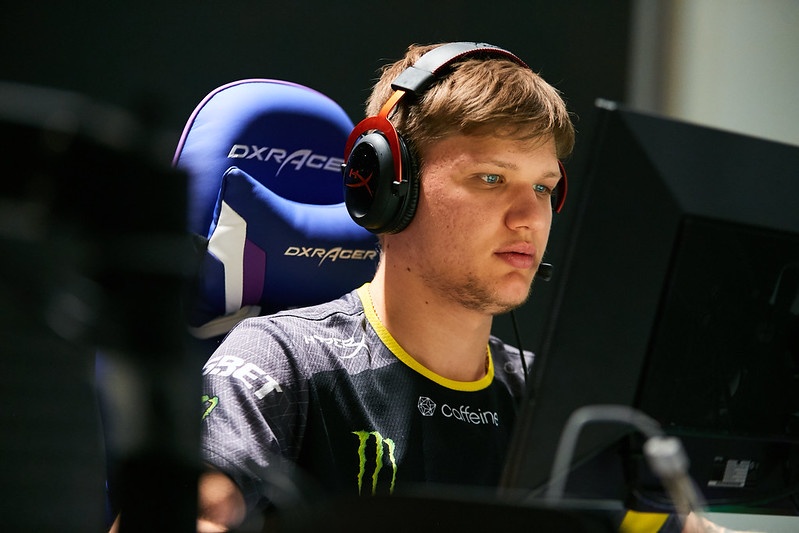
In the gaming world, settings can make or break your gameplay experience. As the release date for Counter-Strike 2 (CS2) approaches, players are on the hunt for the optimal video settings. Who better to turn to than the renowned player, Oleksandr “s1mple” Kostyliev? Let’s dive into the settings that s1mple swears by.

CS2, though a new entrant, has been reported to have fps issues, especially for those with low-end computers. However, for those with high-end builds, s1mple’s settings might be the golden ticket. It’s worth noting that while s1mple has toned down most of his video settings, players with older computer builds might still face stuttering. This is expected to change as Valve addresses the fps-related issues in CS2.

Here’s a breakdown of s1mple’s video settings, as revealed during a live stream:

  • Video Brightness: 100%
  • Aspect Ratio: 4:3
  • Resolution: 1280×960
  • Player Contrast: Disabled
  • Multisampling Anti-aliasing Mode: 8XMSAA
  • Global Shadow Quality: Low
  • Model/Texture Detail: Low
  • Shader Detail: Low
  • Particle Detail: Low
  • NVIDIA Reflex Low Latency: Disabled
  • Ambiance Occlusion: Disabled
  • FidelityFX Super Resolution: Disabled

These settings are a starting point. Depending on your computer’s capabilities, you might need to adjust them to achieve the best gameplay experience.

Despite having a good setup, some players still experience lag. While Valve hasn’t officially commented on these lag issues, the gaming community has found some console commands that might help:

  • cl_updaterate 128
  • cl_interp_ratio 1
  • cl_interp “0.015625” (for stable connections)
  • cl_interp “0.03125” (for unstable connections)

Stay updated with the latest news in gaming and esports by signing up for early access to TalkEsport’s Mobile App. Follow us on Twitter and Google News to ensure you never miss the exciting updates.

Second Wave of PGL CS2 Major Copenhagen 2024 Tickets Now Available

The eSports community is buzzing with excitement as PGL announces the release of the second wave of tickets for the CS2 Major Copenhagen 2024 event. Fans and enthusiasts have been eagerly awaiting this moment, and now they have the chance to secure their spot at one of the most anticipated eSports events of the year.

PGL has made it official: the second batch of tickets for the CS2 Major Copenhagen 2024 is now up for grabs. This is a golden opportunity for those who missed out on the first wave. Given the popularity of the event, these tickets are expected to sell out quickly.

How to Purchase?

For those interested in attending, tickets can be purchased directly from this link. It’s a straightforward process, but it’s advised to act fast before they’re all gone.

The announcement has already garnered significant attention on social media platforms, especially on Twitter. By using the hashtag #PGLMAJOR, fans from all over the world are sharing their excitement and plans for the event.

Stay updated with the latest news in gaming and esports by signing up for early access to TalkEsport’s Mobile App. Follow us on Twitter and Google News to ensure you never miss the exciting updates.

How To Enable Net Graph in Counter Strike 2: Check Your CS2 FPS

As the majority of the active CSGO player base secured their slots for the Counter-Strike 2 beta after the recent wave of invitations sent out by Valve, the player base for the upcoming competitive shooter is larger than ever, with players throughout the globe tuning in to test out the future of their favorite FPS title ahead of its official launch.

If you’re new to CS2, then there are certain elements of the upgraded Source 2 engine that you might find overwhelming. For instance, certain console commands from CSGO have been changed completely, while some others no longer work in Counter Strike 2.

The Net Graph console command used to be one of the most popular console commands in CSGO, but it has been changed in its sequel. Luckily, players are still able to use the Net Graph command to check out their FPS and other important game details.

In this article, we’ll take a look at how you can enable Net Graph in CS2. It’s an extremely easy process and takes no longer than a few seconds.

Net Graph Console Command CS2: How To Enable Net Graph

Simply follow these steps to enable Net Graph in CS2:

  • Launch CS2.
  • Press the tilde (~) key on your keyboard to open the developers console.
  • Type “net_graph 1”, and press enter.
  • Hop onto a game.

Once you have the Net Graph enabled, you’ll be able to see a window on the top-left detailing your FPS, ping, and other useful details.
That’s everything you need to know about how to enable Net Graph in CS2.

Stay updated with the latest news in gaming and esports by signing up for early access to TalkEsport’s Mobile App. Follow us on Twitter and Google News to ensure you never miss the exciting updates.
Free Fire Server Status Tracker: Is Free Fire Server Down?

Garena’s popular battle royale game, Free Fire, has become a sensation in the world of mobile gaming. Free Fire offers players an intense and action-packed battle royale experience right on their mobile devices. With its captivating gameplay, stunning visuals, and an array of in-game features, Free Fire has garnered a massive following across the globe. Addtionally, with the introduction of Free Fire India, the excitement is higher than ever.

BGMI Server Live Status Tracker

Given the enormous popularity of Free Fire, countless players log in every day to play their favorite game. However, with such high demand, server-related issues can occasionally surface. These issues can vary from minor disruptions to full-scale server outages, leaving players frustrated and unable to access the game. It’s during these critical moments that a dependable Free Fire Server Status Tracker becomes an invaluable tool.

Is Free Fire Server Down? This is a question that frequently crosses the minds of players experiencing connectivity problems. We understand the urgency of receiving an immediate answer to this question. That’s why we’re here to introduce a tool designed to keep you informed about the real-time status of Free Fire servers. Our tracker continuously monitors server performance, providing up-to-the-minute information on whether Free Fire is currently accessible or if server issues are being reported.

Free Fire Status Tracker

Free Fire Status

Checking status…

Bookmark this page for quick and effortless access to server status updates. With our tool at your disposal, you’ll always have the answer to the critical question, “Is Free Fire Server Down?” Stay ahead of server-related challenges and continue to enjoy the thrilling battles of Free Fire.


Stay updated with the latest news in gaming and esports by signing up for early access to TalkEsport’s Mobile App. Follow us on Twitter and Google News to ensure you never miss the exciting updates.
Who is the Brand Ambassador of Free Fire India?

For the past few years, Free Fire has been a household name among Indian gamers. With its engaging gameplay and thrilling battles, Free Fire has won the hearts of millions. However, the game faced a temporary setback when it was banned in India in February 2022. The ban left many gamers wondering about the game’s future in the country. After a lot of anticipation, Garena finally announced that it will bring Free Fire India – a version of the original game tailored to the Indian audience. At first the game was set to relaunch on 5th September 5, 2023, but it has been postponed now.

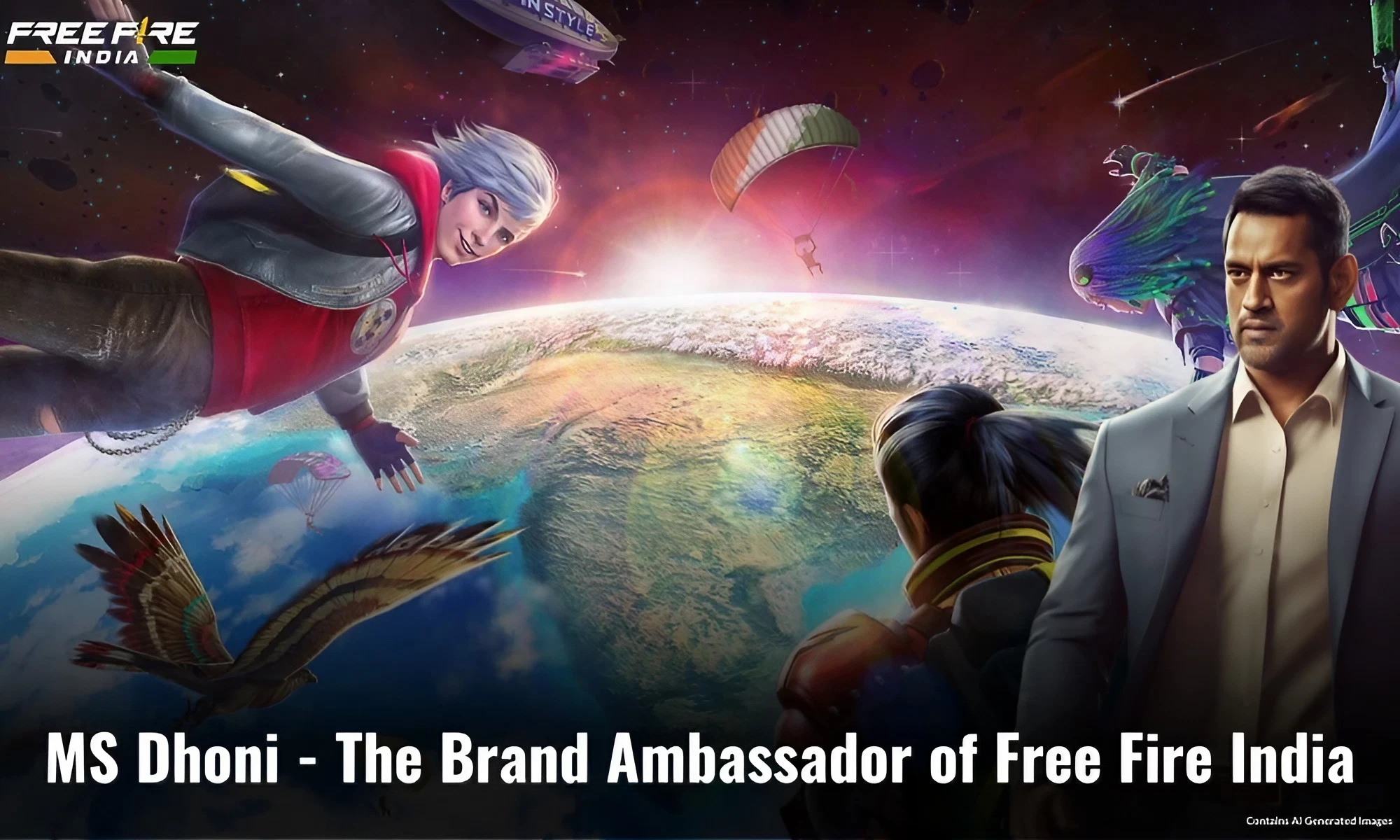
One of the exciting aspects of Free Fire’s return to India was the announcement of a brand ambassador who would not only represent the game but also resonate with Indian gamers. The chosen brand ambassador of Free Fire India was none other than the cricketing legend, Mahendra Singh Dhoni.

MS Dhoni – The Brand Ambassador of Free Fire India

MS Dhoni is a cricketing icon in India. He is fondly known as “Captain Cool” for his calm and composed demeanor on the cricket field. His leadership skills and cricketing prowess have earned him a special place in the hearts of millions of cricket fans. With numerous accolades to his name, including leading the Indian cricket team to victory in the 2007 ICC World Twenty20, the 2010 and 2016 Asia Cups, and the 2011 ICC Cricket World Cup, Dhoni is a true sporting legend.

The announcement of MS Dhoni as the brand ambassador of Free Fire India is making waves in the gaming community. Dhoni will also join the game as a playable character named “Thala”.

As the face of Free Fire in India, Dhoni’s involvement not only added a touch of authenticity but also brought a sense of pride to Indian gamers. His popularity transcends the cricket field, making him an ideal choice to represent a game that has a massive fan base in the country.

However, it’s important to note that the relaunch of Free Fire in India has been postponed undefinitely. The exact date for the relaunch remains uncertain at this time, leaving gamers eagerly awaiting further updates.


Stay updated with the latest news in gaming and esports by signing up for early access to TalkEsport’s Mobile App. Follow us on Twitter and Google News to ensure you never miss the exciting updates.