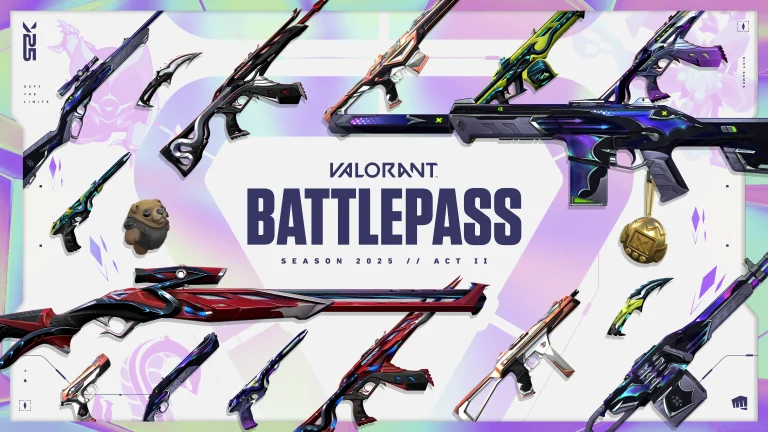
With the end of Valorant Season 25 Act 2 rapidly approaching, players may not have much time left to get their last few games in before the ranked reset.
The conclusion of the second Act in the ongoing Valorant Episode 10 will also mark the end of the current Battle Pass, which will then be replaced by a new one. There’s also a bunch of other exciting content that the Valorant S25 Act 3 will bring to the game, but the devs have yet to shed light on the detailed patch notes of the upcoming update.
Whether you’re looking to grind the final tier of your Battle Pass or reach your rank goal before the reset, it’s crucial to know the Valorant Season 25 Act 2 end date and time to plan your schedule accordingly.
Valorant Season 25 Act 2 End Date & Time
Taking a glance at the current Battle Pass, we can see that the Valorant Season 25 Act 2 will conclude on April 30, 2025.
If Riot Games follows its usual update schedule, the end times for Valorant S25 Act 2 should be as follows:
Americas
6 am PT (April 30, 2025)
9 am ET (April 30, 2025)
10 am BRT (April 30, 2025)
Europe
4 am GMT (May 1, 2025)
5 am CET (May 1, 2025)
Asia
2:30 am IST (May 1, 2025)
5 am CST (May 1, 2025)
6 am KST/JST (May 1, 2025)
Oceania
7:00 am AEST (May 1, 2025)
9:00 am NZST (May 1, 2025)
As usual, the Valorant servers will go down for maintenance while the devs ship out the Season 25 Act 3 update to the game.
The maintenance is expected to last for a few hours before the servers come back up and running with the new patch.
EA FC 25 has finally released the patch notes for Update 14, where we will get to see significant changes in terms of gameplay and tactics. While they have not mentioned a release date for the update, it will be coming across all of the platforms.
While fans are appreciating the update, most argue that these updates should have been part of the game when released. While there are still a plethora of issues with the game but we are already halfway into its development runtime as EA FC 26 is just 6 months away.
Title Update #14 will soon be available for PS5/PS4/PC/XBSX|S/XB1 versions of EA SPORTS FC 25.
— EA SPORTS FC Direct Communication (@EASFCDirect) April 29, 2025
EA FC 25 Title Update 14 Patch Notes
The Title Update #14 will soon be available for PS5/PS4/PC/XBSX|S/XB1 versions of EA SPORTS FC 25, and it will include:
Gameplay
Made the following changes:
Significantly decreased the amount of defensive pressure AI teammates can apply when using an aggressive defensive approach with 91+ depth Defensive Tactics.
Increased how long Team Press can be active for from 20 seconds to 45 seconds.
Significantly increased how quickly Stamina is depleted when using Team Press.
This can result in up to 2.6 times faster stamina drain during excessive use of Team Press.
Career Mode
Addressed the following issues:
Addressed instances of incorrect tournament schedules.
Addressed a stability issue that could have occurred on saves created with a specific Squad Update.
General, Audio, and Visual
Made the following changes:
Updated some badges, hair, kits, equipment, tifos, and boots.
Addressed the following issues:
Addressed a stability issue that could have occurred.
Addressed instances of placeholder and missing text.
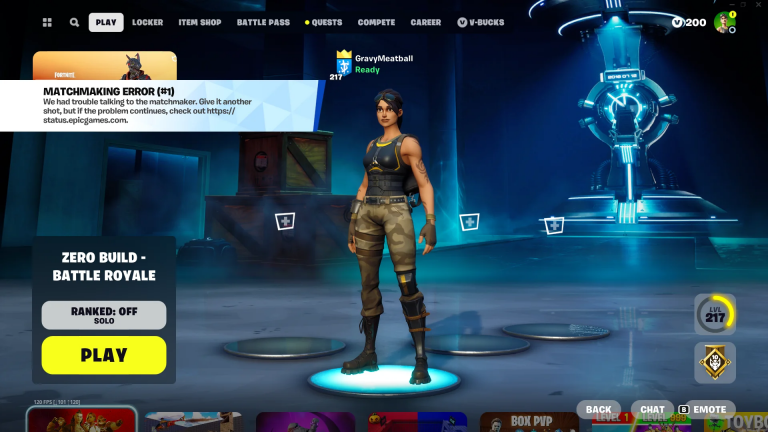
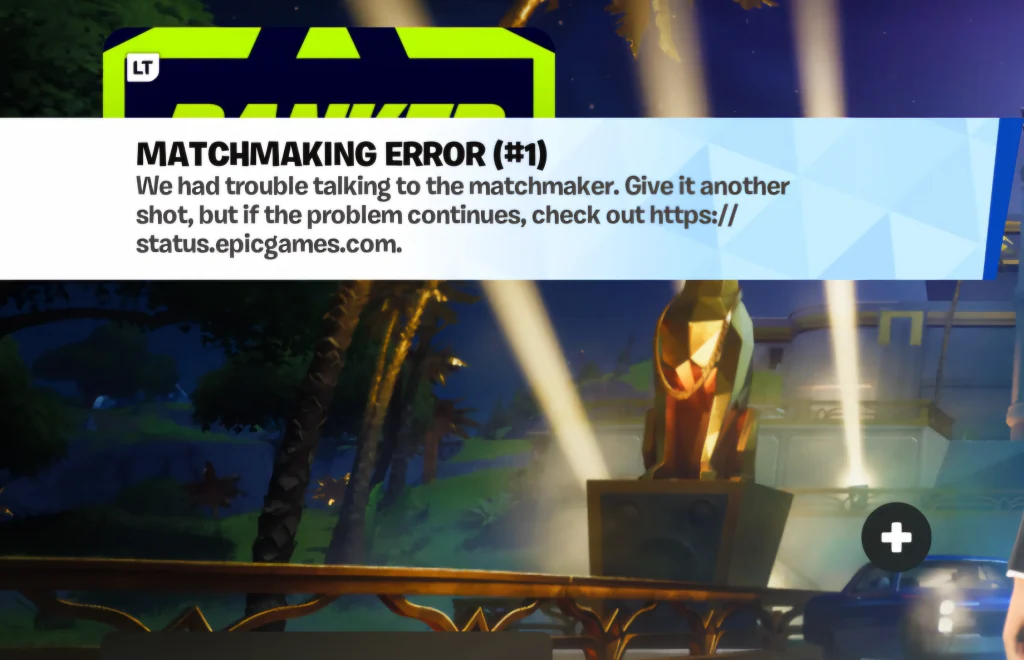
If you have been playing Fortnite for some time now, you must have come across your game getting stuck at “Fortnite Matchmaking Error #1“. If you have been facing the same, then we have some tips for you to try.
There can be a plethora of reasons that may have caused it, which can range from server-side glitches to local issues in your system. While there is little you can do when the server is causing this but you can indeed debug your computer.
How to Fix Fortnite Matchmaking Error #1?
Change Game Server
It might be that the Game Server closest to you may not be able to accommodate a match for any reason whatsoever, and in that case, changing the server might help. Here’s how to do it.
Look for the Game tab in Fortnite Settings.
Select the Matchmaking Region and change it.
Try getting into the matchmaking queue.
Goes without saying that changing the game server would impact your ping, and then it will be up to you to see if that is a fair tradeoff.
Check for Network Issues
Before going around wondering why Fortnite is not working, make sure that your internet connection is working. Unless you have an underlying routing issue that may be preventing Fortnite from connecting with the game server, you are good to go.
Restart
Restart your game, router, and PC. The oldest trick in the book, which seems to work for many reasons. Restart everything once, just to ensure there isn’t hidden software conflicting with the game or your network.
Verify Game Files
Head over to the game launcher and find Fortnite in the list. Right click and go to “Manage”. Under manage, hit the “Verify Game Files” button and let the software check everything to make sure everything is okay with the local game files.
Reinstall
If nothing works and you’re unable to update the game, uninstall it from the launcher and clean install the game once again. This will make sure that the game downloads in its latest version, and chances are, it will fix the game getting stuck.
Try all of the aforementioned tips, and likely one of them will be enough to get you back in the game. These are tried and tested methods that work on the majority of the issues, and unless your case belongs to some particular niche, you will be back gaming in no time.
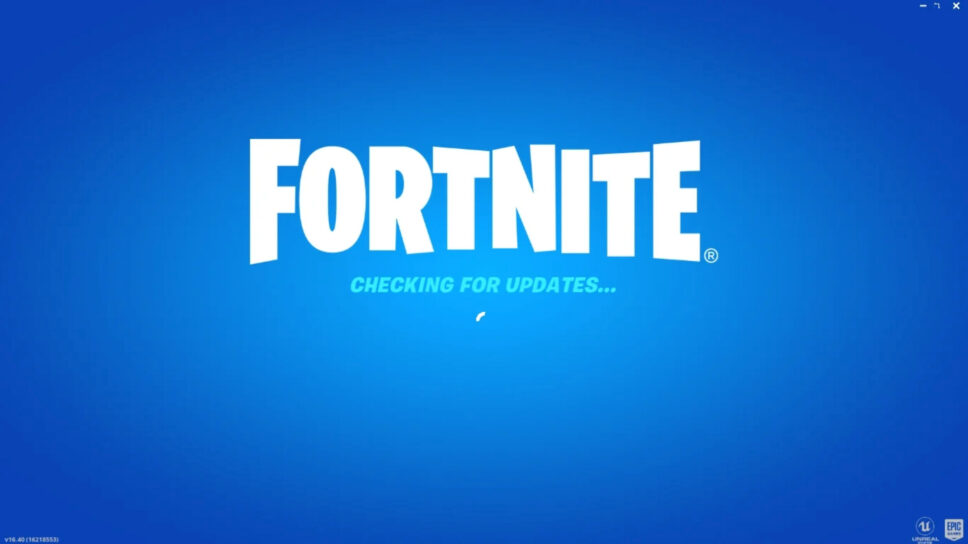
If you have been playing Fortnite for some time now, you must have come across your game getting stuck at “Checking for Updates.” Even though the developers have pushed no updates, the game tends to check for them before launching, and in the process, gets stuck. If you’re experiencing the same issue, here are some tips you can try.
There can be a plethora of reasons that may have caused it, which can range from server-side glitches to local issues in your system. While there’s little you can do if the issue is server-side, you can still try troubleshooting your system.
How to Fix Fortnite Stuck on “Checking for Updates” Error?
Check for Network Issues
Before going around wondering why Fortnite is not working, make sure that your internet connection is working. Unless you have an underlying routing issue that may be preventing Fortnite from connecting with the game server, you are good to go.
Restart
Restart your game, router, and PC. The oldest trick in the book, and it seems to work for many reasons. Restart everything once, just to make sure that it is not some hidden software conflicting with the game or your network, which can be causing this.
Verify Game Files
Head over to the game launcher and find Fortnite in the list. Right click and go to “Manage”. Under manage, hit the “Verify Game Files” button and let the software check everything to make sure everything is okay with the local game files.
Reinstall
If nothing is working and you are unable to update the game. Uninstall the game from the launcher and clean install the game once again. This will make sure that the game downloads in its latest version, and chances are, it will fix the game getting stuck.
Try all of the aforementioned tips, and likely one of them will be enough to get you back in the game. These are tried and tested methods that work on the majority of the issues, and unless your case belongs to some particular niche, you will be back gaming in no time.
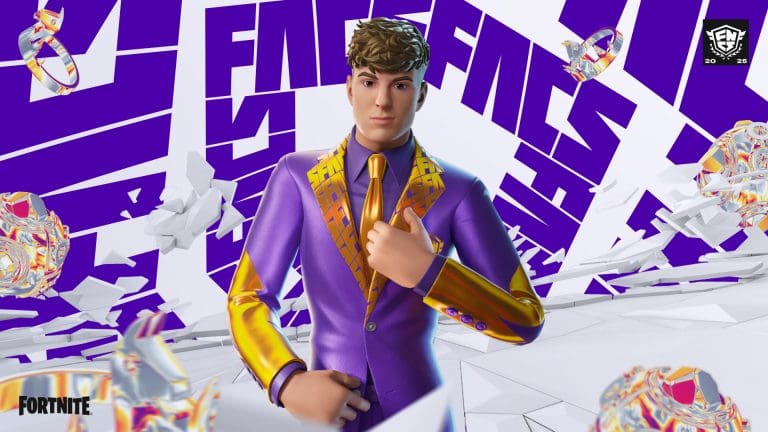
The FNCS Champion Clix Icon Skin is a limited-time cosmetic in Fortnite commemorating professional player Cody “Clix” Conrod’s success in the Fortnite Champion Series (FNCS). This skin belongs to Clix’s Icon Series collection, which recognizes important figures in the Fortnite community. In this article, we will find out how to get the FNCS Champion Clix Icon Skin in Fortnite.
In addition to the celebration already in motion following the end of the FNCS season, Epic Games is releasing the Duos Reload Clix Icon Cup. This time-limited tournament offers a chance for players to win the Champion Clix attire before its release into the official store. The sleek new design places Clix in an impressive purple FNCS-themed suit, further solidifying his position among Fortnite’s top Icons.
How to Get FNCS Champion Clix Icon Skin for Free in Fortnite?
The tournament will take place on May 3. Within the 2.5-hour time frame, pairs will fall into Reload Duos matches and compete for performance and elimination-based points. The best teams from each region will be rewarded with the exclusive skin after the tournament.
The point system gives value to consistency, with a Victory Royale at 60 points, second place at 53, and third place at 49. Points fall consecutively with declining placements. There is also an additional 2 points per elimination.
Missed the Tournament? Here’s How You Can Get It
For those who don’t rank high enough to claim the skin during the event, there’s no need to panic. The Champion Clix costume will be available in the Fortnite Item Shop after some time. However, if you want to gain bragging rights and claim the skin ahead of time, May 3 is your opportunity.
Will you grind to get the skin for free, or will you just wait until it gets listed on the Item Shop? Let us know in the comments below.
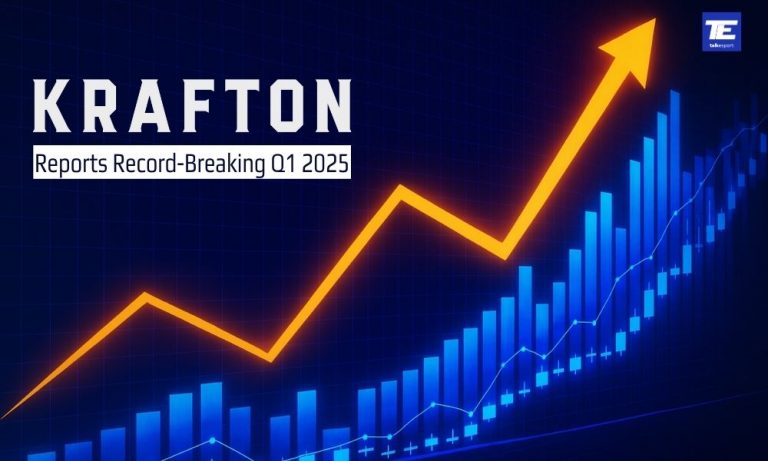
KRAFTON, Inc. has kicked off 2025 with a historic financial performance, achieving its highest-ever quarterly sales and operating profit in Q1. The South Korean gaming giant posted consolidated sales of 874.2 billion KRW (approximately $638 million USD) and an operating profit of 457.3 billion KRW, according to Korean International Financial Reporting Standards (K-IFRS).
The figures represent a 41.6% increase in sales quarter-over-quarter and a 31.3% rise year-over-year, while operating profit surged by 112.2% QoQ and 47.3% YoY — underscoring the company’s strong momentum across all business divisions.
PUBG Franchise Leads the Charge for Krafton’s Record-Breaking Q1 2025
Much of KRAFTON’s impressive growth can be attributed to its flagship franchise, PUBG. Since adopting a free-to-play model, PUBG: BATTLEGROUNDS has remained resilient, hitting 1.4 million concurrent users in March 2025. New content expansions, robust live-service operations, and innovative collaborations with global brands have kept the title thriving.
Additionally, KRAFTON is actively building on the PUBG universe with several upcoming projects:
Project Black Budget (extraction shooter)
Project Valor (console-focused battle royale)
PUBG: BLINDSPOT (top-down tactical shooter)
These initiatives, powered by Unreal Engine 5 and an emphasis on user-generated content (UGC), are set to evolve PUBG into a dynamic “PUBG 2.0” platform.
inZOI: A Breakout New IP
KRAFTON’s newly launched life simulation game, inZOI, also contributed significantly to the record quarter. Released in Early Access on March 28, inZOI sold over one million copies in its first week, marking the fastest-selling new IP in KRAFTON’s history. Notably, around 95% of sales came from international markets, demonstrating KRAFTON’s expanding global footprint.
With advanced AI technology driving gameplay via its proprietary Co-Playable Character (CPC) system, KRAFTON plans to develop inZOI into a long-term franchise.
Strong Mobile Growth and Strategic Expansion in India
KRAFTON’s mobile business also flourished, generating 532.4 billion KRW in Q1 alone. BATTLEGROUNDS MOBILE INDIA (BGMI) stood out, leveraging localized collaborations, including a notable partnership with Indian automaker Mahindra, to achieve record sales in the region.
KRAFTON’s commitment to the Indian market was further solidified through its recent acquisition of Nautilus Mobile, the studio behind the wildly popular Real Cricket franchise, which boasts over 250 million downloads. This move is part of a broader strategy to discover and cultivate homegrown IP in India.
Financial Highlights: Q1 2025
Q1 2025
QoQ Growth
YoY Growth
Sales
874.2B KRW
+41.6%
+31.3%
Operating Profit
457.3B KRW
+112.2%
+47.3%
Beyond PUBG and inZOI, KRAFTON is preparing to launch Subnautica 2 in Early Access later this year, alongside expanding the Dinkum franchise with a new title, Dinkum Together. These upcoming releases, along with strategic localization and global marketing efforts, are expected to fuel KRAFTON’s growth trajectory throughout 2025 and beyond.
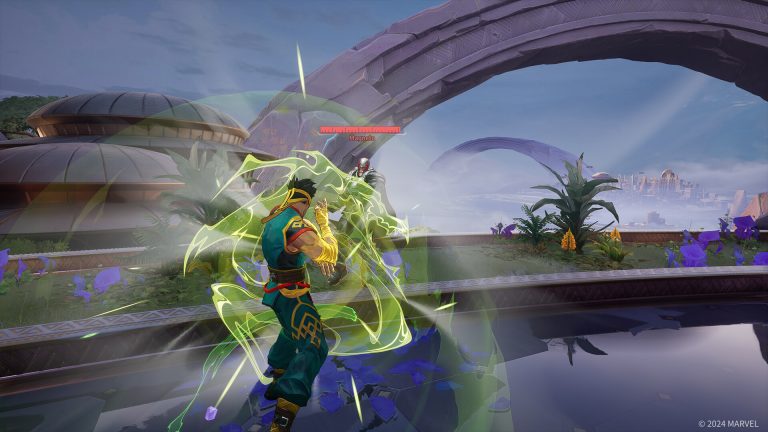
Support players in Marvel Rivals have officially gone on “strike.”
Yes, you read that right – a portion of the Marvel Rivals community has decided to boycott playing healers in the game following a recent controversy involving popular streamer ‘Necros,’ who recently made a series of dismissive comments towards Strategist players.
Marvel Rivals Necros Drama & “Support Strike”
During one of his livestreams, Necros expressed his disdain for support players, calling them names like “idiots” and “morons.”
“This is why I hate support players, guys,” the 26-year-old said in the stream. “I hate support players because they are literally allergic to good takes. They’re just morons, they’re idiots and I f**king hate them.”
Following this, Necros found himself under fire from the Marvel Rivals community across various social media forums.
Reddit user ‘Revolutionary-Ad6480’ called out Necros for his statement and shared his experiences as a Strategist player climbing the ranked ladder of Marvel Rivals.
“That kind of statement, coming from a big voice in the community, does real damage,” the Reddit post reads. “Streamers don’t get to opt out of influence — if you have a following, what you say matters in your community. And now we’re seeing the consequences of that.”
“I was playing support and I wasn’t doing bad — nearly 50k healing, only two deaths, same damage blocked as our DPS, and just 10k less total damage dealt,” they continued. “Still, someone in voice chat told me: ‘Necros was right, you support players are all brain dead.’ And that’s the exact problem. This mindset is being validated and amplified, and it makes playing the role feel increasingly thankless.”
Other Reddit users in the comments section echoed the sentiment, arguing that support is the most challenging role in the game, especially with dive Duelists constantly targeting them in the current meta of the hero shooter.
It didn’t take long for the “support strike” to spread across other social media, including X, TikTok, Instagram, and others.
Others have also criticised the Marvel Rivals support strike, arguing that it’s an easy way to throw ranked games and unfairly targets players who are just trying to enjoy the game.
While the true scale of the support strike is still debatable, don’t be surprised if you find yourself filling in as a Strategist more often over the next few weeks, at least until the upcoming mid-season healer buffs arrive.
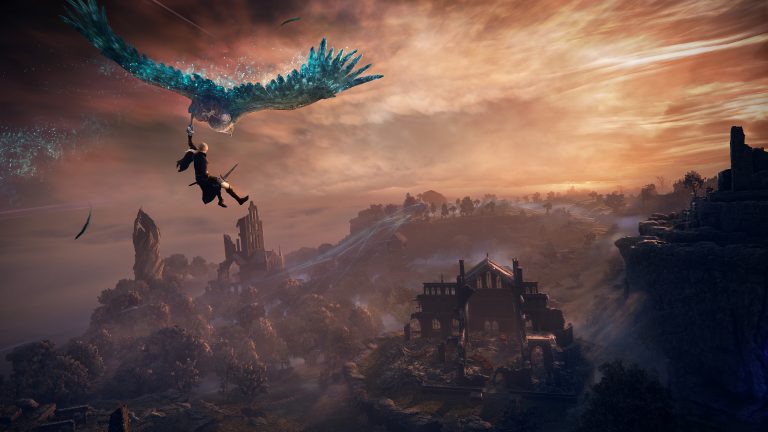
Elden Ring Nightreign is a forthcoming standalone multiplayer co-op action survival game created by FromSoftware and released by Bandai Namco Entertainment. The game is all set to be released on May 30, 2025. The game presents gamers with a new experience in the Elden Ring universe. Nightreign focuses on cooperative gameplay, presenting a dynamic and demanding adventure for players.
In this article, we will explore the system requirements for Elden Ring Nightreign. Keep reading this article till the end to find out if your PC will be able to run Elden Ring Nightreign or not.
Elden Ring Nightreign System Requirements
Let’s check out both minimum and recommended system requirements for Elden Ring Nightreign.
Does your system meet any of the above-mentioned specs? Let us know in the comments below. If you want such instant updates of this game, keep following TalkEsport.
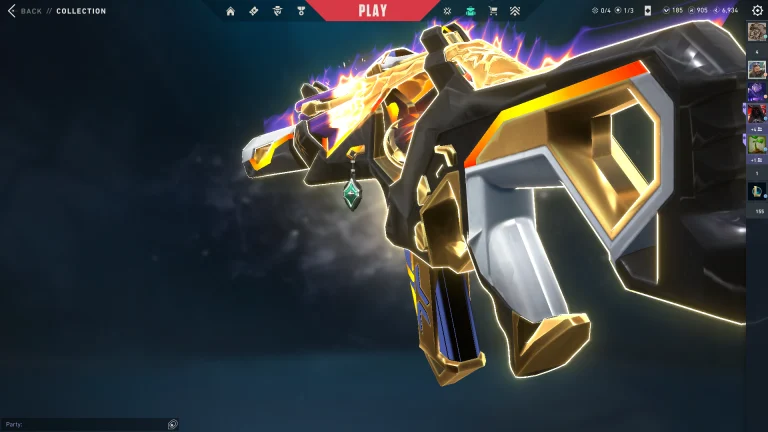
Gun Buddy is an integral part of the Valorant skin market. You probably want good gun buddies if you use different skins in the game. From the most desired Riot Gun Buddy to free gun buddies, there is a gun buddy for every type of player in the game. One of the most sought free gun buddies is the rank gun buddy in Valorant. It lets you show off your in-game rank.
In this article, we will find out how to acquire the rank of gun buddy in Valorant. Without wasting further time, let’s get into it.
How to Get Rank Gun Buddy in Valorant?
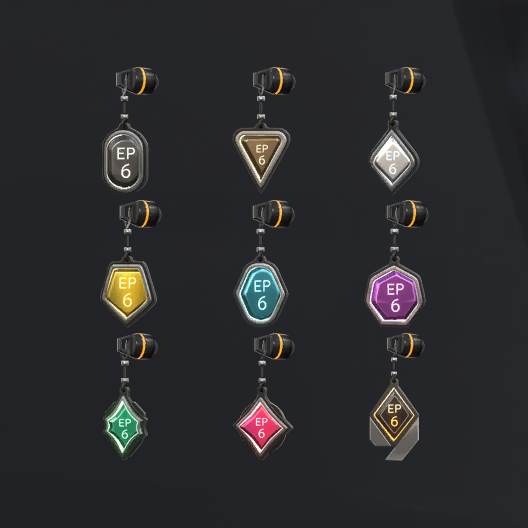
A Rank Gun Buddy is a tiny charm that can be mounted on players’ guns in Valorant. Each buddy represents the highest rank one achieved during a Season, even if one changed ranks afterwards. For example, if your highest rank was Diamond during a Season but you finished it at Gold, you would still get the Diamond Gun Buddy.
New players need to advance to account level 20 and win 10 unrated matches to unlock the competitive mode.
After unlocking competitive mode, players will need to play five placement matches to find out their starting rank.
Play competitive matches throughout the Season to achieve your highest rank. The Rank Gun Buddy received will be your peak rank, not your last rank after the Season.
To earn the Rank Gun Buddy, players must win a minimum of nine competitive matches throughout the Season.
Rank Gun Buddies are automatically released at the beginning of a new Season. After logging in, the player needs to go to his collection, pick a gun, and then go to the “Buddies” tab to activate his new Rank Gun Buddy.
Which gun buddy do you like most in Valorant? Let us know in the comments below.
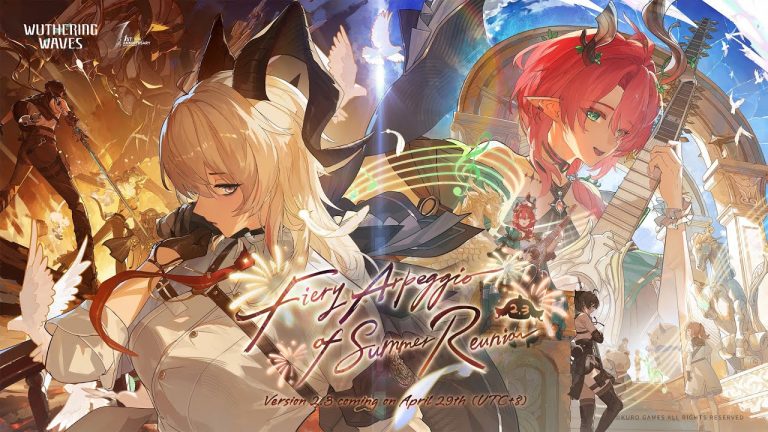
Only a few hours remain till the launch of the highly anticipated Wuthering Waves 2.3 update, and fans of the action RPG are excited to greet all the new content that Kuro Games has planned for the first anniversary of the title.
The Wuthering Waves 2.3 update is scheduled to hit the live servers on April 28, 2025. If you’re a WuWa player, you might be eager to know the exact release time so you can plan ahead for the server downtime.
As usual, the Wuthering Waves servers will go down for a few hours as the devs ship out the new update to the game.
If you’re here to learn more about the release time and maintenance duration of the WuWa 2.3 update, look no further.
Wuthering Waves 2.3 Update Release Time
As mentioned earlier, the Wuthering Waves 2.3 update will go live on April 28, 2025. Below, we have listed the specific release times for various regions throughout the world:
Americas
8 pm PT
10 pm CT
11 pm ET
12 am BRT (April 29)
Europe
4 am BST (April 29)
5 am CEST (April 29)
Asia
8:30 am IST (April 29)
11 am CST (April 29)
12 pm KST/JST (April 29)
1 pm AEST (April 29)
Wuthering Waves 2.3 Update Server Downtime & Maintenance Duration
The maintenance for the WuWa 2.3 update will last around seven hours. As compensation for the downtime, Kuro Games will provide 300 Astrite and 2 Crystal Solvent to players, which you’ll be able to find in your mailbox once the servers are back up.
[Anniversary Resonator Convene: Phase I] During the event, 5-Star Resonators: Jiyan, Yinlin, Zhezhi, Xiangli Yao, and Phoebe, and 4-Star Resonators: Lumi, Taoqi, and Yuanwu receive boosted drop rates!