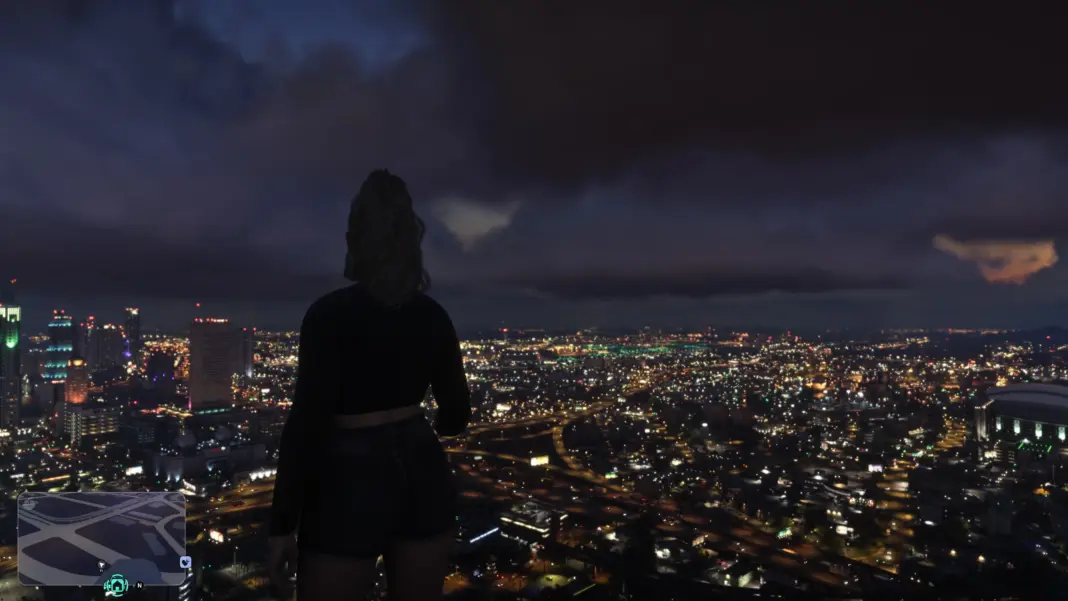
The GTA 6 weather bug keeps Leonida stuck on clear skies for long stretches, and players on PS5 and Xbox Series X|S still report it. Rockstar released update 01.002.002 on November 23 to fix weather that does not change for extended periods. Many players say the problem remains. A manual workaround is now spreading.
This guide covers the steps for both consoles, what the patch changed, and what to expect after you try the fix.
GTA 6 Weather Bug Fix
GTA 6 launched on November 19, 2026, for PS5 and Xbox Series X|S. Soon after, players said rain and storms rarely appeared. Weather did change for some of them, but far less often than intended, and some conditions lasted too long.
Rockstar responded with update 01.002.002. Its patch notes say the update fixed an issue that stopped weather from changing for extended periods. Some players still see the same problem after installing it.
Clearing the system cache is the workaround players now use. Rockstar also provides its own support steps for clearing the Xbox cache.
Cache clearing does not remove your saves or inventory. On Xbox, Rockstar says the steps reset brightness and language settings.
How to Fix the GTA 6 Weather Bug on PS5
These steps work on the PS5 and PS5 Pro. Save your game first.
- Turn off the console completely.
- Hold the power button until it beeps 2 times. Safe mode starts.
- Plug in your DualSense controller with a USB cable and press the PS button.
- Select option 6: Clear Cache and Rebuild Database.
- Choose option 1: Clear System Software Cache.
- Select OK when the message says the cache will be cleared.
- Let the console restart, then launch GTA 6.
How to Fix the GTA 6 Weather Bug on Xbox Series X|S
The Xbox method is a full power cycle. It takes about 5 minutes.
- Press the power button to shut the console down completely.
- Unplug the power cable from the console.
- Wait 2 minutes.
- Reconnect the cable and turn the Xbox back on.
Players also advise quitting GTA 6 fully instead of using Quick Resume. Some say rain returned after a clean restart.
What to Expect After Clearing the Cache
Do not expect rain the moment you load in. GTA 6 weather is still dynamic, so you may need to explore Leonida before the next storm arrives.
Results differ by player. Some report a storm right after loading. Others say rain only appeared after several more hours of play following the patch. Some players believe the fix is not fully implemented and that weather shifts feel too sudden.
Weather in GTA 6 is also local. Rockstar has confirmed rain that can soak one part of the map while another stays sunny. If it is dry where you stand, driving to a different area can help.
It does not change how likely rain is. Rain was already in the game, and the bug locked conditions in place.