Home Blog Page 576

Valorant Episode 9 Act 2 End Date & Time

0

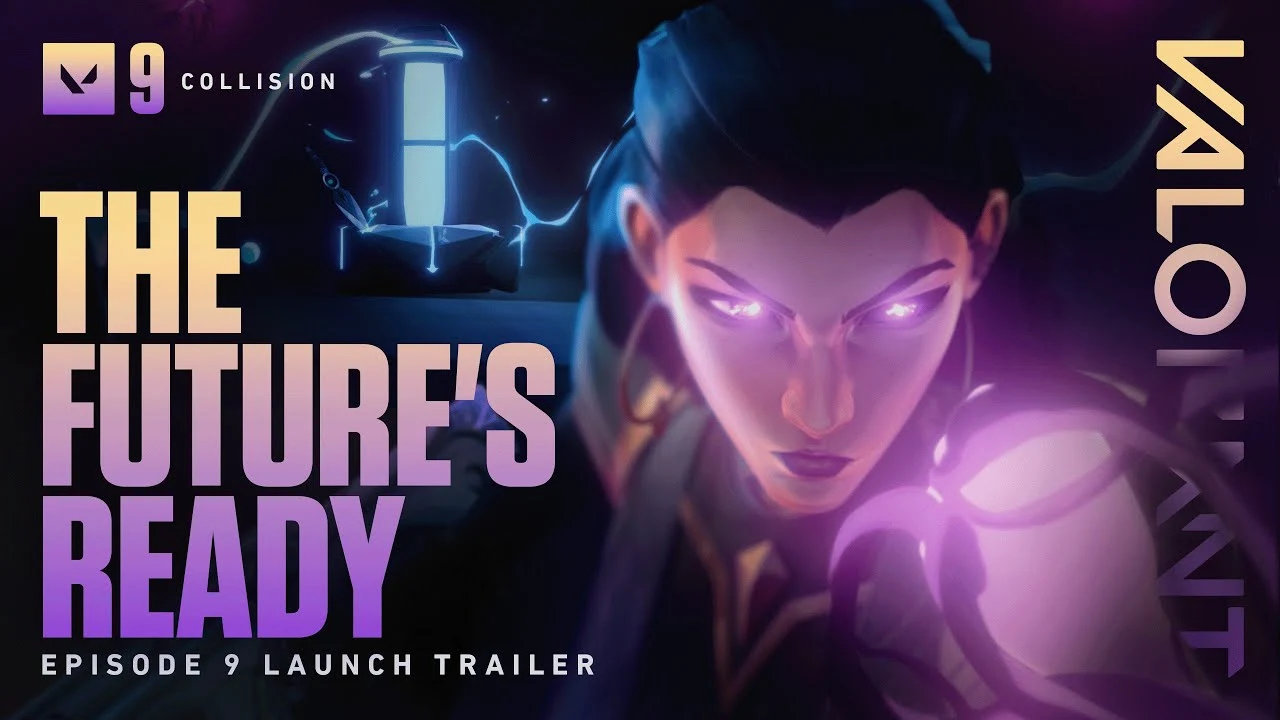
Only a few days remain before Valorant Episode 9 Act 2 wraps up and a new Act is introduced to the game, bringing a bunch of exciting changes. The third Act of Valorant Episode 9 will feature a fresh Battle Pass, the Doombringer skin line, and much more that the players of the shooter are eagerly anticipating.

With Episode 9 Act 2 rapidly nearing its end, many players are excited to know more about the exact end date and time of the current Valorant Act. Once the Act ends, you won’t be able to progress further in your current Battle Pass, and your rank will be removed till you play one ranked game in the new Act.

In this article, we take a look at everything you need to know about the end date and time of Valorant Episode 9 Act 2.

Valorant Episode 9 Act 2 End Date & Time

Valorant Episode 9 Act 3

Taking a glance at the current Battle Pass, it’s evident that Valorant Episode 9 Act 2 will come to an end on October 23, 2024. The servers are expected to be down for a while before the Episode 9 Act 3 update is shipped to the game at around 6 am PT.

Note that the aforementioned release time is for the American Valorant servers. If you’re playing in a different region the exact time may vary.

What’s New in Valorant Episode 9 Act 3?

As mentioned earlier, the Valorant Episode 9 Act 3 update is expected to bring with it a number of new changes to the shooter. While the exact patch notes of the update have not been disclosed at the time of writing, we do know that the update will introduce a change in the competitive map pool by replacing Icebox and Lotus with Pearl and Split. The devs have also confirmed that Valorant patch 9.08 will bring some significant tweaks to Sunset.

There’s something for the fans of cosmetics as well, as Episode 9 Act 3 will add the Doombringer skin bundle and a new Battle Pass that includes three new skin collections along with a number of player cards, gun buddies, and sprays.
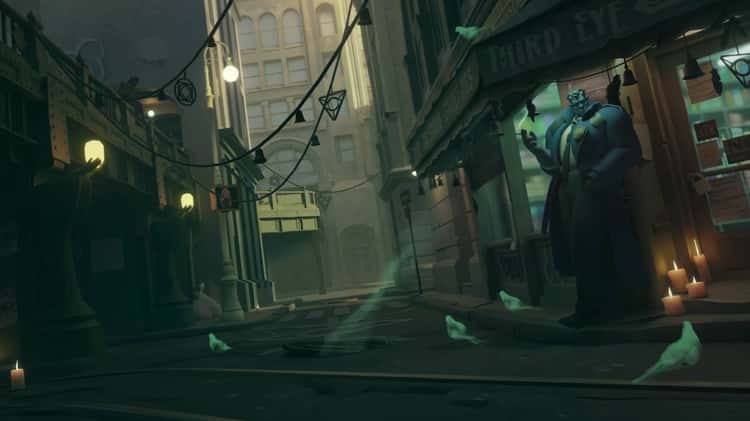
Deadlock Update Disabled Error: How To Fix

0

Deadlock is still in its limited testing phase, which is why it’s not uncommon for players to encounter occasional bugs and glitches when trying to play the hero shooter by Valve. The ‘update disabled’ error is one of the most annoying issues that players can face when trying to play the game. When encountered with this error, players can get kicked from ongoing matches or queues, and they’re forced to restart the game.

The ‘update disabled’ error in Deadlock is generally caused when Valve ships out a new patch to the game and your client gets outdated. Luckily, this is an extremely easy problem to fix and it takes no more than a few seconds to solve this issue if you know what you’re doing.

If you’re encountering the ‘update disabled’ error in Deadlock and are searching for ways to resolve it, we’ve got you covered. In this guide, we’ll walk you through a few simple steps that you need to follow to fix the issue and get back to playing without any interruptions.

How To Fix ‘Update Disabled’ Error in Deadlock

The first thing you should do when you face the “update disabled” error in Deadlock is to restart the game. This triggers the automatic download of any pending updates. Once the update is complete, relaunch the game, and you should be all set. You can also try restarting Steam on your PC if you’re unable to download the new update.

If the problem persists, the next logical step for you is to restart your PC. Try launching Deadlock after restarting your PC and see if you still face this error.

If there are no pending updates, your Deadlock game files might be corrupt. The only way to solve this is to verify the game’s integrity or reinstall the game entirely. You can verify game integrity by going through the following steps:

  • Launch Steam.
  • Go to your Steam Library and right-click ‘Deadlock’.
  • Select Properties and go to Installed Files.
  • Select Verify Integrity of Game Files.

Wait for the verification process to complete. Steam will automatically download any files that are corrupt and the problem should be fixed.

That’s everything you need to know on how to fix the ‘update disabled’ error in Deadlock. By following the aforementioned steps correctly, you should be able to enjoy playing Deadlock once again.

Age of Empires Mobile Redeem Codes for October 2024

0

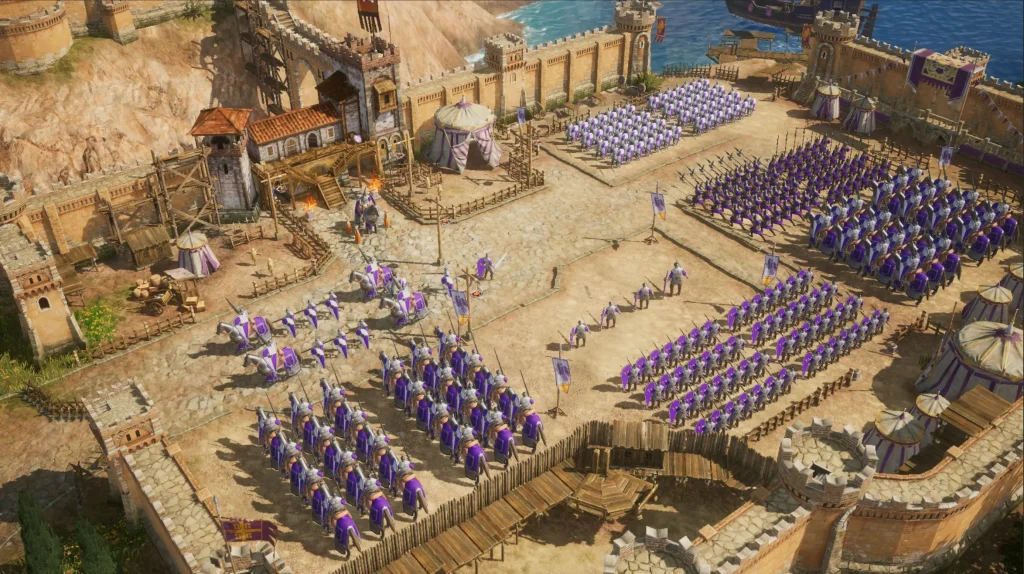
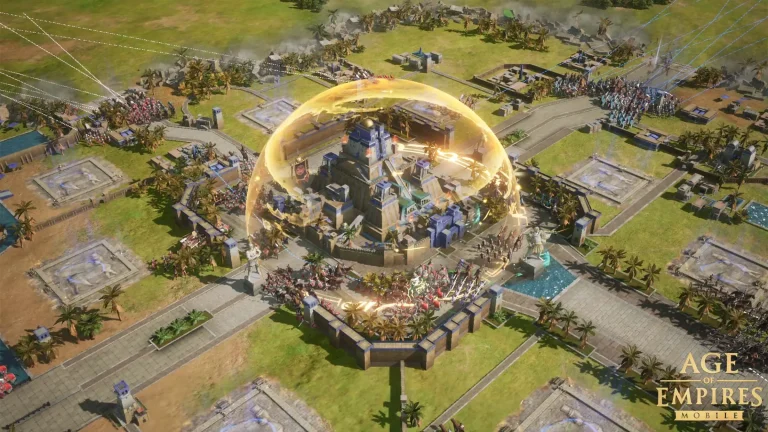
Age of Empires brand finally, after all these years, makes its jump into mobile devices to bring frenzied battles and strategic gameplay into the palms of our hands. As you delve into this journey, a great tool awaits you: the Age of Empires Mobile gift codes.

These codes mean a major improvement in the progression of your game. They really give you the advantage of trying to conquer the world. Let’s check out the active codes for this month.

Age of Empires Mobile Redeem Codes for October 2024

  • aoemgloballaunch1017
  • aoemlaunchshow1017
  • aoemobilelaunch1017
  • kingofaoem
  • aoemkr1017
  • AOEM10DAYS
  • EH1Z16EVT
  • AOEM20DAYS
  • M91Z1NC27
  • 8A2Z1B0NR
  • aoemgl

How to Redeem Age of Empires Mobile Codes?

Age of Empires Mobile Redeem Codes

Redeeming gift codes in Age of Empires Mobile is relatively straightforward and very close to what most mobile games use. For a more detailed process, check out this step-by-step guide:

  • Open Age of Empires Mobile by tapping on the Profile icon at the top left corner of the screen.
  • Scroll down and find “Settings”, represented with a gear icon.
  • In the Settings menu, you shall find the “Gift Redemption” option that can be easily identified with its chest icon. Enter and Confirm Tap on the “Gift Redemption” option and enter one of the valid gift codes from the list.
  • Then, you tap on “Confirm”.

Note: The codes will stay active for a limited time. While the time limit hasn’t been confirmed by the developers, we suggest you redeem the codes as fast as possible before they expire.

ESL FACEIT Group Announces $22M Investment for Counter-Strike Ecosystem in 2025 and 2026

According to a press release ESL FACEIT Group will provide teams and players at least $11 million in addition to the money it now spends on travel, lodging, and practice settings for international competitions which aims to build “a cohesive and sustainable ecosystem,”.

This news follows the announcement of the 2025 ESL circuit which has been amended after Valve made significant changes to their rules for future tournaments. 2025 ESL events will see minor changes across several layers and will be more accommodating towards the teams.

Marc Winther, Director of Game Ecosystems – Counter-Strike at ESL FACEIT Group, said: “The EPT for Counter-Strike 2 is the definition of EFG’s commitment to fostering a fruitful competitive environment and continually nourishing Counter-Strike’s heritage.

“With a circuit that spans multiple continents and integrates diverse levels of competition, we are excited to further fuel opportunities for world-class teams and passionate fans alike.”

Together with the CS community, ESL and Faceit are looking to raise the quality of CS2 tournaments with every event. The latest regulations will preset the fans with enough tournaments to rejoice along with giving players the right resources to perform at their best.

How to Play Black Ops 6 Early? New Zealand Trick Explained

0

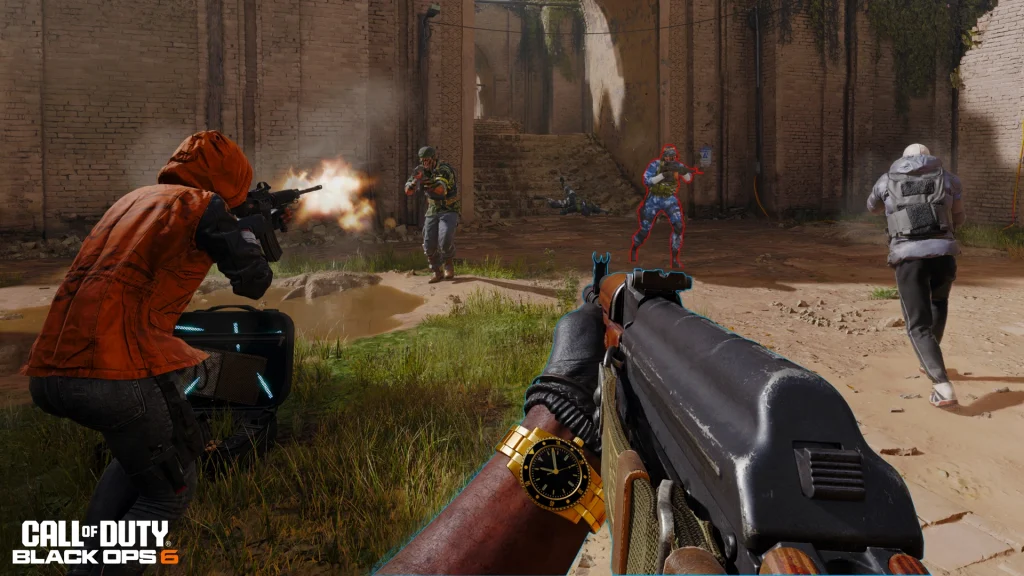
The wait for Black Ops 6 is agonizingly close, but for the true impatient soldiers, here is a potential way to jump into the fray a little sooner. The trick utilizes time differences among regions, but you really should know where you’re at before jumping on this early access mission.

Farewell to all the pre-launch events in Black Ops 6. Activision has finally decided on a simultaneous launch on all modes – whether it’s the single-player campaign or head-banging multiplayer, and the always popular Zombies – all set to come online on 25th October across the globe.

Black Ops 6 New Zealand Trick

But a seat may open up for a console-obsessive gamer who wishes to be among the first to experience the battle: New Zealand timezone trick. But there’s a catch, though video game consoles are going to matter.

Xbox

  • Navigate to Settings: Press the settings button on your console menu.
  • System Deep Dive: Navigate to the “System” section and click on it.
  • Language and Location: Select “Language and Location.”
  • Welcome to New Zealand: In the “Location” section, select your region as New Zealand.
  • Restart and Refresh: Tap on “Restart Now” to restart your system and finalize the transition.

PC

For PC gamers using Game Pass, it’s not entirely different. There are some changes to be made in Windows settings and the Xbox app, but the work is a bit more extensive.

  • Go to Time and Language from Windows Settings.
  • Then go to Region and select New Zealand.
  • Restart your PC and repeat the steps mentioned above to change your account region.
Black Ops 6 New Zealand Trick

PlayStation

PlayStation players are left in a murkier situation. Black Ops 6 is received as an add-on bundle via the Call of Duty HQ app, rather than its big, fat update. The New Zealand trick for PlayStation is still yet to be confirmed for this year.

For example, the PlayStation account tied to a region at the time of making cannot be changed later on. In the earlier days, people were creating fresh accounts with a New Zealand address to get around the aforementioned method. However, this strategy can be unsafe if not implemented wisely, hence caution needs to be noted here.

We will continue to monitor the developments and provide a full walkthrough here when the New Zealand trick works for console owners. Until then, it’s best to just wait since there may be regional account issues if you do it now.

Steam and Battle.net

Unfortunately, soldiers with Steam or Battle.net launchers are out of luck. The latter two platforms tie you to a region, which cannot be changed, thereby closing the New Zealand timezone trick.

By ensuring the deployment of the New Zealand timezone trick, in case it supports your platform, you will get a chance to have Black Ops 6 on the day of October 24th at 4:00 AM PT / 7:00 AM ET, meaning about roughly 20 hours earlier than if you were in the original region you had picked.

ESL Announces 2025 Pro Tour for CS2

The ESL has unveiled the CS2 Pro Tour for 2025, outlining a circuit that would receive more than $22 million in funding over the course of the upcoming season.

The wide range of events announced by ESL will present a task for other organizers, who will have a tough time placing their own tournaments in the calendar. Having too many events within a short phase will result in a drop in the performances of teams which will further bring down the level of CS.

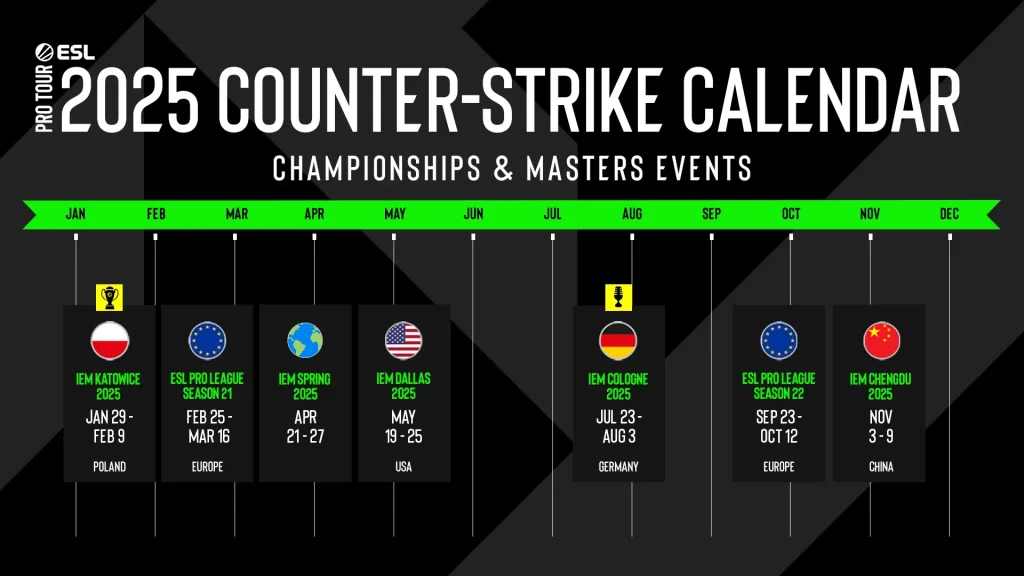
ESL CS2 2025 calendar:
  • IEM Katowice 2025: January 29th – February 9th
  • ESL Pro League Season 21 (Location TBD): February 25th – March 16th
  • IEM Spring 2025 (Location TBD): April 21st – 27th
  • IEM Dallas 2025: May 19th – 25th
  • IEM Cologne 2025: July 23rd – August 3rd
  • ESL Pro League Season 22 (Location TBD): September 23rd – October 12th
  • IEM Chengdu 2025: November 3rd – 9th
ESL CS2 Pro Tour 2025 calendar

All of the IEM will house the teams using the Global Valve Rankings to choose invitees. 2025 onwards, there will be no best-of-one matches and the Grand Finals will be best-of-five. These mark some significant changes brought in by ESL that will be applicable to all events with the exception of Dallas.

As always, ESL events bring out the best of CS from the best talents and teams in the world. Katowice and Cologne being two highlights of the year, they are all set to make the 2025 season an exciting one, to say the least.

How To Get the ‘Kitten of Discord’ Title in Overwatch 2?

0

Overwatch 2 has recently added a ‘Kitten of Discord’ title for players to collect, and you can obtain it right now for free.

Player titles are one of the many ways for players to personalize their in-game experience and express themselves better in Overwatch 2, allowing them to showcase their unique style and achievements. And with hundreds of titles for players to collect, there’s something in the game for everyone.

Are you looking to collect the ‘Kitten of Discord’ player title in Overwatch 2? We have you covered. Here’s everything you need to know about how to get the Discord Kitten title in Overwatch 2.

Overwatch 2: How To Get the ‘Kitten of Discord’ Title

Kitten of Discord Overwatch 2

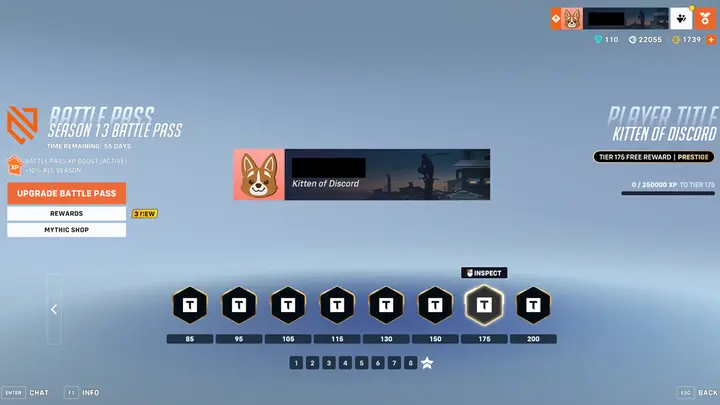
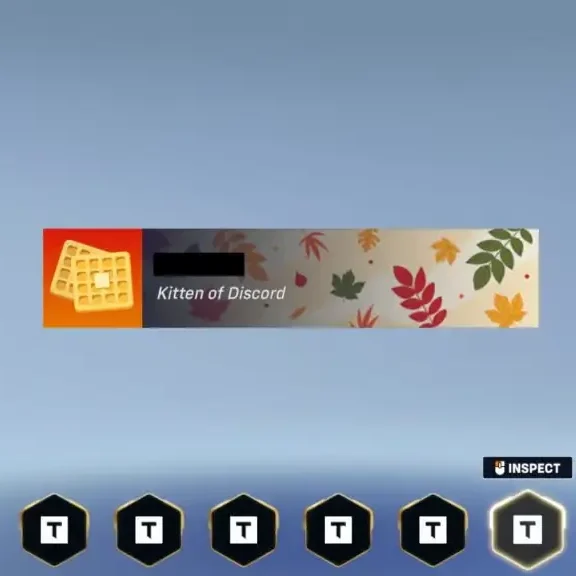
In order to unlock the ’Kitten of Discord’ title Overwatch 2, players have to reach Tier 175 in the Season 13 Battle Pass. 

You can level up your Overwatch 2 Battle Pass at a rapid pace by completing the daily, weekly, and seasonal challenges that are given to you in the game.

If you’re struggling to level up your Battle Pass in Overwatch 2, you might want to purchase the premium version since it gives you a significant XP boost. However, it’s completely optional and you do not need to purchase the pass to receive the reward.

Valorant Arcane 2.0 Bundle Announced: Skins, Release Date, Price & More

0

The second season of the popular Netflix series Arcane is just around the corner, and Riot Games is celebrating its launch with a new skin bundle that’s set to be introduced to Valorant in the near future.

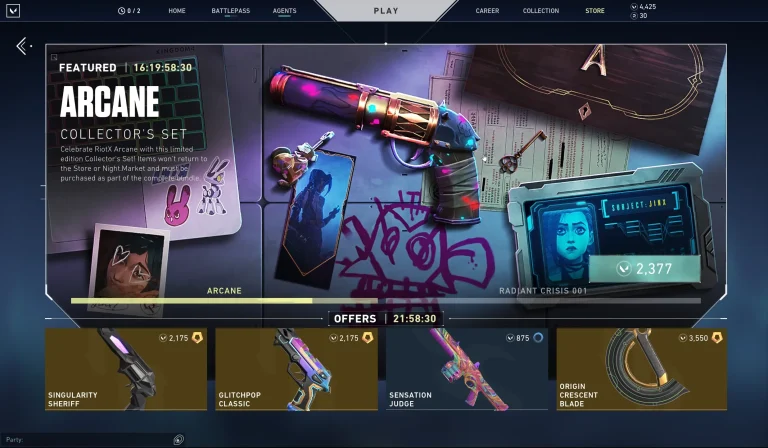
For the uninitiated, during the launch of Arcane Season 1, Riot Games commemorated the event with the release of an Arcane-themed bundle. This limited-time bundle included a Sheriff skin, a player card, a gun buddy, and an exclusive title.

With the arrival of Arcane Season 2 on the horizon, many players started speculating that Riot would once again introduce a similar bundle to mark the occasion. On October 16th, the Valorant devs further fueled the speculations by tagging the official Arcane account on their X (formerly Twitter) handle and simply stating, “sup.”

Shortly after this, Arcane co-creator Christian Linke confirmed that the Arcane 2.0 bundle is indeed on the way.

“VALORANT has a brand new Arcane-themed bundle out on the way,” Linke said in a newly-released video. “While the Sheriff was a season one exclusive, the premium content team cooked something special for season 2.”

Valorant Arcane 2.0 Bundle Release Date

The second season of Arcane is scheduled to launch on November 9, 2024. Fans can expect the Arcane 2.0 skin bundle to hit their Valorant store around the same date.

Valorant Arcane 2.0 Bundle Skins

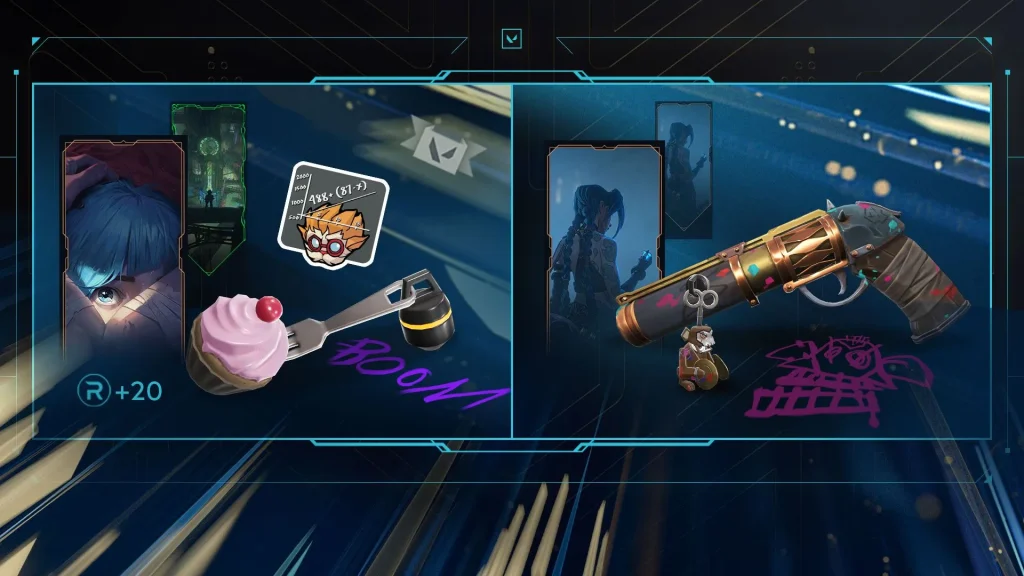
Valorant Arcane 2.0 Bundle

The exact contents of the Arcane 2.0 bundle have not been confirmed by Riot Games at the time of writing. Since the previous iteration of this bundle included a Sheriff, the Arcane 2.0 bundle will likely contain a cosmetic for a different weapon alongside a Player Card, Gun Buddy, and a title.

Valorant Arcane 2.0 Bundle Price

The first Arcane bundle had a price tag of 2,380 VP. The Arcane 2.0 bundle is expected to have a similar price tag if it includes a single weapon skin.

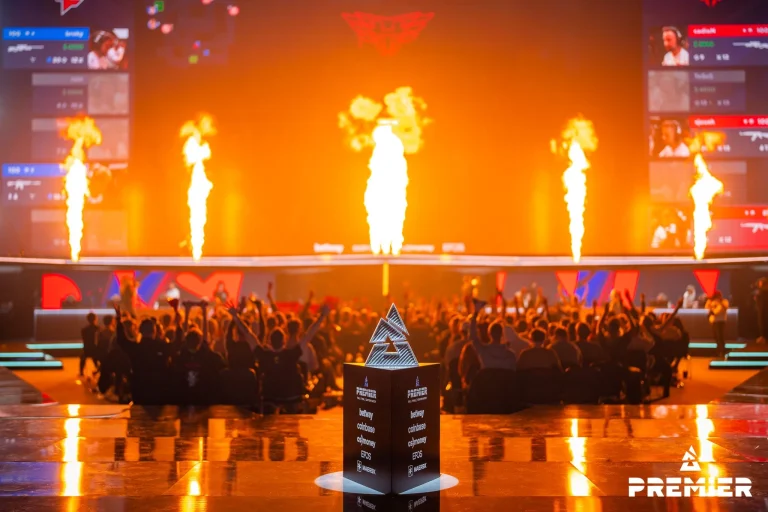
BLAST Premier Fall Final Groups: NaVi Faces Off Against Astralis & FaZe in Group A

Blast has finally released the groups for the final event of the year before they welcome a whole new format. The rescheduling of the event has left the CS2 calendar in turmoil for the teams as the Major is less than a month away.

The best team in the world, Natus Vincere finds themselves in Group A with Astralis, FaZe, and MOUZ, a group that is unlikely to give them any trouble for their chances of qualification while on the other hand, we get a stacked Group B. G2, Vitality, Spirit, and Liquid will compete in a challenging and uncertain Group B as on their day, every team is capable of beating each other with exception of Liquid who has been struggling lately.

Opening day, i.e. 30.10.2024 will feature matches between NAVI and Astralis, MOUZ and FaZe, G2 and Liquid, and finally Spirit and Vitality.

Is likely that most teams will be holding their best tactics for the Major as everyone will aim to dethrone NAVI and the likes of Vitality and G2 are in prime position to do so at the Major. Withholding tactics ahead of the major is something we have seen in the past but with a million dollars up for the taking, it will be interesting to see what approach said teams take.

Valorant Episode 9 Act 3 Start Date: When Does Patch 9.08 Arrive?

0

With the highly anticipated Valorant Episode 9 Act 3 update being just around the corner, fans of the competitive shooter from throughout the world are eager to see all the new changes that await them in the upcoming Valorant patch.

While Riot Games is yet to shed light on the detailed patch notes of the Valorant 9.08 update, we do know that Episode 9 Act 3 will bring with it a change in the competitive map pool alongside some significant tweaks to Sunset.

Players who enjoy adding new cosmetics to their collection will be greeted with the new Doombringer bundle and a fresh Battle Pass containing a bunch of exciting finishes for their favorite weapons.

But when exactly is Valorant Episode 9 Act 3 starting? If you’re curious to know more about the start date of the next Valorant Act, we have you covered.

When Does Valorant Episode 9 Act 3 Start?

Taking a glance at the Valorant Episode 9 Act 2 Battle Pass reveals that the current Act will come to an end on Wednesday, October 23. This means that players can expect the Valorant Episode 9 Act 3 update to hit the live servers around 6:00 am PT on the same date.

Keep in mind that the exact start time of the new Act may vary depending on your region.

As usual, the servers are expected to be down for a few hours as the devs ship the new patch to the game. So be sure to get your last competitive games in before the servers shut down.