

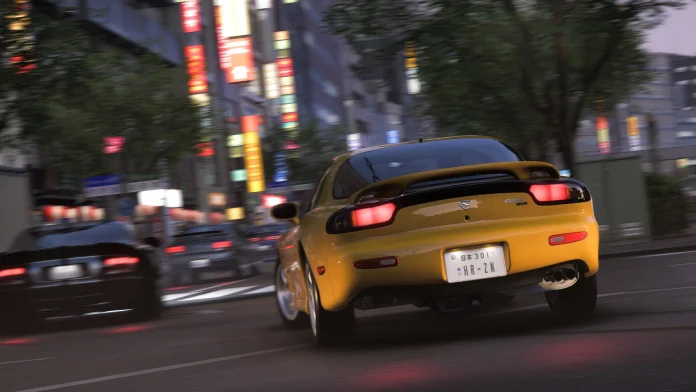

Players on Xbox Series X|S are losing game progress in Forza Horizon 6 due to a save file bug that is currently under investigation by Playground Games. The studio has issued an official statement and published a support document with steps players can take to lower their risk of data loss.
Reports of missing saves have been surfacing on Reddit and social media. After multiple complaints, Playground Games issued a statement and published a new support document. Some players say they lost more than 100 hours of progress. Reports cover both PC and Xbox users.
Some affected players report that their profile suddenly reset to a blank state after launching the game. Others say save data disappeared after a crash or a failed cloud sync.
Playground Games has not explicitly confirmed the root cause, but details shared so far point toward a problem involving Xbox cloud saves, Gaming Services, and save synchronization between devices.
Disable Quick Resume Right Now
The top recommendation from Forza Support for Xbox Series X|S players is to turn off Quick Resume for Forza Horizon 6. Quick Resume lets players suspend a game and return to it from the same point after restarting the console. Some players suspect that resuming a previously paused session causes issues with cloud save synchronization.
Here is how to disable it, according to the official Forza Support page:
- Highlight the game box art anywhere in the console experience
- Press the Menu button
- Go to Manage game and add-ons
- Then Quick Resume settings
- Select Disable Quick Resume
Other Steps to Protect Your Save
Beyond disabling Quick Resume, Playground Games has provided the following advice as a general rule of thumb:
- Keep your Gaming Services app fully up to date on both PC and Xbox Series X|S. Stay online when quitting the game.
- Give your save time to sync to the cloud before powering off or switching devices, and do not force quit the game during save screens.
- Always use “Quit” on console or “Exit to desktop” on PC once you finish a session, and make sure the save icon is not visible when you close the game.
- On PC, save files are stored at C:\XboxGames\GameSaves/pgs. Copying that file to a separate location is a good way to keep a manual backup.
A theory circulating in the Forza Horizon 6 community connects save corruption to certain cars that recently became available as in-game prizes. The unofficial list includes the 1993 Schuppan 962CR, the 2003 Ford F-150 SVT Lightning, the 1988 Lamborghini Countach LP5000QV, the 1957 Chevrolet Bel Air, and the 2020 Wuling Sunshine S Forza Edition. The risk appears to be tied to interacting with these cars in the garage, specifically painting them, applying liveries or decals, or sharing designs. The connection has not been confirmed by Playground Games.
What to Do If Your Save Is Already Gone
Playground Games is advising affected players to open a ticket on the Forza Support website immediately. “We highly advise that you submit your ticket the same day the issue occurs to increase the chances of recovery. In the meantime, do not start new play sessions or create new saves until Forza Support has reviewed your case,” the studio said.
If Forza Support cannot recover your save fully, they can restore your inventory, including cars, money, and Wheel Spins, but you will need to redo the campaign and collectibles yourself.
Fix Status
Playground Games has confirmed that fixes have rolled out for Windows PC users via Xbox’s Gaming Services application. A system update for Xbox players was scheduled to arrive on June 12, 2026.
PC players on Windows, including Steam, should confirm that their Gaming Services app is running version 37.114.10001.0 or higher.
This issue requires a full Xbox system update to address, which is unusual. It is hard to think of another game that has needed what is essentially an operating system-level fix to resolve a problem affecting players.
Until that update lands, disabling Quick Resume and following Playground’s save guidelines is the safest approach.
