

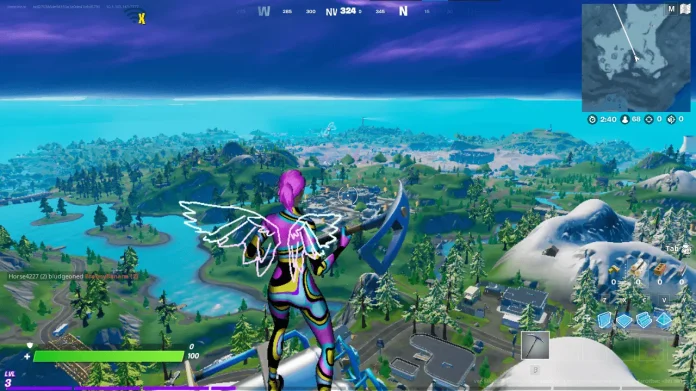

Just like every competitive title out there, Fortnite players would prefer to have the highest FPS with the least input latency at the cost of poor visuals. These poor visuals are what we colloquially refer to as “Potato Graphics” in the esports community, and players find this to be a fair trade given the competitive edge it provides.
Fortnite can be quite demanding, making it difficult to maintain a stable FPS if your system is an entry-level one or if it has been quite a while since you upgraded it. Playing on the lowest possible settings might help you get a little more mileage out of your system while maintaining the same level of performance.
How to maximise FPS in Fortnite
Display Settings
- Window Mode: Fullscreen
- Resolution: Lower than your screen (example: 1280×720)
- VSync: OFF
- Frame Rate Limit: Unlimited or match your monitor
Graphics Settings
- Rendering Mode: Performance (Alpha)
- 3D Resolution: 50% – 70%
- View Distance: Near or Medium
- Shadows: OFF
- Anti-Aliasing: OFF
- Textures: Low
- Effects: Low
- Post Processing: Low or OFF
Advanced Graphics
- Motion Blur: OFF
- Ray Tracing: OFF
Playing with the lowest possible settings will allow you to realise the maximum returns from your system and might also help you edge out a little more performance with your present system. Graphics do not matter for competitive gamers, as we have seen with CS2, Valorant, PUBG, and all of the other competitive titles out there, and Fortnite is no different.
If you are really serious about competitive gaming and hold little to no regard for the in-game graphics, then you might be better off playing with these settings to squeeze every frame out of the game. Competitive gaming is all about performance, and any slip-up in the crucial moment can have a decisive impact on the game.
