

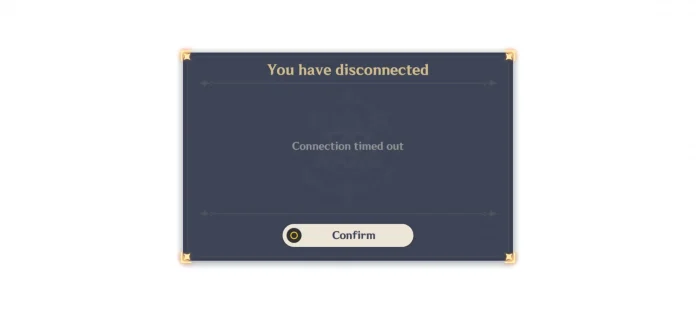
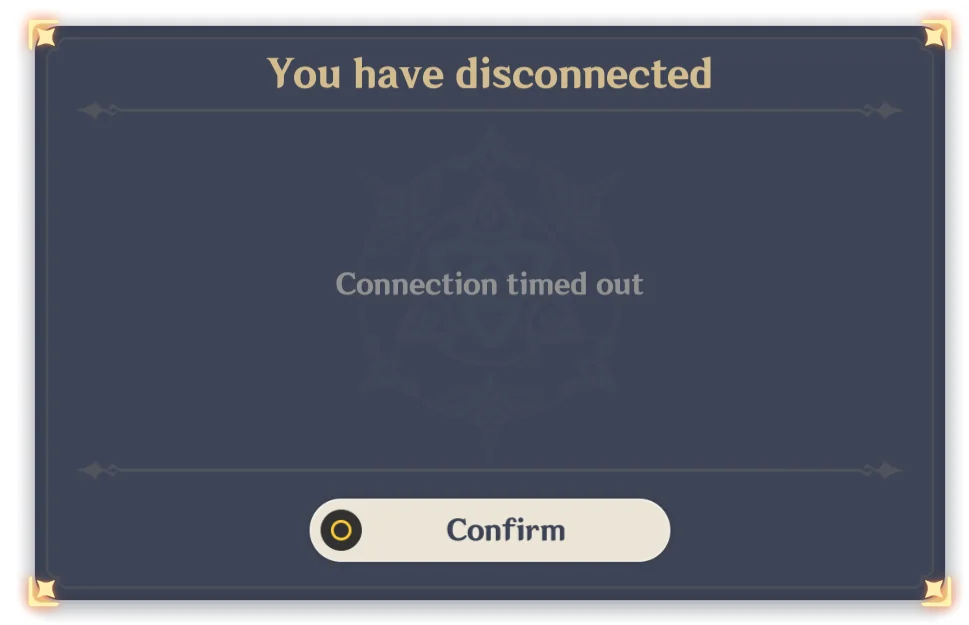
The connection timed out error is one of the most frustrating errors the players face in Genshin Impact, but it is really easy to solve through some rigorous troubleshooting. This error generally occurs due to network instability, limitations in the firewall, or problems with server connectivity, and not with the game itself.
Let’s dig into the Connection Timed Out error in Genshin Impact and how to fix it.
How to Fix Genshin Impact Connection Timed Out Error?
First of all, check if the servers of Genshin Impact are online before seeking technical solutions. You can check the official Genshin Impact social media or third-party monitoring sites to see if there is a general outage. Peak hours often face temporary connection problems because of server congestion.
The internet setup is the basis of stable gameplay. Where possible, switch to a wired Ethernet connection instead of Wi-Fi because wireless connections are inherently unstable and prone to interference. Power cycling your router and modem by unplugging them for at least 30 seconds fixes most transient network glitches. You may also want to take down the security settings on your modem from high to medium or low; counterintuitively, overly restrictive security protocols sometimes blacklist game traffic.
Run Genshin Impact with administrator rights because some permission restrictions may block the server communication. Set the automatic date and time for your device to update because a potential mismatch in time zone could also be one of the causes of an authentication failure. Disable all VPN or proxy services; while they may provide security, they create routing issues, but be aware that this is out of official guidelines.
Verify the game files via the Epic Games Launcher by clicking “Library,” right-clicking on Genshin Impact, selecting “Manage,” and then clicking “Verify.” Reset your DNS server to Google’s Public DNS: 8.8.8.8 / 8.8.4.4. Oftentimes, this can fix the problem caused by ISP-level connectivity restrictions. If all else fails, fire off the following command prompts: netsh winsock reset and ipconfig/flushdns. This will rebuild your entire network configuration.
If it isn’t resolved through standard troubleshooting, contact your Internet Service Provider to check if they have blacklisted Genshin servers. You might also want to switch to mobile hotspot data temporarily to isolate the problem. If the errors persist even with a stable internet connection, consider reinstalling the game in its entirety or consulting official support channels for Genshin Impact.

