Even though COD Mobile can be perfectly played using the touch control, some players prefer to play it using a controller. However, several players have reported that sometimes the controller doesn’t work in the game as intended.
If you are facing the same issue, this article will help you out. Keep reading till the end to find out how to fix the controller issue in COD Mobile.
How to Fix Controller in COD Mobile?
First, make sure you are using either an Xbox or PlayStation controller because other controllers don’t work with COD Mobile.
- Advertisement -
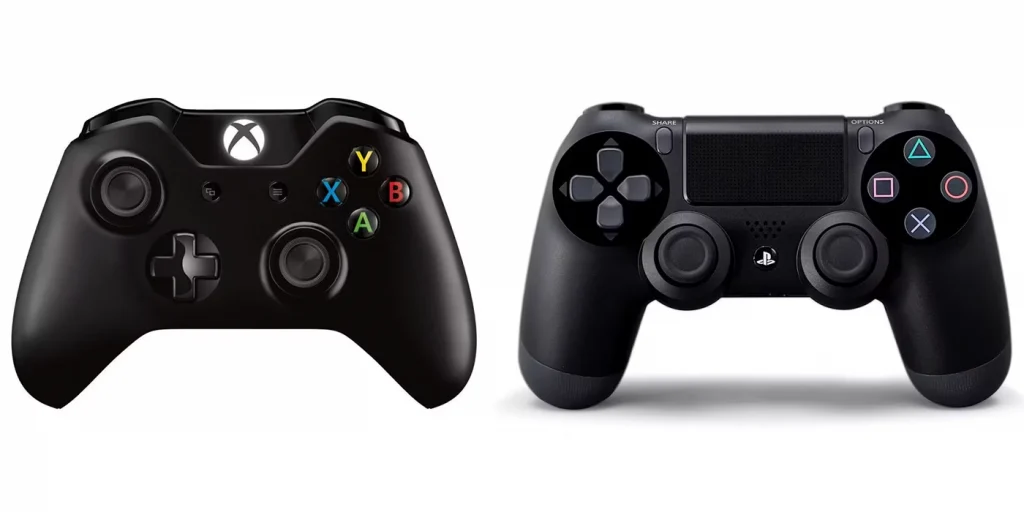
However, if you already have any of those supported controllers and it is not working in the game, follow the steps mentioned below:
- First of all, try restarting your phone. Sometimes, a restart is all you need.
- Uninstall COD Mobile and then install the game again from the Play Store or App Store.
- Remove your controller from the Bluetooth settings and then pair it again.
- If the above steps don’t work for you, open up COD Mobile and go to Controller Settings. Follow the steps mention in the settings section.
- However, if you are still facing the issue, then there is most likely some hardware problem within the controller itself. If the controller is eligible for RMA, go for it. Otherwise, you should purchase a new one.
More on Guides
- Advertisement -