

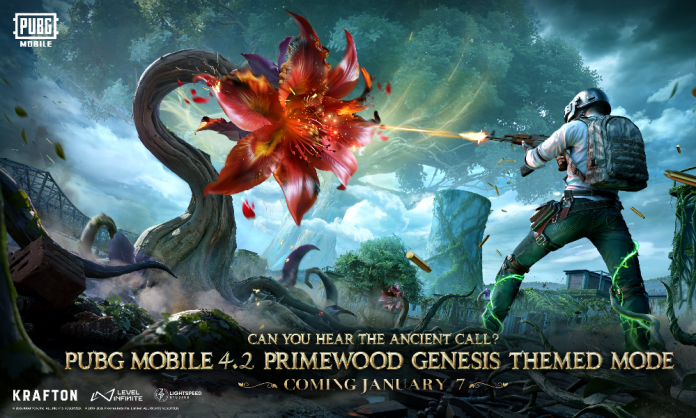

The PUBG Mobile 4.2 update APK can be downloaded directly from the official PUBG Mobile website, allowing players to update the game safely without relying on third-party sources. The developers officially provide APK files for every major update, making this method secure, verified, and risk-free for Android users. If the update is not yet visible on the Google Play Store, downloading the APK from the official website is the best alternative. Check out the PUBG Mobile download APK guide.
PUBG Mobile 4.2 Official APK Download Website
Players can download the PUBG Mobile 4.2 Update APK from the official website: https://www.pubgmobile.com/en-US/home.shtml
This website provides the latest version of the game along with official update files.
Step-by-Step Guide for PUBG Mobile Download APK
Follow the steps below to safely download and install the PUBG Mobile 4.2 APK once it becomes available on the official website around 12:30 PM IST on 7 January 2026.
- Step 1: Open your browser and visit the official PUBG Mobile website
- Step 2: On the homepage, look for the 4.2 update APK button
- Step 3: Click on the Download APK button
- Step 4: Wait for the APK file to finish downloading
- Step 5: Go to Settings > Security > Install Unknown Apps and allow permission for your browser
- Step 6: Open the downloaded APK file and install the game
- Step 7: Launch PUBG Mobile, download in-game resources, and start playing
Important Things to Remember While Installing the APK
- Make sure your device has enough storage space
- Use a stable internet connection to avoid download errors
- Always download APK files only from the official website
- Do not install modified or unofficial APK versions
Read More: PUBG Mobile 4.2 Update Download Date and Time For All Regions
Why Use the Official Website for APK?
Downloading the APK from the official website ensures a safe and secure installation. The APK is verified, free from malware, and fully compatible with in-game updates. This method also helps players get early access to the update when store rollouts are delayed.
By following the steps above, players can easily download and install the APK from the official website and enjoy all the new features, improvements, and events introduced in the latest update.
