

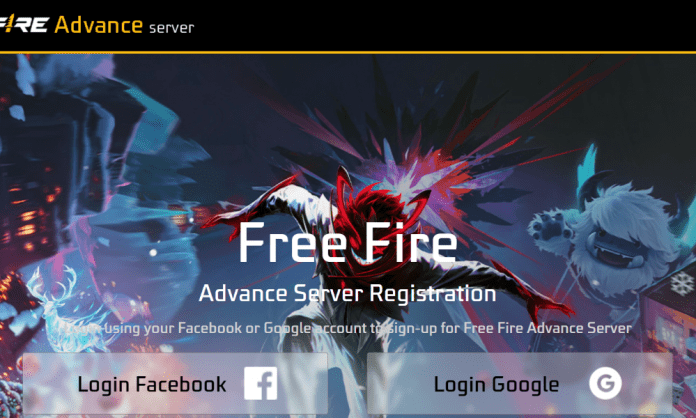

The Free Fire OB52 Advance Server download is now officially live on Garena’s Advance Server website. This allows selected players to download the Free Fire Advance Server APK, log in using their Activation Code, and experience the upcoming OB52 update before its global release. Players can test new themes, features, characters, and gameplay changes introduced in this major update. If you have received a Free Fire activation code, you can follow the complete Free Fire OB52 Advance Server download guide below to get started.
Free Fire OB52 Advance Server Download Guide
Follow the steps below carefully for download:
- Step 1: Visit the official FF Advance Server website:
- https://ff-advance.ff.garena.com
- Step 2: On the homepage, wait for the download option to turn green and then click the “Download” button to get the Advance Server APK.
- Step 3: Install the APK on your device and open the game. Create a guest account, generate an ID, and tap on “Let’s Go.”
- Step 4: Enter your Free Fire OB52 Advance Server Activation Code to proceed with the login.
- Step 5: Copy and paste the activation code correctly inside the game to complete the verification.
- Step 6: Once verified, open the game and start exploring the OB52 Advance Server.
Read More: Free Fire VIP Proxy Server Download Link: The Reality Every Gamer Should Know
What You Get in the Free Fire OB52 Advance Server
After logging in, players will gain access to multiple premium items and test features. The FF Advance Server APK includes plenty of diamonds, unlocked characters, exclusive outfits, rare weapon skins, and experimental content that is not yet available in the global version.
The main purpose of the Advance Server is to allow players to test new updates and report bugs or glitches directly to Garena, helping the developers improve stability before the official rollout.
Indian players will need to use a VPN to access the FF Advance Server website and download the APK. Keep in mind that only players with a valid activation code can activate the server and enter the Advance Server. Without the code, login access will not be granted.
File Size and Server Availability
The FF Advance Server APK size is expected to be between 800 MB and 1 GB, so players should ensure they have enough free storage space on their devices before downloading and installing the game. The FF Advance Server will remain active for a limited testing period. Once the testing phase ends, Garena will release the official Free Fire OB52 update globally later in the month.
