


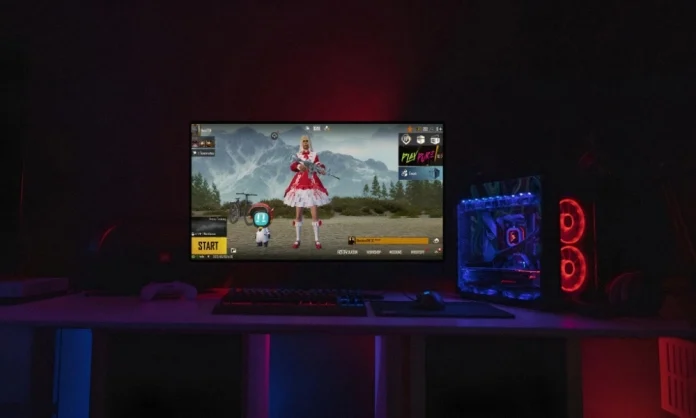
Many players prefer experiencing Battlegrounds Mobile India (BGMI) on a larger screen with keyboard and mouse controls. While there is no standalone BGMI PC client from Krafton, the game can be played on Windows PCs and laptops using Android emulators in a safe and straightforward way.
Is There an Official BGMI PC Version?
Krafton has not released a dedicated BGMI PC version. The only legitimate method to play BGMI on PC is through trusted Android emulators that run the official mobile build of the game. This approach allows players to log in with their existing accounts and preserve progress, skins, and statistics.
Recommended Emulators for BGMI PC Download
Several emulators work well with BGMI:
- GameLoop: Widely used for battle royale titles and offers preset key mappings for shooting games.
- BlueStacks 5: Known for a user-friendly interface and stable performance on mid-range and high-end systems.
- Other options: Emulators such as LDPlayer or MEmu can also run BGMI reliably on lower-spec hardware.
Before installing, ensure your PC meets basic requirements such as Windows 10/11, at least 8 GB of RAM, and sufficient free storage space.
Step-by-Step Guide: How to Download BGMI on PC
- Download an emulator: Visit the official website of your chosen emulator and install the latest version for Windows.
- Install and set up the emulator: Open the emulator after installation and complete the initial setup, including signing in with a Google account.
- Search for BGMI: Open the built-in app store (usually Google Play Store), search for “Battlegrounds Mobile India” or “BGMI,” and select the official game by Krafton.
- Download and install BGMI: Click “Install” and wait for the game files to download and complete installation inside the emulator.
- Log in and configure controls: Launch BGMI, log in with your existing account, and adjust key mapping and sensitivity settings according to your preference.
Tips for Better Performance
For a smoother BGMI experience on PC:
- Lower graphics settings if you notice frame drops or stuttering.
- Close unnecessary background applications to free up RAM and CPU usage.
- Keep both the emulator and BGMI updated to the latest versions for stability and compatibility.
Playing BGMI on PC is no longer a complicated workaround but a practical option for players who prefer precise controls and a wider field of view. By using a trusted Android emulator and following the steps outlined above, you can enjoy the full Battlegrounds Mobile India experience on your desktop or laptop while keeping your account and progress intact. As always, download software only from official sources and stay within the game’s terms of service to ensure a smooth and secure experience.
