

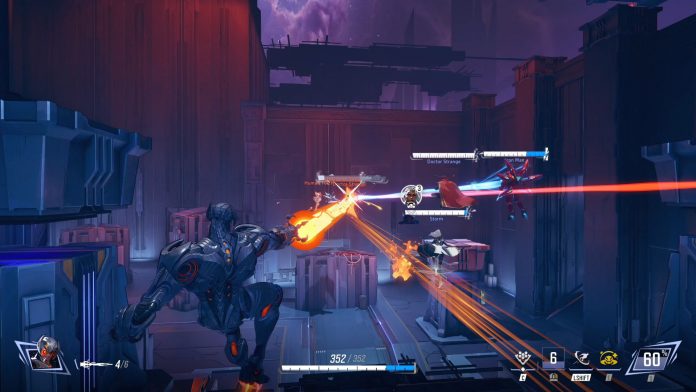

In the competitive world of 6v6 shooters, Marvel Rivals is unmatched with its engaging gameplay and complex hero mechanics. Yet, to excel to the maximum, players need to make their systems run at their best. This guide goes in-depth into effective tips, ranging from setting up Steam launch options to tweaking in-game settings, guaranteeing a hassle-free gaming experience.
Steam launch options are command-line arguments that adjust the way a game runs when launched. Using certain commands, players can adjust the performance of the game according to their system’s capabilities.
How do you access Launch Options in Marvel Rivals?
- Open your Steam Library.
- Right-click on Marvel Rivals and go to Properties.
- Under the General tab, find the Launch Options area.
- Enter desired commands, which must be separated by spaces.
Best Marvel Rivals Launch Options in 2025
- Frame Rate Optimizations
- +fps_max 0: Unlocks the default FPS limit, which makes the game use your monitor’s maximum refresh rate.
- -novid: Skipping intro videos saves startup time.
- +r_drawparticles 0: It turns off some particle effects, which could enhance frame rates during extreme moments.
- Visual and Graphics
- -forcenovsync: Disables vertical sync, cutting down on input lag.
- +mat_disable_fancy_blending 1: It makes texture blending simpler, improving performance without a lot of visual loss.
- System Resource
- -USEALLAVAILABLECORES: Guarantees the game uses all available CPU cores, sharing the processing load in an efficient manner.
- -nojoy: Prevents joystick support, releasing system resources.
- -softparticlesdefaultoff: Deactivates soft particle rendering, decreasing GPU load.
- DirectX Configuration
- -dx12 or -dx11: Compels the game to be run on DirectX 12 or 11, respectively. Players are encouraged to try out the different versions to see which one is more stable and performs better on their system.
Note: Always restart the game after modifying launch options to ensure changes take effect.
If you still have any queries regarding Marvel Rivals launch options, let us know in the comments below.
