

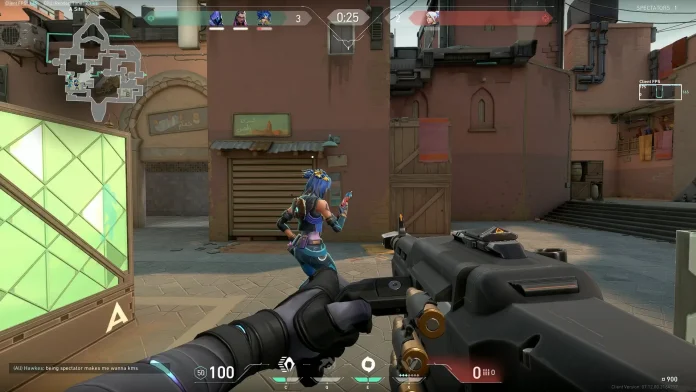
Are the Valorant servers lagging for you when you try to play the game? Turns out, this issue is a lot more common than you may think. Luckily, there are a number of effective solutions that you can try to fix your ping issues in Valorant.
Lag is undoubtedly one of the most frustrating problems that you can run into when playing any competitive game. However, in a fast-paced FPS title like Valorant, high ping can make your game feel unplayable as you’ll often find yourself dying before you’re even able to see the enemy.
As a result, minimizing your lag is crucial if you’re looking to get the upper hand over your opponents in engagements. Having a lower ping than your opponent is a huge advantage that can give you more time to react in gunfights and help you win more duels overall.
With that being said, here’s what you can do to fix server lag in Valorant.
How To Fix Valorant Servers Lagging?
While server lag in Valorant isn’t exactly unheard of, it’s far more likely that the issue lies with your own internet connection rather than the game’s servers.
For the same reason, to troubleshoot server lag, you should always start by checking your internet connection. Ensure your router and network equipment are functioning properly before assuming the problem is on Riot’s end.
If you’re facing server lag in Valorant, here’s what you should do:
- Restart Router: The first thing you should do if you find yourself lagging in Valorant is restart your router. To do this, turn off your router and wait around a minute to turn it back on. You’d be surprised to find out how many times a simple router restart is enough to fix server lag in Valorant.
- Check Server Status: If restarting your router doesn’t fix the issue, you should try checking if there’s an issue with the Valorant servers themselves. You can do so by going to third-party websites like Downdetector and seeing if other players are reporting problems with the Valorant servers.
- Verify File Integrity: Corrupted files are also a common culprit, as they can interfere with Valorant’s ability to connect to servers or load assets properly. Verifying or reinstalling the game files through the Riot client can often resolve this issue.
- Switch Servers: If the Valorant server lag is widespread and you’re not the only one who’s encountering this issue, you should switch to a different server within your region till the issue is resolved.
By following the aforementioned steps, you should, in most cases, be able to fix server lag in Valorant. If the problem persists, your best bet would be to contact Riot Support and explain your issue in detail.

