

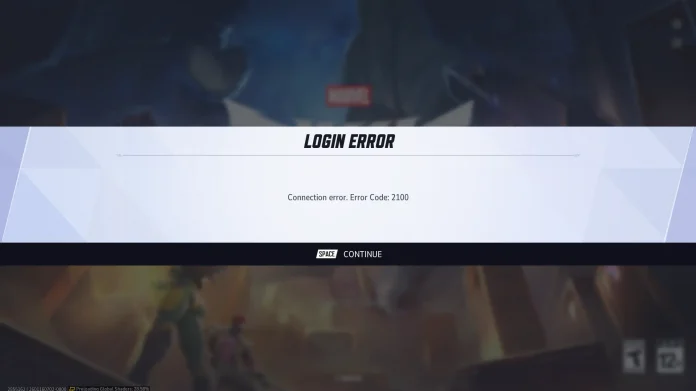

Error Code 2100 in Marvel Rivals is a very annoying login or connection issue that prevents players from joining a match. Being one of the best esports games out there, this hero shooter requires a stable connection, and this error code has become increasingly common in recent updates, especially for PC players with wired connections.
This problem usually occurs because of temporary ISP routing issues, conflicting Wi-Fi or Ethernet signals, or server handshake issues during peak times. According to reports, it has been affecting players across the world. Moreover, players with high-latency internet connections are making this problem worse.
How to Fix Marvel Rivals Error Code 2100
Follow these proven solutions for a quick resolution:
- Verify Server Status: Check Marvel Rivals’ official Discord, X (Twitter), or site for outages. Wait if down.
- Restart Network Basics: Restart your router/modem (unplug for 30 seconds), toggle Wi-Fi off/on, and relaunch the game.
- Mobile Hotspot Trick (Most Effective): Disable Wi-Fi and Ethernet, connect via phone’s 5G hotspot to log in, then reconnect Ethernet—this bypasses ISP blocks and succeeds for many.
- Advanced PC Tweaks: Flush DNS via Command Prompt (admin):
ipconfig /flushdns,/release,/renew. Switch to Google DNS (8.8.8.8). - Game/Launcher Reset: Clear launcher cache, verify files on Steam/Epic, or reinstall if persistent.
The above-mentioned steps should have fixed the issue. If you are still facing the issue, click here to contact Marvel Rivals support.
