

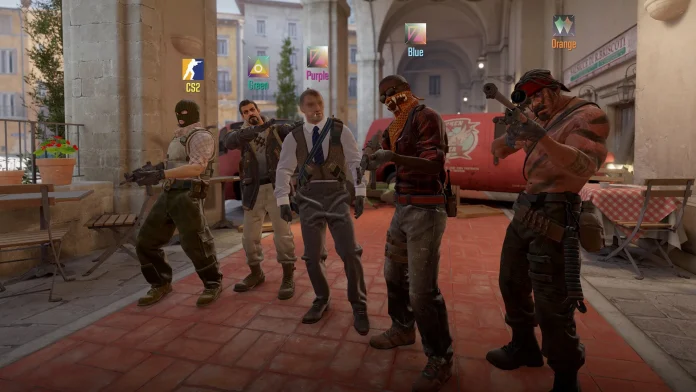
Counter-Strike 2 has dramatically enhanced the demo-watch experience over its predecessor, turning what was previously a maddening feature into a highly effective tool for player development and analysis. No matter whether you are watching your own play, learning from pro matches, or producing content, becoming proficient with the demo system is crucial to anyone serious about CS2.
Demos are in-game recordings that record all actions from matches in .dem format, from which you can replay them from the perspective of any player. Unlike regular screen recordings, demos give you total freedom to see what each player was doing at any given time, from any angle. This makes them extremely useful for detecting mistakes, following enemy behavior patterns, learning tactics, and even finding cheaters.
How to Watch Demo in CS2?
The easiest method of viewing your recent matches is directly through CS2’s internal interface. Go to the “Watch Matches and Tournaments” tab at the top left of the CS2 main menu. Here, you can look at your previous 8 matches in Premier, Competitive, and Wingman modes.
Sadly, CS2 only keeps these 8 latest matches, so download demos shortly after playing if you wish to save them. When you’ve discovered the match you’d like to watch, tap the green “Download” button, bottom right. Once downloaded, the demo will be in the “Downloads” tab at the top, where you can view it from the beginning or skip to certain rounds by clicking on them in the interface.
Note: Download your demos as soon as possible after playing to prevent loss of access.

