


Steam’s recent launch of Unified Payments Interface (UPI) support is a game-saver for Indian PC gamers. This guide takes you through each step of paying using UPI on Steam, addresses troubleshooting, discusses refunds, and addresses the most common questions, so you can spend less time messing around with payment gateways and more time gaming.
Why UPI Matters on Steam
UPI is India’s leading instant-payments rail, handling 18.67 billion transactions valued at ₹25.14 trillion in May 2025 alone. Indian Steam users to date have had to use untrustworthy gateways or gift-card hacks that introduced friction and costs.
Before July 2025, Indian users had to use unstable gateways or clunky gift-card loopholes that frequently featured failed transactions and buried charges. And now, with Steam’s inclusion through Komoju, players can pay directly from any UPI-enabled application such as Google Pay, PhonePe, Paytm, BHIM, or bank-specific UPI apps without a foreign credit or debit card.
By leveraging UPI’s zero-MDR (merchant discount rate) structure and India’s 500 million-plus active users, Steam not only simplifies payment but also expands its reach to millions who previously lacked access to conventional card-based methods, paving the way for higher purchase frequency and stronger market growth in one of the world’s fastest-growing gaming communities.
How to Use UPI on Steam (Desktop Version)?
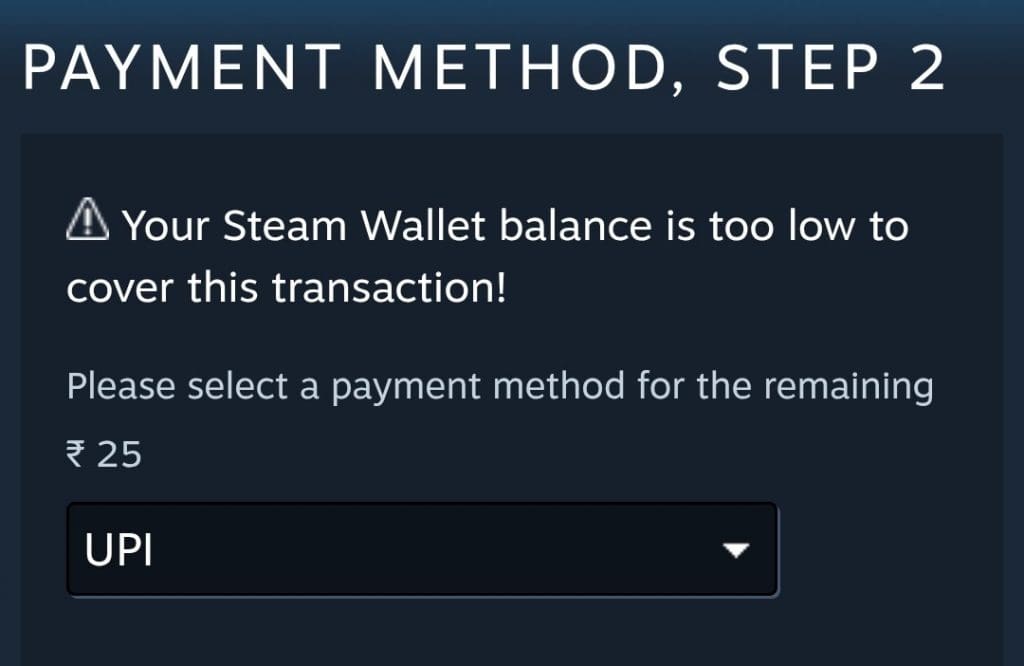
Follow the steps mentioned below to use the UPI payment method on the Steam desktop version:
- Launch Steam (Windows, macOS, or Linux).
- Log in and ensure “₹ INR” is the store currency.
- Fill your cart, then click the green “Purchase for myself” button.
- On the “Choose how you wish to pay” screen, select “UPI.”
- A Komoju pop-up generates a QR code and an optional input field labeled “VPA / UPI ID.”
- Open your UPI app → Scan the code or type Steam’s displayed VPA.
- Authorize with your UPI PIN.
- Steam auto-closes the gateway and returns you to a success screen. You’ll also get an email confirmation.
How to Use UPI on Steam (Mobile App)?
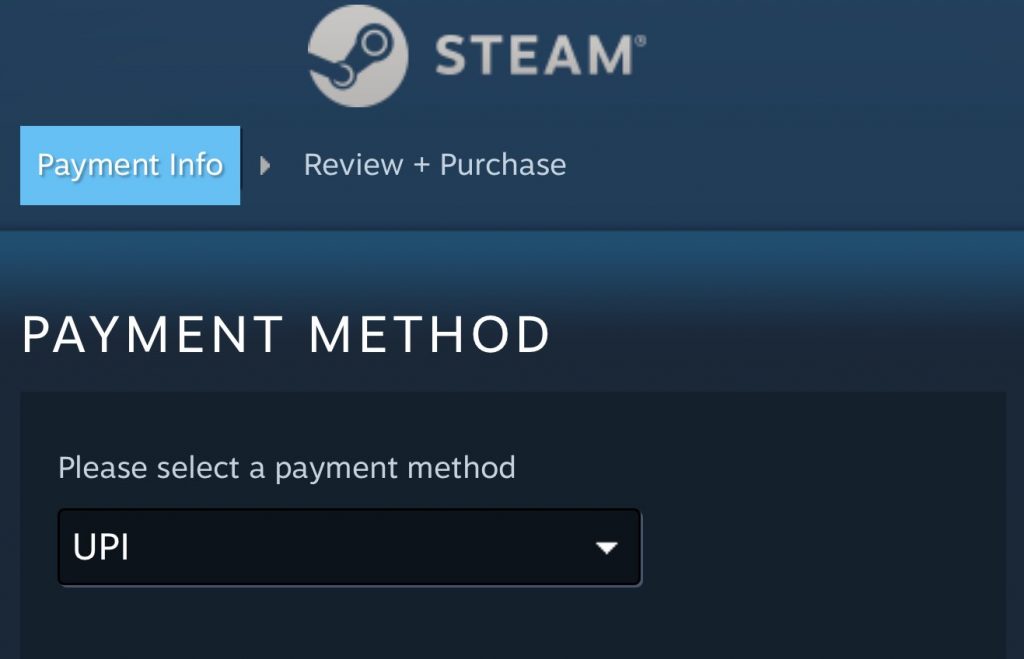
Follow the steps mentioned below to use the UPI payment method on the Steam mobile app:
- Open Steam Mobile and ensure your store currency is set to INR (₹).
- Add your game or DLC to the cart and tap Purchase for myself.
- Select UPI as the payment method.
- Scan the on-screen QR code or enter the VPA.
- Approve the payment in your UPI app.
- “Payment Successful” appears, and your download begins.
How to Ask for Refunds?
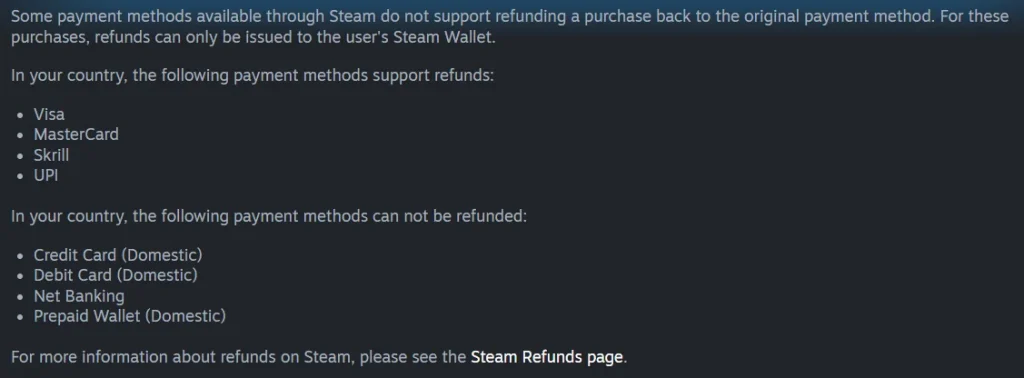
In case you want a refund of a Steam purchase where you used UPI as the payment method, follow the steps mentioned below:
- Open Steam and go to Help → Steam Support.
- Select Purchases and find the UPI transaction.
- Click “I’d like to request a refund.”
- Choose a reason and confirm it was paid via UPI.
- Enter your UPI transaction reference.
- Submit the request and await confirmation; refunds arrive in 24–48 hours.

