


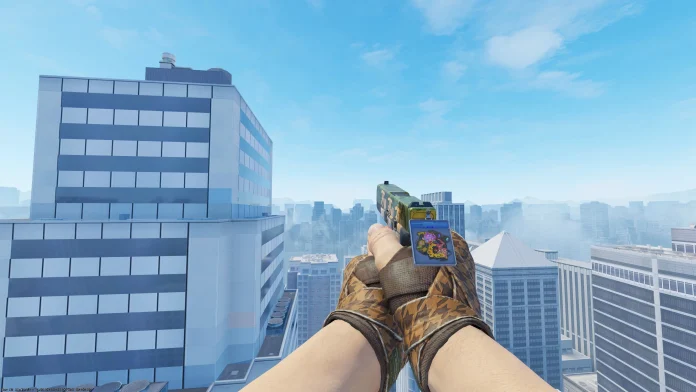
The latest CS2 update has added a new form of cosmetics to the game, Sticker Slabs, enabling players to turn any of their owned stickers into weapon charms.
These Sticker Slabs, which can be purchased directly via CS2, have a price tag of $0.50 USD and can be broken at any time to extract the sticker embedded in it and return it to the player’s inventory.
With this new addition, Valve effectively allows players to showcase their valuable stickers without the fear of committing them to a specific skin.
How to Use Sticker Slabs in CS2
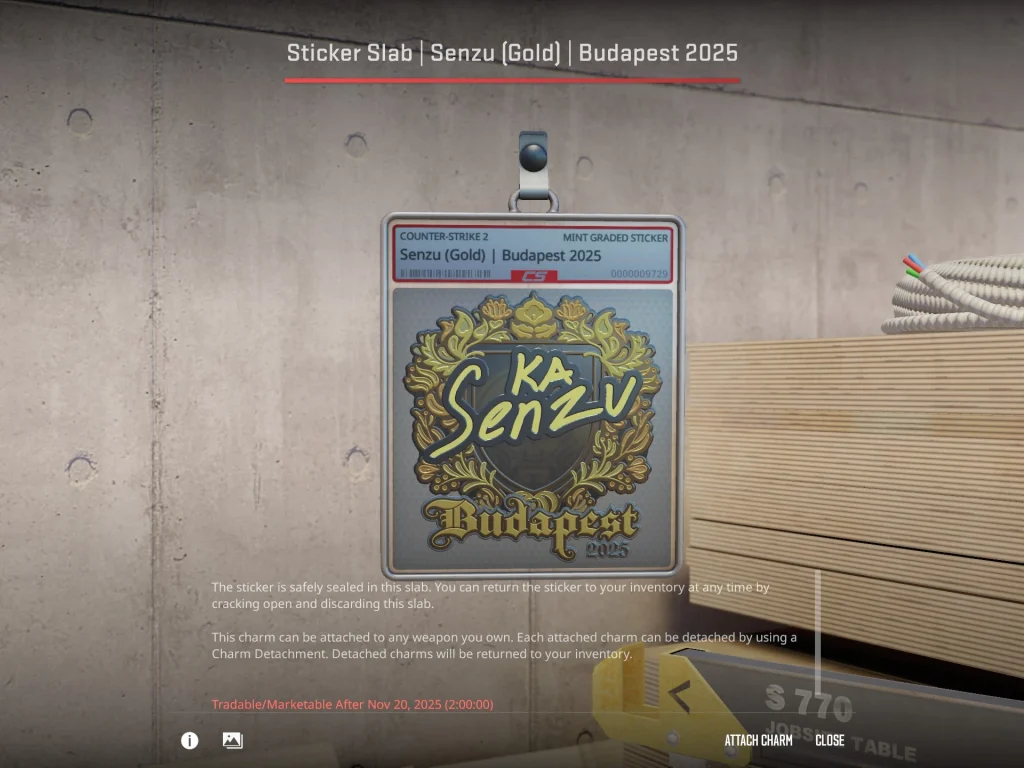
To use a Sticker Slab in CS2 and turn your stickers into weapon charms, you’ll first have to buy them from the in-game store.
Here’s a detailed guide on how you can buy and use Sticker Slabs in CS2:
- Launch CS2
- Go to the ‘Store’ tab
- Under the ‘Tools’ section, click on ‘Sticker Slab’
- Select the number of slabs you wish to purchase and complete the transaction
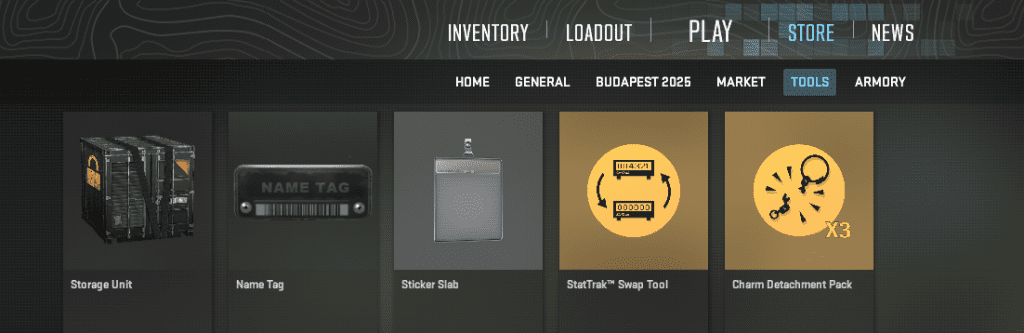
Once you finish the checkout process, the Sticker Slabs will be added to your CS2 inventory.
Now all you need to do is find a sticker that you want to embed into the slab, click on it, and select ‘Seal in Sticker Slab’.
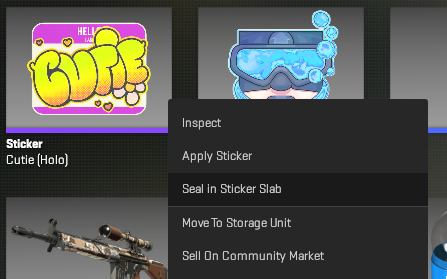
Now, hold the green button at the bottom of your screen to seal your sticker into the slab.
