


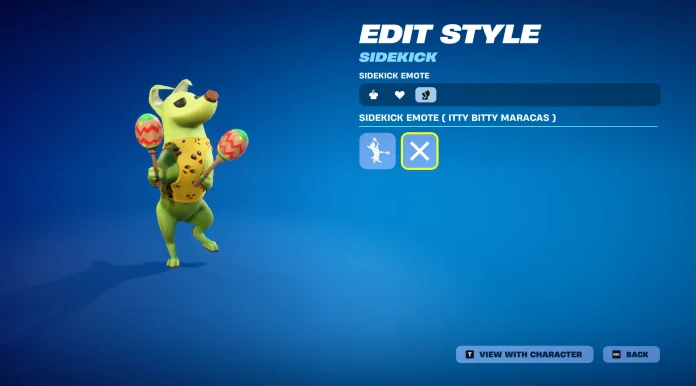
The Sidekick system in Fortnite revolutionized the way players interact with their customizable companions, and the Sidekick Emote is one of the most engaging features within this mechanic. Whether it’s to show off the adorable AI companion or to add some personality to their gameplay, learning how the feature works will only add to the Fortnite experience.
What are sidekick emotes?
Sidekick Emotes are character-specific animations that let you make your Sidekick perform the cutest actions and reactions. Unlike standard player emotes, these interactive cosmetics let your companion interact with the game world to create memorable moments for you and your squad. Each Sidekick has their own emote animation that ranges from playful movements to thematic actions, reflecting their personality.
How to Use Sidekick Emote in Fortnite
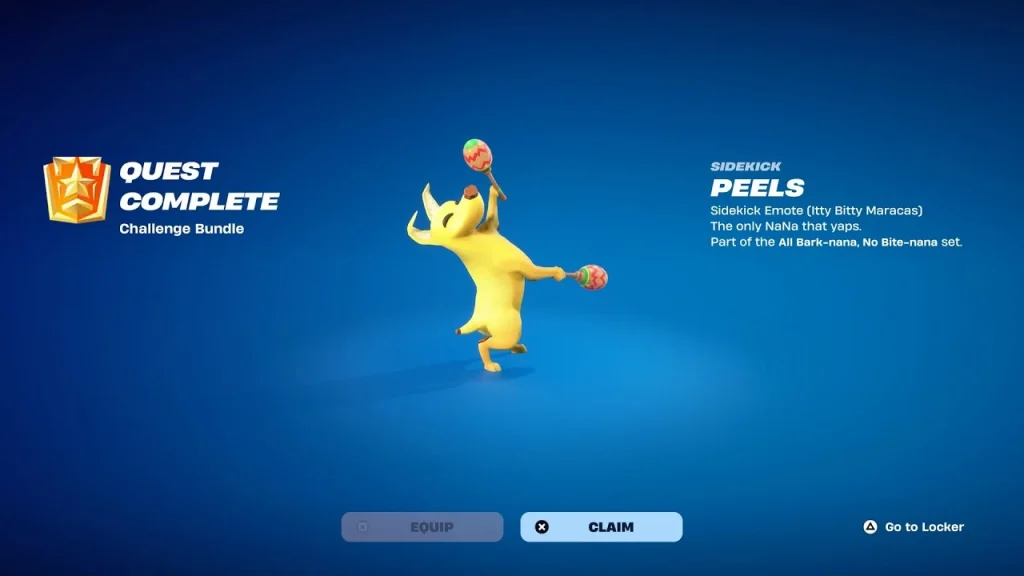
To get started, it takes only a few easy steps. First, you’ll want to go into your Locker from the main lobby and go to the Sidekicks tab. From there, you select which Sidekick you’d like to equip and then click Edit. Here’s the important part: you’ll want to select the Sidekick Emote option to bind it to your control scheme.
The activation process is different on every platform. PC players should scroll down their mouse wheel to trigger the Sidekick emote. Console users will have to double-tap R2 while activating it. Once triggered, your Sidekick will perform their unique animation, creating an interactive bond between you and your companion.
Your Sidekick Emote works across Battle Royale, LEGO Fortnite, and developer-made islands in Fortnite. This is best during downtime between matches, in victory celebrations, or if one wants to hang out with the squad. For this, there are no gameplay advantages, which makes this purely cosmetic and social.
