


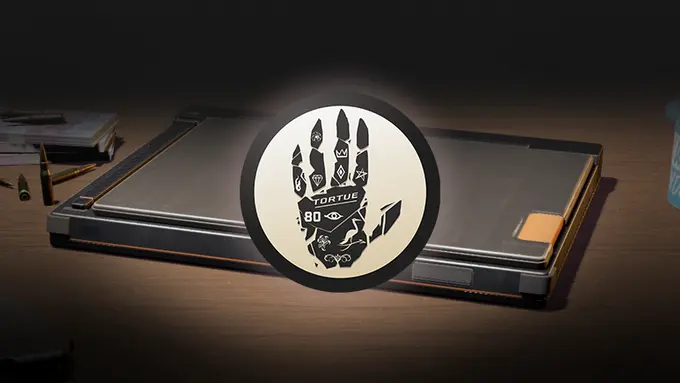
The latest patch for Counter-Strike has introduced the Dead Hand collection, along with a new way to obtain the skins called the Dead Hand Terminal.
In this article, we will try to explore how you can use this Terminal to get the freshly added Dead Hand Collection skins for your inventory.
What Is the Dead Hand Terminal?
The Dead Hand Terminal is a container that is used to access items specifically from the Dead Hand Collection, similar to how a case was assigned to a particular skin collection. Just like those cases, the Dead Hand Collection will drop in your inventory as a part of the weekly drop system.
Once you get said Terminal via weekly drop, you will have access to all the skins that are a part of this collection, and therefore, it fundamentally changes how you can get a skin from a case instead of a game of chance.
How to Get the Dead Hand Terminal
Follow the steps below to get a Dead Hand Terminal in Counter-Strike 2:
- Play on the official servers and make sure you are eligible for a weekly drop.
- Once you receive the Dead Hand Terminal from the weekly drop system, it will appear in your inventory.
- Open the terminal to access items from the Dead Hand Collection.
What Items Are Included in the Collection?
The Dead Hand Collection includes:
- 17 weapon skins from community artists
- 22 brand-new gloves
It goes without saying that the Dead Hand Terminal is a way of moving away from the traditional Container system to get skins, but the objective behind this is far from clear, as it renders the need to buy keys useless. Valve never makes moves like this without underlying motives, and with time, we shall realise how this benefits the game as a whole.
