


Discord has rolled out its own version of a yearly recap, giving users a chance to check out exactly how they spent their time on the platform over the past year. Named Discord Checkpoint 2025, the new recap feature is already live within the client and will remain accessible for the next several weeks, giving users plenty of time to explore their yearly stats.
Discord Checkpoint 2025 will show you several interesting stats regarding how you used the platform throughout the year, including your most active servers, friends you interacted with, total messages sent, voice activity, and more. You can even check which emojis you spammed the most over the year!
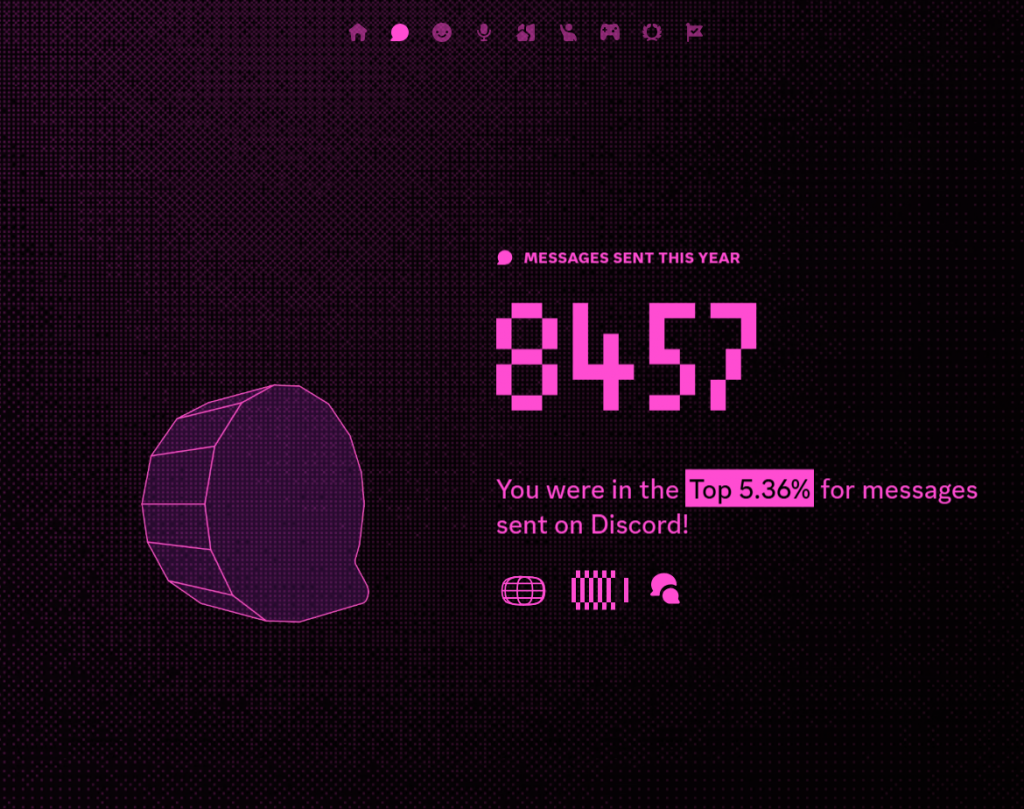
Don’t worry, Discord recap 2025 has something in store for gamers as well. You’ll be able to see which games you played the most over the year, along with the total number of titles you launched. Keep in mind that Discord only tracks playtime of supported games while the client is running, so there’s a chance some games might be missing if they’re not supported on the platform or if you’ve been playing certain titles offline.

How to Check Discord Flashback 2025?
To check your Discord Flashback 2025, all you need to do is launch Discord and click on the flag icon located towards the top-right corner of your screen.
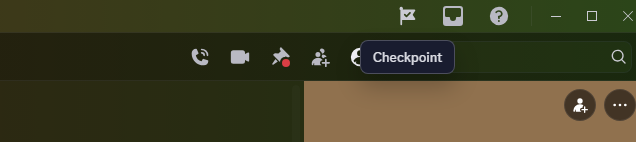
If you can’t see the icon, there’s a good chance that your Discord client is outdated. If that’s the case, you’ll need to update and relaunch the app to be able to see your yearly recap.
Once you click the flag icon, you’ll be greeted with your own Discord Flashback 2025. Simply hit the ‘Start’ button to see your yearly recap stats.
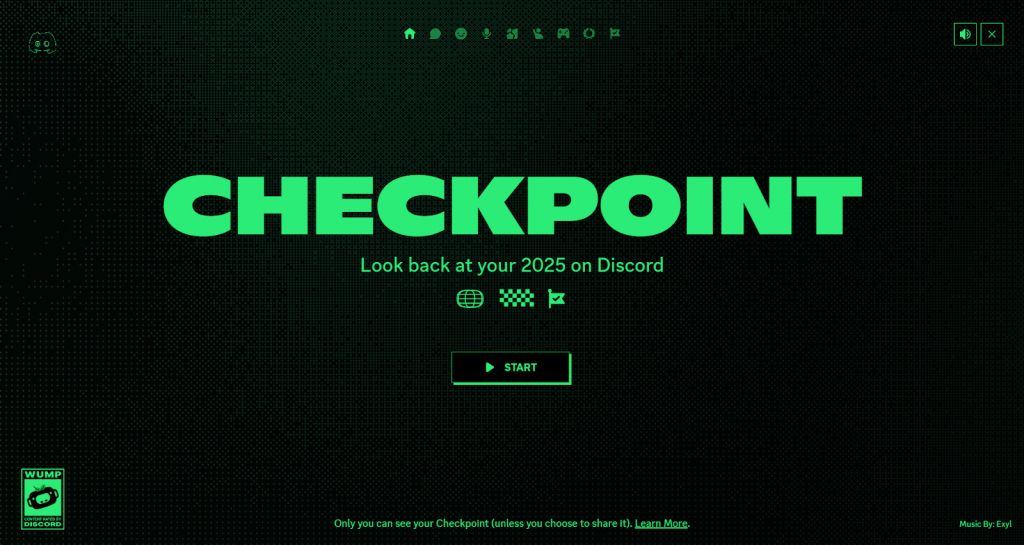
That’s everything you need to know about how to check your Discord recap 2025. Upon completing your Checkpoint, you’ll be rewarded with a cute little avatar decoration to put on your profile. Just be sure to claim it before it disappears on January 15, 2026.
