

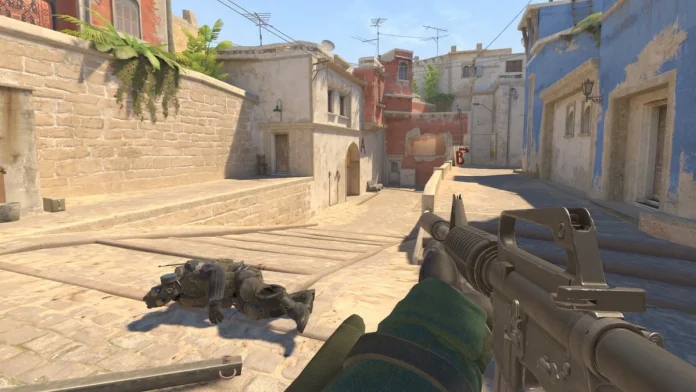
1v1 is something CS2 players often turn to when settling arguments, but the game itself does not offer any dedicated game mode that allows players to do so. While seasoned players know all the workarounds, newbies will have a more difficult time finding out how they can set up 1v1s with their friends.
As mentioned before, CS2 offers no direct methods to set up 1v1; there are a few workarounds. In this article, we will discuss every possible way you can set up a 1v1 with a friend and settle your argument then and there.
How to Play 1v1 in CS2?
Head over to the Counter-Strike Workshops, where you can find a plethora of maps developed for 1v1 matches. These maps are smaller, uniform, and offer a fair ground for both players to have the best conditions for a 1v1.
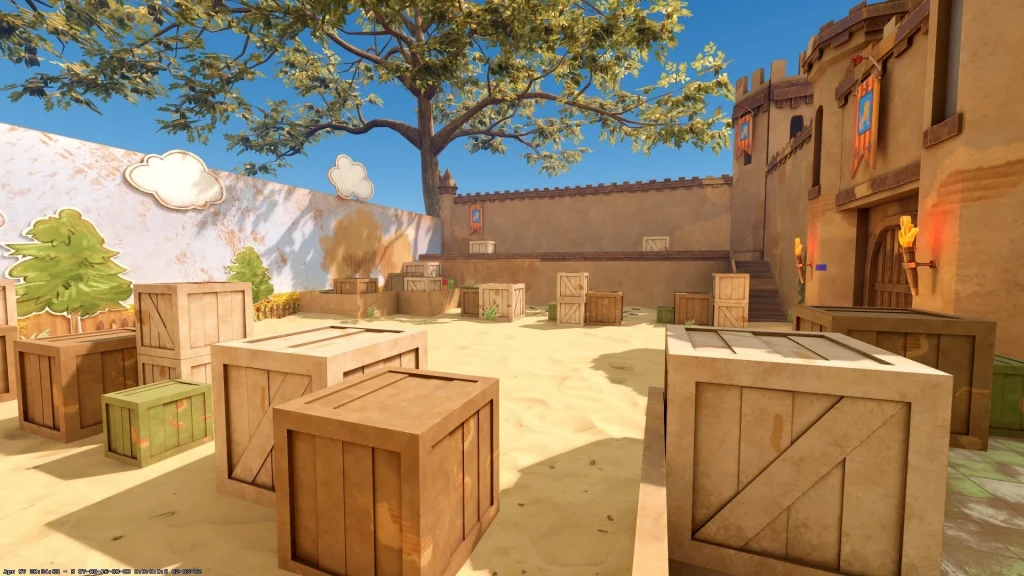
These maps are typically less graphics-heavy and can run fairly well on most low-end systems, but there is a major drawback. One of the players must be the one hosting the server, and the other one should be joining, which will make the networking conditions unfavorable for the latter unless the match is being hosted on a LAN server.
To set up a 1v1 in a workshop map, follow the steps mentioned below:
- Download a Map from the CS Workshop.
- Pick a 1v1 map to your liking and download it.
- Invite your friend to your lobby and start the map.
Community Maps are a great way to enjoy 1v1 matches, but there are a couple of caveats to it. Not every region has 1v1 community servers within an acceptable ping, and even if there are said servers, it is hard to find empty ones so that you and your buddy can enjoy your 1v1 in peace.
To set up 1v1 in a community server, follow the steps mentioned below:
- Head over to the Community Map browser.
- Type ‘1v1’ in the Search Box.
- Look for a server with the best ping and preferably with no players.
- Join and share the IP with your friend. (For IP, enter “status” in the console)
If you want to set up your own server, follow these steps:
- Launch CS2
- Click on ‘Play’.
- Head over to ‘Matchmaking’ > ‘Private Matchmaking’.
- Click on ‘Share Code’.
- Send the code to your friends.
- Ask your friends to click on the ‘Manually Enter a Code’ button from the left-hand side menu of ‘Private Matchmaking’ and paste your code.
- Once your friends are in the lobby, hit ‘Go’.
These are the most common ways of setting up 1v1s in CS2. While they may not be ideal solutions, there is little outside of this that you can do. 3rd party websites also offer 1v1 maps, but that is a topic for another article.

