

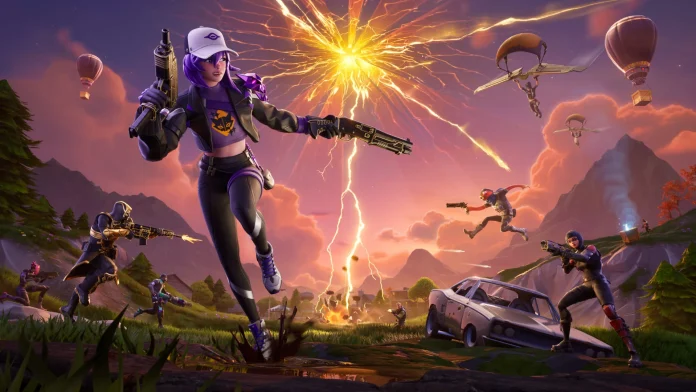
Several Fortnite players are reporting that they are getting the error code 91, which is restricting them from joining parties. The common symptom of Fortnite error code 91 is when it displays “Unable to join party” messages. The following are effective ways for you to take action and resume playing squad games.
It is imperative to check the status of the Epic Games servers using status.epicgames.com, due to downtime that results in Error 91. If every server is online and working fine, follow the steps mentioned below to fix the error.
How to Fix Fortnite Error 91
Just follow the steps one by one to fix it easily:
- Restart Fortnite, the device, and the router to flush out temporary bugs. Fortnite needs to be updated through the Epic Games Launcher on devices, with crossplay enabled on console configurations.
- Test wired internet connectivity. Conduct Wi-Fi connectivity tests for reliability. Change NAT type settings via network discovery or port forwarding on the Wi-Fi router (using Fortnite ports). Alter the DNS settings to Google DNS 8.8.8.8 8.8.4.4.
- After that, you need to verify game files. On PC – In Epic Launcher, Fortnite > three dots > Verify to fix any corrupted files. On Console – Power cycle or settings menu to delete cache.
- The next advanced step is to whitelist Fortnite in your firewall and antivirus software. Change your matchmaking region from Auto. If needed, you can reinstall Fortnite.
The above steps should fix issue 91 for you. If you are still facing the error, click here to contact Epic Support.

